
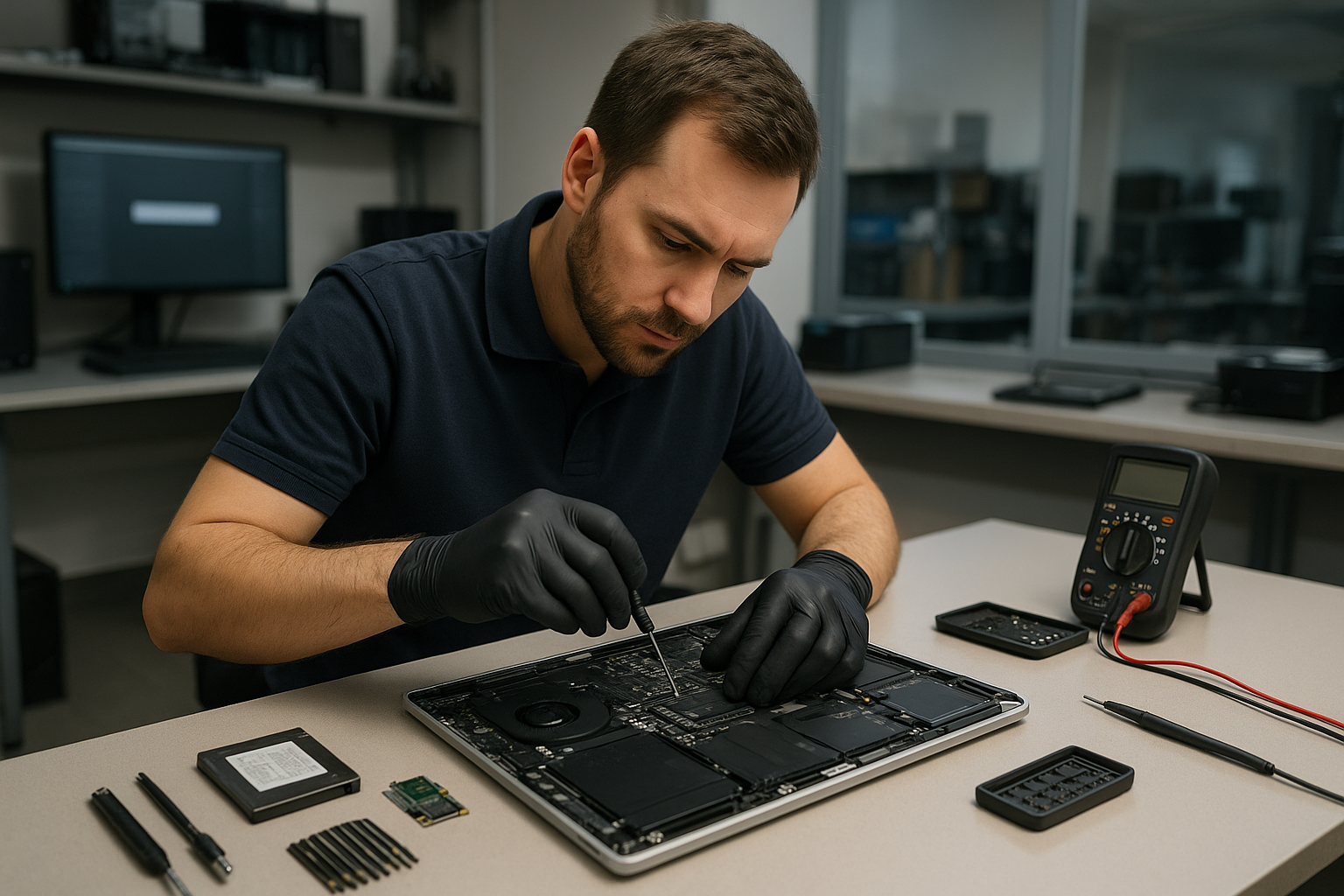
Laptop Repair Coquitlam: Trusted Local Technicians at Moe Repair
If your laptop is acting up, slow, or has a cracked screen, Moe Repair provides expert Laptop Repair Coquitlam residents trust. As a Coquitlam-based repair shop serving Metro Vancouver, we handle everything from simple battery replacement to complex motherboard repair. This guide explains how we diagnose problems, repair options, and when replacement makes more sense.
Problem overview: When to seek professional laptop repair
Many issues start small and worsen over time. A flickering display may become a dead screen. A loose charging port can lead to intermittent power and data corruption. Seeking professional help early reduces the risk of permanent damage and data loss.
One common issue we regularly see at Moe Repair is water damage that was left to dry at home. Customers often try rice or DIY fixes; the result is corrosion and additional component failure. Bringing the device in quickly allows us to limit corrosion and improve recovery chances.
Common symptoms
- Won’t turn on or powers off unexpectedly
- Blank, flickering, or cracked display
- Battery won’t charge or drains quickly
- Keyboard or trackpad not responding
- Overheating or loud fan noise
- Slow performance, frequent crashes, or Blue Screen/Kernel Panic
- Strange noises from the drive or clicking sounds
- Charging port loose or does not accept a plug
- Liquid spills or physical damage to hinges and chassis
Common causes we see in Coquitlam
Hardware ages and accumulates wear. Batteries lose capacity, thermal paste dries, and hinges weaken. Physical accidents and liquid spills are frequent causes of screen cracks and keyboard failures. Software issues and malware can masquerade as hardware faults by slowing machines or causing boot failures.
We also see SSD or hard drive failure after long use, or following sudden power loss. For business customers, improper shutdowns or inadequate backups lead to urgent data recovery situations.
Laptop Repair Coquitlam: How professionals diagnose problems
Our diagnostic process is methodical. First, we take a detailed history: what happened, when symptoms began, and any recent changes or drops. Then we run non-invasive tests and boot diagnostics to check firmware and operating system logs.
Next, we isolate components. We test power delivery, batteries, and chargers. We run memory and storage tests to find failing RAM or drives. If the display is affected, we test an external monitor to determine if the problem is the screen, GPU, or motherboard.
For liquid damage, we inspect for corrosion and test individual components before powering up fully. When data is at risk, we prioritize imaging the drive before attempting board-level repairs.
Repair options we recommend
- Battery replacement for worn or swollen batteries to restore runtime and safety.
- Screen replacement for cracked laptop screen or failed displays; includes hinge inspection and display cable checks.
- Keyboard replacement for sticky keys, unresponsive sections, or liquid-damaged keyboards.
- Charging port repair when ports are loose, corroded, or not transferring power correctly.
- Motherboard repair for complex faults, power issues, or component-level failures performed by experienced technicians.
- SSD and RAM upgrades to improve startup times and multitasking for older laptops.
- Liquid damage repair focused on corrosion removal and component replacement when necessary.
- Data recovery and drive cloning when drives show errors or have failed to boot.
- Virus removal and Windows/macOS repair to restore performance and security.
We discuss costs and realistic outcomes before any work starts so you can decide confidently.
Advantages of repairing instead of replacing
Repair often preserves your data, reduces electronic waste, and can be more cost-effective than buying a new machine. Upgrades like SSDs or additional RAM can give an older laptop a second life at a fraction of replacement cost. For MacBook repair and business laptops, repairs often maintain specific software compatibility and settings.
When replacement makes more sense
Sometimes replacement is the smarter choice. If the motherboard has multiple failing components, or repair costs approach the value of a new laptop, replacement may be better. For very old models that lack modern ports or performance, investing in a new device with warranty and updated features may save time and headaches.
We always explain the trade-offs and recommend the option that best fits your budget and needs.
Estimated repair process (what to expect at Moe Repair)
When you bring your laptop to Moe Repair we start with a clear intake: we document symptoms and get permission for diagnostic testing. We perform hardware and software checks and then provide a written estimate and recommended options. After approval, we proceed with parts and repairs, keeping you updated on findings and next steps.
We never perform extra work without consent. If data recovery is needed, we explain risks and the steps we take to preserve your files.
Preventative maintenance to extend laptop life
- Keep vents clear and clean dust from fans to prevent overheating.
- Avoid leaving your laptop on soft surfaces that block airflow.
- Use surge protectors to reduce electrical damage risk.
- Back up data regularly to an external drive or cloud service.
- Update operating system and drivers to maintain security and performance.
- Replace batteries showing swelling or rapid capacity loss.
- Use a protective case or sleeve to prevent drops and screen cracks.
Real technician advice from Moe Repair
When diagnosing, we separate software versus hardware issues. If the laptop boots to BIOS but not the OS, that points to storage or software. If it shows nothing on both the internal and external display, that implies a power or motherboard issue.
Customers often tell us they tried to fix a board-level problem at home. Removing and reseating parts without static protection can cause additional damage. Leave soldering and complex board work to professionals unless you have experience and the right tools.
Always keep backups. We cannot guarantee data on failing drives. Early imaging is critical for recovery.
Frequently Asked Questions
We cover common customer concerns below and in the FAQ section for easy reference. If you do not find your question, contact us directly.
Contact and local service
Moe Repair serves customers throughout Metro Vancouver, including Coquitlam, Port Coquitlam, Port Moody, Burnaby, Vancouver, New Westminster, Surrey, Richmond, Maple Ridge and Pitt Meadows. For laptop repair, MacBook repair, data recovery, or upgrades call 778-951-4872, email service@moerepair.ca, or visit https://moerepair.net.
Conclusion
For reliable Laptop Repair Coquitlam trusts, Moe Repair combines clear diagnostics, honest recommendations, and skilled technicians who treat your data and device with care. Whether you need a screen replacement, battery replacement, motherboard repair, or an SSD upgrade, we explain your options and help you choose what makes sense.
Call-to-action: Bring your laptop to Moe Repair or call 778-951-4872 for a professional diagnostic and clear repair plan. Email service@moerepair.ca for questions or to book an appointment.