
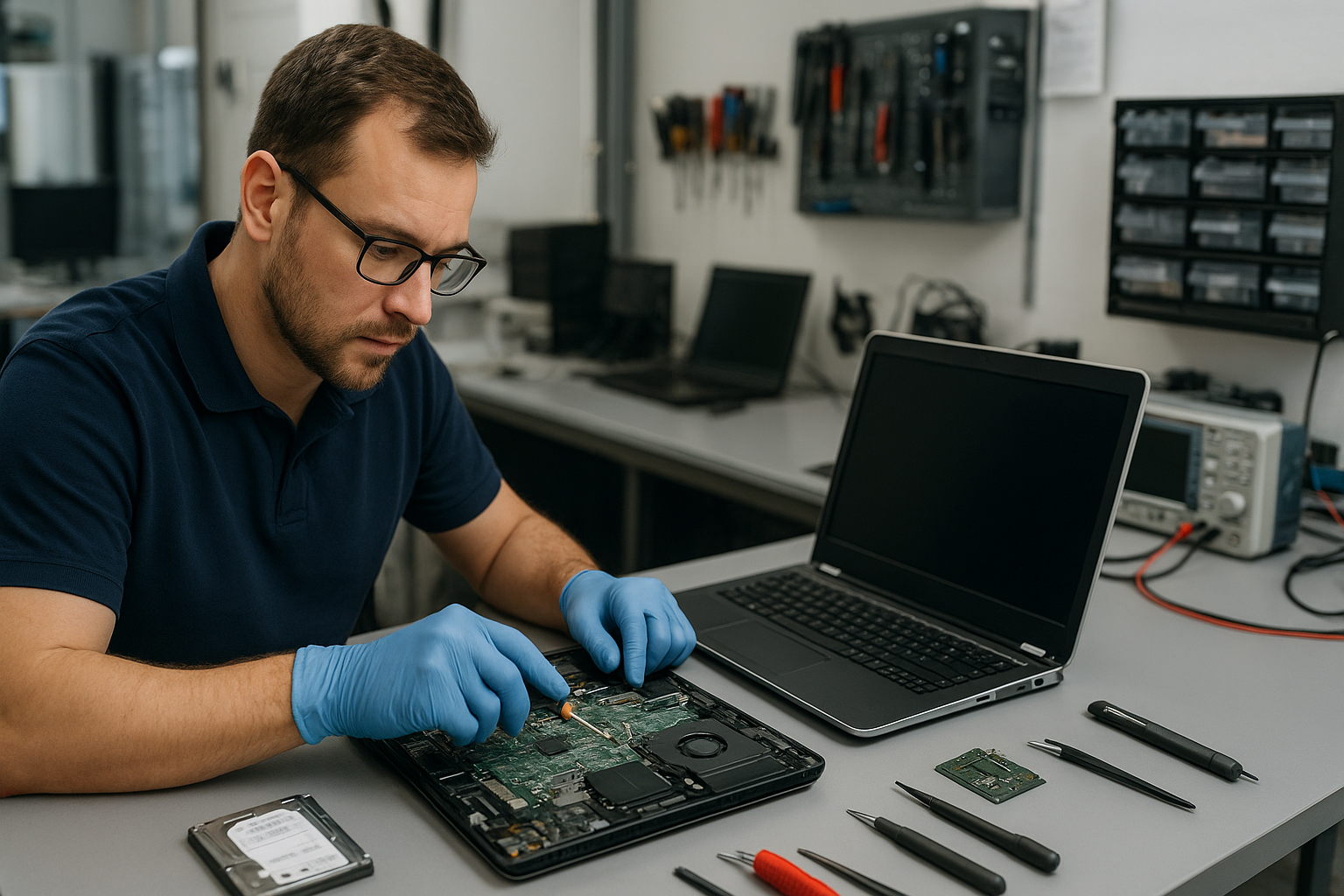
Laptop Repair Coquitlam: Reliable Service from Certified Technicians
If your laptop is acting up in Coquitlam, you need clear answers and repairs you can trust. At Moe Repair we focus on accurate diagnostics and repairs that restore your laptop’s performance. Whether it is a cracked laptop screen, a failing battery, or intermittent power issues, our team treats each device like it belongs to our family.
Common laptop problems we fix in Coquitlam
As experienced technicians we see the same symptoms again and again. Recognizing the symptom is the first step toward the right repair.
- Won’t power on — no lights, no fan spin, or brief beep then shutdown.
- Random shutdowns or restarts — unstable performance during work or gaming.
- Slow performance — long boot times, programs lagging, heavy disk usage.
- Cracked or flickering display — partial image, black spots, or backlight issues.
- No battery charging — laptop runs on adapter only or battery refuses to hold charge.
- Keyboard or trackpad failure — unresponsive keys or erratic cursor movement.
- Liquid damage — corrosion, sticky keys, or shorting components.
- Overheating and fan noise — thermal throttling or system shutdown under load.
- Data access problems — corrupted files or drive not recognized.
- Virus and system errors — popups, crypto-mining, or repeated blue screens.
What causes these symptoms?
Understanding failure modes helps you avoid repeat problems. In our shop we trace symptoms back to root causes rather than patching symptoms.
- Wear and tear — batteries, mechanical hinges, and fans degrade over time.
- Accidental damage — drops and impacts cause cracked displays and board damage.
- Liquid exposure — spills cause corrosion and shorts that grow worse with time.
- Thermal stress — dust and dried thermal paste raise temperatures and damage components.
- Software issues — malware, corrupted OS files, and driver conflicts cause instability.
- Storage failure — hard drives and older SSDs can fail due to age or power events.
- Power problems — faulty adapters, damaged charging ports, or battery management faults.
How professionals diagnose laptop problems
At Moe Repair our diagnostic process follows a few clear steps so we can recommend the right repair with confidence.
- Interview and symptom check — we ask what happened and when problems began to identify likely causes quickly.
- Visual and physical inspection — we open the chassis when safe, inspect connectors, hinges, ports, and look for corrosion or burn marks.
- Power and battery tests — measure adapter output, battery voltage and charging behavior without guessing.
- Memory and storage checks — run memory tests and SMART diagnostics to find failing RAM or storage drives.
- Screen and GPU tests — isolate display faults to panel, cable, or graphics subsystem.
- Thermal and fan analysis — monitor temperatures and fan speeds to locate cooling failures.
- Software diagnostics — check for malware, corrupted system files, and driver conflicts; boot to safe modes or external media when necessary.
- Data recovery assessment — when drives are inaccessible, we determine recoverability before attempting recovery.
This structured approach reduces guesswork and prevents unnecessary part replacements. We document findings and explain repair options in plain language.
Repair options we provide
Every laptop has options. As technicians we present choices based on reliability, cost-effectiveness, and long-term value.
- Screen replacement — for cracked laptop screens or faulty panels we replace with compatible display assemblies and test for backlight and touch function when present.
- Battery replacement — we install high-quality replacement batteries and test charge cycles and capacity.
- Keyboard and hinge repair — replace worn keys, repair or replace hinges and bezels to restore usability.
- Charging port repair — remove broken jacks and replace or solder new ports to restore reliable power connections.
- Motherboard repair — component-level repairs for power delivery circuits, capacitors, and USB power faults when replacement is impractical.
- Liquid damage repair — disassemble, clean corrosion, replace damaged parts, and test systems to stabilize the device.
- SSD and RAM upgrades — upgrade storage to NVMe or SATA SSDs and increase RAM for noticeable performance gains.
- Data recovery — evaluate failed drives and recover accessible files when possible.
- Virus removal and Windows or macOS repair — remove malware, repair system files, and reinstall or restore operating systems while preserving data where possible.
Advantages of repairing your laptop
Repairing can make sense for many devices. Advantages include lower cost than replacement, keeping important data intact, and reducing e-waste. For business computers and gaming laptops a repair or upgrade can restore full performance at a fraction of the cost of new hardware.
When replacement makes more sense
There are cases where replacement is the better option. We recommend replacement when the motherboard is extensively damaged, parts are unavailable, or repair costs approach the price of a new machine with better specifications. We always explain the trade-offs and help customers choose the best path.
What to expect during the repair process
We follow a clear workflow so customers know what happens to their device.
- Initial diagnostic — confirm symptoms and identify root cause.
- Repair authorization — we present options and get your approval before ordering parts or starting work.
- Component replacement and testing — we install new parts, clean internals, and run stress and power tests to verify the repair.
- Final quality check — ensure software, drivers, and updates are applied and that the laptop is stable under normal use.
- Customer handover — we explain repairs performed, show results, and advise on next steps for maintenance or upgrades.
We do not guess turnaround times in writing here because each repair depends on parts availability and diagnostic results. We will always inform you of expected timelines when you drop off or request a quote.
Preventative maintenance to extend laptop life
Small steps prevent many common failures. We recommend the following practices:
- Keep vents clear and clean dust from fans periodically.
- Avoid lowering the laptop on soft surfaces while gaming or under load.
- Use the correct charger and avoid twisting the power cable near the port.
- Back up important data regularly to an external drive or cloud service.
- Install OS updates and run periodic malware scans.
- Protect the screen with a sleeve and avoid pressure on the lid to reduce hinge and display damage.
Real technician advice from Moe Repair
One common issue we regularly see at Moe Repair is customers using damage to the charging cable as a long-term fix. A frayed cable often masks a weak port or battery problem. Replacing the cable without checking the port can lead to a more expensive repair later. Bring both the laptop and the charger when you visit so we can test under real conditions.
Another scenario: after a spill, users allow the laptop to dry and then power it up immediately. Corrosion can set in quickly. If a spill happens, power off, remove the battery if possible, and bring the laptop in for inspection. Early intervention improves the chance of recovery.
Laptop Repair Coquitlam and Metro Vancouver service
Moe Repair serves customers across Metro Vancouver, including Burnaby, Vancouver, Surrey, Richmond, New Westminster, Maple Ridge, Port Moody, Port Coquitlam, and Pitt Meadows. We repair a wide range of brands such as Dell, HP, Lenovo, ASUS, Acer, MSI, Microsoft Surface, Samsung, LG and Apple MacBook models. Whether you need a MacBook screen repair, a Windows laptop battery change, or an SSD upgrade to speed up an older notebook, we cover it.
Frequently asked questions
See our FAQ below for quick answers to common questions. For a personalized assessment contact us directly.
Contact Moe Repair
Business: Moe Repair
Website: https://moerepair.net
Phone: 778-951-4872
Email: service@moerepair.ca
Conclusion
If you are searching for Laptop Repair Coquitlam, choose a shop that explains the problem, shows the failed parts when possible, and offers clear options. At Moe Repair we combine practical diagnostics, certified repair work, and honest recommendations so you can make an informed decision. Call or email us to schedule a diagnostic or bring your laptop to our shop for inspection.