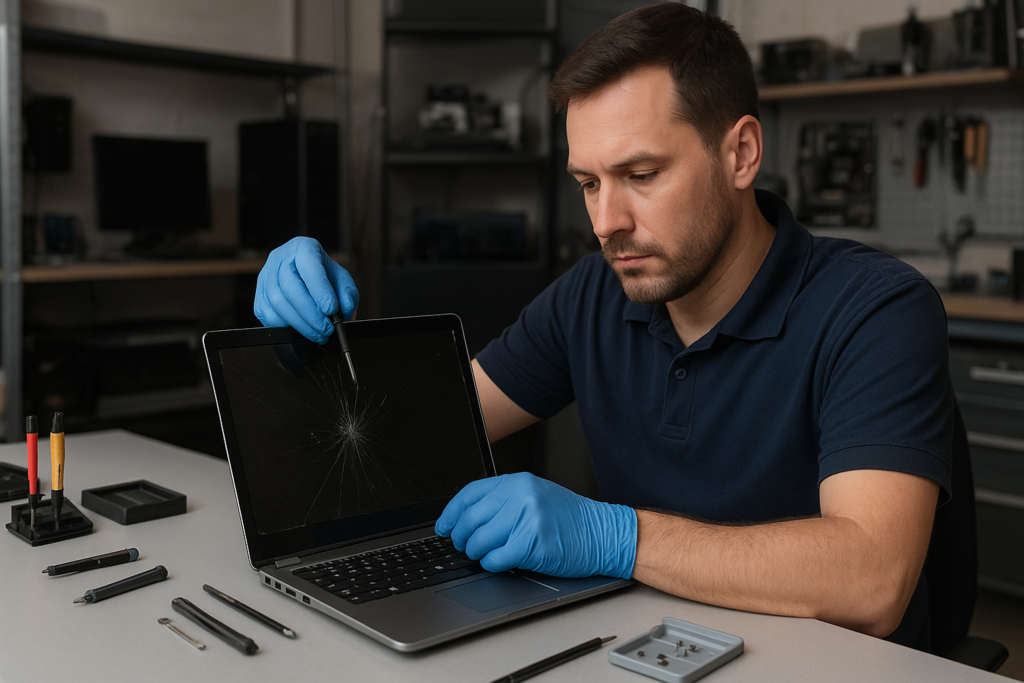
A cracked, flickering, or blank laptop screen can make a computer difficult to use. The symptom alone does not identify the cause or the part required. Moe Repair is based in Coquitlam. These safe first steps can help you describe the problem before asking about service.
Protect the device and yourself
- If glass is cracked or loose, avoid touching the damaged area and keep the laptop away from children and pets.
- Do not press on the panel, force a stiff hinge, or open the display assembly.
- If the laptop became hot, smells burnt, or was exposed to liquid, power it off and disconnect power when safe.
- If the display still works, save your work and back up important files.
- Do not install unfamiliar software that claims to repair a physical screen fault.
Note the symptoms
Write down the exact model, when the display issue happens, and whether it followed a drop, pressure on the lid, liquid spill, or software change. If an external monitor is already available, note whether it shows an image; that observation is useful context but is not a diagnosis.
Avoid ordering a replacement screen based only on the brand or screen size. Compatible parts can differ by exact model and configuration.
Ask about service in Coquitlam
Moe Repair is based in Coquitlam, British Columbia. Contact us with the model and symptoms to confirm service availability and next steps. If you are outside the area, ask whether mail-in service is suitable before shipping the laptop.
Review computer repair services, request an appointment, or contact Moe Repair.