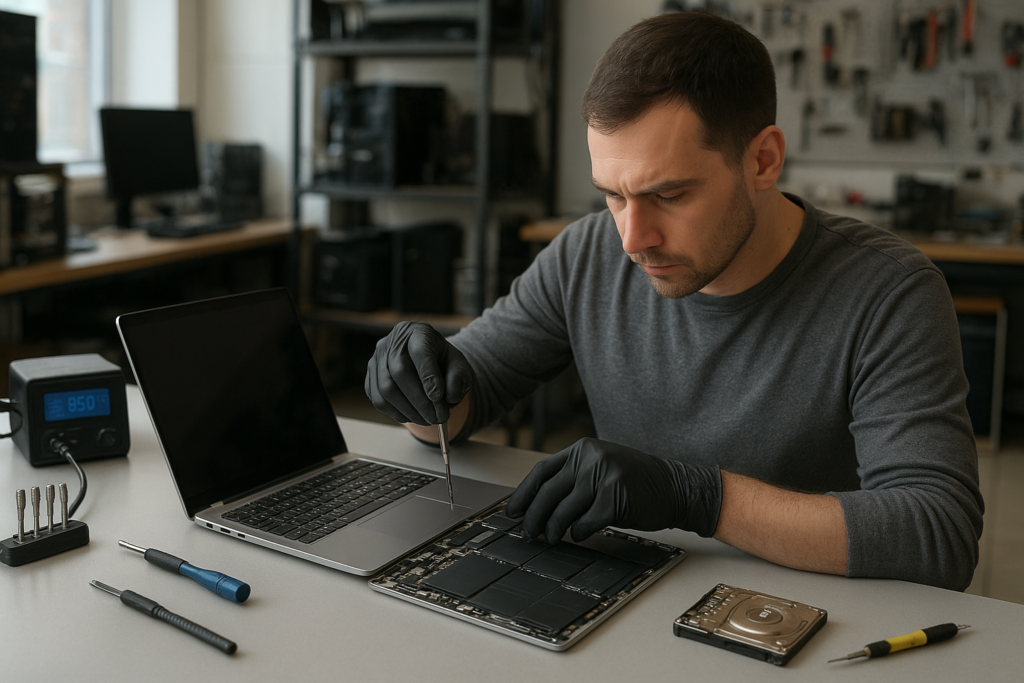
A Surface Laptop that loses charge quickly, will not charge or shuts down unexpectedly may have a battery issue, but the charger, charging port, software or another component can cause similar symptoms. Check the model and symptoms before deciding what service is needed.
Check the battery condition
Microsoft provides model-specific tools for checking Surface battery capacity and available replacement options. Start with its Surface battery capacity guide. The available tool and repair options depend on the model and location.
Stop using a visibly swollen device
If the battery has expanded and the case is lifting, stop using the Surface and handle it carefully. Do not press or puncture the battery or attempt to remove it yourself. See Microsoft’s battery safety guidance.
Explore Microsoft Surface repair in Coquitlam for model-specific battery, display, charging and SSD service considerations.
Surface laptops only
We service Microsoft Surface Laptop, Surface Laptop Go and Surface Laptop Studio, with options confirmed for the exact model. We do not repair tablet-style Surface devices, including Surface Pro and Surface Go, because opening their bonded screens carries too much risk. Detachable tablet-style models are outside our repair scope.
Before arranging service
Write down the Surface model, charging symptoms and any recent drops or liquid exposure. Ask what an assessment includes, which parts may be available, and when the cost and timing can be confirmed. Do not assume a battery replacement will fix a charging problem until the cause is assessed.
Surface service from Coquitlam
Moe Repair is based in Coquitlam, British Columbia. For Surface Laptop battery questions in Coquitlam and nearby Metro Vancouver communities, contact us with the model number to discuss whether the repair is within our current service scope. We do not have a Montreal branch.
Call 778-951-4872 or contact Moe Repair. Parts availability, repair options, timing and cost depend on the specific Surface model and condition.