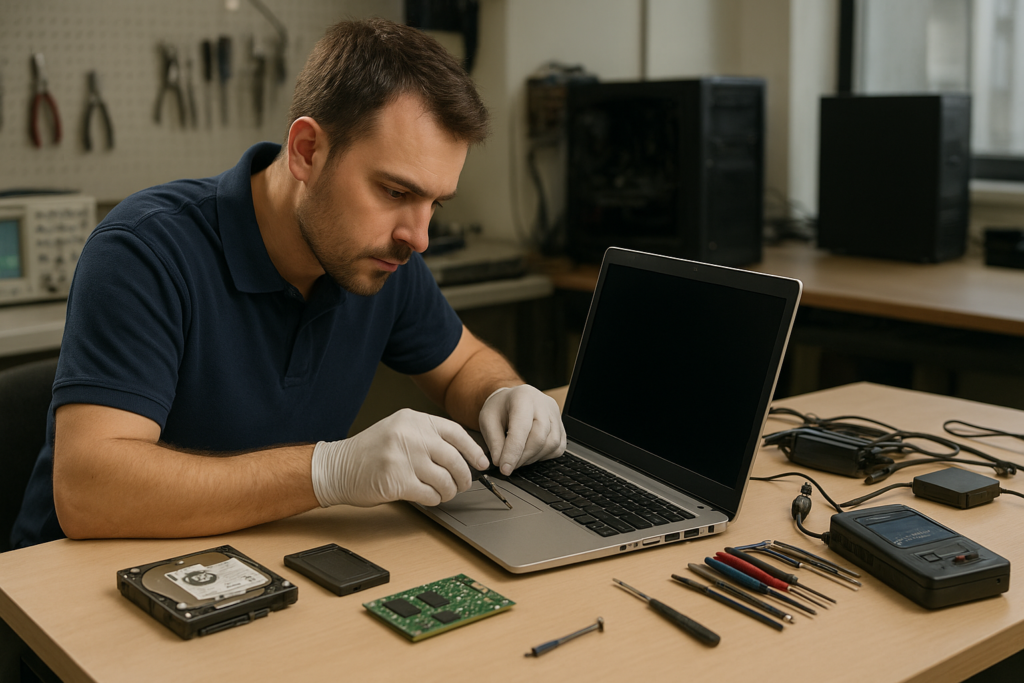
If files have disappeared, a drive is no longer detected, or a computer will not start, avoid actions that could write new data to the affected storage. Repeated attempts and some repair tools can complicate recovery, especially when a drive is failing.
What to do first
- Stop saving files, installing software or running repair utilities on the affected drive.
- If a hard drive makes clicking, grinding or repeated spin-up sounds, shut the device down and avoid reconnecting it to test again.
- Record the device and drive model, what happened, and any steps already tried.
- Check whether a separate backup or cloud copy is available before attempting recovery.
Choose the right next step
Deleted files on a working drive and a physically damaged drive are different situations. Before authorizing work, ask what the assessment covers, what recovery methods may be appropriate, how fees are handled if recovery is unsuccessful, and how your data will be kept private. Recovery results cannot be guaranteed.
Data recovery questions in Coquitlam
Moe Repair is based in Coquitlam, British Columbia. If you are in Coquitlam or a nearby Metro Vancouver community, contact us with the device type and symptoms so we can discuss whether the case fits our current service scope. Some physical drive failures may require a specialist data recovery laboratory.
Call 778-951-4872 or contact Moe Repair. We will discuss the assessment and any applicable costs before work is authorized.