
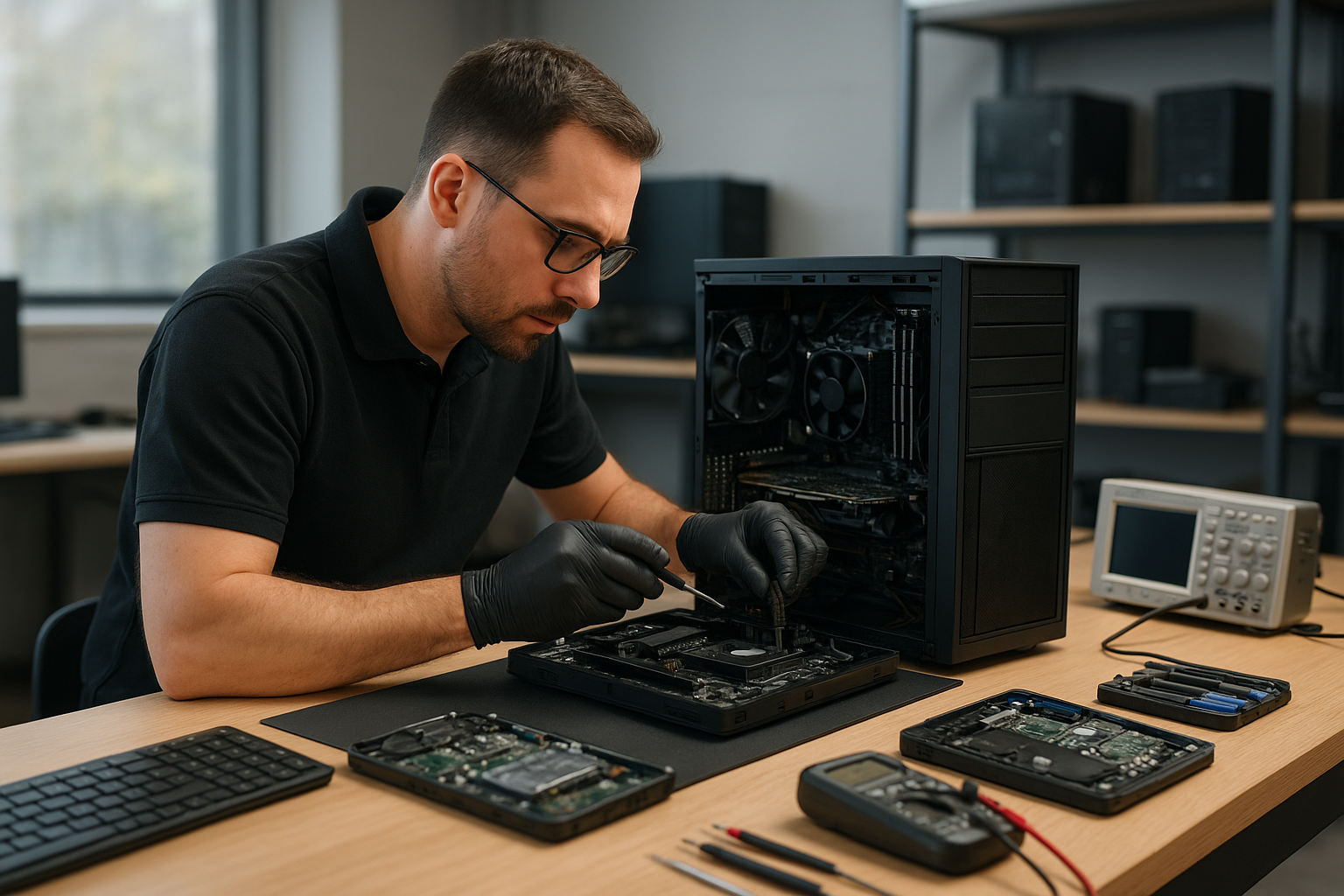
Moe Repair Gaming PC Repair Calgary
If you searched “Moe Repair Gaming PC Repair Calgary” you probably need clear answers fast. While Moe Repair is a Coquitlam-based repair shop, this guide gives Calgary gamers professional diagnostics, realistic repair options and proven maintenance steps you can use now.
Why this guide matters
Gaming PCs have unique failure modes: high temperatures, power draw spikes and driver conflicts. One issue we regularly see at Moe Repair in Coquitlam is a machine that runs fine for light work but crashes during a long gaming session. Understanding symptoms and causes helps you decide whether to fix, upgrade or replace components.
Problem overview
Gamers in Calgary and across the Tri-Cities experience similar problems: sudden shutdowns, degraded performance, stuttering, artifacting and boot failures. These can be caused by hardware wear, firmware or software problems, or simple maintenance issues like clogged fans and dried thermal paste.
Common symptoms
- Unexpected shutdowns or restarts under load
- Severe FPS drops or stuttering in games
- Artifacts, screen tearing or corrupted graphics
- Boot failures, POST beeps or no display
- Blue screen errors or Windows kernel crashes
- System not powering on at all
- Fans spinning loudly or erratically
Common causes
These symptoms usually point to a handful of root causes. At Moe Repair we diagnose each one methodically:
- Power supply (PSU) failure or insufficient wattage for upgraded GPUs
- Overheating due to dust, failed fans or old thermal paste
- Failing GPU or GPU driver issues
- Failing RAM or bad memory timings
- Motherboard faults or failing capacitors
- Corrupted operating system, drivers or malware
- Storage drive failures affecting load times and crashes
How professionals diagnose gaming PC problems
When a customer brings a gaming rig to Moe Repair in Coquitlam we follow a clear diagnostic flow. This is the same flow you can replicate to narrow issues before booking professional service.
- Ask for symptoms and recent changes: new hardware, updates, or spills.
- Perform visual inspection: loose cables, blown caps, dust build-up.
- Boot tests: safe mode, BIOS checks and POST error codes.
- Power analysis: swap in a known-good PSU or test voltages.
- Thermal checks: monitor CPU and GPU temperatures under idle and load.
- Component isolation: test with one RAM stick, onboard graphics, or a different GPU.
- Software checks: update drivers, run SFC/CHKDSK, and malware scans.
- Data protection: back up critical files before major repairs or replacements.
Repair options
Repair choices depend on the diagnosis. Typical options we recommend at Moe Repair include:
- Replace or upgrade PSU when power instability or capacity is the issue.
- Clean cooling system and replace thermal paste for high temperatures.
- Replace failing GPU or test with a loaner GPU to confirm.
- Swap RAM modules and verify stability with memtest tools.
- Repair or replace damaged motherboard components if necessary.
- SSD upgrade or cloning when storage is slow or failing.
- Fresh Windows installation and driver cleanup when software causes instability.
Advantages of repair
Repairing a gaming PC can be more cost-effective than replacing the whole system. Upgrading the PSU, adding an SSD or replacing thermal paste can restore performance and extend lifespan. At Moe Repair in Coquitlam we prioritize repairs that return the best value for gamers across the Tri-Cities.
When replacement makes more sense
Sometimes repair is no longer economical. Signs replacement makes sense include multiple failing components, obsolete motherboard socket preventing upgrades, or severe physical damage. In these cases, we recommend a targeted replacement plan rather than piecemeal fixes that force repeated visits.
Estimated repair process (what to expect)
While exact turnaround depends on parts and workload, a practical repair process looks like this:
- Initial consultation and symptom intake by phone or email.
- Diagnostic testing: visual inspection, boot logs, stress tests and thermal readouts.
- Client approval for suggested repairs or upgrades.
- Parts ordering if replacements are required; we advise on compatible models and warranties.
- Repair execution, testing and post-repair stress checks.
- Data verification and handoff with maintenance instructions.
We always back up critical data before major operations and explain risks clearly. For gamers in Calgary reading this guide, you can perform many of the pre-checks above and share the results when you contact a technician for further help.
Preventative maintenance
Prevention is the best way to avoid downtime. Simple maintenance steps keep a gaming PC healthy:
- Clean dust every 3 to 6 months, focusing on heatsinks and intake filters.
- Replace thermal paste every few years, especially with high-temperature CPUs or overclocking.
- Monitor temps with a reliable app and keep ambient airflow clear.
- Ensure the PSU has adequate wattage for your current GPU and drives.
- Keep GPU and chipset drivers updated, and avoid driver beta releases on primary systems.
- Use surge protection and a quality UPS to avoid power-related damage.
Real technician advice
From two decades of repairs, here are practical pointers we share with customers in Coquitlam and the Tri-Cities:
- When troubleshooting, change only one variable at a time. Swapping multiple parts makes it hard to identify the true cause.
- Keep a record of BIOS settings before making changes. Resetting BIOS without notes can hide configuration issues.
- If you see artifacting, test with a different monitor and cable before condemning the GPU.
- Always rule out software before replacing hardware. A driver rollback or clean Windows install often fixes perceived hardware failures.
- Back up game saves and key data regularly. We have recovered drives at Moe Repair, but prevention saves time and stress.
Frequently Asked Questions
Below are common questions Calgary gamers ask when they search for gaming PC repair guidance.
- Can you repair my gaming PC if I live in Calgary? We are based in Coquitlam and serve customers across the Tri-Cities. We can provide phone and email guidance for remote troubleshooting, and advise on parts and diagnostics. For hands-on repair, local repair shops in Calgary will be necessary.
- How do I know if my PSU is failing? Symptoms include random shutdowns, failure to boot under load and power-related error codes. A technician will test voltages and may swap a known-good PSU to confirm.
- Are thermal paste replacements worth it? Yes. Dried or improperly applied thermal paste causes higher temps and thermal throttling. Thermal paste replacement is a common service at Moe Repair in Coquitlam.
- My GPU shows artifacts—repair or replace? Artifacting can be caused by GPU hardware failure, overheating or driver corruption. A stepwise diagnosis (driver clean, thermal test, test in another system) will determine the right action.
- Can software cause FPS drops? Absolutely. Background apps, driver conflicts and Windows updates can degrade gaming performance. A clean driver install and performance optimization often helps.
- Should I upgrade to an SSD for gaming? Yes. An SSD improves load times and overall responsiveness. Moe Repair routinely recommends SSD upgrades as a high-value improvement.
- What should I do after a liquid spill? Power off immediately, unplug and contact a technician. Do not power on the PC until a professional inspects it to avoid short circuits.
- Will you recover lost game saves? Data recovery depends on the drive condition. We advise backing up to cloud or external storage to avoid the need for recovery services.
- How do I prevent GPU overheating? Ensure case airflow, clean fans and gaps, replace thermal paste when necessary, and avoid aggressive overclocking without proper cooling.
Conclusion
Moe Repair Gaming PC Repair Calgary provides practical, technician-backed guidance for gamers searching from Calgary and beyond. While our shop operates from Coquitlam, our diagnostic approach, repair best practices and maintenance tips apply anywhere. If you need hands-on service in Coquitlam or expert remote advice, we can help you identify the problem and recommend the right next steps.
Contact Moe Repair
Business: Moe Repair
Website: https://moerepair.net
Phone: 778-951-4872
Email: service@moerepair.ca
We service gaming rigs and provide computer repair, laptop repair, MacBook repair, data recovery and thermal paste replacement across Coquitlam and the Tri-Cities. Call or email with your diagnostic notes and we will walk you through next steps.