
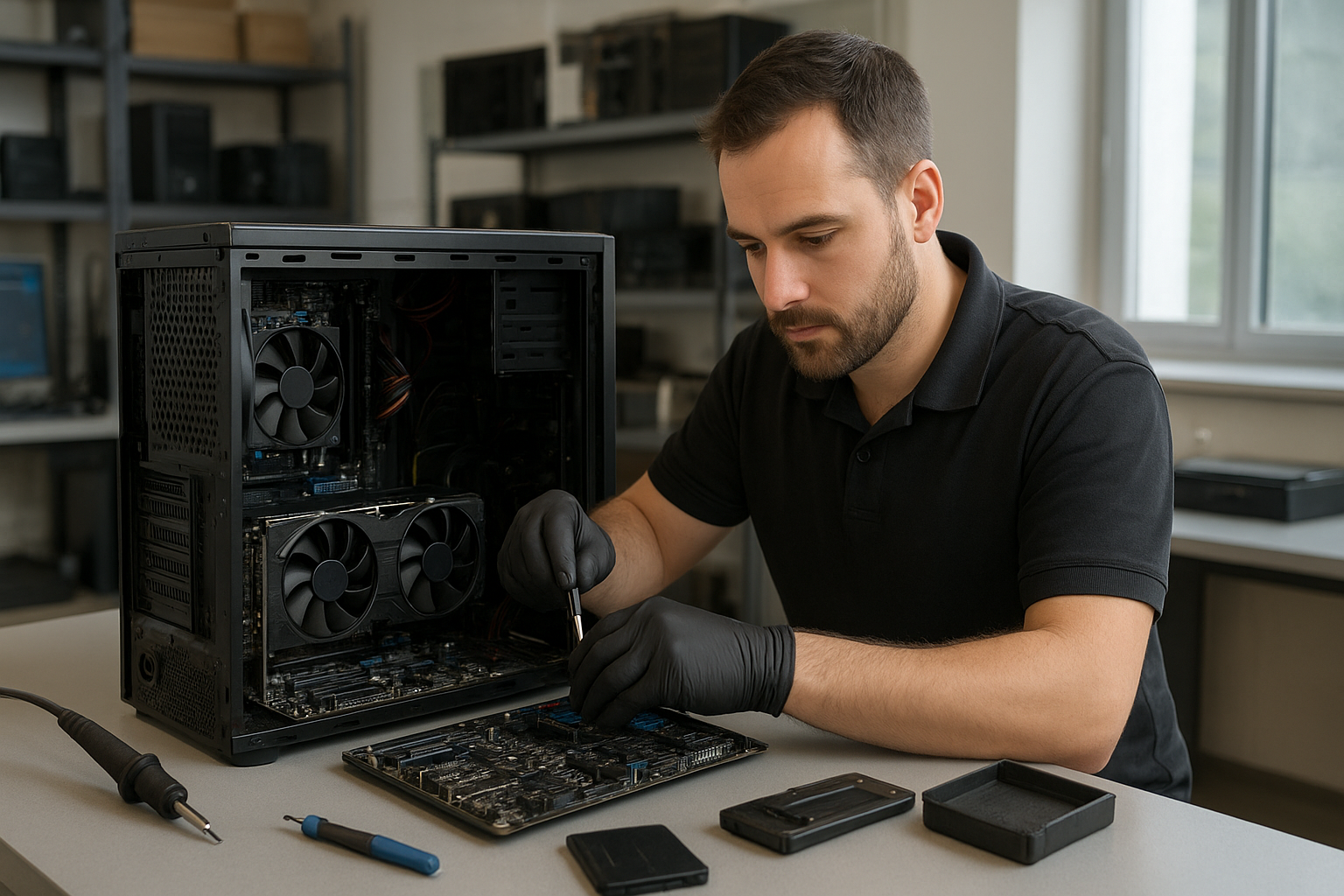
Gaming PC Repair Halifax
If you searched for “Gaming PC Repair Halifax” you probably need expert help with a desktop that once ran games smoothly but now stutters, crashes, or refuses to boot. At Moe Repair we diagnose high-performance rigs remotely or via ship-in service and guide Halifax gamers through safe, transparent repairs.
Why choose remote or ship-in gaming PC repair?
High-end gaming desktops rely on precise hardware and clean software. Many Halifax players don’t have local specialists who can diagnose GPU artifacts, intermittent GPU fan failures, or corrupted RAID SSD arrays. We offer remote troubleshooting and secure ship-in options so you get the same professional diagnostics we provide to customers in Metro Vancouver.
Common symptoms gamers report
- Screen artifacts, flicker, or driver crashes in-game
- Unexpected shutdowns or restarts under load
- Long load times, stuttering, or low FPS despite good specs
- Blue Screen of Death (BSOD) or kernel panic
- Boot loops, POST beeps, or no display at all
- Loud or erratic fan noise and high case temperatures
- USB ports or peripherals intermittently failing
- Data loss or corrupted game files after a crash
Common causes we see at Moe Repair
One common issue we regularly see at Moe Repair is an aging power supply that passes basic tests but fails under gaming load, causing unexplained reboots. Other frequent causes include GPU driver conflicts, failing graphics cards, clogged cooling leading to thermal throttling, degraded SSDs, and BIOS or firmware incompatibilities after updates.
How our professional diagnostic process works
We start with a careful history: recent changes, error messages, and when failures occur. Remotely we can collect logs, run stress tests, check temperatures, and analyze Windows or Linux event logs. For ship-ins we perform a staged diagnostic:
- Visual inspection for damaged components, swollen capacitors, or liquid residue
- Power supply and voltage tests under load
- GPU and CPU stress testing with real-time thermal monitoring
- Memory tests (MemTest) and storage health checks (SMART)
- OS integrity checks, driver rollbacks, and malware scans
- Data cloning for safe recovery when drives are failing
Repair options we recommend
After diagnostics we present options that balance performance, longevity, and budget. Typical repair paths include:
- GPU repair or replacement if there are hardware artifacts or fan failures
- Power supply replacement for instability under load
- Thermal service: cleaning, fan replacement, and thermal paste reapplication
- SSD cloning and replacement for degraded drives or failed arrays
- RAM replacement when memory errors cause crashes
- Motherboard repair when voltage regulators or connectors fail
- Software repairs: driver cleanup, OS reinstall, virus removal, and game file validation
Advantages of repairing a gaming PC
Repairing a gaming PC often restores performance at a lower cost than a full replacement. Upgrades like a higher-capacity SSD or additional RAM can extend a rig’s life and improve load times and FPS. Repair also preserves custom cooling loops, expensive GPUs, and specialty motherboards that would be costly to replace.
When replacement makes more sense
Replacement is reasonable if the system uses severely outdated parts, the motherboard has multiple failed components, or the overall cost of parts and labor approaches the price of a modern build with comparable performance. We always show transparent comparisons so you can choose what fits your goals.
What the repair process looks like (step-by-step)
We don’t promise exact turnaround times because each PC is unique, but here is a typical workflow so you know what to expect:
- Contact us with symptom details and photos or logs
- Remote troubleshooting session or ship-in scheduling
- Comprehensive diagnostics and an itemized repair estimate
- Approval, parts sourcing, and repair work
- Quality testing under gaming load and final customer approval
- Return shipping with tracking for ship-in customers
Preventative maintenance every gamer should do
Regular maintenance prevents most common failures. Key tasks include:
- Cleaning dust from fans, filters, and heat sinks every 3 to 6 months
- Monitoring GPU and CPU temperatures during gaming sessions
- Keeping drivers and firmware up to date, but rolling back if a new driver causes instability
- Backing up game saves and important data to the cloud or an external drive
- Checking SMART status on SSDs and considering periodic cloning for drives showing early signs of failure
Real technician advice from Moe Repair
When you call, be specific: tell us which game, what resolution, refresh rate, and whether you overclock. Overclocked systems often hide marginal power or cooling issues that only show up in long sessions. Avoid running synthetic benchmarks on a suspected failing system; they can make an unstable PSU or GPU fail catastrophically. We prefer controlled stress tests so failures are predictable and safe.
How we decide whether repair is worthwhile
We weigh component age, repair cost, and future reliability. A high-end GPU with a failing fan and intact memory often gets repaired. A 7-year-old entry-level PSU that fails voltage under load may be replaced instead of repairing multiple components. We give clear recommendations and options so you can decide with confidence.
Local and remote support: where Moe Repair helps
Moe Repair is based in Coquitlam and serves customers throughout Metro Vancouver including Burnaby, Vancouver, Surrey, Richmond, New Westminster, Maple Ridge, Port Moody, Port Coquitlam, and Pitt Meadows. For Halifax customers searching “Gaming PC Repair Halifax” we offer remote diagnostics and secure ship-in service. We can guide you through packaging, provide a diagnostic checklist, and handle parts sourcing when possible.
What Halifax customers should avoid when shipping a gaming PC
- Poor packaging that allows movement—use original boxes or robust double-boxing
- Removing heavy GPUs without secure support; secure the PCIe card or remove and pack separately if unsure
- Shipping without backing up data—always assume data recovery may be needed
- Attempting advanced soldering or DIY motherboard fixes unless you have the right tools and ESD precautions
Frequently Asked Questions
Q: Can you repair my Halifax gaming PC remotely?
A: Often yes. We can run remote diagnostics, update drivers, adjust settings, and advise on parts. For hardware faults we recommend ship-in service so we can perform safe bench tests.
Q: How do I ship my PC safely?
A: Use the original case box if possible, or double-box with foam. Remove or secure large GPUs, tape the tower shut, and include contact and return address. We provide a ship-in checklist on request.
Q: Will you recover my game saves and data?
A: We include data recovery in our diagnostic process and will discuss options if drives show failure. Always back up regularly to avoid urgent recovery needs.
Q: Do you source replacement GPUs and parts for Halifax customers?
A: We can source many parts and advise on compatibility. Availability depends on market stock; we will inform you of options and lead times.
Q: Can you repair liquid damage to a gaming PC?
A: Yes, but prompt action is critical. Power down immediately, avoid powering on, and ship the system to us. We perform corrosion cleaning and component-level diagnostics.
Q: Is it worth upgrading to an NVMe SSD for games?
A: For faster load times and smoother streaming textures, NVMe upgrades provide a noticeable improvement, especially in open-world titles.
Q: Do you offer performance tuning?
A: Yes. We provide BIOS tuning, safe overclocking, and thermal profile adjustments with stability testing to ensure long-term reliability.
Q: What if my PC still fails after repair?
A: We perform thorough testing before return and stand behind our diagnostics. If issues recur, we re-check and escalate to component-level troubleshooting.
Conclusion
Searching for “Gaming PC Repair Halifax” means you want reliable, expert help. Moe Repair provides professional diagnostics, remote assistance, and secure ship-in repairs from our Coquitlam workshop. We prioritize safe repairs, transparent estimates, and restoring your system to gaming-ready condition.
Contact Moe Repair for a diagnostic: Phone: 778-951-4872 | Email: service@moerepair.ca | Website: https://moerepair.net. Whether you are in Halifax and need ship-in service or in Metro Vancouver and need in-person help, we can get your rig back to peak performance.