
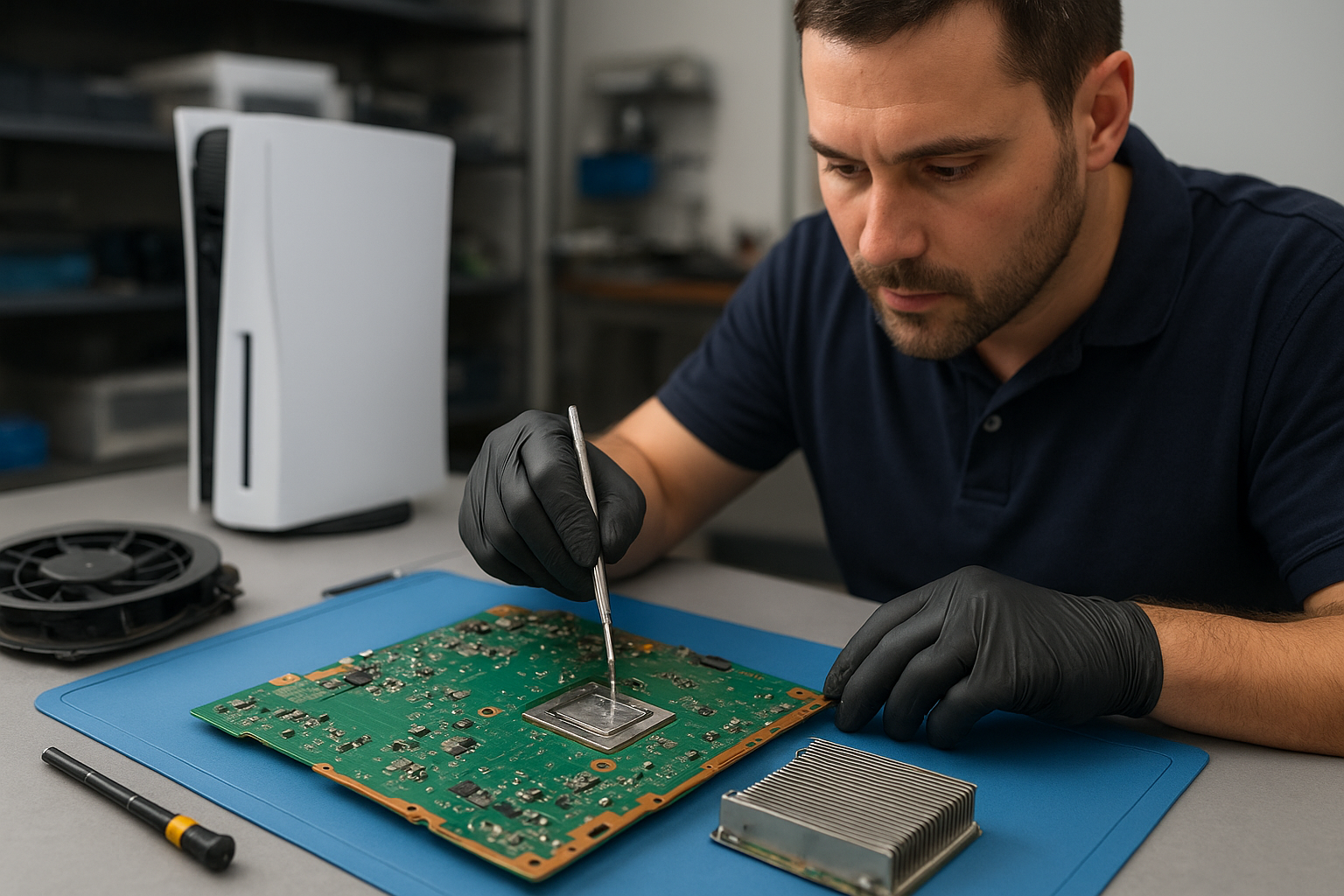
PS5 cleaning service Coquitlam
Professional Console Repair and Maintenance
At Moe Repair in Coquitlam, we specialize in professional console repair and maintenance with more than 15 years of experience servicing gaming systems. Our PS5 cleaning service Coquitlam is tailored to keep your console running cool and quiet. We service PS5, PS5 Slim, PS5 Pro and other modern consoles including Xbox Series X and Xbox Series S. Whether you’re in Coquitlam or nearby Burnaby, Port Moody, Port Coquitlam, New Westminster or Maple Ridge, our trained technicians deliver reliable diagnostics, cleaning, and thermal upgrades.
PS5 Liquid Metal Replacement
Liquid metal thermal compound has become a preferred solution for many PS5 owners who want optimal thermal management. We perform careful PS5 liquid metal replacement for eligible units, ensuring improved heat transfer between the SoC and heatsink. This service reduces hotspot temperatures, lowers fan RPMs, and can decrease the chance of thermal throttling and random shutdowns. Our technicians follow manufacturer-aware procedures to protect solder joints, sensors, and internal components when applying or removing liquid metal.
Console Cleaning and Dust Removal
Dust buildup is the single most common cause of loud fan noise and overheating in consoles. Our PS5 cleaning service Coquitlam includes full disassembly, targeted dust removal, and compressed-air-free cleaning of heat sinks and vents to prevent moisture or residue. We remove accumulated dust from the fan blades, intake grills, and internal channels that impede airflow. After cleaning, we reassemble and test the console to confirm quieter operation and stable temperatures.
Console Overheating Repair
Overheating can present as loud fans, frequent crashes, random shutdowns, or degraded performance. Our overheating repair process begins with a thorough diagnostic to identify root causes: dust, failed thermal pads, dried-out thermal paste, or a failing fan. For PS5 units we inspect the cooling assembly, check thermal paste condition, evaluate thermal pads, and test fan bearings. We repair or replace defective fans, reapply high-performance thermal paste or perform liquid metal replacement where appropriate, and verify results with stress testing.
Signs Your Console Needs Service
- Loud fan noise even when idle
- Console running hotter than usual or very warm to the touch
- Random shutdowns during gameplay
- Dropped frame rates, stuttering, or throttled performance
- Visible dust buildup around vents and ports
If you notice any of these signs on a PS5, PS5 Slim, PS5 Pro, or an Xbox Series X/S, bring your console to Moe Repair in Coquitlam. Early intervention saves components and can prevent data loss or hardware failure.
Why Thermal Management Matters
Thermal management is vital for sustained performance and longevity. Modern consoles pack powerful SoCs into compact enclosures — the smaller the enclosure, the more important efficient heat transfer becomes. Proper cooling keeps GPU and CPU temperatures in the optimal range, avoids thermal throttling and preserves solder and components over time. Our services—routine fan cleaning, dust removal, thermal paste replacement, and liquid metal application—are designed to maximize airflow and heat dissipation so your PS5 Pro or PS5 Slim performs how Sony intended.
Gaming Consoles We Service
We regularly work on:
- PS5 (standard edition)
- PS5 Slim
- PS5 Pro
- Xbox Series X
- Xbox Series S
We also provide general gaming console maintenance and diagnostics for older systems and accessories. If your console is used heavily for long sessions or is located in a pet-friendly or dusty environment, schedule periodic cleaning to maintain performance.
Why Choose Moe Repair
Moe Repair is locally owned and operated in Coquitlam with a strong reputation across Burnaby, Port Moody, Port Coquitlam, New Westminster and Maple Ridge. Our technicians are trained in console teardown, SMD-awareness, and ESD-safe handling. We prioritize careful disassembly, record serial numbers, and test thoroughly after service. Benefits of choosing us include:
- Experienced technicians with 15+ years of electronics and console repair
- Clear diagnostics and transparent pricing
- Quality thermal pastes and careful liquid metal application when appropriate
- Fast turnaround and thorough functional testing
- Local pickup/drop-off advice for residents of Coquitlam and nearby cities
For other devices, check our computer repair in Coquitlam, laptop repair in Coquitlam, and MacBook repair in Coquitlam pages.
Frequently Asked Questions
How often should I get my PS5 cleaned?
For typical home use, we recommend a professional cleaning every 12-18 months. If your home has pets, heavy dust or smoking, consider cleaning every 6-12 months.
Is liquid metal safe for my PS5?
When applied by an experienced technician with ESD-safe methods, liquid metal is safe and effective. It offers better thermal conductivity than standard paste but requires careful application and periodic inspection.
Will cleaning void my warranty?
Disassembling a console can affect the manufacturer’s warranty. We advise checking Sony’s warranty terms. For out-of-warranty units, our cleaning and repairs are recommended. We document everything and can provide detailed reports if warranty or RMA is pursued.
Can dust cause random shutdowns?
Yes. Excess dust can restrict airflow, causing high temperatures that trigger thermal shutdowns to protect the hardware. Cleaning the fan, vents, and heat sink typically resolves this.
Do you offer fan replacement for Xbox Series X/S?
Yes. We service cooling fans and related components on Xbox Series X and Xbox Series S, and we provide the same diagnostic and cleaning process as we do for PS5 consoles.
Real Repair Example
Case: A PS5 from Coquitlam arrived with reports of loud fan noise, frequent random shutdowns during gameplay, and reduced frame rates. The unit had been in a basement gaming room for three years without professional cleaning.
Diagnostic Process: We ran a visual inspection and thermal logging. Intake vents were clogged with dust and pet hair. Temperature spikes on the SoC reached 95°C under load, indicating poor heat transfer. The fan bearings showed wear and the existing thermal paste was dried and crusted. We opened the unit in our ESD-safe bench, photographed component positions and serials, and performed component-level tests.
Service Actions: We performed a full internal cleaning—removing dust from vents, fan blades, and heat sink channels with targeted vacuum and solvent-safe swabs. The fan was replaced because of worn bearings. We cleaned the old thermal compound and inspected the die contact surfaces. Given the thermal paste condition and the owner’s desire for improved cooling, we recommended and performed a liquid metal replacement on the SoC using a non-conductive guard on surrounding components and thermal pad retention to prevent migration.
Final Outcome: Post-service thermal logs showed maximum SoC temperatures dropped by 12–15°C under the same workload. Fan noise reduced significantly and the console no longer experienced random shutdowns during extended play. We provided the owner with care tips and a recommended cleaning schedule. The customer in Port Moody reported immediate improvement and long gaming sessions without issues.
Contact Moe Repair Today
Moe Repair
778-951-4872
Need service? Visit our contact Moe Repair page to book an appointment or bring your console by our Coquitlam shop. We serve Coquitlam, Burnaby, Port Moody, Port Coquitlam, New Westminster and Maple Ridge with fast, professional PS5 cleaning service and overheating repair.
Protect your investment—schedule PS5 maintenance today to prevent loud fans, overheating, and performance issues. Call 778-951-4872 or email service@moerepair.ca.