
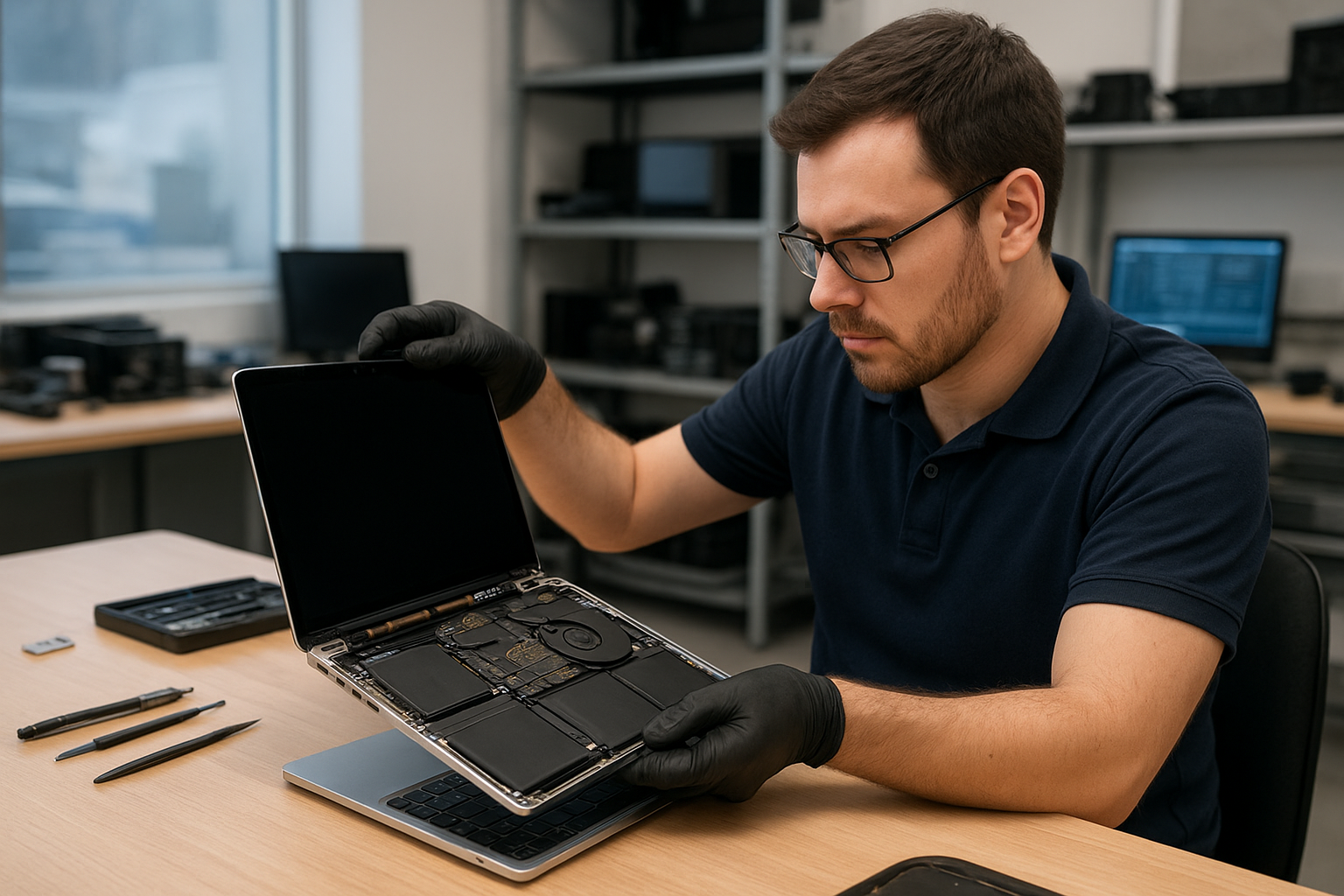
MacBook Pro screen replacement Coquitlam
If your MacBook Pro display is cracked, showing vertical lines, or going black intermittently, Moe Repair in Coquitlam provides professional MacBook Pro screen replacement Coquitlam services. I am a senior technician with over 15 years repairing Apple laptops. I will explain common symptoms, the diagnostics we run, how we repair Retina and Touch Bar models, and what to expect when you bring a MacBook to our shop.
Common screen damage signs and initial checks
Typical symptoms that indicate a screen issue include a visible crack in the glass, colored lines across the panel, backlight flicker, black sections on the LCD, or a completely dark screen while the MacBook powers on. Sometimes the camera or Wi-Fi guiltlessly fails after a display drop because the display cable impacts the logic board. If the display looks fine externally but shows no image, we first connect your MacBook Pro to an external monitor to determine whether the issue is the LCD or the logic board graphics output.
Why choose Moe Repair for MacBook Pro screen replacement Coquitlam
At Moe Repair we focus on diagnosis and fixed expectations. We document the model and serial number, verify your macOS boot, and confirm symptoms before starting any work. Our shop in Coquitlam handles Retina 13-inch, 15-inch, and 16-inch models, including Touch Bar MacBook Pros. We also handle related services like MacBook repair in Coquitlam, battery replacement, and data recovery if a failed screen was accompanied by liquid damage.
Our diagnostic process
When you bring a MacBook to us, we follow a structured diagnostic routine:
- Visual inspection for glass cracks, hinge damage, and liquid residue.
- Power and boot test, noting any LED or fan behavior.
- External display test to isolate LCD vs graphics/motherboard faults.
- SMC and NVRAM resets to rule out firmware display issues.
- Continuity and voltage checks on the display data cable and backlight circuits.
- If needed, bench-testing the display assembly on a donor board to confirm behavior.
This process reduces wasted part swaps and helps us provide accurate quotes. For many jobs we document photos and provide a pre-repair estimate through our contact page.
Typical repair procedures and parts
Repair steps vary by model. For Retina MacBook Pros we usually replace the entire display assembly because the glass and LCD are fused. The procedure includes:
- Backing up data or offering data recovery if needed.
- Powering down and disconnecting the battery to prevent shorts.
- Removing the bottom case and pentalobe screws around the hinge.
- Disconnecting the display data cable and carefully removing the display assembly.
- Installing the replacement display, connecting cables, and testing the panel and camera before final reassembly.
- Calibrating color and checking True Tone functionality when applicable.
We use OEM or high-quality aftermarket panels depending on availability and customer preference. We do not recommend cheap glass-only repairs on Retina models because they often fail quickly.
Model compatibility and special cases
Touch Bar models and late-2016 to 2021 MacBook Pros require careful handling of the display data cable and camera flex. Older non-Retina units may allow glass and LCD separation. If liquid damage is present we combine screen replacement with logic board inspection and possible motherboard repair or cleaning.
Real repair example from a local customer
A recent customer from Port Moody brought a 2018 15-inch MacBook Pro with a spidered glass panel and intermittent display lines after a fall. I documented the model and serial, connected an external monitor, and confirmed the image was clean externally. Voltage checks on the display connector were normal, so I ordered a full display assembly. After disconnecting the battery and removing the display, I transferred the camera assembly and microphone, installed the new panel, and performed a full test. The new screen worked immediately, FaceTime camera and True Tone remained functional, and the customer left satisfied the same day. I advised a case and hinge pad to reduce future stress on the assembly.
Costs, timelines, and what to expect
Costs depend on model and parts. Typical ranges run from mid-level prices for 13-inch Retina panels to higher prices for 16-inch or Touch Bar assemblies. Turnaround is often same-day or 1-2 business days for in-stock parts. If we must order a rare panel, we will provide an estimated arrival and keep you updated. We also offer other services like laptop repair in Coquitlam, SSD upgrades, and virus removal while your device is in shop.
Practical advice to protect your MacBook display
A few practical tips: use a thin protective sleeve for transport, avoid stacking heavy objects on top of your laptop, and replace worn hinge screws. If you suspect internal damage after a drop, shut down the MacBook and bring it in—running the device with a damaged screen can stress the backlight and logic board connections.
Contact Moe Repair Today
Moe Repair offers a free consultation and honest estimates for MacBook Pro screen replacement Coquitlam. Call us at 778-951-4872 or email service@moerepair.ca to describe your issue. Our shop serves Coquitlam and nearby communities; we’ll check model compatibility, discuss part options, and schedule a quick drop-off. If you need additional services we can handle battery replacement, trackpad repair, or data recovery while your MacBook is in for a screen job.
Other considerations and services
If your MacBook Pro suffered liquid damage or the logic board shows graphics faults, we pair screen replacement with motherboard checks. We also perform thermal paste replacement, fan replacement, and OS diagnostics after hardware repairs. For general computer issues, check our computer repair in Coquitlam page for desktop and gaming PC support.
Warranty and testing
We test every repaired machine for at least 24 hours on bench power before returning it. Warranty terms vary by part type; we discuss coverage up front. We will not guarantee results when pre-existing board damage is present, but we do document findings and offer transparent options.
Frequently asked questions
See the FAQ below for common customer concerns about MacBook Pro screen replacement Coquitlam.
Contact info: Moe Repair, Phone: 778-951-4872, Email: service@moerepair.ca.