
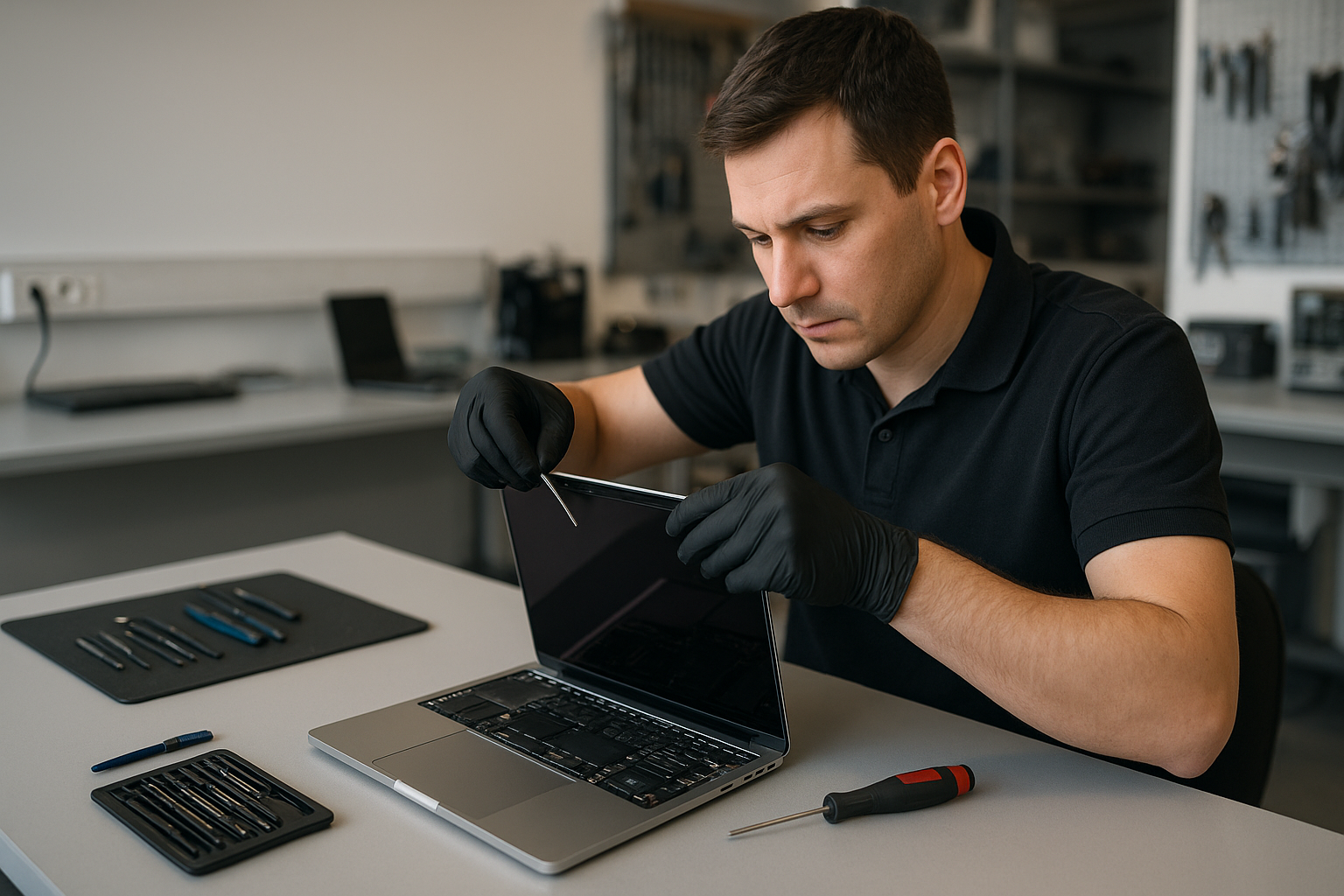
MacBook Pro screen replacement Coquitlam
If your MacBook Pro screen is cracked, flickering, or black, a MacBook Pro screen replacement Coquitlam specialist at Moe Repair can diagnose and repair it fast. We see everything from smashed glass on a 13-inch MacBook Pro to backlight failures on 15-inch Touch Bar models. Early diagnosis helps protect your data and limits further damage.
MacBook Pro screen replacement Coquitlam: Overview
A damaged screen can show many symptoms. You might see cracks, vertical lines, backlight flicker, dead pixels, or a completely dark display while the machine still boots. I test the unit systematically to determine whether the issue is the glass, the LCD panel, the display cable, or the logic board. For related repairs like laptop repair in Coquitlam or full computer repair in Coquitlam, we keep customers informed at every step.
Common screen symptoms you should not ignore
Watch for these realistic signs that indicate you need a MacBook Pro screen replacement Coquitlam:
- Visible cracks or shattered glass across the lid.
- Faint image with backlight on but no brightness, which can point to backlight or inverter faults.
- Vertical or horizontal lines, likely a damaged LCD or loose LVDS/display cable.
- Flicker when opening or closing the lid, often hinge or cable wear.
- Intermittent black screen while fans and LEDs indicate the Mac is running.
Diagnostic process for MacBook Pro screens
I start diagnostics with these practical steps. First, I copy or confirm backups are current and note the macOS version. Then I run a visual inspection of the hinge, glass, and bezel. After that, I power on the machine and attach it to an external monitor to confirm whether the GPU and logic board output video. If the external display works, the problem is usually the display assembly or cable.
Next I open the lower case, disconnect the battery, and check the display connector for corrosion or damage. I also test the backlight fuse and measure voltage on the display power rail with a multimeter. For modern Retina MacBook Pro models I look for binder clips or adhesive damage around the display assembly and inspect the flex cable where it enters the hinge. These steps help avoid unnecessary screen assembly replacements.
Repair procedures and parts we use
When a MacBook Pro screen replacement Coquitlam is necessary, I discuss options: full OEM screen assembly replacement or higher-quality aftermarket parts. On 13, 15 and 16-inch MacBook Pro models replacement usually means swapping the entire top case or the LCD assembly, depending on the model year. I always disconnect the battery and ground myself before handling the display connector to avoid shorts.
Typical repair steps include:
- Backup confirmation and powering down.
- Removing the lower case and isolating the battery.
- Removing the display assembly screws and carefully disconnecting the display cable.
- Installing the replacement screen assembly and testing display, camera, and lid sensors.
- Reassembling and running a final calibration and diagnostic test.
We also offer related services like MacBook repair in Coquitlam, battery replacement, trackpad repair, and data recovery if liquid damage is present. If the logic board shows damage, I explain motherboard repair or replacement options and estimated costs.
Real repair example from Coquitlam
A recent Coquitlam customer brought a 2017 15-inch MacBook Pro with a smashed corner and a dim, streaked display. I connected an external monitor; video output was normal, so the GPU was fine. After opening the chassis and measuring the backlight rail, I found the panel had multiple fractured areas and the display cable had a torn jacket near the hinge. I recommended a full display assembly replacement because the LCD and digitizer were compromised. With the customer’s approval I fitted a high-quality assembly, tested camera and ambient light sensor, and verified Wi-Fi and keyboard function before returning the machine. The repair restored normal display function, though I advised the customer a future hinge inspection to prevent cable wear.
Pricing, turnaround and warranty
Costs vary by model and parts choice. A genuine assembly for a 16-inch Retina MacBook Pro costs more than an aftermarket panel for an older 13-inch model. Typical turnaround is same-day to 48 hours when parts are in stock. We provide a clear estimate and warranty on parts and labor. If data recovery is a concern after impact, we can evaluate the drive as part of the service and refer to our data recovery in Coquitlam procedures.
Why choose Moe Repair for MacBook Pro screen replacement in Coquitlam
With over 15 years of hands-on experience repairing MacBooks, I approach each screen repair like a technician rather than a salesperson. I provide clear diagnostics, honest options, and hands-on repairs including SSD upgrades, thermal paste replacement, and liquid damage repair when needed. Local customers from Burnaby, Port Moody and New Westminster trust Moe Repair for transparent pricing and careful testing.
Contact Moe Repair Today
If you need a MacBook Pro screen replacement Coquitlam customers trust, contact Moe Repair for a free consultation and estimate. Call 778-951-4872 or email service@moerepair.ca. We serve Coquitlam and nearby areas and can arrange local pickup or in-shop service. Before you bring it in, back up your data and bring any accessories like your charger so we can run full diagnostics during your visit. You can also contact Moe Repair online to book an appointment.
Frequently Asked Questions
Q: How long does a MacBook Pro screen replacement take?
A: Most replacements complete within 24 to 48 hours when parts are in stock. I give an estimated turnaround time after the initial diagnostic and confirm before proceeding.
Q: Can you replace only the glass on a Retina MacBook Pro?
A: On many Retina models the glass and LCD are fused, so we usually replace the entire display assembly. For older non-Retina models partial glass replacement may be possible. I explain tradeoffs during diagnostics.
Q: Will repair affect my data?
A: Screen replacement normally does not affect the SSD or user data. Still, I ask customers to back up beforehand. If we encounter signs of drive damage, we offer data recovery options.
Q: Do you use genuine Apple parts?
A: We offer OEM-level parts where available and high-quality aftermarket assemblies when appropriate. I discuss warranties and expected longevity so you can choose the best option.
Q: What if the screen flicker returns after replacement?
A: If flicker returns, we recheck the display cable, hinges and logic board traces. Some flicker comes from hinge strain on the cable and may need clamp or hinge adjustment rather than another screen swap.
For other services like virus removal, Windows installation, SSD upgrades, keyboard replacement or motherboard repair, ask during your visit. Moe Repair handles full laptop and desktop needs beyond screen fixes.