
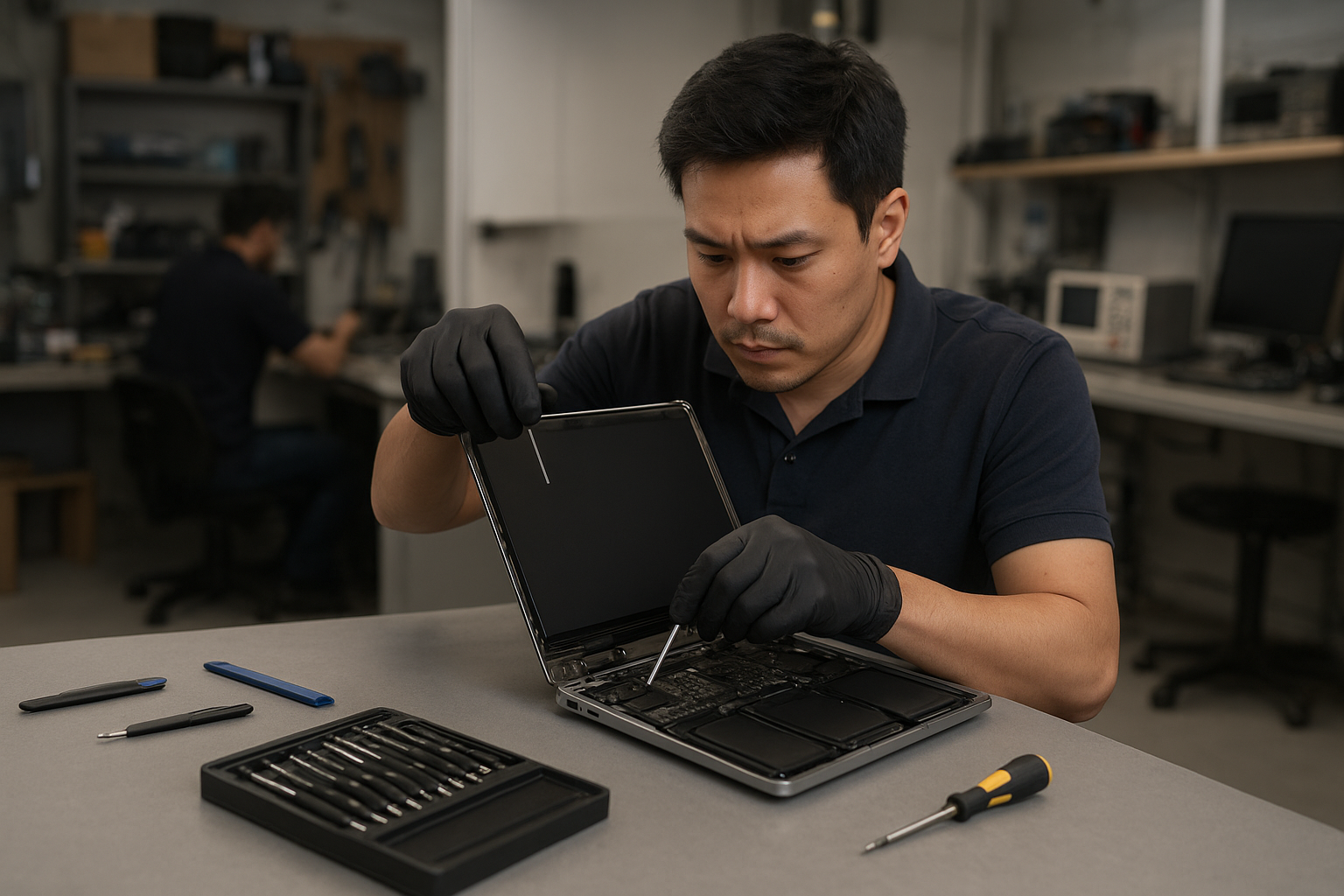
MacBook Pro screen replacement Coquitlam: Fast, local repair from Moe Repair
If your MacBook Pro shows cracks, vertical lines, or a blacked-out display, a timely MacBook Pro screen replacement Coquitlam service can save time and reduce risk to your data. At Moe Repair we diagnose each issue step by step, using proven procedures and OEM or equivalent-quality parts to restore your display and user experience.
MacBook Pro screen replacement Coquitlam: What we fix
We repair Retina and non-Retina MacBook Pro models, including Touch Bar and older unibody models. Typical problems include cracked glass, damaged LCD backlight, flicker, persistent vertical or horizontal lines, and display assembly separation after liquid exposure. We also handle trackpad and keyboard concerns that arise after screen damage. For broader device needs see our MacBook repair in Coquitlam page.
Common symptoms of a failing MacBook Pro screen
- Cracked glass with otherwise normal system operation
- Black spots, bleeding, or dead pixels on the LCD
- Backlight failure: screen very dim despite normal power
- Flicker or random lines during motion or video playback
- No display but machine boots to sound and keyboard backlight
How we diagnose screen problems
Diagnosis starts with a visual inspection, followed by targeted tests. We connect a known-good external monitor to determine if the GPU and logic board output video. We inspect the display cable and connector for corrosion, bent pins, or liquid residue. If the external monitor shows normal output, we focus on the display assembly and backlight driver.
We also run a hardware test and check SMC and NVRAM settings when relevant. If a hardware fault is less clear, we test with a donor display to isolate the failure to the panel, cable, or board. For other system services, including virus removal or SSD upgrades, check our computer repair in Coquitlam listing.
Replacement process and parts we use
Our replacement procedure follows these steps: power down and isolate the battery, remove the bottom case, detach the display assembly connectors, remove the damaged display, install the replacement assembly, reconnect and test before reassembly. We verify backlight uniformity, color calibration, and Touch Bar function when applicable.
We source OEM or high-quality equivalent display assemblies and test each screen before installation. For logic board repairs or if the display cable is damaged we offer motherboard repair and cable replacement. Moe Repair technicians can also perform battery replacement, keyboard replacement, and thermal paste replacement if needed after a screen repair.
Real repair example from Port Coquitlam
A customer from Port Coquitlam brought in a 2018 MacBook Pro with a cracked Retina glass and intermittent vertical green lines. After recording symptoms and backup confirmation, I connected an external monitor which showed perfect output. I then inspected the display connector and found a partially torn ribbon and corrosion from an earlier spill. Using a donor panel verified the LCD was faulty. We replaced the entire display assembly, cleaned and reseated the connector, and tested the machine under load for an hour. The repair restored normal display and the customer’s data remained intact. I explained the findings and provided options before starting the work.
Turnaround time, pricing, and warranty
Turnaround depends on parts availability. For common MacBook Pro models we often complete screen replacement the same day or within 1-3 business days. Pricing varies by model and whether the Touch Bar or Retina assembly is required. We provide a parts and labor estimate upfront and offer a limited warranty on parts and installation. If you need data recovery after a damaged display, we handle that too—learn more at our data recovery in Coquitlam page.
When a full logic board repair is necessary
Sometimes a non-working display is caused by the GPU, display driver circuit, or faults on the motherboard. We perform voltage checks on the display rails and inspect the backlight driver components. If the logic board requires work, we explain the options including motherboard repair vs replacement. We also offer SSD upgrades and operating system repair if you want to improve performance after the screen fix.
Preventive tips and customer advice
Avoid pressing on the screen, use a sleeve when transporting, and keep liquids away from your MacBook. If you notice small cracks or hairline fractures, bring the MacBook in right away. Early intervention often reduces repair cost and prevents liquid ingress to the motherboard. For laptop fan replacement, thermal paste replacement, or general tune-ups, schedule a service with our technicians.
Contact Moe Repair Today
If you need a MacBook Pro screen replacement Coquitlam residents trust, call Moe Repair for a free consultation and transparent estimate. We serve Coquitlam and nearby areas including Port Moody and Port Coquitlam, and we regularly help customers from Burnaby and Vancouver. Phone: 778-951-4872. Email: service@moerepair.ca. You can also contact Moe Repair online to book an appointment or ask about parts and turnaround.
Why choose our shop in Coquitlam
We combine 15+ years of hands-on repair experience with clear diagnostics and realistic repair options. We do not replace parts unnecessarily and we document the diagnostic steps so you understand the work performed. For laptop-level issues beyond the screen, our laptop repair in Coquitlam team can evaluate battery, trackpad, or keyboard faults that often accompany accidental damage.
Frequently asked questions
The FAQ below answers common concerns about MacBook Pro screen replacement in Coquitlam. If you do not find your question, call 778-951-4872 or email service@moerepair.ca.