
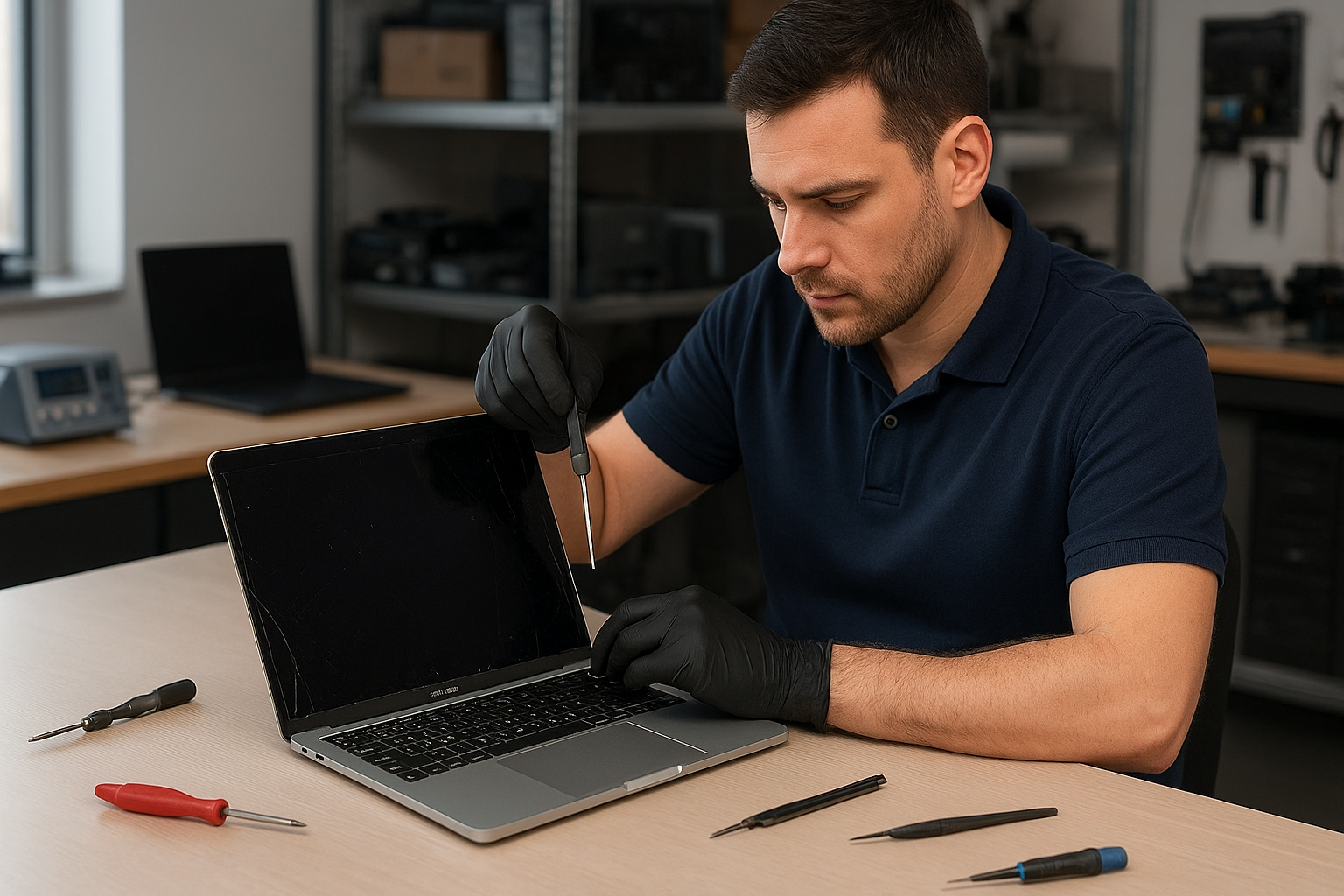
MacBook Pro screen replacement Coquitlam: Fast, Local Repair
If your MacBook Pro display is cracked, flickering, or has vertical lines, a MacBook Pro screen replacement Coquitlam specialist can help. At Moe Repair I diagnose the exact cause, explain options, and replace assemblies using tested parts. This article covers symptoms, diagnostics, repair steps, and a real customer example so you know what to expect.
MacBook Pro screen replacement Coquitlam: Symptoms and first checks
Common symptoms that bring customers in include a shattered glass panel, backlight failure, horizontal or vertical bands, black spots, and a blank display with the rest of the laptop powering on. Before any parts are ordered I ask owners to try simple checks: connect to an external monitor to verify the graphics output, perform an SMC and NVRAM reset, and look for liquid stains or dents. If the external monitor shows the desktop, the issue is usually the display assembly or display cable rather than the logic board.
Common causes of MacBook Pro screen damage in Coquitlam
Accidents, drops, pressure from backpacks, and localized liquid spills are frequent on the North Shore and Tri-Cities. Older models like the Retina 2013-2019 series can develop delamination or backlight failure. Thermal stress and board-level faults can also produce symptoms that mimic screen failures. I always inspect the hinge area and display cable route during diagnosis to rule out a failing LVDS/eDP cable or a loose connector.
How we diagnose broken MacBook Pro screens
Diagnosis starts with a physical inspection and functional tests. I boot the MacBook Pro into Apple Diagnostics and use an external display to separate GPU/logic issues from display assembly faults. Then I open the case, check the display cable, test the backlight with a LED probe, and measure voltage rails on the display connector. For models with Touch Bar or True Tone, I verify sensor connections. If the MacBook also shows power issues I may recommend a motherboard inspection. For other services I often link customers to our MacBook repair in Coquitlam page for full diagnostic options.
The replacement process we use in Coquitlam
Once we confirm the screen assembly is at fault, we provide three options: OEM equivalent replacement, higher-grade aftermarket, or original Apple parts when available. Repairs typically follow these steps:
- Confirm model and part number, back up user data or recommend data recovery if the drive is failing.
- Order and bench-test the replacement panel before installation.
- Carefully remove the damaged assembly, inspect hinges and cables, and replace any damaged brackets or cable clips.
- Install the new screen, calibrate, and run a full display and brightness test.
- Confirm trackpad, keyboard, and camera function. Complete a final QA and document repair for warranty.
We also offer related services like battery replacement, SSD upgrades, and thermal paste replacement if a customer needs more than just a screen fix. For laptop-wide tune-ups see our laptop repair in Coquitlam options.
Parts, warranty, and realistic expectations
Genuine Apple panels are sometimes limited in supply. I explain tradeoffs: aftermarket panels can look identical and function well, but color calibration can differ slightly. I provide a parts warranty on installations and always recommend a backup before any repair. We never guarantee a motherboard-free outcome; if diagnostics suggest a logic board fault I will present options including motherboard repair or replacement.
A realistic repair example from Port Moody
A Port Moody customer brought a 2017 MacBook Pro with a cracked corner and intermittent vertical lines. I connected an external monitor; the external output was clean, which pointed to the display assembly. During teardown I found a torn display cable near the hinge in addition to the cracked glass. I quoted the customer two options: full display assembly replacement or cable repair plus glass (not recommended due to delamination). The customer chose a full assembly replacement. After fitting a tested replacement panel and reinstalling the calibrated display I verified True Tone and webcam function. The MacBook passed a 48-hour stress test. The customer was charged for the part and labor and left with a 90-day parts and labor warranty.
Tips to protect your MacBook display
- Use a rigid case or sleeve and avoid stacking other items on the laptop.
- Close the lid gently and avoid picking it up by the screen corner.
- Keep liquids away and act quickly on any spill to limit corrosion.
- Consider an SSD upgrade or battery replacement while the machine is in for service.
FAQs about MacBook Pro screen replacement Coquitlam
Below are common questions I get from local customers. If your question is not listed, please reach out.
Q: How long does a MacBook Pro screen replacement take?
A: Most replacements are same-day or next-day depending on part availability. I always confirm lead times during intake.
Q: Will replacing the screen affect True Tone or Touch Bar functions?
A: If we use the correct assembly and preserve the ambient light sensor connection, True Tone can be retained. I test Touch Bar and sensor functionality before releasing the machine.
Q: Can you repair a cracked glass without replacing the whole assembly?
A: In some older models a glass-only replacement is possible, but it is fragile and often not cost-effective compared with full assembly replacement.
Q: Do you offer a warranty on screen replacements?
A: Yes, we provide a parts and labor warranty for newly installed panels. Specific terms depend on the part source.
Contact Moe Repair Today
Moe Repair provides honest quotes and a free consultation for MacBook Pro screen replacement Coquitlam and nearby areas including Port Moody, Port Coquitlam, Burnaby, and New Westminster. Call 778-951-4872 or email service@moerepair.ca to schedule diagnostics. We offer local drop-off, mail-in service, and clear pricing before any work begins. Moe Repair is ready to assess your Mac, explain options like battery replacement or SSD upgrades while it is in for service, and get your display back to working order quickly.
Contact details: Moe Repair
Phone: 778-951-4872
Email: service@moerepair.ca