
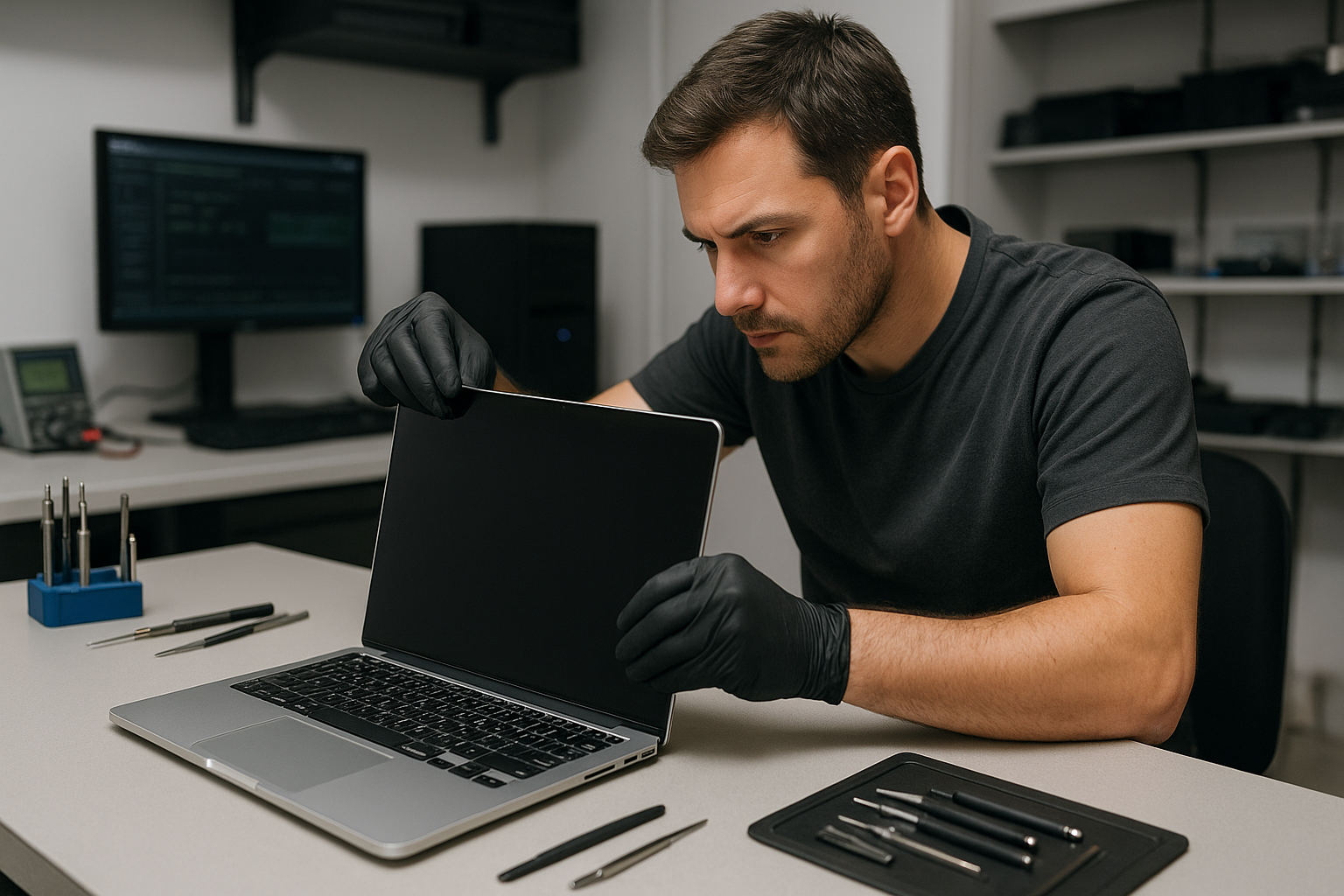
MacBook Pro display replacement Coquitlam
If your MacBook Pro screen is cracked, flickering, or shows vertical lines, a MacBook Pro display replacement Coquitlam specialist can help. At Moe Repair I inspect the machine immediately, confirm the cause, and explain repair options before any work begins. Phone: 778-951-4872. Email: service@moerepair.ca.
Common symptoms of a failing MacBook Pro display
Typical symptoms I see in Coquitlam include a hairline crack after a drop, black spots from pressure, backlight failure, horizontal or vertical lines, laptop LCD flicker, and unresponsive brightness controls. You may also see a white screen, partial image, or ghosting. These symptoms can mimic graphics or software issues, so I always run a methodical diagnostic.
MacBook Pro display replacement Coquitlam: What we inspect
When you bring a MacBook Pro to my shop I check the external display output to rule out GPU faults, inspect the display cable and hinge area for damage, and examine the LCD/digitizer assembly for visible cracks. I also test the backlight circuits, check the display connector for bent pins, and run a test pattern to assess color and pixel problems.
Diagnostic steps I perform
My diagnostic routine is hands-on and measurable. I:
- Reset SMC and NVRAM and perform a safe boot to exclude firmware or driver problems.
- Connect an external monitor to determine if the GPU and drivers are working.
- Open the chassis, disconnect the battery, and inspect the LVDS/eDP cable and connector for continuity and shorts.
- Measure voltage rails on the display connector and check the backlight fuse and related power circuits.
- Run display test patterns and color calibration to detect stuck pixels, color shift, and backlight uniformity.
When the logic board is at fault
If the external monitor works but the internal screen does not, I probe the display power rails and gate driver circuits on the logic board. In some cases motherboard repair or component replacement is needed instead of a panel swap.
Repair procedures and parts
For MacBook Pro display replacement Coquitlam I use OEM or high-quality OEM-equivalent panels depending on availability and your budget. My repair procedure includes ordering the correct panel for your specific model, disconnecting the battery, removing the broken assembly, installing the new screen, and testing camera, microphone, and brightness controls before reassembly.
How long does a replacement take and what affects cost?
Turnaround depends on parts availability and your MacBook Pro model. Common in-stock replacements can be completed in a few hours; special-order panels may require 1-3 business days. When considering MacBook Pro display replacement Coquitlam prices, ask about part origin and warranty. I provide a clear written quote after diagnosis and explain options such as OEM panels versus tested aftermarket assemblies.
Real repair example from Port Moody
A recent customer from Port Moody brought in a 2017 MacBook Pro with shattered glass and intermittent flicker after a fall. I first connected an external display; the external output was stable, which pointed away from the GPU. Opening the machine revealed the LVDS cable had abrasion at the hinge and the digitizer glass was fractured. I advised replacing the entire display assembly to prevent future cable failure. After sourcing a tested panel, I completed the replacement, verified the camera and microphone, and ran extended stress tests. The customer left the same day with a fully functioning internal display.
Related services I offer
Along with screen replacement I handle laptop repair in Coquitlam, SSD upgrades, battery replacement, trackpad repair, thermal paste replacement, and motherboard repair. If a display failure coincides with data issues, I offer data recovery in Coquitlam and thorough diagnostics. For other system problems you can also explore our computer repair in Coquitlam services.
Preventing future screen damage
Use a padded sleeve or a hard case for travel. Avoid stacking heavy items on top of your laptop, and shut the lid gently. If liquid reaches the display, power off and bring the MacBook in quickly for liquid damage repair to reduce corrosion risk.
Contact Moe Repair Today
Moe Repair provides a free consultation and clear pricing for MacBook Pro display replacement Coquitlam and nearby areas like Port Coquitlam, Port Moody, Burnaby, and New Westminster. Call 778-951-4872 or email service@moerepair.ca to schedule a diagnostic or ask about parts and turnaround. We will explain repair options and any risks before work begins.
Frequently asked questions
See the FAQs below for common customer concerns about display replacement and repair.
How much will a MacBook Pro display replacement cost?
Cost depends on the model, screen type (Retina, Touch Bar), and whether you choose OEM or aftermarket parts. After a hands-on diagnosis I provide a written quote. Typical ranges vary by model; I will outline all options so you can make an informed choice.
Will I lose my files during a screen replacement?
Display replacement itself does not usually affect user data, but I recommend a backup before any repair. If you need data assistance, Moe Repair offers data recovery in Coquitlam and can advise on safe backups prior to work.
Do you use genuine Apple parts?
I use genuine panels when available and high-quality OEM-equivalent parts when appropriate. I will explain the differences, expected longevity, and warranty for each option before you decide.
How long is the warranty on the repair?
I provide a limited warranty on parts and labor. Warranty terms vary by part source; I include the specific coverage in your written estimate so you know what is covered after the repair.
Can only the glass be replaced or must the whole assembly be changed?
On many Retina and newer MacBook Pro models the glass and LCD are fused, so replacing only the glass is not recommended. I will inspect your model and recommend the most reliable and cost-effective approach.