
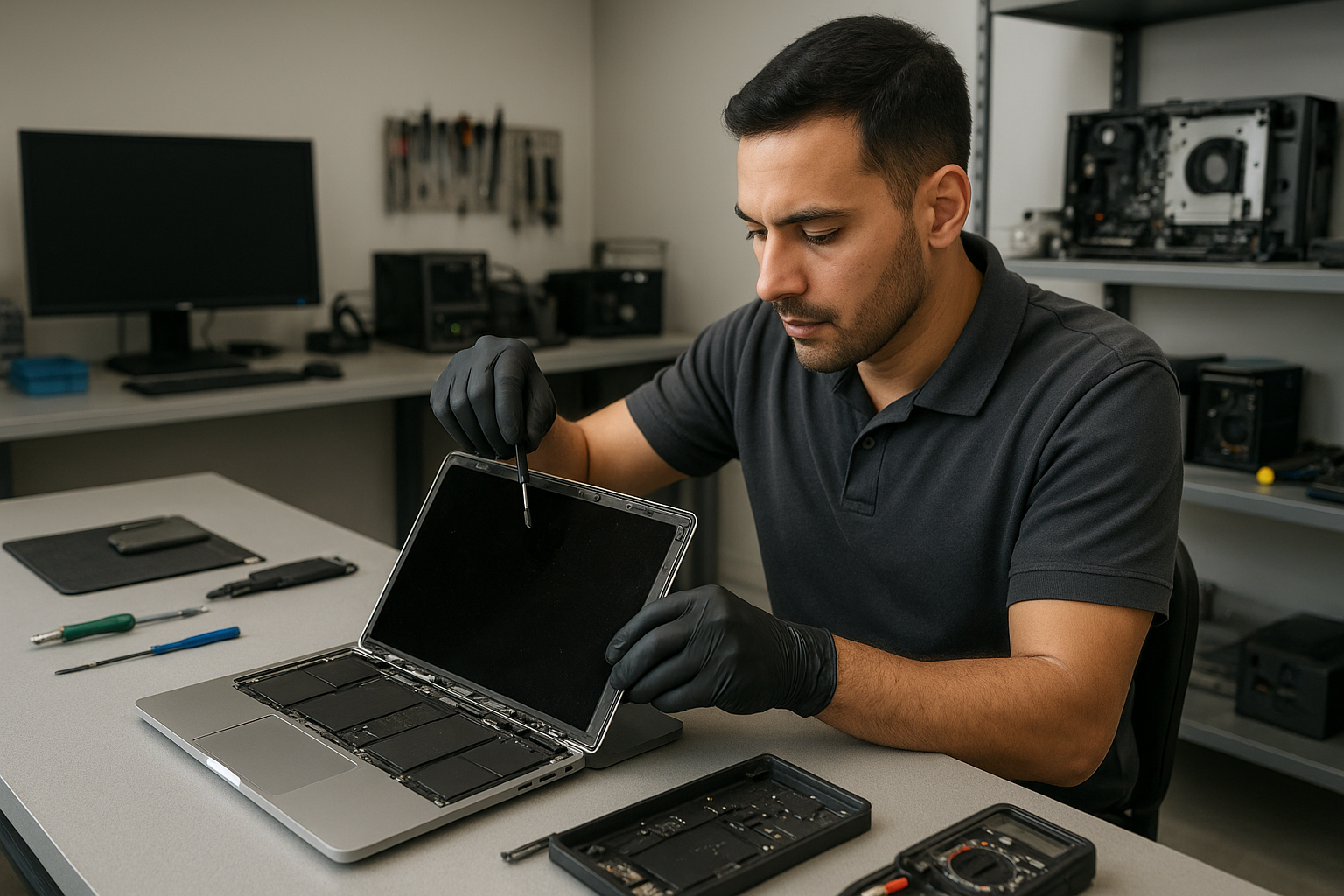
MacBook Pro display replacement Coquitlam – fast, certified screen repairs
If your MacBook Pro screen is cracked, flickering, or black, a timely MacBook Pro display replacement Coquitlam technician can often restore full function without unnecessary cost. At Moe Repair I focus on accurate diagnosis, quality parts, and careful assembly. I write this from 15 years of hands-on repair experience in Coquitlam and the Tri-Cities area.
MacBook Pro display replacement Coquitlam: common symptoms
Common signs that point to display damage include:
- Cracked glass with visible lines or dead pixels
- Vertical or horizontal flicker, flashing, or color distortion
- Backlight failure, where the image is faint or visible only under bright light
- No image but sound and keyboard backlight work
- Intermittent image when screen is moved due to loose display cable or hinge damage
How I diagnose the problem
I follow a clear diagnostic routine that protects your data and evaluates whether the display assembly or another component needs work. First I record the customer complaint and inspect the case for impact or liquid damage. Then I run these steps:
- Boot to safe mode and capture external monitor output to determine if the GPU and logic board are functional.
- Disconnect the battery and inspect the display connector for corrosion or bent pins.
- Swap with a known-good display cable or use an external display adapter to isolate the problem.
- Check hinges and display glass for structural damage and test the backlight circuit with a multimeter.
This process helps avoid replacing a display when the issue is actually a logic board or cable fault. For motherboard issues I provide options that include computer repair in Coquitlam or motherboard repair if needed.
Parts and repair procedures I use
For genuine results I recommend OEM or high-grade aftermarket display assemblies depending on budget and availability. Typical repair steps include:
- Order the correct assembly for the MacBook Pro model (13, 15, 16 inch variants).
- Power down, disconnect battery, and remove the bottom case to avoid surge damage.
- Remove the top case components carefully, then separate the display hinges and connector.
- Install the replacement display, secure hinges, reconnect, and run a full hardware test.
- Calibrate color and run burn-in tests for 24 to 48 hours if the customer requests extended verification.
I also offer related services such as laptop repair in Coquitlam, battery replacement, trackpad repair, and SSD upgrades to improve overall performance after a display replacement.
Typical turnaround time and warranty
Most MacBook Pro display replacement Coquitlam jobs complete in 1 to 3 business days, depending on parts availability. I test each unit thoroughly before returning it. Repairs include a parts and labor warranty; the exact length depends on the display type used. If I suspect liquid damage or logic board faults, I explain the risks and recommend additional diagnostics or data recovery in Coquitlam if the customer has critical files.
Real repair example from a local customer
A recent customer from Port Moody brought a 15-inch MacBook Pro with a shattered glass panel after it slipped off a cafe table. The image was partly visible but had vertical bands. My diagnostics followed the standard routine: I connected an external monitor to confirm the GPU and logic board were functional, inspected the display connector for damage, and tested the backlight rail. The display assembly was confirmed faulty. After getting approval, I replaced the display assembly with a high-grade OEM part, resealed the hinge mounts, and ran a full pixel and backlight test. The MacBook returned with normal image quality and stable hinge operation. I documented the work and left the customer with tips to avoid future drops.
When the display is not the real problem
Sometimes users assume the screen is bad when the issue is software or power related. I examine system logs, EFI reports, and run SMC and NVRAM resets. If necessary I perform an operating system repair or recommend a fresh macOS install. For non-display issues I often perform a full tune-up, offer MacBook repair in Coquitlam or suggest an SSD upgrade to improve responsiveness.
Customer tips before you visit
- Back up your data before repair if possible. If you cannot, ask about our data recovery options.
- Bring your charger and a photo of the damage to speed diagnosis.
- Note your MacBook model and year (the model identifier helps me order the right part).
Contact Moe Repair Today
Moe Repair offers a free consultation and transparent pricing for MacBook Pro display replacement Coquitlam and nearby areas. Call 778-951-4872 or email service@moerepair.ca to schedule an appointment or ask about parts options and turnaround time. We service customers in Coquitlam, Port Moody, Port Coquitlam, Burnaby and Vancouver, and can advise on related needs such as battery replacement, keyboard replacement, or data recovery. Bring your MacBook Pro to our shop or arrange a drop-off. We will inspect, diagnose, and explain repair options before we start any work.
Other services that help after a screen replacement
After a display replacement you may want a thermal paste refresh, fan cleaning, or an SSD upgrade. I can also handle liquid damage, motherboard repair, Wi-Fi troubleshooting, and printer setup. If you notice odd shutdowns or blue screens on Bootcamp, I can diagnose operating system and hardware conflicts and recommend Windows installation or macOS adjustments.
Frequently asked questions
The FAQ below answers common concerns. If you need more detail please contact Moe Repair directly.
Service area notes
We are a local shop serving Coquitlam and surrounding cities. Local customers appreciate fast parts ordering and in-person diagnostics that larger chains cannot match.
Contact information
Moe Repair
Phone: 778-951-4872
Email: service@moerepair.ca
FAQs
Scroll down for full Q and A.