
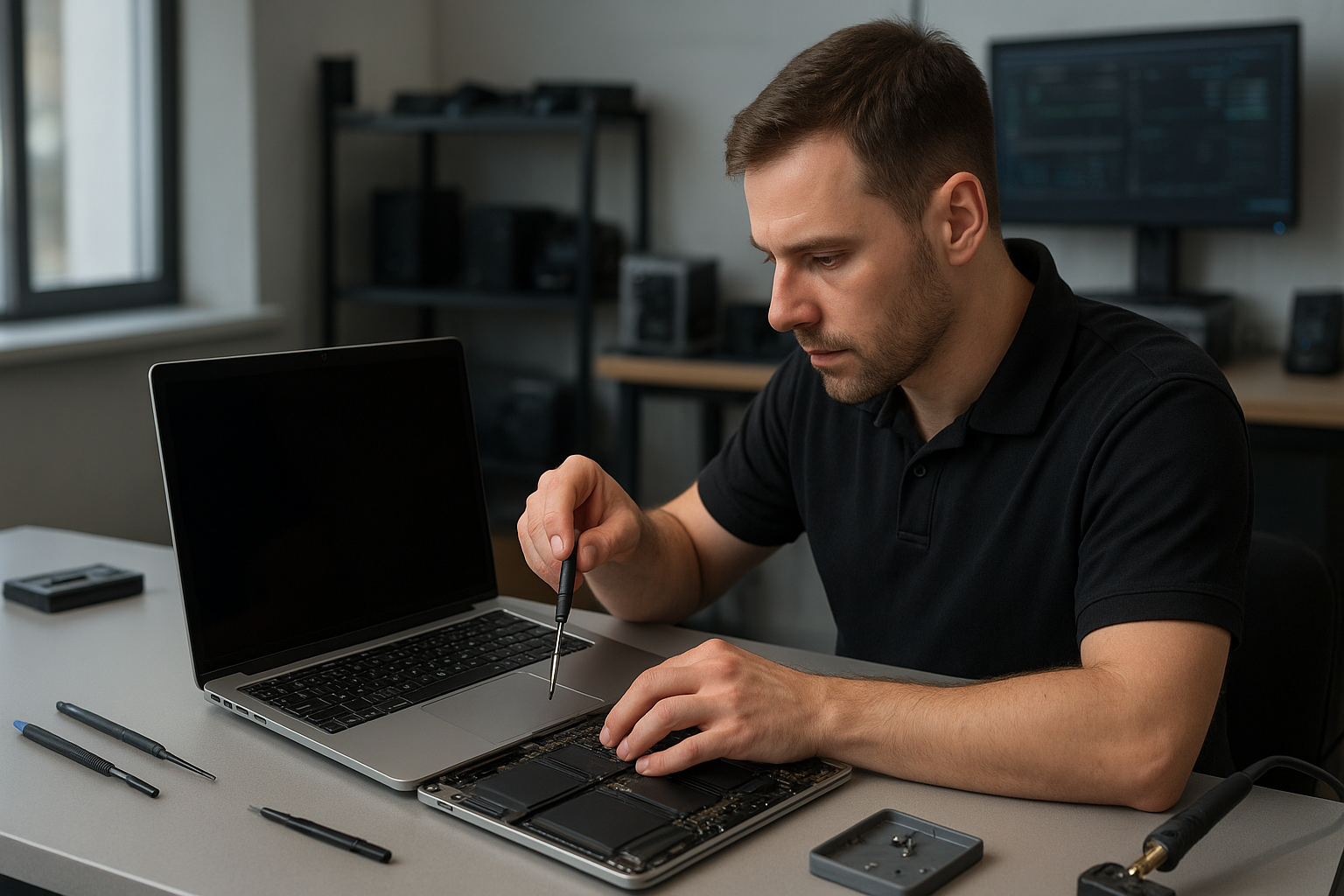
MacBook Pro display replacement Coquitlam
If your MacBook Pro shows cracks, vertical lines, or a black screen, a professional MacBook Pro display replacement Coquitlam specialist can help. At Moe Repair I diagnose the symptom chain, test components, and recommend repairs you can trust. I use genuine or high-quality OEM-equivalent parts and explain your options before any work begins.
Common symptoms that need display replacement
Typical signs that point to MacBook Pro display issues include:
- Cracked glass or visible shatter on the front panel.
- LCD image still present but glass broken.
- Flickering, backlight failure, or dim screen.
- Vertical or horizontal lines, color banding, or dead pixels.
- No image on the internal screen while an external monitor works.
- Hinge damage causing stress on the display cable.
MacBook Pro display replacement Coquitlam: diagnostic steps I follow
My diagnostic process is methodical to avoid unnecessary parts replacement. I start by recording the reported symptoms and then:
- Run Apple Diagnostics and a visual inspection for liquid damage signs.
- Connect to an external monitor to isolate the GPU and logic board from the display assembly.
- Inspect the display flex cable and hinge area for damage or loose connectors.
- Measure display power rails and backlight circuits at the board when needed.
- Test with a known-good display assembly where possible to confirm the fault.
Realistic repair procedures I perform
Once we agree on a repair plan I proceed with careful steps:
- Power down and disconnect the battery to prevent shorts.
- Remove the top case to access the display connector and inspect for corrosion or burned traces.
- Replace the entire display assembly on MacBook Pro 13, 15, or 16 models if the glass or LCD is damaged.
- Replace the screen cable or hinge assembly if that isolates the issue.
- Test SMC and PRAM resets after reassembly to ensure proper backlight and brightness control.
- Run a two-hour burn-in with color tests and thermal checks before return.
One real repair example from the shop
A customer from Port Coquitlam brought a 2019 MacBook Pro 13 with a shattered front glass and intermittent vertical lines. I inspected the hinge and performed an external monitor test; the external display was clean, so the GPU and main board were likely OK. After removing the display assembly and inspecting the flex cable I found a partially torn cable near the hinge. I explained the options: replace the entire assembly or attempt a cable-only repair. The customer chose full display assembly replacement to prevent future failures. I installed a quality OEM-equivalent screen, calibrated colors, and ran diagnostics. The final outcome: no lines, full brightness function, and the hinge tension was restored. The customer left satisfied and booked a battery check later. While most repairs restore normal operation, I never guarantee outcomes in cases with extensive liquid or motherboard damage.
When to replace glass only versus the full assembly
On older MacBook Pro models you can sometimes replace just the glass, but for Retina and Touch Bar models the glass often bonds to the LCD and digitizer. Replacing the full display assembly is usually the safer option for MacBook Pro 2016 and newer models. I will always explain cost differences and expected lifespan for each choice.
Data safety and additional services during display repair
Before any repair I recommend a backup. If your MacBook Pro will not boot I offer data recovery in Coquitlam options. While replacing the display I can also inspect the battery, run an SSD health check, and perform a full computer repair in Coquitlam tune-up. Customers often combine screen replacement with services like battery replacement, MacBook repair in Coquitlam for trackpad or keyboard service, or SSD upgrades to improve overall performance.
How long does a display replacement take?
Turnaround depends on model and parts availability. For in-stock assemblies I typically complete the replacement within 2 to 4 business hours for many MacBook Pro models. If a part must be ordered the job can take several days. I keep you informed and test thoroughly before returning your MacBook.
Pricing considerations and parts
Costs vary by model. MacBook Pro 13 and 15 panels are less expensive than 16-inch or Retina assemblies with True Tone and Touch Bar integration. I offer genuine OEM-equivalent parts and explain warranty coverage for the parts and labor. I do not inflate fees for diagnostics. For a precise quote contact Moe Repair with your MacBook Pro model and symptoms.
Practical advice for MacBook Pro owners in Coquitlam
If you notice small screen cracks or intermittent flicker, stop using the computer in clamshell mode and avoid closing the lid. Back up important files right away. If liquid spilled on the keyboard, power down and bring the MacBook in for immediate inspection—liquid can corrode connectors and turn a simple screen repair into a motherboard repair. For general hardware maintenance ask about thermal paste replacement or a fan service to prevent heat stress that can affect the display connector over time.
Frequently Asked Questions
Below are common questions I hear from local customers and clear answers based on hands-on diagnostics.
Q: How long will a screen replacement last?
A: With a quality assembly and proper installation a replacement screen can last many years. Longevity depends on handling, hinge wear, and absence of liquid damage.
Q: Can you replace a cracked glass without touching the LCD?
A: On older non-Retina models it is sometimes possible. Most Retina and Touch Bar models have laminated glass and require full display assembly replacement.
Q: Will repairing the screen fix display flicker?
A: If flicker is caused by a damaged cable or LCD it will likely be fixed. If the logic board or GPU is failing, a screen replacement will not resolve the issue. Diagnostics will identify the source.
Q: Do you back up data before repair?
A: I recommend customers back up before service. If your MacBook will not boot I can discuss data recovery in Coquitlam options and safe handling during repair.
Contact Moe Repair Today
Moe Repair provides fast, transparent MacBook Pro display replacement Coquitlam service with skilled technicians and clear pricing. Call Moe Repair at 778-951-4872 or email service@moerepair.ca for a free consultation. We serve Coquitlam and nearby areas including Port Moody and Port Coquitlam. If you need combined services—battery replacement, SSD upgrades, or motherboard repair—let us inspect and provide a single quote. Ask about same-day repairs when parts are available and about our testing protocol to ensure a reliable outcome.
Moe Repair
Phone: 778-951-4872
Email: service@moerepair.ca