
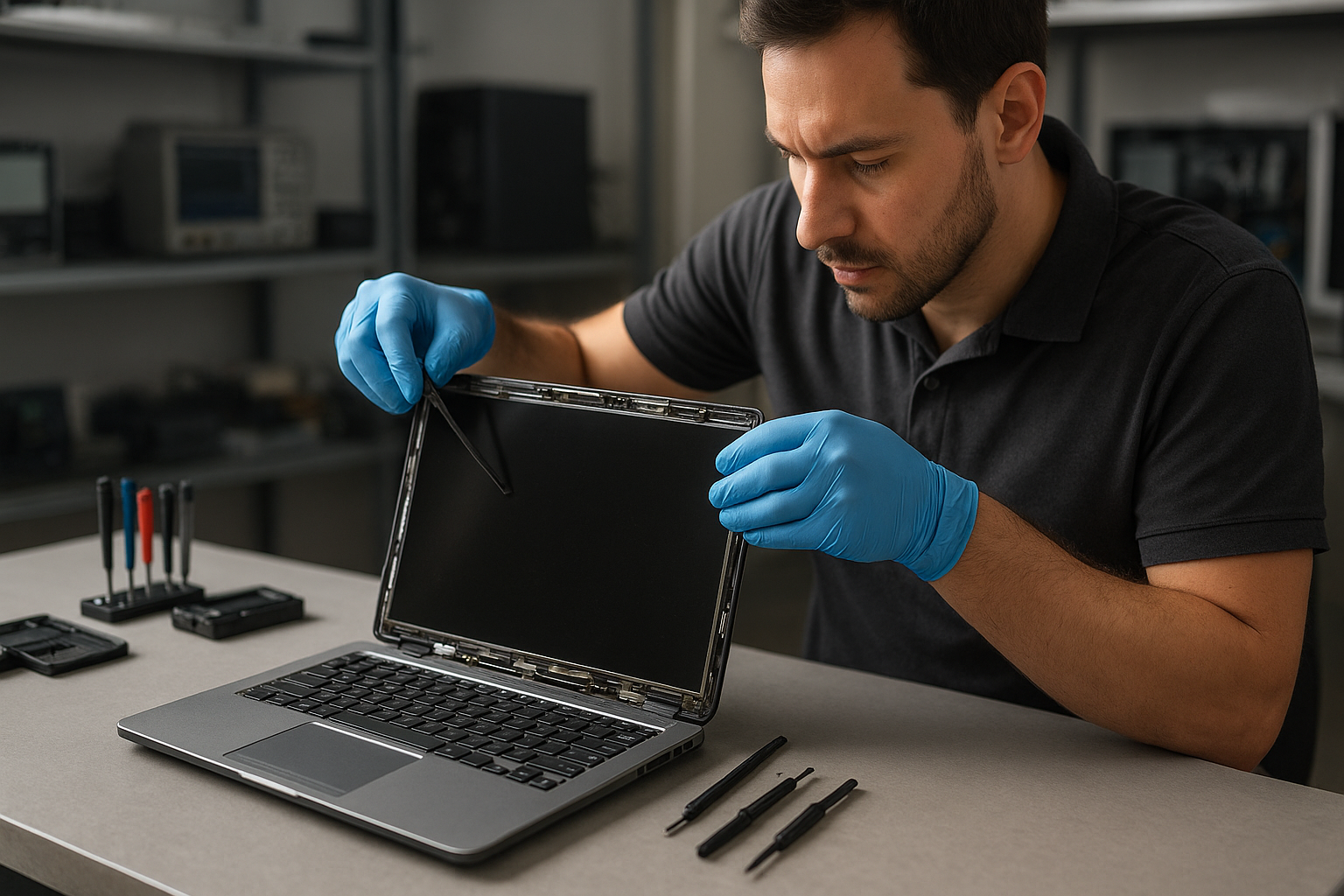
Laptop screen replacement Coquitlam
Laptop screen replacement Coquitlam is a common request at Moe Repair. I see everything from hairline cracks to completely black displays. If your laptop shows vertical lines, flickering, dead pixels, or a shattered glass panel, you need accurate diagnosis before a replacement. I will outline symptoms, diagnostic steps, realistic repair procedures, and what to expect for common models like Dell XPS, MacBook Pro, HP Pavilion, Lenovo ThinkPad, and Microsoft Surface.
Laptop screen replacement Coquitlam: Signs and Symptoms
Typical symptoms include flicker during movement, backlight failure, colored bands, or a display that stays black while the laptop appears to boot. Liquid spots, touch failure on a 2-in-1, and progressively worsening dead pixels are also common. When a customer from Port Moody called with a half-black display, I asked about recent drops and checked external display behavior to separate GPU issues from the screen assembly.
Common causes of laptop screen damage in Coquitlam
Screens fail for several reasons: accidental drops, pressure and lid impacts, hinge fatigue, liquid spills, and manufacturing defects. Heat and faulty inverter circuits can dim older CCFL backlit panels. I also see problems after cheap DIY repairs where the flex cable was torn. If you want general laptop service or an SSD upgrade while we handle the display, mention that when you bring your device in.
How we diagnose broken laptop screens
Diagnosis starts with a visual inspection of the panel and hinges. Then I connect an external monitor to check graphics output. If the external display is fine, the problem is the LCD, digitizer, or backlight. I open the bezel and inspect the LVDS/eDP cable, inverter, and connector for damage. I test power rails and use a spare panel when available to confirm the fault. For MacBook Pro and MacBook Air, I also check the display data channel and board traces before ordering parts. For laptop repair in Coquitlam, those steps reduce wasted parts costs and speed turnaround.
Replacement process and realistic repair procedures
Once diagnosed, replacement follows these steps: obtain the correct assembly, back up data if requested, remove the broken assembly, transfer the webcam and hinges if needed, fit the new screen, and run stress testing for 24 to 48 hours. We use OEM or high-quality compatible panels depending on availability. For touchscreen digitizers, we recalibrate after installation. We also offer battery replacement, thermal paste replacement, and motherboard repair if damage extended beyond the display. If you need additional services like data recovery, mention it so we can coordinate repair with minimal downtime.
Parts and quality
For brands such as Apple, Dell, HP, Lenovo, ASUS, and Acer I source panels matched to the original spec when possible. For MacBook repair in Coquitlam, Retina displays require careful calibration and a clean room approach to avoid dust under the glass. If you need a quick consult about compatibility, visit our laptop repair in Coquitlam page for more service details.
Real repair example from Coquitlam
A recent customer from Burnaby brought a Lenovo Legion with a cracked screen after it slipped off a couch. The laptop booted to BIOS but showed a spiderweb crack and vertical green lines. I first connected an external monitor; image was clean, so GPU was fine. I removed the top bezel, inspected the eDP cable, and found the cable intact but the LCD glass shattered. I ordered a matching IPS panel, transferred the webcam and lid sensors, installed the new assembly, and calibrated brightness and color profiles. The repair restored a clean display and the final test included hinge stress cycles and a full OS boot. The customer left satisfied; data recovery was not required.
When to repair vs replace your laptop
Deciding depends on age, motherboard condition, and repair cost. If the laptop is newer and the motherboard is sound, a screen replacement is usually cost-effective. If there is significant liquid damage, motherboard repair or data recovery may be required. For a combined quote on display and possible SSD upgrades, ask about our computer repair in Coquitlam services so we can bundle tasks efficiently.
Preventive tips and what customers should do
- Turn the laptop off and avoid closing it after a spill.
- Use a screen protector and a padded case to reduce impact damage.
- Back up your data before any repair to simplify recovery if needed.
- Bring the charger and any relevant accessories to speed diagnosis.
For Wi-Fi troubleshooting or a tune-up after the repair, we can perform a computer tune-up and thermal paste replacement while the machine is open.
Frequently asked questions
Below are common customer concerns. You can also see our service range and request support through computer repair in Coquitlam or specifically for Apple devices on our MacBook repair in Coquitlam page.
Contact Moe Repair Today
Moe Repair offers local laptop screen replacements with transparent pricing and a free consultation. Call 778-951-4872 or email service@moerepair.ca to arrange drop-off or local pickup in Coquitlam. We serve nearby areas including Burnaby and Port Moody and can coordinate data recovery if needed. Schedule a quick diagnostic so we can confirm parts and timing before starting work.
Moe Repair
Phone: 778-951-4872
Email: service@moerepair.ca
For questions about blue screen repair, operating system repair, or gaming PC repair, contact us or visit data recovery in Coquitlam to discuss files before repair.
Frequently asked questions
This section repeats the core FAQs below for quick reference.