
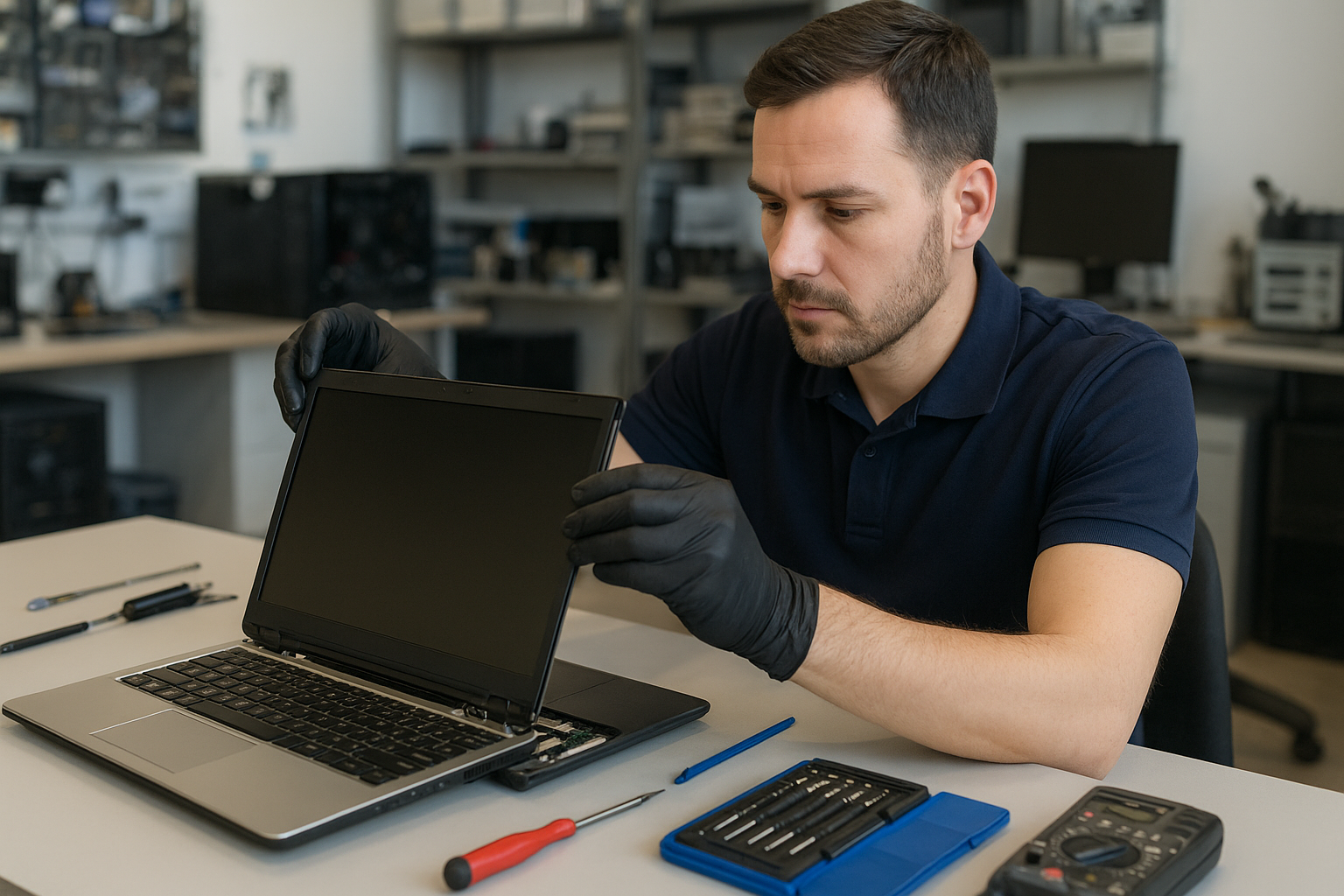
Laptop screen replacement Coquitlam
If your laptop displays cracks, vertical lines, flicker, or a black screen after a drop, Laptop screen replacement Coquitlam services at Moe Repair can help. I diagnose display problems daily and guide Coquitlam customers through realistic repair options. This article explains symptoms, tests I run, repair steps, costs, and an example repair from a nearby customer.
Common screen damage and symptoms
Customers bring laptops with a range of visible and functional symptoms: a cracked glass layer, vertical or horizontal lines, dim backlight, dead pixels, OLED burn, or a complete black display while the machine powers on. Some machines show the desktop on an external monitor but not the internal panel. Symptoms often point to one of three areas: the glass/digitizer, the LCD/LED panel, or the display cable and controller board.
Laptop screen replacement Coquitlam: What we fix
At Moe Repair we handle screen replacement across brands: MacBook Air and MacBook Pro displays, Dell XPS and Inspiron panels, HP Pavilion and Envy screens, Lenovo ThinkPad and Legion, ASUS ZenBook, ROG, Acer Aspire and Predator, and Microsoft Surface panels. We also repair touchscreen digitizers, backlight and inverter issues, and replace display cables. For Apple repairs see our MacBook repair in Coquitlam page for model-specific guidance.
How we diagnose a broken laptop screen
Diagnosis begins with a visual inspection for cracks and liquid residue. I power the laptop with an external monitor to separate GPU/system issues from panel faults. Next I test the backlight with a flashlight to spot a dim but functioning panel. I open the bezel to inspect the display cable and connectors for damage or looseness. I run a hardware test and check the system log for kernel or firmware errors. If the machine has liquid damage I recommend a motherboard inspection and possible data recovery in Coquitlam if the drive needs removal.
Repair process: from part sourcing to installation
Once we confirm the fault, I order a compatible replacement panel or digitizer. For many models I use OEM or high-quality OEM-equivalent parts. Repair steps include:
- Backing up user data when possible and documenting system condition.
- Removing the battery and disconnecting power to avoid shorts.
- Carefully removing the bezel, hinge covers, and defective panel.
- Testing the replacement panel before final assembly to confirm image and backlight.
- Reassembling and performing a final functional test, including hinge stress tests and color calibration when needed.
We also offer related services like laptop repair in Coquitlam for keyboard replacement, trackpad repair, thermal paste replacement, battery replacement, SSD upgrades, and operating system repair if software issues appear during diagnostics.
Real repair example from Coquitlam
A recent customer from Port Moody brought a 15-inch Dell Inspiron with a spiderweb crack across the glass and intermittent vertical green lines. I started by connecting an external monitor to confirm the GPU and motherboard were working. The external output was clean, which isolated the fault to the panel or cable. After removing the bezel I found a cracked LED panel and a slightly frayed LVDS cable. I ordered a matching Dell 15.6 inch LED panel and replaced both the panel and cable. After installation I validated brightness, color consistency, and hinge alignment. The customer left with a clean display and a receipt documenting parts and warranty.
Costs, parts, and turnaround time
Cost depends on laptop model and part availability. Common consumer laptops often have lower-cost panels, while high-resolution or Retina displays cost more. Typical turnaround for in-stock parts is same-day to 48 hours. For specialist panels like some MacBook Pro Retina displays, sourcing may take longer. I always provide a written estimate and explain risks, for example if a laptop has prior liquid damage or hidden motherboard faults that could affect the repair outcome.
Preventing future screen damage
Simple habits reduce the risk of repeated damage: use a padded sleeve, avoid forcing the lid at odd angles, and keep liquids away from the keyboard. For laptop gaming rigs, consider a screen protector or a hard-shell case during transport. If you travel often between Burnaby, Vancouver, or New Westminster, check hinges regularly and close the lid gently to protect the display cable and connector.
Frequently Asked Questions
Below are common questions I get from Coquitlam customers.
Q: How long does a laptop screen replacement take?
A: Most standard replacements take 1 to 2 business days if the correct panel is in stock. If we need to order a specific part it can take longer. I provide an ETA when I confirm parts.
Q: Can a cracked glass be repaired without replacing the whole panel?
A: On some non-touchscreen models you can replace just the glass, but on many modern laptops the glass is fused to the LCD or OLED and requires full panel replacement. I will explain options after inspection.
Q: Will replacing the screen erase my data?
A: Screen replacement itself does not erase data. However, we recommend backing up important files before any repair. If the drive is at risk I can remove it for data recovery in Coquitlam or cloning.
Q: Do you offer warranty on the screen replacement?
A: Yes, we provide a parts and labour warranty on most screen replacements. Warranty terms vary by part type; I include details on your repair invoice.
Contact Moe Repair Today
If your laptop needs a screen replacement in Coquitlam or nearby, contact Moe Repair for a free consultation and realistic repair options. Moe Repair offers quick diagnostics, transparent pricing, and same-day fixes when possible. Call 778-951-4872 or email service@moerepair.ca to describe your issue and schedule drop-off or pickup. We serve Coquitlam as well as Port Moody, Port Coquitlam, Burnaby, and New Westminster. Bring your laptop to our shop or arrange a local pickup; we will inspect the unit, show you the faulty components, and review repair choices before starting.
Moe Repair
Phone: 778-951-4872
Email: service@moerepair.ca
For other needs like motherboard repair, virus removal, SSD upgrades, or printer setup see our computer repair in Coquitlam page or contact us directly through our contact Moe Repair form.