
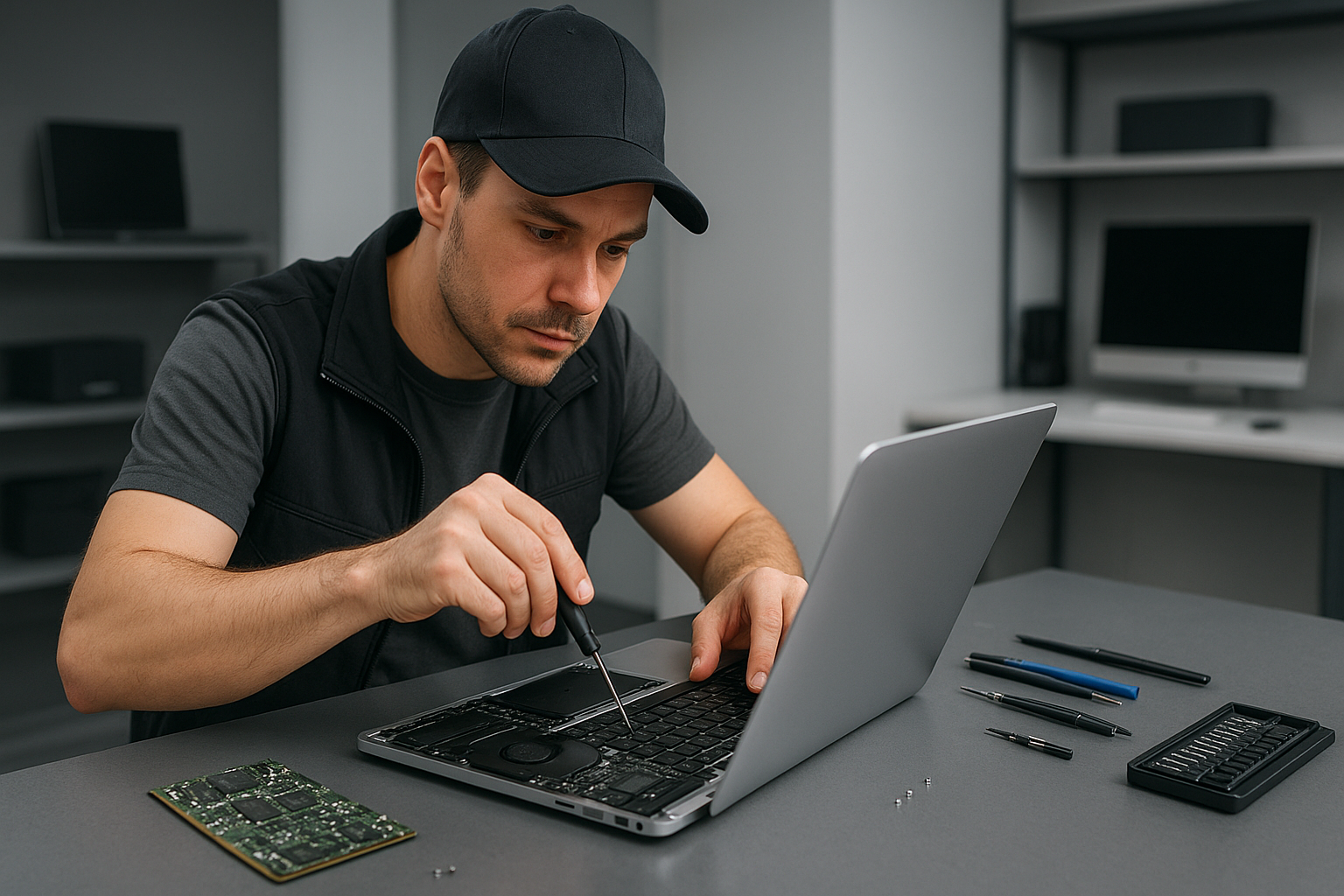
Laptop data recovery Coquitlam: Fast, Professional Recovery from a Senior Tech
When your files disappear, Laptop data recovery Coquitlam is a time-sensitive service. I am a senior computer repair technician with more than 15 years of hands-on experience. I work on laptops, MacBooks, desktops and gaming PCs. I know the signs of hard drive failure, SSD corruption, and liquid damage, and I focus on fast, safe recovery.
Laptop data recovery Coquitlam, common symptoms I see
In my shop I diagnose symptoms every day. Typical signs you need professional data recovery include clicking or grinding noises, frequent crashes, blue screens, slow file access, corrupted folders, missing user profiles, and drives that do not mount. After liquid spills, keyboards stop working and the drive often shows intermittent read errors. If you see SMART warnings, suddenly deleted files, or a laptop that will not boot, stop using the device immediately. Continued use makes logical failures worse, and can turn recoverable data into a permanent loss.
First steps you should take
First, power down the laptop. Do not try to boot repeatedly, do not run disk utilities that write to the drive, and do not open the case unless you are comfortable and grounded. If the issue follows a drop or a spill, disconnect power and remove the battery if possible. Backups help, so if you have cloud sync or external backups, check those first. Otherwise, bring the laptop to Moe Repair for a professional assessment.
Our diagnostic workflow at Moe Repair
At Moe Repair I follow a clear process. First, I collect symptoms and history. Next, I perform non-invasive tests including SMART checks, power draw analysis, and motherboard inspection for liquid damage or blown components. For storage drives I attach a write-blocker and create a sector-by-sector image using ddrescue or a hardware imager. Imaging preserves the original during recovery attempts, especially for failing HDDs and SSDs.
Realistic recovery procedures I use
After imaging I run logical recovery tools on the clone. For Windows systems I use R-Studio, ReclaiMe, and TestDisk to recover partitions and deleted files. For photos and documents I also run PhotoRec. For encrypted volumes I verify credentials and work carefully to avoid altering headers. If I detect mechanical failure, such as head crash or spindle issues, I recommend a cleanroom partner lab that can open the drive and transplant platters or heads. For RAID or NAS systems I perform array reconstruction based on metadata, then clone the logical volumes for recovery.
Why choose Moe Repair for Laptop data recovery Coquitlam
I combine hands-on repair skills with a recovery-first mindset. I perform SSD upgrades, hard drive recovery, motherboard repair, and thermal paste replacement when overheating caused corruption. I also do MacBook repair, screen replacement, battery replacement, keyboard replacement, trackpad repair, and laptop fan replacement. That way I can fix the root hardware issue and return a healthy system with recovered data.
We serve Coquitlam and the surrounding communities, including Burnaby, Vancouver, Surrey, Richmond, New Westminster, Maple Ridge, Port Moody, Port Coquitlam, Pitt Meadows, Langley, Delta, North Vancouver, West Vancouver, White Rock, Abbotsford, Mission, and Chilliwack. Many customers arrive after a virus removal or failed Windows installation turns into a data emergency. We handle those cases with care and speed.
Common failure causes and what they look like
Mechanical failure: clicking, grinding, or total non-detection. This often follows drops or age.
Logical failure: accidental deletion, partition table corruption, or malware. Symptoms include missing folders or files, or folders that show zero bytes.
SSD failure: sudden read/write errors, slow performance, or firmware glitches. SSDs can fail without noise, so SMART and controller checks matter.
Liquid damage: corrosion on the motherboard, intermittent power, or burned traces. I inspect under magnification and clean circuits before trying recovery.
What to expect during service
Initial diagnostics usually take one business day. Imaging can take several hours to a day depending on drive health and capacity. Logical recovery varies by complexity, but I provide an estimate after the initial diagnostic. If a cleanroom transfer is necessary, I coordinate with certified labs, and I explain costs and timelines before proceeding.
Practical customer advice
Immediately stop using the device when you suspect data loss. Avoid installing recovery apps on the affected drive. If the laptop was dropped or spilled on, do not power it on. If your system still boots, copy high-value files to an external drive right away. Finally, plan for regular backups after recovery, either to external drives, cloud services, or network attached storage.
We also offer SSD upgrades and computer tune-up services to improve performance after recovery. For gaming PC repair or more complex motherboard repair, I provide full system restoration. For virus removal, Windows installation, and thermal paste replacement, I prioritize data safety first.
Moe Repair handles emergency data recovery, forensic recovery, and routine hardware fixes. I document every step, and I deliver recovered files on external drives or secure download links. You can trust that I use safe cloning, encrypted transfer, and secure disposal for failed media.
Contact Moe Repair for a fast assessment. Phone: 778-951-4872. Email: service@moerepair.ca. I diagnose and recover files across the lower mainland, including Coquitlam and surrounding cities.