
Dell XPS screen replacement Vancouver: Expert OEM repairs at Moe Repair
If your laptop shows cracks, black bars, flicker, or the touchscreen no longer responds, our Dell XPS screen replacement Vancouver service restores displays reliably. I write from 15 years of hands-on repair experience at Moe Repair in Vancouver. We diagnose the exact failure, recommend repair options, and use OEM or high-quality compatible panels for a durable result.
Dell XPS screen replacement Vancouver: common symptoms
Typical symptoms customers bring in include: a spiderweb crack across the glass, vertical or horizontal lines, no backlight but external display works, intermittent flicker when the lid moves, or a dead touchscreen. Some XPS models show a bright spot or a halo where the backlight failed. Knowing the symptom helps narrow the fault between the glass digitizer, the LCD, the eDP cable, or the display controller on the motherboard.
How we diagnose XPS display problems
Diagnosis starts with a careful visual inspection and functional tests. We check whether an external monitor shows a clean image via HDMI or USB-C. If the external image is fine, the GPU and motherboard video output are likely OK and the problem is in the display assembly, the cable, or the panel itself. We test the cable by wiggling the hinge and observing flicker. We also run a pixel test, examine the bezel and hinge for physical damage, and check the touchscreen controller in Device Manager. For complete laptop service we often combine this with a battery test or thermal check.
Real repair steps we perform
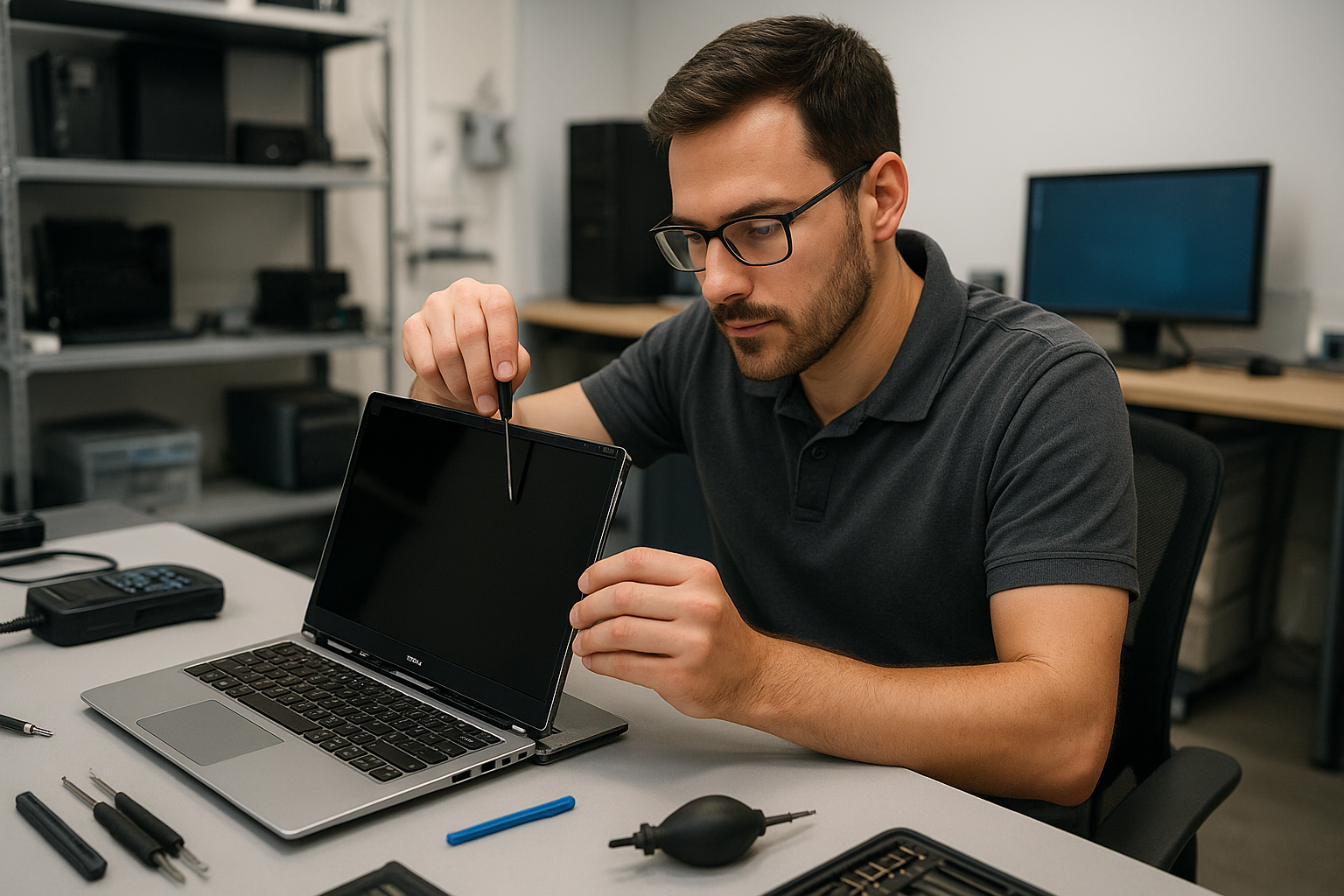
Our repair process follows safe technician practice. We power the unit down, disconnect the battery, and ground ourselves. We remove the bezel, detach the webcam and wifi antenna ribbons if needed, and unscrew the display assembly. We inspect the eDP cable and hinge routing. If the panel is cracked or the digitizer is damaged, we replace the LCD and touchscreen assembly. On some XPS 13 and XPS 15 models we can replace only the glass digitizer when available. After installing the OEM panel, we reseat connectors, reassemble, and run a full test including touchscreen calibration, color profile check, and hinge torque verification.
Parts and warranty
We source OEM and high-quality panels for XPS lines including XPS 13, XPS 15, and XPS 17. Where an OEM part is unavailable, we use high-grade compatible panels and disclose this to you. All display replacements include a limited parts and labour warranty. We document the part serial and show test results before returning your laptop.
Pricing and turnaround
Turnaround varies by model and part availability. For many XPS models we offer same-day or next-day repairs when OEM stock is on hand. We provide a clear estimate after diagnostics, and you can choose OEM or compatible part options. If other issues are present, such as motherboard damage from liquid entry or hinge fractures, we explain repair priorities and costs up front.
What else we check while replacing a screen
While replacing the display we often perform a brief tune-up: check for driver updates, examine the SSD and offer an upgrade, scan for malware, and verify Wi-Fi and webcam. If your XPS needs battery replacement, keyboard replacement, or motherboard repair, we include those options in our diagnostic report. These combined services reduce repeat visits and return trips.
Real-world repair example
A recent customer from Burnaby brought an XPS 13 with a shattered touchscreen that also showed vertical green lines. I first connected an external monitor and confirmed a clean image, which told me the GPU and mainboard video output were fine. Next, I opened the lid and observed intermittent flicker when the display cable was flexed near the hinge. After removing the bezel, I found the digitizer shattered and the eDP cable slightly frayed. I ordered an OEM display assembly, installed it, routed the cable with new adhesive, and calibrated the touchscreen. The screen returned to factory brightness and the vertical lines disappeared. I explained the findings, provided the invoice showing part details, and recommended hinge reinforcement to prevent recurrence.
When repair may not be the best option
There are cases where repair cost approaches replacement value, especially with older XPS models or extensive motherboard damage. We assess whether a screen-only repair, display assembly replacement, or motherboard repair makes the most sense. For laptops beyond economical repair we can assist with data transfer or data recovery services to preserve your files before you retire the device. See our pages on data recovery in Coquitlam and computer repair in Coquitlam for related options.
Why choose Moe Repair in Vancouver
At Moe Repair we combine experienced technicians with transparent communication. We perform laptop repair in Coquitlam and service many customers across Vancouver, Burnaby, Richmond, New Westminster, and North Vancouver. We keep you informed during diagnostics and do not proceed without your approval. If you own an XPS, Inspiron, Latitude, or Precision machine, we have the tools and parts knowledge to handle the job carefully.
Contact Moe Repair Today
Need a fast, professional Dell XPS screen replacement Vancouver service? Contact Moe Repair for a free consultation. Call 778-951-4872 or email service@moerepair.ca. We will schedule a diagnostic appointment, outline repair choices and parts, and explain expected turnaround and warranty. We regularly serve customers in Vancouver and nearby cities including Burnaby and Richmond. If you prefer, drop by our shop with your XPS and we will run an immediate inspection.
We also handle related work such as battery replacement, SSD upgrades, motherboard repair, liquid damage repair, and Windows installation. Before you decide, check our detailed repair reports and customer feedback. For Mac users, see our services at MacBook repair in Coquitlam. When you are ready to book, use our contact Moe Repair page to send a message.
Frequently asked questions
Below are common questions customers ask about Dell XPS screen replacement Vancouver.