
Dell XPS battery replacement Coquitlam: Fast, Reliable Service
If your machine shows poor runtime, won’t charge, or the battery is swollen, Dell XPS battery replacement Coquitlam specialists at Moe Repair can help. I have 15 years testing and repairing laptops, and I focus on clear diagnostics, safe procedures, and realistic repair expectations. Bring your XPS to our Coquitlam shop and I will run a step-by-step check to find the real cause.
Why Dell XPS battery replacement Coquitlam matters
Dell XPS laptops use compact, high-density cells. When a battery fails, you can face sudden shutdowns, reduced capacity, or physical swelling that risks the chassis and keyboard. Replacing a failing cell restores reliable runtime and protects the motherboard. For other services like computer repair in Coquitlam or SSD upgrades, we often spot battery issues during routine tune-ups.
Common Dell XPS battery symptoms we see
Typical signs include quick discharge, the battery not recognized in BIOS, charging capped at a low percentage, or visible swelling. You may also see battery errors in Windows, or the laptop will only run with the charger attached. These symptoms often come with thermal or fan issues on older models like the XPS 13 and XPS 15.
How we diagnose XPS battery issues
We follow a consistent diagnostic procedure. First, we verify the charger and measure voltage with a multimeter. Next, we check BIOS/UEFI battery health reports and run Dell diagnostic tools. We test the charging port and adapter under load, inspect for swelling, and trace the power rail on the motherboard if needed. If the battery passes basic tests, we move to a controlled load test to confirm capacity under real-world conditions. For related laptop concerns, we may recommend services like laptop repair in Coquitlam or motherboard repair.
Replacement process and realistic repair procedures
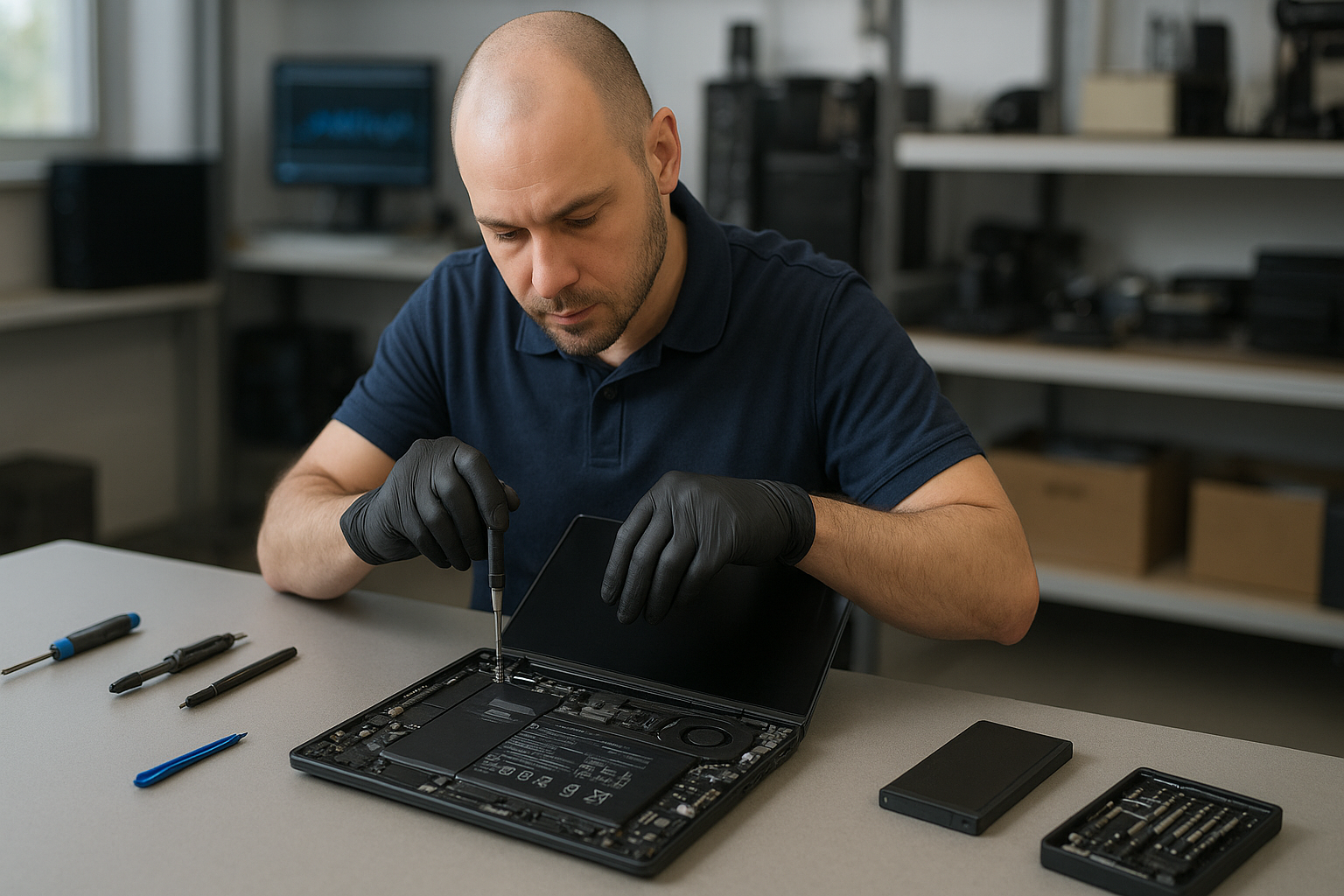
When a replacement is needed, we source OEM or high-quality OEM-equivalent batteries. The repair steps include safe discharge, removal of the bottom panel, disconnecting the battery connector, replacing the pack, and performing a calibration and firmware check. I always clean connectors, check the charging circuit, and apply thermal paste or fan servicing when the laptop shows thermal history. We also offer related work like screen replacement and keyboard replacement if the chassis shows damage from swelling or drops.
Parts and safety
We use proper ESD precautions and follow disposal rules for lithium-ion cells. If we detect liquid damage or a failed charging circuit, we explain options before proceeding. For data concerns, we offer data recovery in Coquitlam if the drive needs special handling.
Real repair example from our Coquitlam shop
A recent customer from Port Moody brought a Dell XPS 13 that would not charge past 5 percent and reported intermittent shutdowns. I tested the AC adapter and confirmed proper output. BIOS showed the battery at 12 percent health and voltage sag under load. After opening the chassis I found moderate swelling and a weak cell group. I sourced a verified replacement pack, installed it, calibrated the battery following Dell procedures, and ran a two-hour load test to verify stability. The laptop held charge and the customer left satisfied with longer runtime. I also recommended an SSD upgrade and completed a quick system tune-up.
Typical costs and turnaround time
Costs vary by model and part availability. XPS 13 and XPS 15 batteries differ in price. We provide an upfront quote after diagnostics, and most replacements complete within one to two business days. If additional work is needed, such as motherboard repair or charging port replacement, we present options and timelines before starting.
Practical advice for Dell XPS owners in Coquitlam
- Monitor battery health in BIOS or Windows power settings.
- Avoid keeping the laptop at 100 percent charge all the time; occasional calibration helps.
- If you see swelling, stop using the laptop and bring it in—don’t try to puncture the battery.
- Keep your charger and ports clean and free of debris.
- Consider SSD upgrades or thermal paste replacement while we have the laptop open.
For local customers in Burnaby or Vancouver we also handle gaming PC repair, virus removal, and operating system repair. If you need printer setup or email setup after a repair, we can help.
Frequently asked questions
Below are common questions we answer in the shop. You can also contact Moe Repair to book diagnostics.
Contact Moe Repair Today
Moe Repair offers a free consultation to discuss Dell XPS battery replacement Coquitlam and nearby service needs. Call Moe Repair at 778-951-4872 or email service@moerepair.ca to describe the symptoms and schedule a diagnostic appointment. We serve Coquitlam and nearby areas including Port Coquitlam and Port Moody, and we will explain repair options, parts, and turnaround time before any work begins. Walk-ins are welcome but appointments ensure faster service.
Other services we provide
We routinely combine battery work with screen replacement, trackpad repair, keyboard replacement, liquid damage repair, fan replacement, thermal paste replacement, SSD upgrades, and Windows installation. If a failing battery caused data loss or instability, we can discuss data recovery and backup strategies.
Local expertise and warranty
Our Coquitlam technicians have hands-on experience with Dell lines including XPS, Latitude, Inspiron, Precision, and Alienware. We offer limited labor warranty on battery replacements and test each laptop thoroughly before release. For broader computer issues, our computer repair in Coquitlam page explains additional services.
FAQs
See the FAQ below for quick answers. If your question is not listed, please contact Moe Repair.
Moe Repair
Phone: 778-951-4872
Email: service@moerepair.ca