
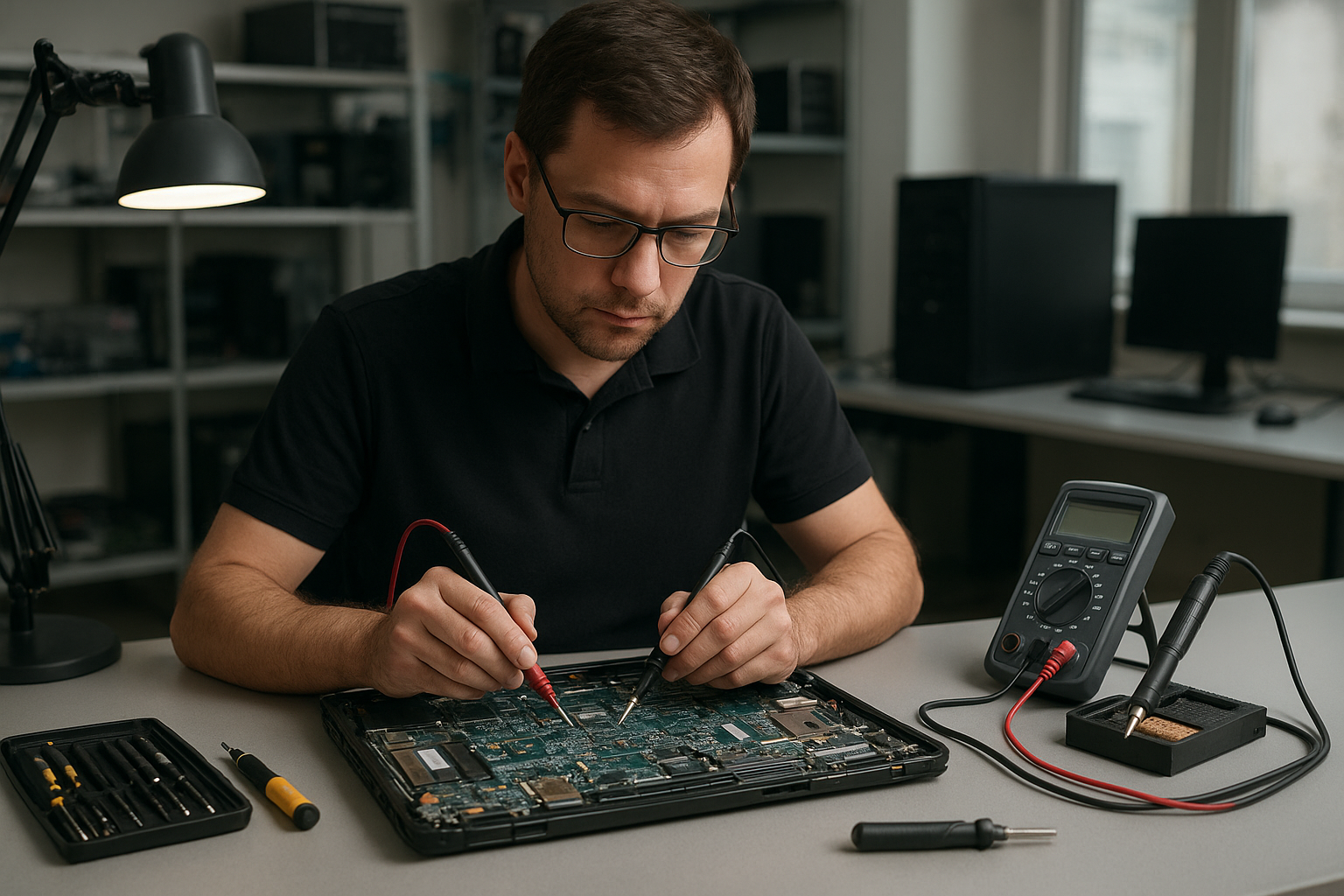
Dell Latitude motherboard repair Coquitlam: Expert board-level fixes & diagnostics
If your Dell Latitude will not power on, randomly shuts down, or shows diagnostic LEDs, Moe Repair provides trusted Dell Latitude motherboard repair Coquitlam customers rely on. As a senior technician with more than 15 years of hands-on experience, I focus on accurate diagnostics and practical board-level repairs that preserve data and extend your laptop’s life.
Dell Latitude motherboard repair Coquitlam: Common symptoms
Common symptoms that indicate a motherboard issue on a Dell Latitude include no power, intermittent power, charging problems, BIOS corruption, black screen with fans spinning, persistent blue screen errors, or USB ports not working. You may also see physical signs like burnt components, swollen capacitors, or corrosion after liquid spills.
Initial diagnostics I perform
I start with basic checks and progress to board-level tests. Typical steps include:
- Verify the charger and battery with a trusted multimeter and known-good adapter.
- Inspect the system board for burnt chips, blown capacitors, or liquid residue.
- Measure power rails at known test points to confirm the presence of 3.3V, 5V, and main CPU rails.
- Test the DC jack and charging circuit, including MOSFETs and inductors.
- Attempt a BIOS recovery or reflash if the board shows signs of firmware corruption.
During diagnostics I keep customers informed and provide a clear estimate before any component-level work. For other issues like screen or battery problems, we also handle laptop repair in Coquitlam and screen replacement when needed.
Realistic repair procedures we use
Board-level repairs vary by fault. Common procedures include capacitor replacement, MOSFET replacement on power rails, BGA reball or reflow for GPU or southbridge problems, and BIOS chip reprogramming. For liquid damage, we clean the board, remove corroded components, and test each rail sequentially.
Tools and parts
I use a schematic when available, a precision hot-air station, microscope, soldering iron with temperature control, multimeter, oscilloscope for power rail analysis, and genuine OEM or high-quality replacement components. When appropriate, I recommend SSD upgrades or data recovery services to clients worried about losing information.
Real-world repair example
A recent customer from Burnaby brought in a Dell Latitude 5490 that would not power on. I verified the charger and battery were good, then measured the main power rail and found a collapsed 3.3V rail. Under the microscope I spotted a failed power MOSFET and a burned resistor near the charging circuit. After explaining repair options and cost, I replaced the MOSFET and resistor, cleaned the surrounding area, and retested under load. The board powered, the BIOS posted, and the system booted to Windows. I recommended a preventive thermal paste replacement and an SSD upgrade. The customer recovered their files and left satisfied with the repair and turnaround time.
What to expect: turnaround, pricing, and success rates
Turnaround depends on part availability and the fault complexity. Simple component replacements typically complete within 1 to 3 business days. BGA-level work or parts that must be ordered can take longer. I provide a written estimate after diagnostics. While many boards are repairable, I do not guarantee every repair will succeed; sometimes damage or unavailable parts limit options. If repair is not feasible, I offer data recovery and replacement recommendations.
Preventive advice and maintenance
To reduce motherboard issues on your Dell Latitude, keep vents clear, replace failing batteries promptly, avoid using the laptop on soft surfaces that block airflow, and power off immediately after spills. Regular thermal paste replacement and a tune-up can prevent overheating and long-term damage. If you need help with system updates or virus removal, we also provide computer repair in Coquitlam services.
Common models and related repairs
We service many Dell lines including Latitude, Inspiron, XPS, and Precision. Common related repairs include keyboard replacement, trackpad repair, battery replacement, laptop fan replacement, and operating system repair. For complex data concerns we work with data recovery in Coquitlam specialists when necessary.
Contact Moe Repair Today
Moe Repair offers a free consultation and transparent diagnostics for Dell Latitude motherboard repair Coquitlam. Call 778-951-4872 or email service@moerepair.ca to arrange drop-off or local pickup. We serve Coquitlam and nearby areas including Burnaby, Port Moody, Port Coquitlam, and New Westminster. If you prefer an in-person estimate, visit our shop and bring the laptop with charger and any error messages you have observed.
Why choose us for motherboard repair in Coquitlam
As a senior technician I focus on accurate troubleshooting and honest advice. We document voltages, show you failed components, and explain alternatives like SSD upgrades, Windows installation, or full system replacement. For MacBook users we also offer MacBook repair in Coquitlam services if your workflow spans platforms.
Next steps and how to reach us
If your Dell Latitude is showing signs of a motherboard issue, start by backing up data if possible and powering off the system. Contact Moe Repair for a focused diagnostic. For common laptop fixes such as battery replacement, screen replacement, or blue screen repair we can include multiple services in one visit. Schedule your free consult by phone at 778-951-4872 or email service@moerepair.ca. You can also contact Moe Repair through our contact page for directions and hours.
Frequently asked questions
Below are answers to common customer concerns about Dell Latitude motherboard repair Coquitlam.