
Data recovery Surrey: What to do when you lose critical files
As a senior computer repair technician with more than 15 years of hands-on experience, I see panic calls every week. Data recovery Surrey is a common emergency. Whether it is a failed laptop hard drive, a corrupted SSD, or accidental deletion, you need clear steps and fast action. Stop using the device immediately, and read on for proven diagnostics and recovery procedures.
Data recovery Surrey: common failure symptoms
Symptoms vary, however the most frequent signs are familiar. Your computer might not boot, you may hear clicking from a hard drive, files can appear corrupted or inaccessible, or an SSD may disappear from BIOS. You might see SMART warnings, or Windows and macOS could freeze during startup. Also, a device exposed to liquid can short and cause intermittent behavior.
Realistic diagnostic steps I perform
- Initial intake and checklist, including service history and whether backups exist.
- Visual inspection for obvious damage, burning, or liquid residue.
- Non-powered SMART read and quick health check on HDDs and SSDs.
- Logical tests using write-blockers and sector imaging tools, such as ddrescue on Linux for failing drives.
- File system analysis with TestDisk for partition repairs, and PhotoRec for orphaned file carving.
- Firmware and controller diagnostics for SSDs and RAID arrays, checking for firmware corruption or failed controllers.
- If required, cleanroom-level physical repair options are assessed, including PCB replacement and head-stack intervention.
Throughout the process, I prioritize creating a forensic-quality image, then working from that copy. This preserves evidence and increases success rates.
Typical repair procedures I use
For logical failures I create a sector-by-sector image using ddrescue. Then, I run file system repair and recovery utilities, including TestDisk, PhotoRec, and vendor tools for NTFS or HFS. For partially failing HDDs, I throttle read attempts, use timeouts, and avoid powering the drive repeatedly.
For SSDs, I check for firmware issues and secure erase states. SSD recovery sometimes requires vendor-specific tools or firmware flashes. I never rely on DIY tools for firmware fixes, because they can make recovery impossible.
For RAID arrays, I document the array configuration, image each disk, and reconstruct the array in a controlled environment. RAID recovery often succeeds when done in the correct order with intact metadata.
When physical repair is needed
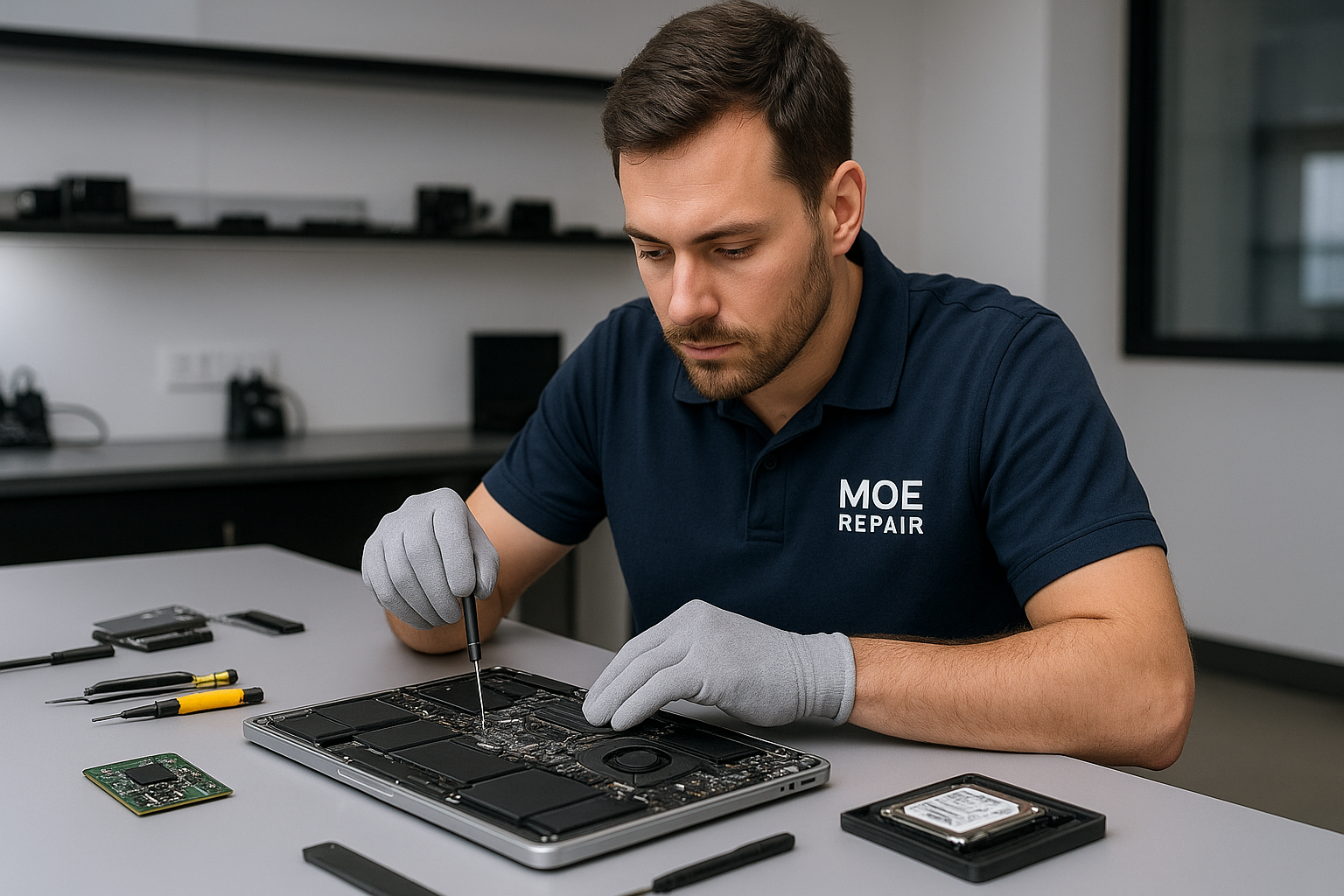
For clicking or mechanically failed HDDs I use dedicated drive repair equipment in a clean environment. Procedures include PCB inspection, controlled spin tests, and, when necessary, head-stack replacement. For liquid-damaged laptops or MacBook repair, I clean corrosion, replace damaged connectors, and evaluate motherboard repair options.
Why choosing a professional matters
Many customers try DIY recovery and worsen the problem. For example, running chkdsk on a failing drive can overwrite recoverable data. Likewise, swapping a PCB without matching firmware can cause a dead drive. A professional technician reduces risk and increases recovery success.
Practical customer advice
- Stop using the device. Further writes reduce recoverable data.
- Keep the drive cool and stable, avoid freezing methods that cause condensation.
- Do not open the drive outside a clean environment.
- Provide any error messages, recent events, or symptoms when you bring the device in.
- Back up returned data immediately to a new drive or cloud storage.
If you need laptop repair, MacBook repair, screen replacement, battery replacement, or keyboard replacement, mention that when you call. We also provide virus removal, Windows installation, SSD upgrades, motherboard repair, liquid damage repair, gaming PC repair, trackpad repair, laptop fan replacement, thermal paste replacement, and a complete computer tune-up. Combining services often saves time and reduces cost.
How Moe Repair handles your job in Surrey and the Lower Mainland
At Moe Repair we follow a standard workflow, therefore you know what to expect. First, drop off or book a diagnostic. We perform SMART and imaging diagnostics in the first hour. Next, we present recovery options, costs, and timelines. Once you approve, we proceed with logical recovery or physical repair. After recovery, we transfer files to your chosen media and verify integrity.
Moe Repair serves customers across Coquitlam, Burnaby, Vancouver, Surrey, Richmond, New Westminster, Maple Ridge, Port Moody, Port Coquitlam, Pitt Meadows, Langley, Delta, North Vancouver, West Vancouver, White Rock, Abbotsford, Mission, and Chilliwack. We treat every case with confidentiality and care.
Contact information. Moe Repair Phone: 778-951-4872 Email: [service@moerepair.ca](mailto:service@moerepair.ca)
Success factors and timelines
Success depends on failure type. Logical recoveries often finish within 24 to 72 hours. Mechanical or firmware cases can take several days to weeks. We keep you informed at every step, and we always attempt a non-destructive approach first.
Estimate and cost transparency
We offer a diagnostic fee that covers initial imaging and evaluation. After diagnostics, we provide a clear estimate. You only pay if we recover your files, depending on the chosen service level. We also advise on backup solutions to prevent future loss.
When you need fast, reliable Data recovery Surrey, choose an experienced team that uses proven tools and methods. Call Moe Repair at 778-951-4872 or email [service@moerepair.ca](mailto:service@moerepair.ca) to start recovery today. We handle HDD, SSD, RAID, USB, and laptop data recovery with care and technical precision.