
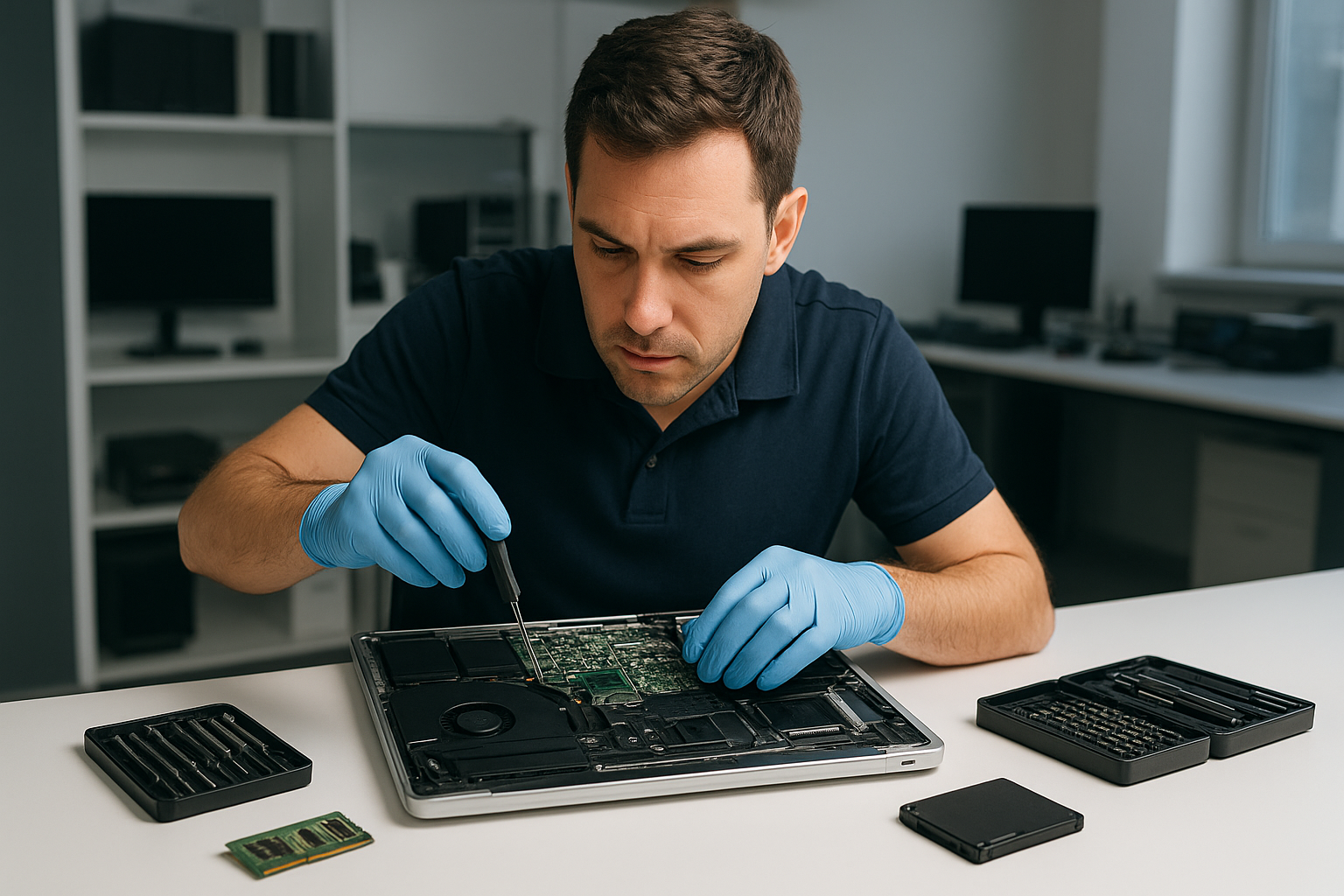
Data recovery Burnaby: Fast, Secure Recovery by Moe Repair
As a senior technician with more than 15 years of hands-on experience, I understand how devastating data loss feels. If you need Data recovery Burnaby, you want clear answers, fast diagnostics, and secure recovery methods. At Moe Repair we handle hard drives, SSDs, RAID arrays, and laptops from Burnaby to Coquitlam and across the Lower Mainland.
Data recovery Burnaby services and when to call
Common symptoms that mean you should call us right away include clicking or grinding noises from a drive, recurring SMART errors, inaccessible partitions, deleted files, suddenly corrupted photos, and systems that fail to boot. We also see liquid damage, power surges, and accidental formatting.
Do not keep powering a failing drive. Instead, shut the system down and contact Moe Repair, Phone: 778-951-4872, Email: service@moerepair.ca. Continued use can lead to further mechanical damage and lower recovery success rates.
What we recover
We recover documents, photos, videos, emails, databases, virtual machine files, and business data. We work on laptop drives, MacBook storage, desktop HDDs, SSDs, external drives, NAS and RAID systems.
Locations we serve
We help customers in Burnaby, Coquitlam, Vancouver, Surrey, Richmond, New Westminster, Maple Ridge, Port Moody, Port Coquitlam, Pitt Meadows, Langley, Delta, North Vancouver, West Vancouver, White Rock, Abbotsford, Mission, and Chilliwack.
How we diagnose data loss
First, we perform a non-invasive assessment. We check SMART status, listen for mechanical noises, review boot logs, and connect the drive to a write-blocker. Next, we image the drive sector-by-sector when possible, using tools like ddrescue and dedicated hardware. Imaging preserves the original media and increases recovery success.
If the drive shows mechanical failure, we advise an immediate transfer to our cleanroom partner for platter-level repair. For logical failures, partition table reconstruction, file signature carving, and filesystem repair often restore files without physical intervention.
Typical diagnostic steps
- Visual inspection for burn marks, corrosion, or liquid damage
- SMART check and firmware analysis
- Attach to a dedicated recovery station with a write-blocker
- Attempt secure, low-level imaging of the drive
- Analyze image for file systems, partitions, and recoverable data
Realistic repair procedures we use
For mechanical faults, our lab coordinates head swaps and motor repairs in a certified cleanroom. For SSDs, we handle NAND recovery and controller failures when possible. In RAID cases, we perform component analysis, map stripe geometry, and reconstruct missing arrays before imaging.
We avoid running chkdsk or repair utilities on a failing drive, because those tools can overwrite metadata. Instead, we create a forensic image, then run recovery on the image. We use professional tools such as PC-3000 and Hex editors when needed, and industry standard recovery software for signature carving and filesystem repair.
What you can do immediately
First, stop using the device. Do not attempt to open the drive. Do not run disk utilities that write to the disk. If the problem is a laptop with liquid damage, remove the battery if possible, disconnect power, and bring the unit in for motherboard repair. We provide laptop repair, MacBook repair, screen replacement, battery replacement, and motherboard repair as part of our services.
For business customers, maintain a chain of custody. For home users, make a note of recent changes and the exact error messages. That information helps us prioritize recovery steps.
Practical timelines and pricing expectations
Turnaround depends on failure type. Logical recoveries often finish within 24 to 72 hours. Mechanical failures that need cleanroom work can take several days to a week. RAID reconstructions vary by complexity. We provide clear estimates after the initial diagnosis.
Moe Repair offers SSD upgrades, drive cloning, thermal paste replacement, laptop fan replacement, keyboard replacement, trackpad repair, screen replacement, virus removal, Windows installation, motherboard repair, liquid damage repair, gaming PC repair, and computer tune-up services. We tailor each recovery plan to your needs and budget.
Security and privacy
We treat your data with strict confidentiality. We use secure transport and encrypted storage for recovered files. If you prefer, we deliver recovered data on an external drive you provide, or we can supply one for an additional fee.
Why choose Moe Repair for Data recovery Burnaby
With 15 plus years of hands-on experience, I lead a team that uses industry standard tools and proven procedures. We combine local, fast service across Burnaby, Coquitlam, and Vancouver, with the technical depth needed for complex recoveries. We also handle laptop repair, MacBook repair, battery replacement, SSD upgrades, and more for a complete solution.
Call Moe Repair at 778-951-4872 or email service@moerepair.ca to start diagnostics. We provide a clear quote, no-obligation assessment, and secure recovery options.
Act quickly if you have a failing drive. Quick response improves success rates, and we will walk you through every step with honesty and transparency.
Contact us
Moe Repair, Phone: 778-951-4872, Email: service@moerepair.ca. Walk-ins accepted at our Coquitlam location, with service across the Lower Mainland including Burnaby and Vancouver.