
Data recovery Burnaby: Fast, Secure File Recovery by Moe Repair
Data recovery Burnaby is more than a service, it is a precise technical process. In the first 100 words I want you to know that Moe Repair recovers lost photos, documents, and business data from failing hard drives, SSDs, and RAID arrays. I bring over 15 years of hands-on experience to every job.
Why choose Moe Repair for Data recovery Burnaby
I diagnose drives the same way every time, quickly and safely. First, I assess symptoms, then I create a sector-level image when possible, using tools such as ddrescue and forensic disk imaging. Next, I perform logical recovery with industry software. Finally, I verify file integrity before returning recovered files. We work on Windows laptops, MacBook repair cases, desktop PCs, external drives, and complex RAID systems.
Common failure symptoms I see in Burnaby
Customers call with drives that make clicking or grinding noises. Others report slow file access, inaccessible partitions, or files that suddenly become corrupted. Sometimes systems fail to boot, show blue screens, or report unknown file system errors. Liquid spills, overheating, and sudden power loss also cause data loss. These symptoms often indicate physical or logical failure.
Step-by-step diagnostic workflow
First, I power the device minimally to prevent further damage. Next, I connect the drive to a clean bench power supply and listen for mechanical noises. Then I check SMART data and run noninvasive read tests. If the drive responds, I make a sector-by-sector image to an isolated recovery workstation. For SSDs, I check firmware issues and use controller-level tools when needed.
If the drive shows physical faults, I move to controlled procedures. For platter damage I recommend cleanroom repair. For logical corruption I run partition repair, file system checks, and use tools like TestDisk, PhotoRec, and commercial recovery suites. Throughout, I avoid writing to the original media, because that reduces recovery success.
Real repair procedures I perform
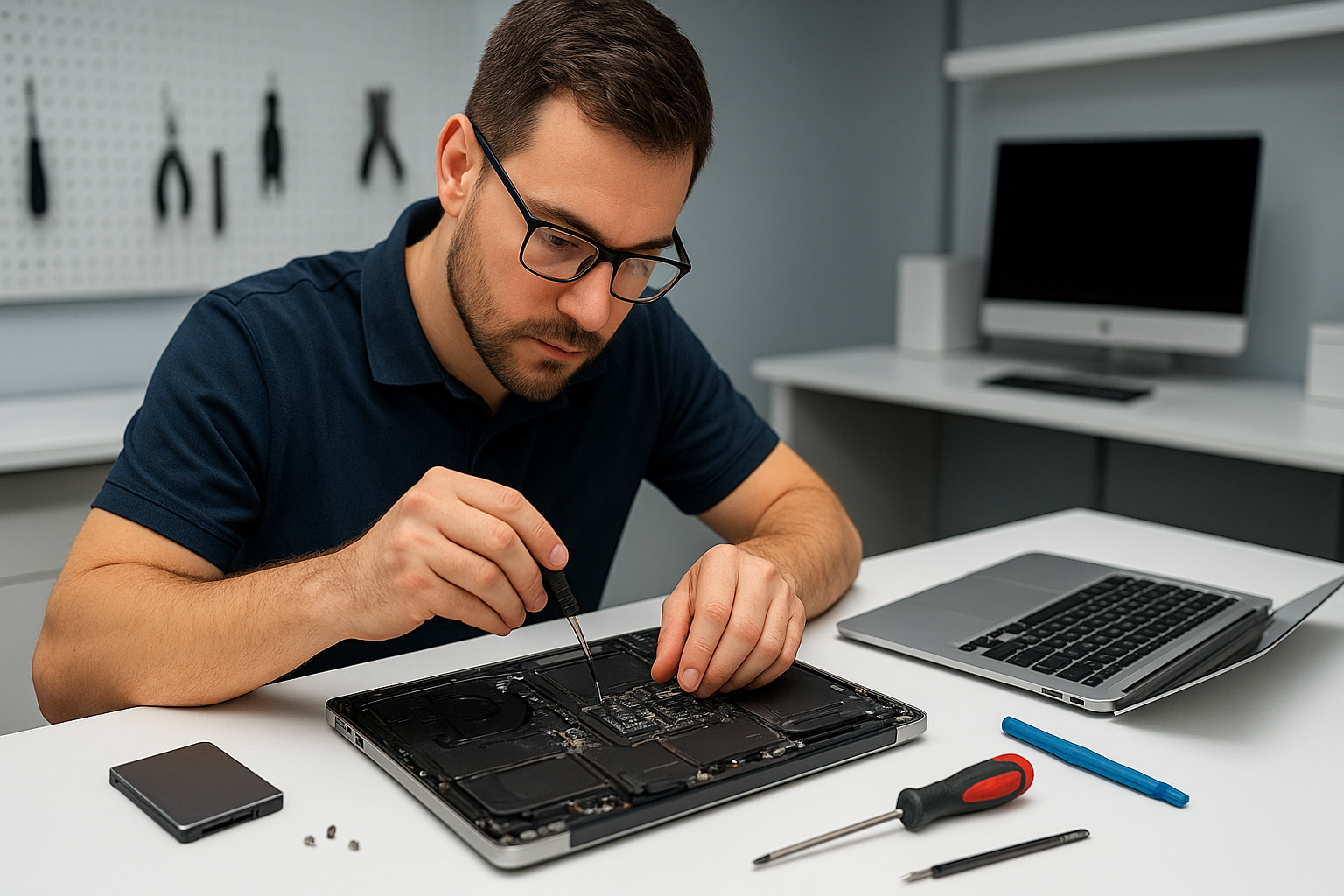
When a laptop needs work, I test the drive outside the laptop enclosure to isolate problems from motherboard faults. For MacBook repair cases I inspect the logic board for sudden-termination clues. For RAID recovery I photograph the array configuration, image each drive, and rebuild the logical volume in a lab environment.
For physically damaged drives I use disk imaging with ddrescue, adjusting read parameters to recover as many sectors as possible. Then I run file carving for photos and documents. When necessary, I perform spindle or head swaps inside a certified cleanroom. After recovery I replace faulty components, and I recommend SSD upgrades or thermal paste replacement to reduce future failures.
Practical advice before you call
If you notice clicking, immediately power down the device. Do not run chkdsk or macOS disk first aid repeatedly, because repeated reads can worsen a failing drive. Avoid using free recovery tools as a first step when you have critical business data. Instead, take a photo of error messages and contact us.
Also, back up regularly. I recommend a 3-2-1 approach, combining cloud backup, an external drive, and a local copy. If your laptop battery fails or the fan overheats, those are issues we resolve with battery replacement or laptop fan replacement, which help prevent future data loss.
Turnaround, privacy, and pricing
For logical recoveries I usually complete work within 24 to 72 hours. For physical or cleanroom cases, turnaround can take several days. We encrypt recovered data and follow best practices for privacy. Estimates are transparent. We offer diagnostics at drop-off, and we perform virus removal or Windows installation if the recovered drive needs system rebuilds. For high-value RAID and forensic jobs we provide a formal quote.
Other services that help protect your data
At Moe Repair we also perform laptop repair, screen replacement, keyboard replacement, trackpad repair, MacBook repair, motherboard repair, liquid damage repair, SSD upgrades, gaming PC repair, thermal paste replacement, and computer tune-up. These services keep systems stable, reduce data risk, and extend hardware life.
Service areas we cover
We serve Coquitlam, Burnaby, Vancouver, Surrey, Richmond, New Westminster, Maple Ridge, Port Moody, Port Coquitlam, Pitt Meadows, Langley, Delta, North Vancouver, West Vancouver, White Rock, Abbotsford, Mission, and Chilliwack. If you are nearby, bring your device to our workshop for a professional diagnosis.
When to bring your device to Moe Repair
Bring your device if you get frequent crashes, file system errors, or physical damage from drops or spills. Also bring devices after failed DIY recovery attempts. I see many cases that worsen after multiple untrained attempts. We keep recovery success rates high by following strict imaging and handling procedures.
Moe Repair Phone: 778-951-4872 Email: [service@moerepair.ca](mailto:service@moerepair.ca)
Next steps
Contact me for a careful, professional assessment. Call 778-951-4872 or email service@moerepair.ca. We accept drop-offs and scheduled pickups. We explain diagnostic results and provide a clear recovery plan before we proceed. Trust a senior technician with over 15 years of experience to retrieve your data safely.
Remember, early action improves recovery outcomes. For reliable Data recovery Burnaby support, Moe Repair is ready to help.