Laptop screen replacement Coquitlam: fast, affordable screen repair at Moe Repair
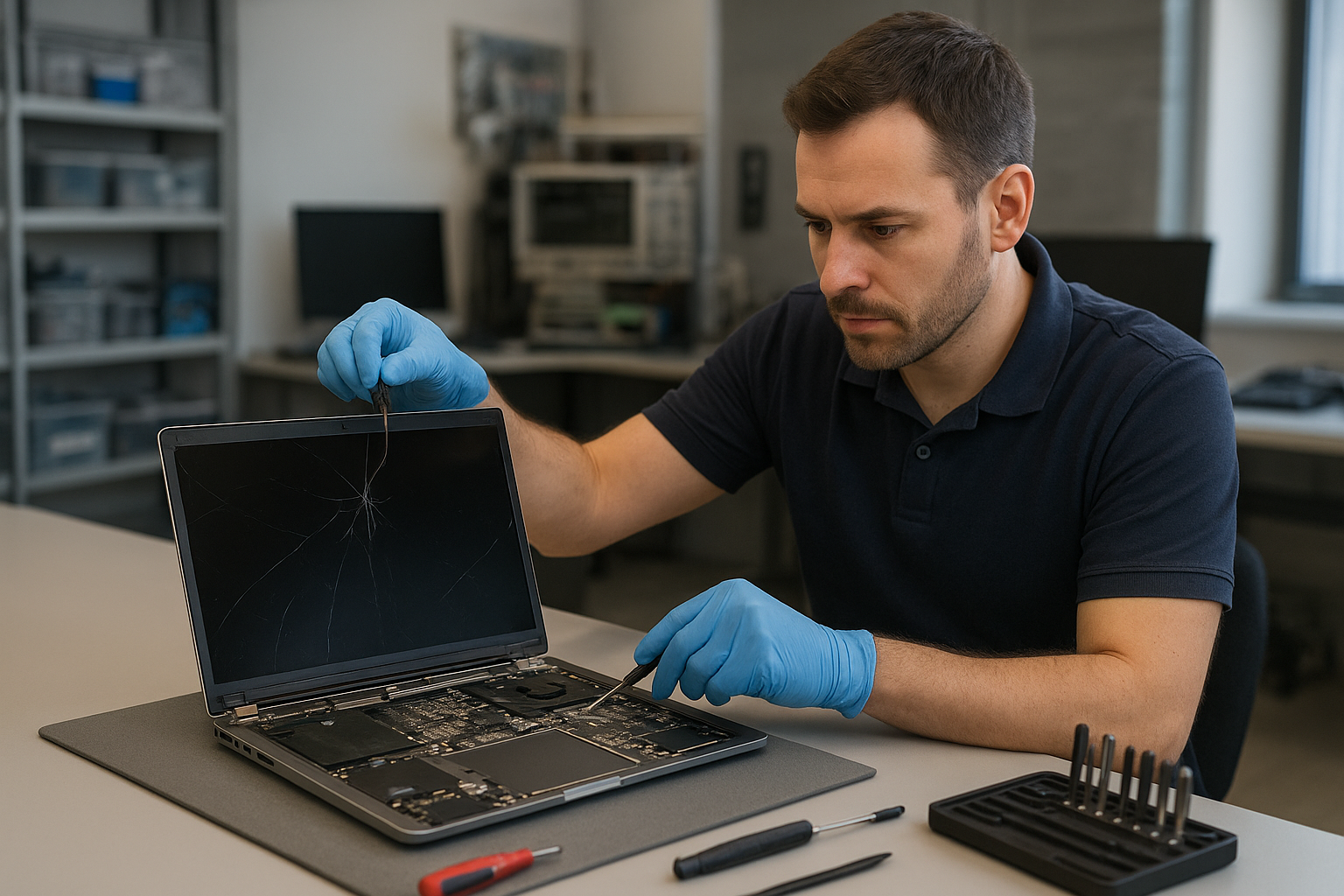
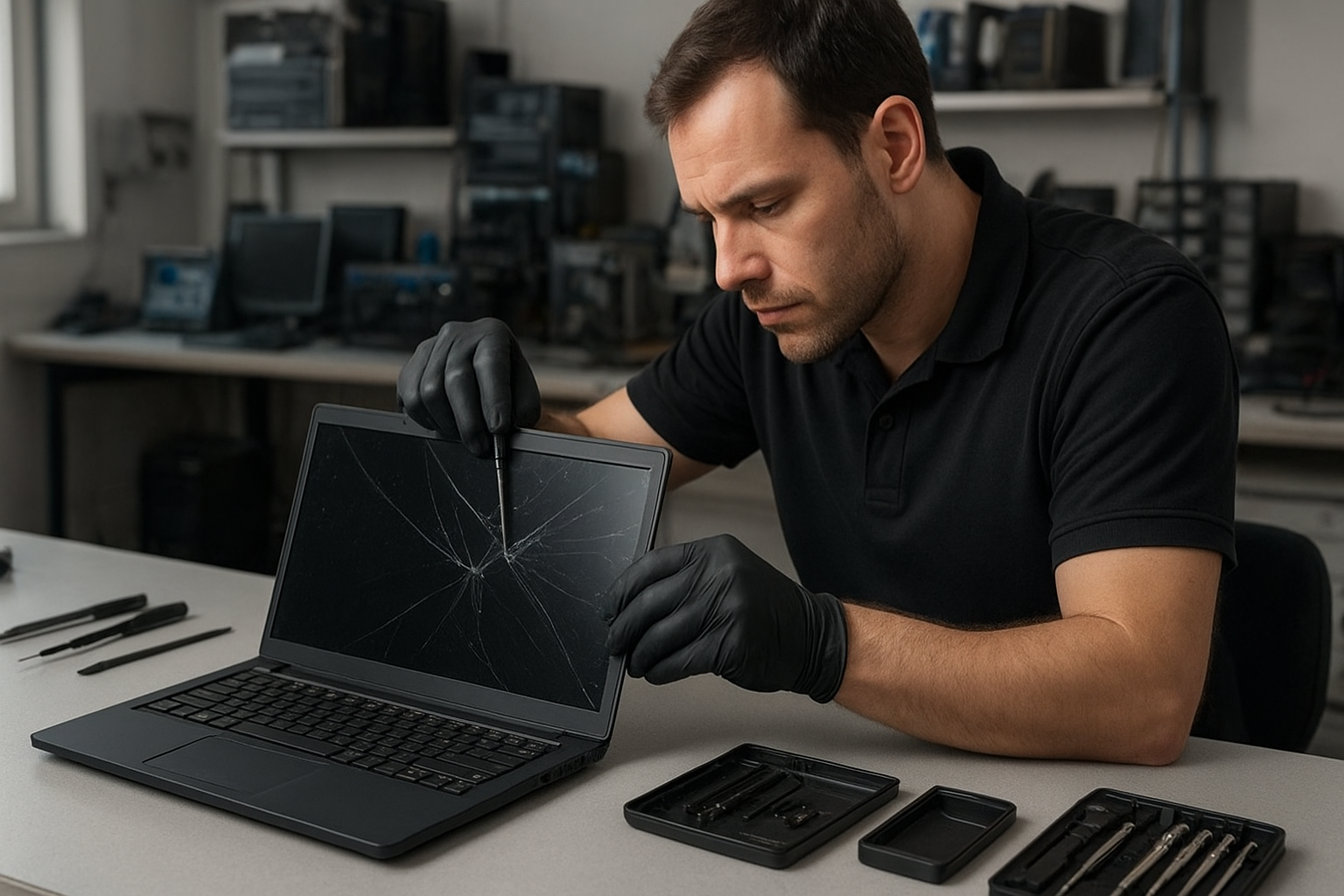
Laptop screen replacement Coquitlam is one of the most common repairs we see at Moe Repair. If your display is cracked, has vertical lines, backlight issues, or goes black intermittently, a professional diagnosis can identify whether you need a full screen replacement or a less invasive fix.
Common screen issues that lead to replacement
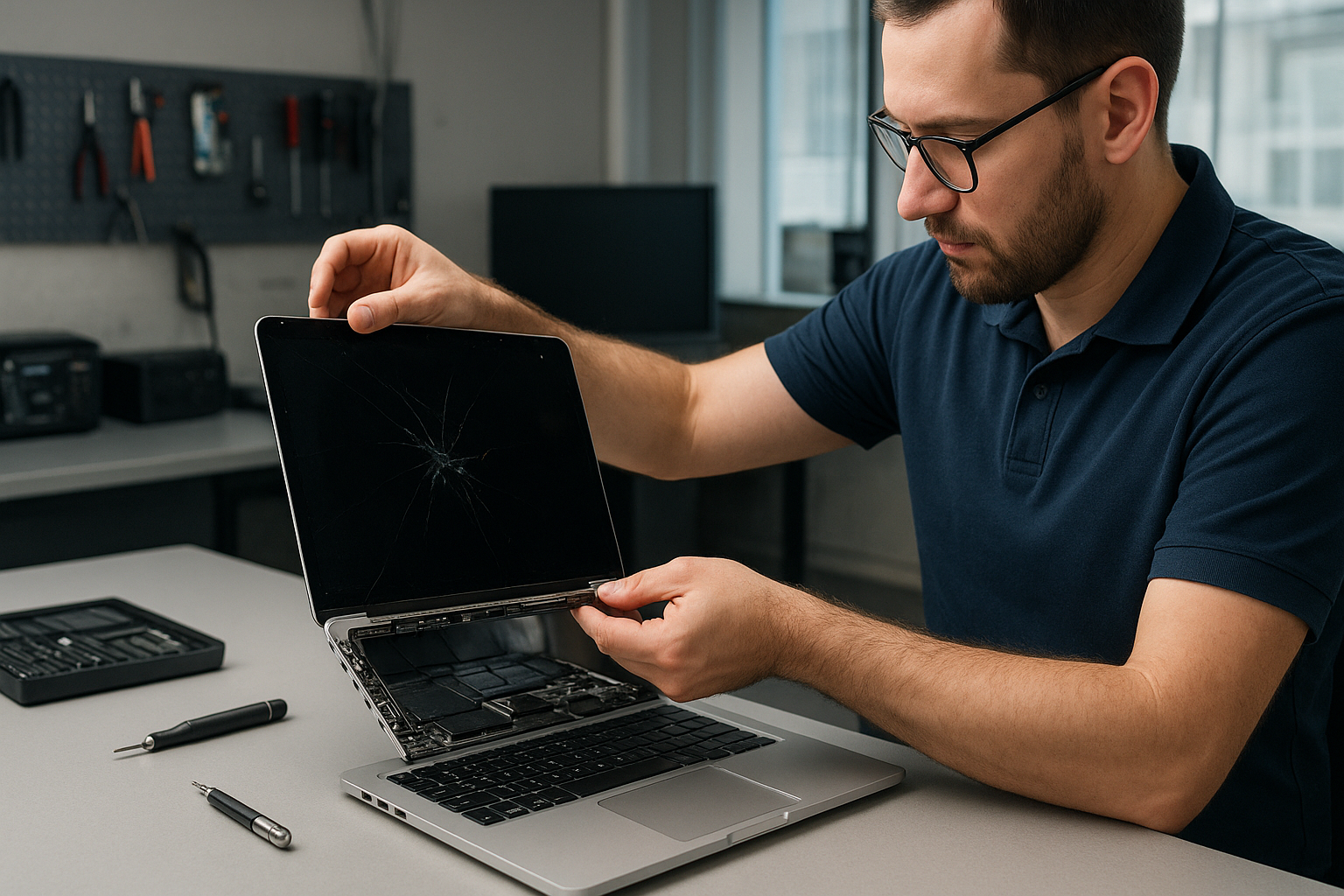
Signs you may need a replacement include a shattered panel, spiderweb cracks, persistent flicker, dead pixels across the panel, large discolored patches, or no image despite power. I also see laptops where the screen works at certain angles, which points to a damaged LCD cable or a failing panel. These symptoms often accompany other issues like hinges that crush cables or liquid damage that corrodes connectors.
Laptop screen replacement Coquitlam: our process
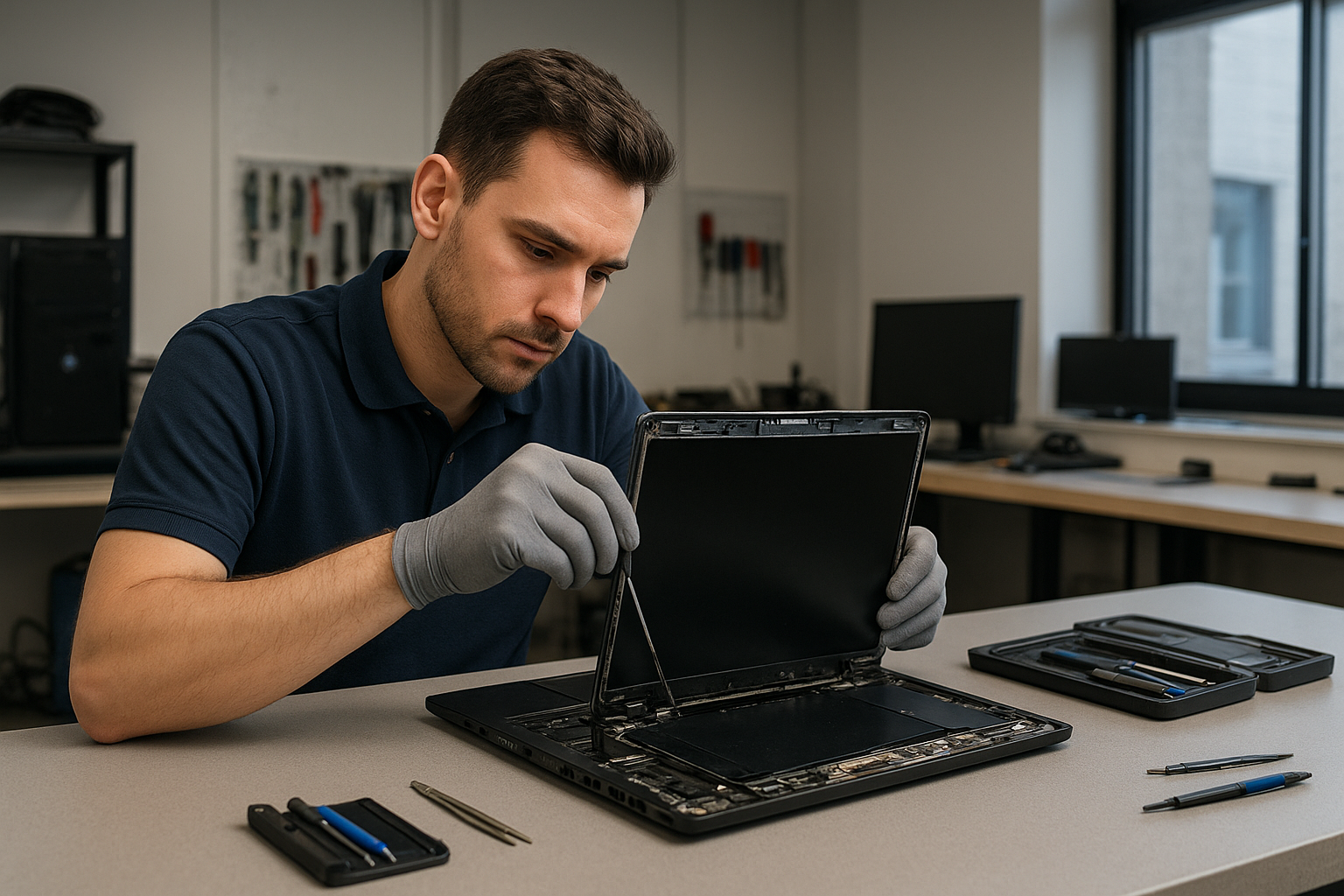
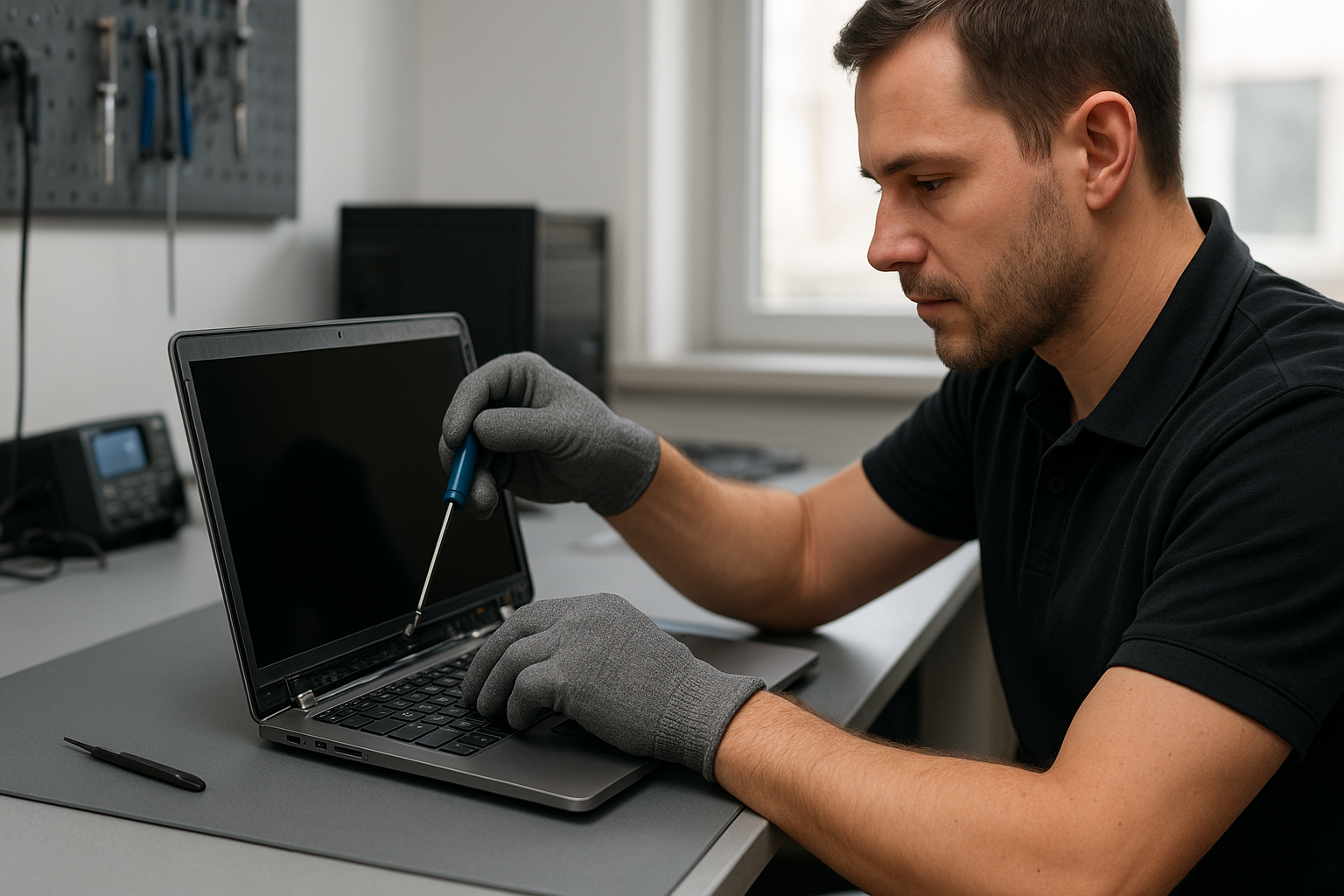
We start every repair with a clear diagnostic. First, we reproduce the symptom and test with an external monitor to isolate whether the problem is the LCD, inverter (for older CCFL screens), backlight, or the GPU. Next, we open the display assembly to inspect the cable, inverter area, and back of the panel for cracks or corrosion. After that we check the display connector on the motherboard for bent pins or burn marks.
How we diagnose broken laptop screens in Coquitlam
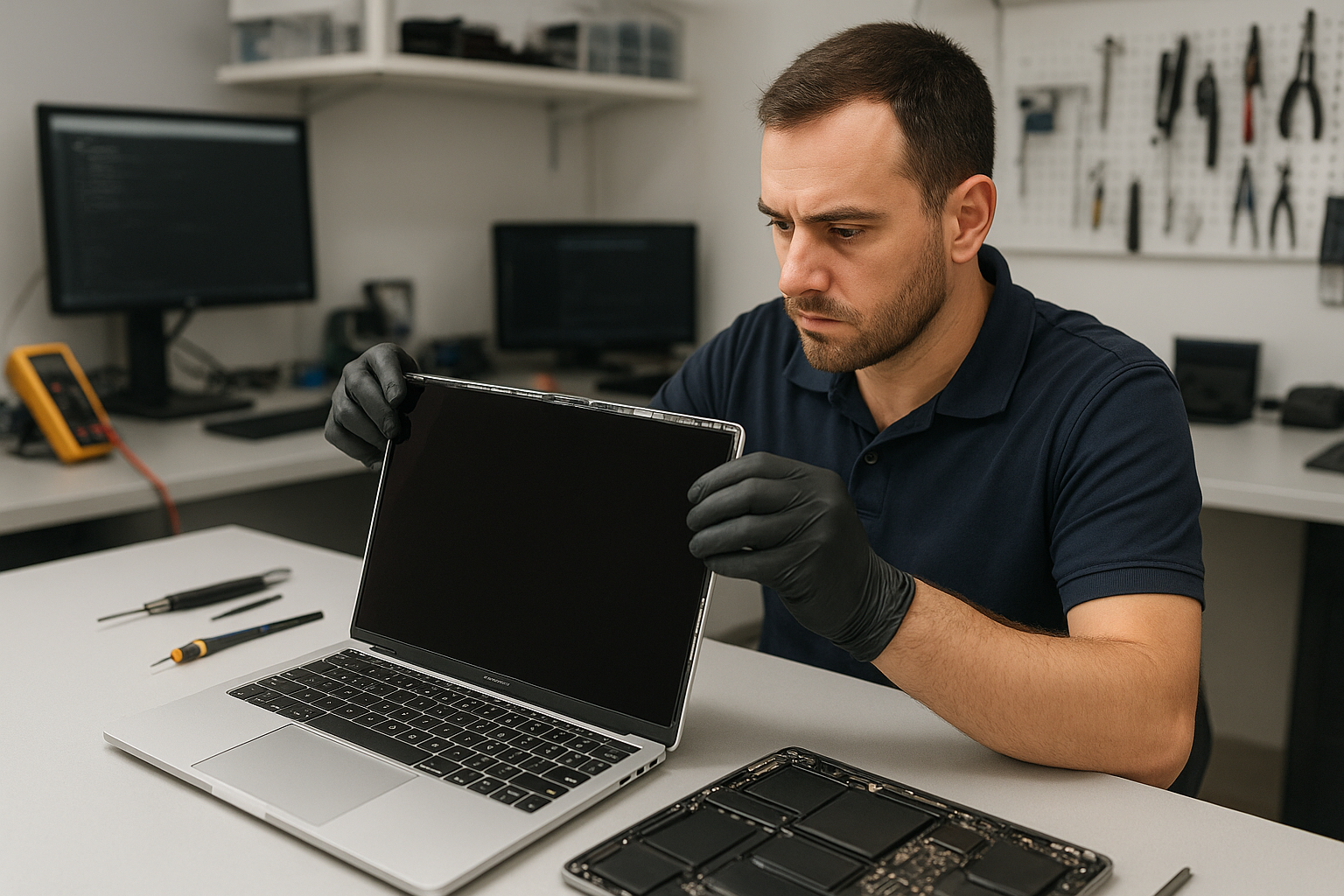
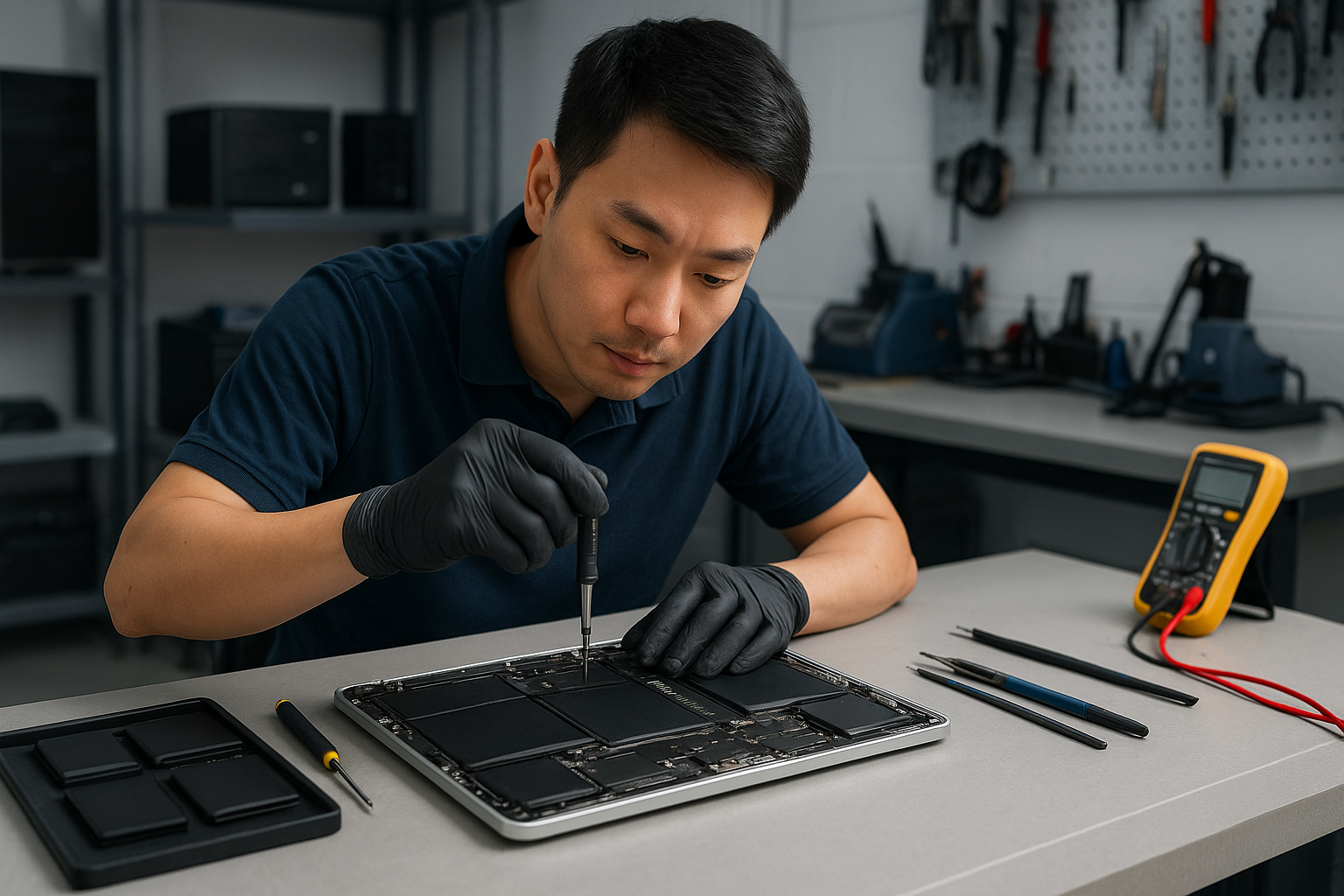
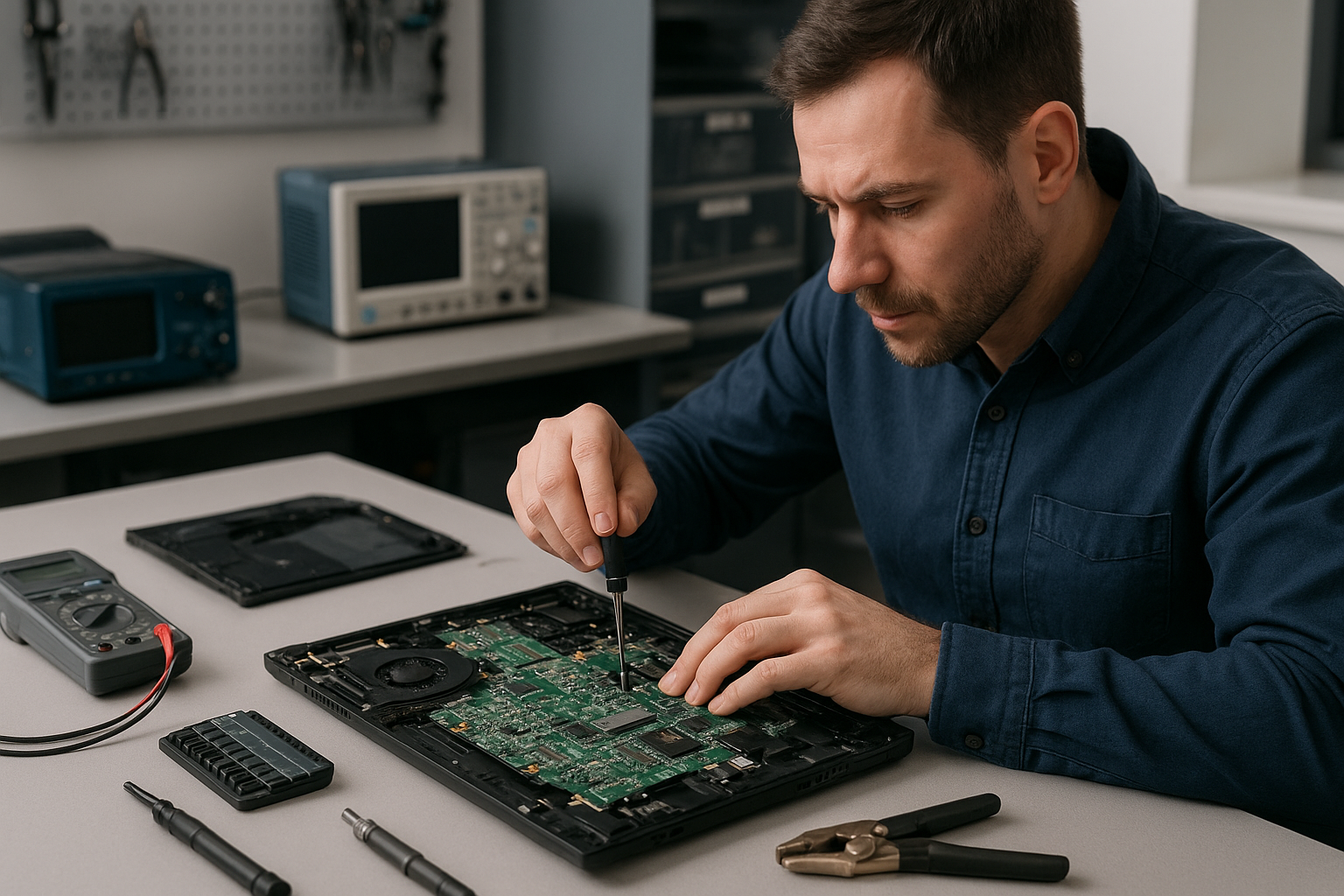
Diagnostics are methodical. I use a known-good spare screen or external display to confirm the fault. For intermittent failures I run stress tests and hinge-cycle the lid while monitoring for cable fatigue. If liquid is involved, I inspect for residue and test power rails on the board with a multimeter. When required, I photograph the damage and explain findings before any repair begins.
Typical laptop screen replacement procedure
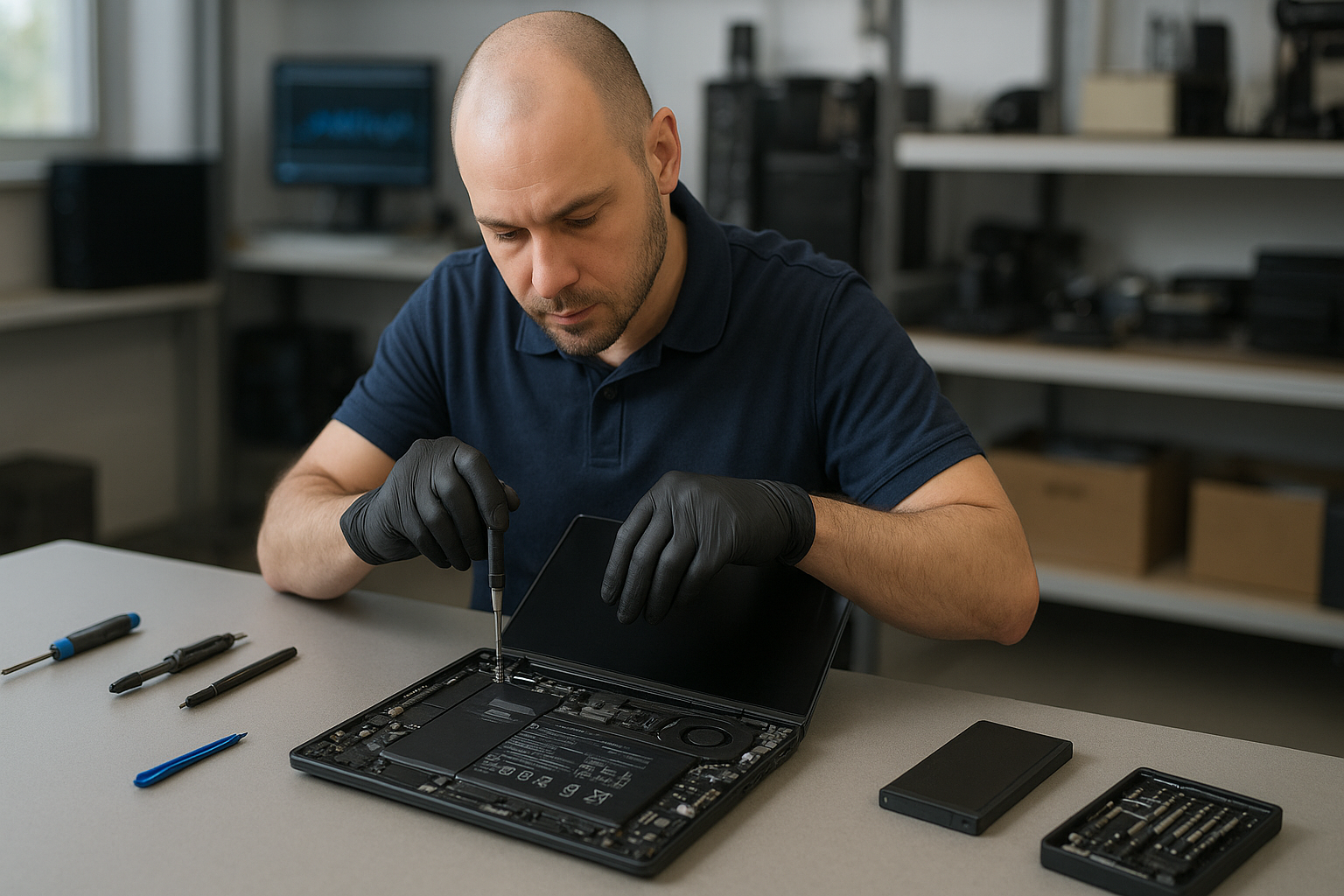
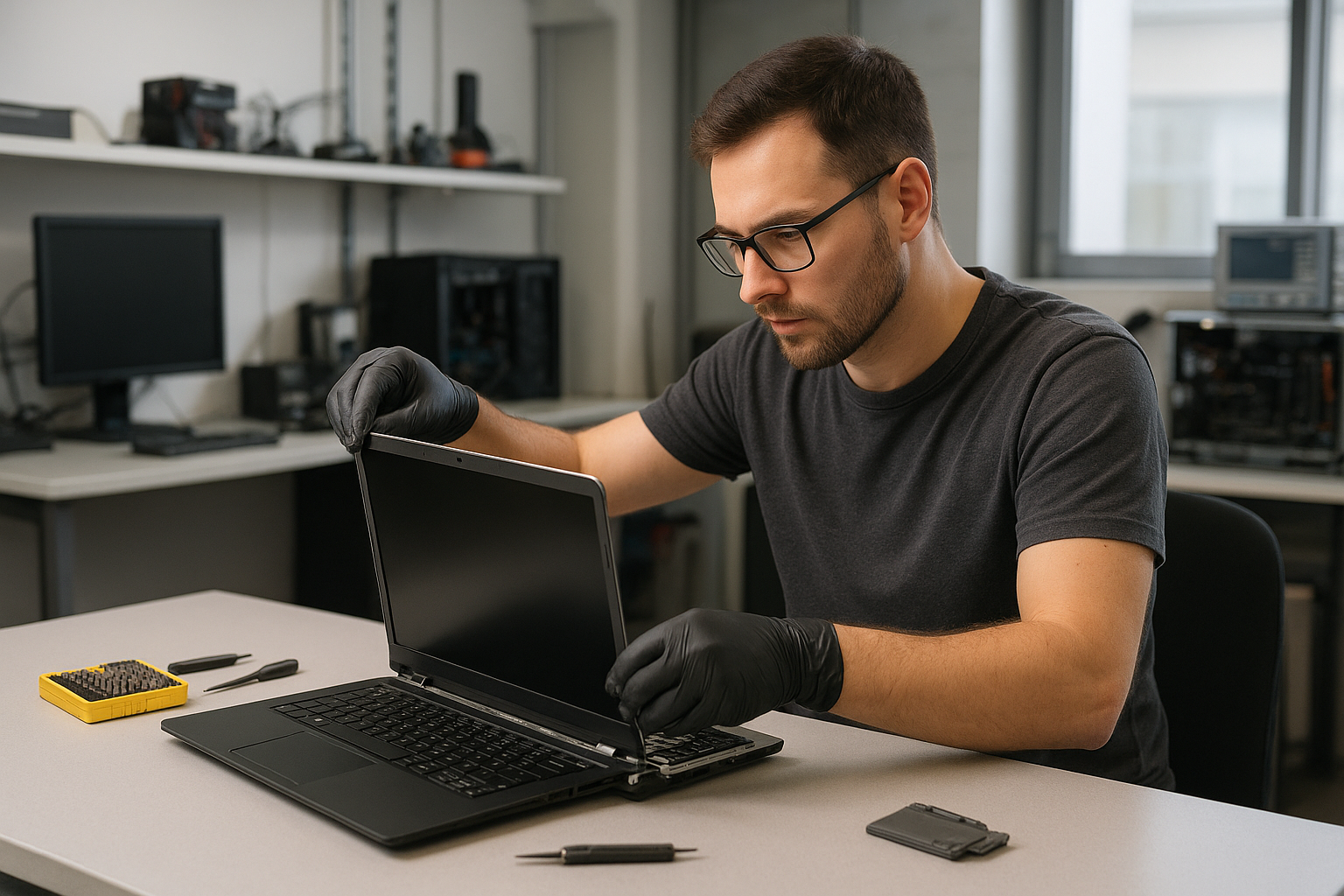
After you approve the repair, I order the exact or OEM-equivalent panel, or a high-quality compatible IPS or LED unit when appropriate. Steps I follow include:
- Power down and remove battery when possible to prevent short circuits.
- Remove bezel and take photos to track screw locations and cable routing.
- Disconnect the LVDS/eDP cable at both panel and board ends, and remove the damaged panel.
- Install the new panel, secure it, and test before reassembly.
- Run a display calibration and burn-in to confirm no dead pixels or backlight bleed.
We also offer related services such as computer repair in Coquitlam, SSD upgrades, battery replacement, and motherboard repair if diagnostics reveal additional faults.
Parts, models, and brands we service
I work on a wide range of laptops: Dell (XPS, Inspiron, Latitude, Alienware), HP (Pavilion, Envy, Omen), Lenovo (ThinkPad, Legion), ASUS (ZenBook, ROG), Acer (Aspire, Nitro), and Apple MacBook Air and MacBook Pro models. For MacBooks we follow Apple-specific disassembly and use compatible Retina or LED replacements when available. If you have a Surface device we can diagnose display issues but some models require specialized parts and longer turnaround.
When replacement is recommended
Replacement is usually best when the glass is broken, large areas of the LCD are dead, or the backlight fails. If the issue is only a loose cable or hinge, a repair might avoid replacing the panel.
Real repair example from a Coquitlam customer
A recent customer from Coquitlam brought a Lenovo Legion with a vertically striped screen after dropping it. I tested with an external monitor to confirm the GPU and motherboard were fine. Opening the lid showed the glass was split and the LCD panel had delamination near the edge. I proposed two options: a full OEM-equivalent panel replacement or a compatible IPS panel for a lower cost. The customer chose OEM-equivalent. I removed the damaged panel, installed the new panel, re-routed the display cable to prevent pinch at the hinge, and tested under load. The stripes were gone and the backlight was uniform. The machine passed a 24-hour burn-in before pickup.
Cost, turnaround time, and warranty
Costs vary by model and panel availability. Typical turnaround for stock parts is same-day to two business days. Rare or discontinued panels may take longer. We price parts and labor transparently and offer a warranty on the panel and our installation. We do not guarantee every repair will restore factory condition when there is underlying motherboard damage, but we will explain options clearly.
Practical tips for customers
If your screen cracks, power down immediately and disconnect power. Back up important files or ask about data recovery in Coquitlam if the laptop will not boot. Avoid applying pressure to a cracked display and bring the laptop in rather than attempting risky DIY fixes. If your issue is intermittent, note when it happens and the laptop orientation—we log those details during diagnostics.
Related services we provide
We can also handle keyboard replacement, trackpad repair, laptop fan replacement, thermal paste replacement, virus removal, Windows installation, operating system repair, and Wi-Fi troubleshooting. For MacBook issues, check our MacBook repair in Coquitlam page. If you need general laptop troubleshooting, our laptop repair in Coquitlam service covers diagnostics and repairs.
Contact Moe Repair Today
Moe Repair in Coquitlam offers a free consultation for display issues and clear pricing before any work starts. Call 778-951-4872 or email service@moerepair.ca to discuss your model and symptoms. We serve nearby areas including Burnaby, Port Coquitlam, Port Moody, and Vancouver, and we can often provide same-day screen replacement when parts are in stock. Bring your laptop to our shop or contact us to arrange a drop-off or pickup.
Moe Repair
Phone: 778-951-4872
Email: service@moerepair.ca
Frequently asked questions
Please see the FAQ below for quick answers to common concerns about laptop screens and repairs.