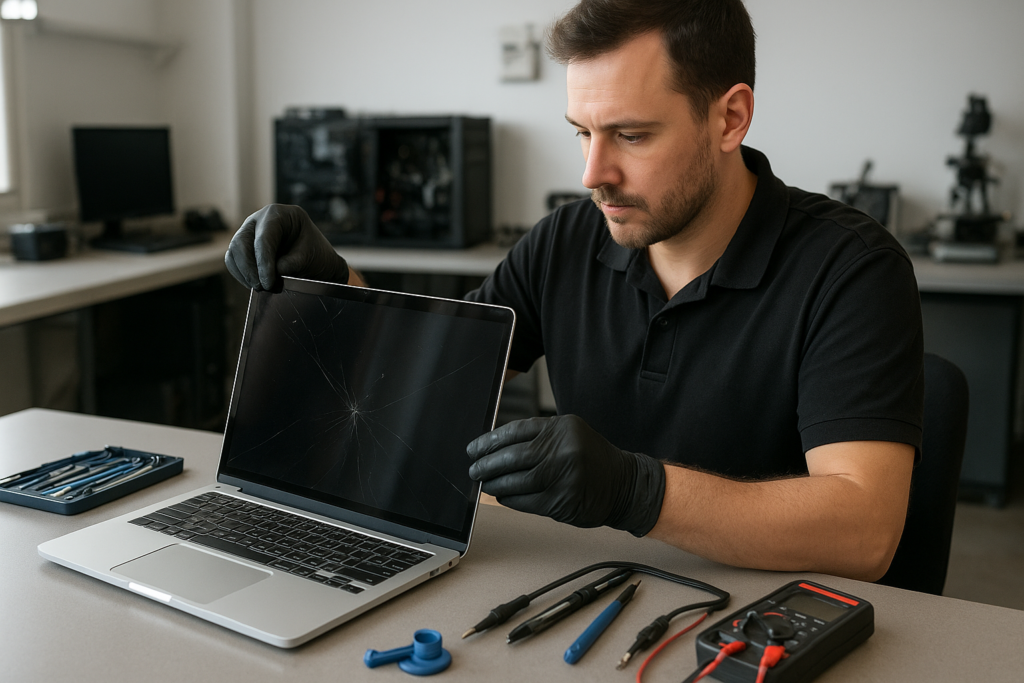
Before arranging a MacBook Pro display assessment, gather a few details about the device and the problem. This helps the repair provider understand what you are seeing and confirm whether they can help with that exact model.
Identify the MacBook Pro model
Write down the model name or year if you know it. If the MacBook starts, you can find its model information from the Apple menu under About This Mac. If it will not start, describe its size, ports and approximate age, or share a photo when you contact the provider.
Describe the display symptoms
- Say whether the screen is cracked, flickering, dim, showing lines or completely blank.
- Note whether the problem changes when you move the lid or connect an external display.
- Share when it began and whether there was a drop, pressure or liquid exposure.
- Tell the provider if the computer still starts and whether your files are backed up.
Before you authorize work
Ask what the assessment covers, what options may be available for your model, whether parts need to be ordered, and when timing and total cost can be confirmed. A display symptom can have more than one cause, so ask for an explanation before agreeing to a repair. If liquid has entered the MacBook, turn it off and disconnect power if safe; do not keep charging or restarting it.
MacBook Pro screen inquiries from Vancouver
Moe Repair is based in Coquitlam, British Columbia, and does not have a Vancouver branch. Customers in Vancouver and nearby Metro Vancouver communities can contact us with the model and symptoms to ask about service availability.
Contact Moe Repair or request an appointment. Options, parts and timing depend on the device and assessment.