
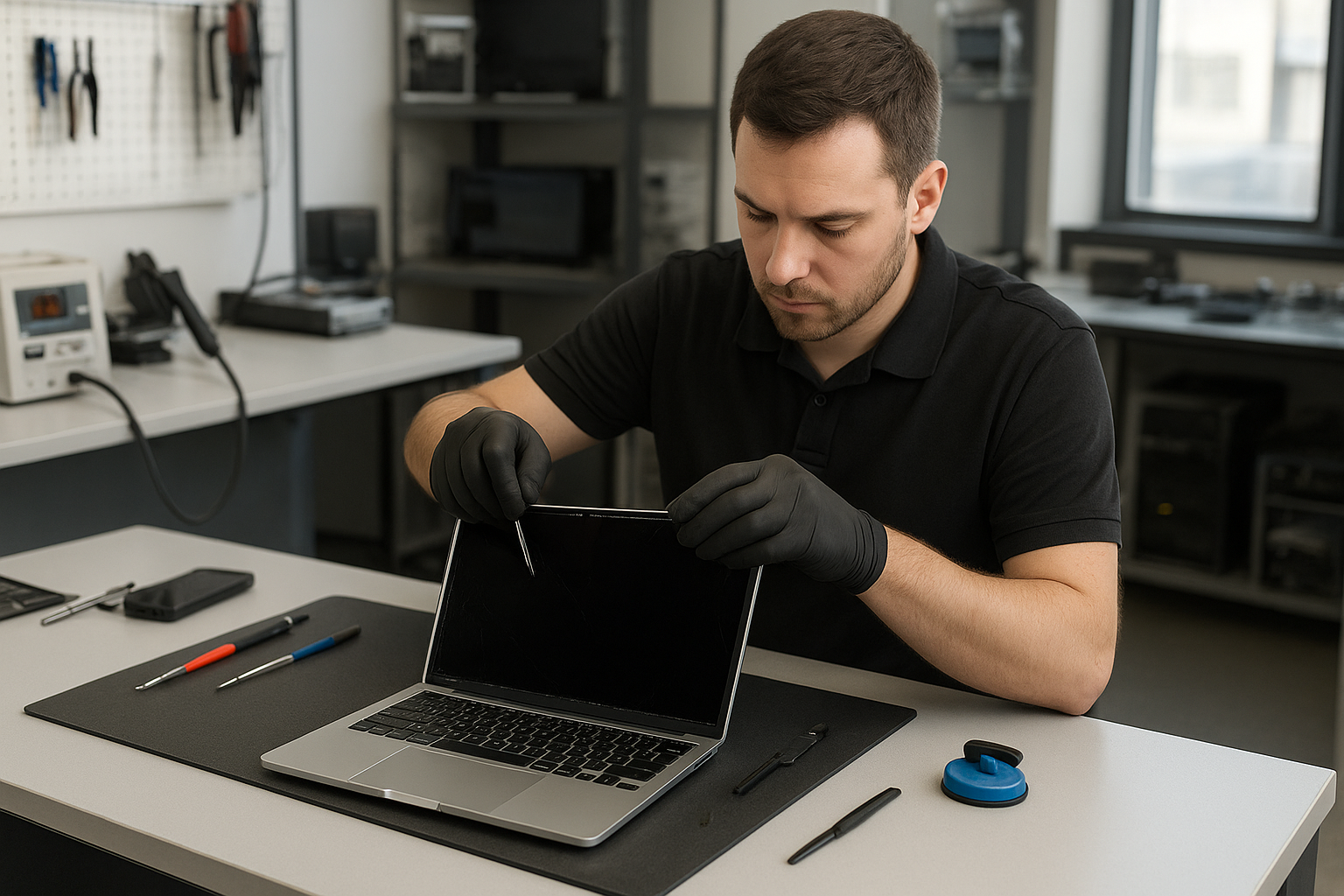
MacBook Pro Screen Replacement Calgary Moe Repair
If you searched “MacBook Pro Screen Replacement Calgary Moe Repair”, you probably have a damaged display or are comparing repair options. I’m a senior technician at Moe Repair in Coquitlam. In this guide I will explain how we diagnose screen problems, what causes failures, repair choices, and realistic next steps whether you’re in Coquitlam or looking for advice from Calgary.
Problem overview: What counts as a screen problem
Screen issues range from simple cracks to complex display and logic board faults. A cracked glass panel is obvious. Less obvious problems include flicker, colour banding, black patches, or a screen that stays dark while the system looks active. These are common topics for laptop repair and MacBook screen repair we see every week.
Common symptoms
- Cracked or shattered glass
- Partial image, vertical or horizontal lines
- Backlight failure or very dim display
- Flickering or intermittent image
- Touch or digitizer not responding on applicable models
- Colour shifts, discoloured areas or bright spots
- No image but MacBook powers on (possible cable or board fault)
Common causes
Screen failures typically come from impact, pressure, hinge stress, or liquid ingress. Sometimes the cable between the display and motherboard loosens. Other times the backlight inverter or T-con controller fails. On Retina MacBook Pro models, damage to the glass or LCD panel itself is usually the culprit. We also see failures caused by overheating, accidental drops, and DIY attempts to open the lid without the right tools.
How professionals diagnose MacBook screen problems
At Moe Repair in Coquitlam we follow a step-by-step diagnostic routine so customers get the right fix. The process avoids unnecessary parts replacement and protects data.
- Visual inspection for cracks, dents, corrosion or liquid residue.
- Power-on test to observe behaviour: flicker, black screen, or dim backlight.
- External monitor test to determine if the GPU or logic board is working.
- Check display connector and cables for damage or loose connections.
- Open the hinge area where applicable to inspect cable routing and signs of wear.
- Run macOS hardware diagnostics and logs to catch intermittent failures.
We always explain findings in plain language so customers from Coquitlam, Burnaby, or even Calgary understand the cause and options.
Repair options for MacBook Pro screen issues
Once diagnosed, common repair options include:
- Glass-only repair – for models where the glass separates from the LCD. Not all MacBook Pros support safe glass-only repairs without risking screen quality.
- LCD panel replacement – replaces the LCD layer for dead pixels, black spots, or severe pressure damage.
- Complete display assembly replacement – used when glass and LCD are fused, or when flex cables, cameras, or sensors are damaged.
- Connector and cable repair – a loose or pinched display cable can cause flicker or no image but is cheaper to fix than a full display swap.
- Backlight repair – for dim displays caused by LED backlight failures or power issues.
We also check related systems: hinge repair if the hinge has damaged cables, battery replacement if swelling affects the screen, and motherboard repair when GPU or display circuits fail. As a full-service computer repair shop, Moe Repair can advise on SSD upgrades or data recovery if you need access to files before any invasive work.
Advantages of professional repair
Choosing a trained technician avoids secondary damage. Professionals use correct tools, anti-static practices, and high-quality replacement parts. We match repairs to the model: Retina MacBook Pro panels require specific handling compared to older MacBook or third-party displays.
Professional repair also protects data. We prioritize preserving the internal drive and can run data recovery if liquid or impact has compromised storage media.
When replacement or trade-in makes more sense
Repair is not always the best route. Consider replacement or trade-in if:
- Your MacBook Pro has other major failures like a failing logic board or severe liquid damage.
- Cost of parts and labour approaches market value for a newer MacBook.
- The device is outdated and you need better performance or battery life.
We help customers in Coquitlam and the Tri-Cities weigh repair vs replacement based on condition and needs. If data recovery is a priority, we can often extract files before any device retirement.
Real technician advice: what we regularly see at Moe Repair
One issue we regularly see at Moe Repair in Coquitlam is customers trying DIY glass removal on Retina models. That often leads to further LCD damage and higher repair cost. Another common mistake is using harsh adhesives that trap heat or warp the lid.
When you bring a MacBook Pro in for laptop screen repair, expect a clear explanation of root cause and options. If the hinge has stressed cables from repeated opening and closing, we explain how hinge repair and proper cable routing prevent a repeat failure.
Estimated repair process (what to expect)
Every repair begins with a diagnostic. We do not invent turnaround times without inspecting the device, but here is the usual workflow we follow:
- Initial inspection and diagnostic testing.
- Customer approval of recommended repair option and parts sourcing if necessary.
- Technician repair, including disassembly, replacement, and safety checks.
- Post-repair testing, including external monitor checks and system verification.
- Final QA and customer pickup or shipment arrangements.
We document each step and report back to the customer. If additional issues appear during disassembly, we contact the customer before proceeding further.
Preventative maintenance to protect your MacBook Pro screen
- Use a padded sleeve or hard case when transporting your MacBook to avoid pressure and impact.
- Avoid resting heavy objects on the closed lid. Even short pressure can crack thin Retina glass.
- Keep vents clear and address thermal issues. Overheating can affect internal components and display connectors.
- Address swollen batteries promptly; they can warp the case and stress the screen and hinges.
- Have hinges checked if opening or closing is stiff or uneven.
How technicians decide if repair is worthwhile
We balance three factors: cost of parts and labour, the device condition, and customer priorities. If the logic board or storage is failing alongside the screen, repair scope grows. For business customers in Coquitlam needing reliable machines, we sometimes recommend a more comprehensive service like thermal paste replacement or SSD upgrade to extend life after a screen repair.
Service areas and how we help customers across the Tri-Cities
Moe Repair is based in Coquitlam and we regularly service customers from Burnaby, Port Coquitlam, Port Moody, New Westminster and Vancouver. Many clients contact us from outside the region looking for trustworthy advice. If you are searching from Calgary and landed here, use the contact details below for guidance on diagnostics, parts compatibility, and shipping options.
Frequently asked questions
Q: Can a cracked MacBook Pro screen be repaired without replacing the entire display?
A: It depends on the model. Some older MacBooks allow glass-only replacement. Retina panels are often fused glass and LCD, so a full display assembly may be required. We test each unit to recommend the right approach.
Q: Will screen replacement affect my data?
A: Proper display repair does not erase data. However, if the device has internal damage we may disconnect storage during repair. We take precautions and can perform data recovery if needed.
Q: Do you use OEM parts?
A: Parts availability varies by model. We source high-quality components that restore function and display quality. We will discuss part origin and expected outcome before any work.
Q: My MacBook has a dim screen but no cracks. Is that the display?
A: Dim screens can be caused by backlight failure, inverter issues, or a failing display cable. We run tests including external monitor checks to isolate the fault.
Q: Can a swollen battery damage my screen?
A: Yes. Swelling can deform the case, applying pressure to the display and hinges. We recommend addressing battery swelling immediately and include a case inspection during screen diagnostics.
Q: I live outside Coquitlam. Can you still help?
A: Yes. Many customers from the Tri-Cities and beyond contact us for phone diagnostics, advice, or to arrange shipment. Call or email to discuss options specific to your situation.
Q: Are DIY screen repair kits a good idea?
A: DIY kits can be risky without experience. Incorrect disassembly, improper adhesive, or ESD damage to the logic board can make repairs more expensive. We recommend professional service for Retina MacBook Pros.
Q: Will a repaired screen match the original display quality?
A: When we use compatible high-quality parts and follow manufacturer-safe procedures, image quality and colour accuracy are restored. We’ll explain the expected result for your model before starting work.
Conclusion
If you need MacBook Pro screen replacement Calgary Moe Repair results in a trustworthy resource. At Moe Repair in Coquitlam we diagnose thoroughly, explain options, and protect your data. Whether you’re in Coquitlam or searching from Calgary, contact us for clear technician advice and an honest repair plan.
Business: Moe Repair
Website: https://moerepair.net
Phone: 778-951-4872
Email: service@moerepair.ca
Call to action: Call 778-951-4872 or email service@moerepair.ca to book a diagnostic or get advice about MacBook Pro screen repair and related services like battery replacement, hinge repair, SSD upgrade, or data recovery. We serve Coquitlam and customers across the Tri-Cities.