
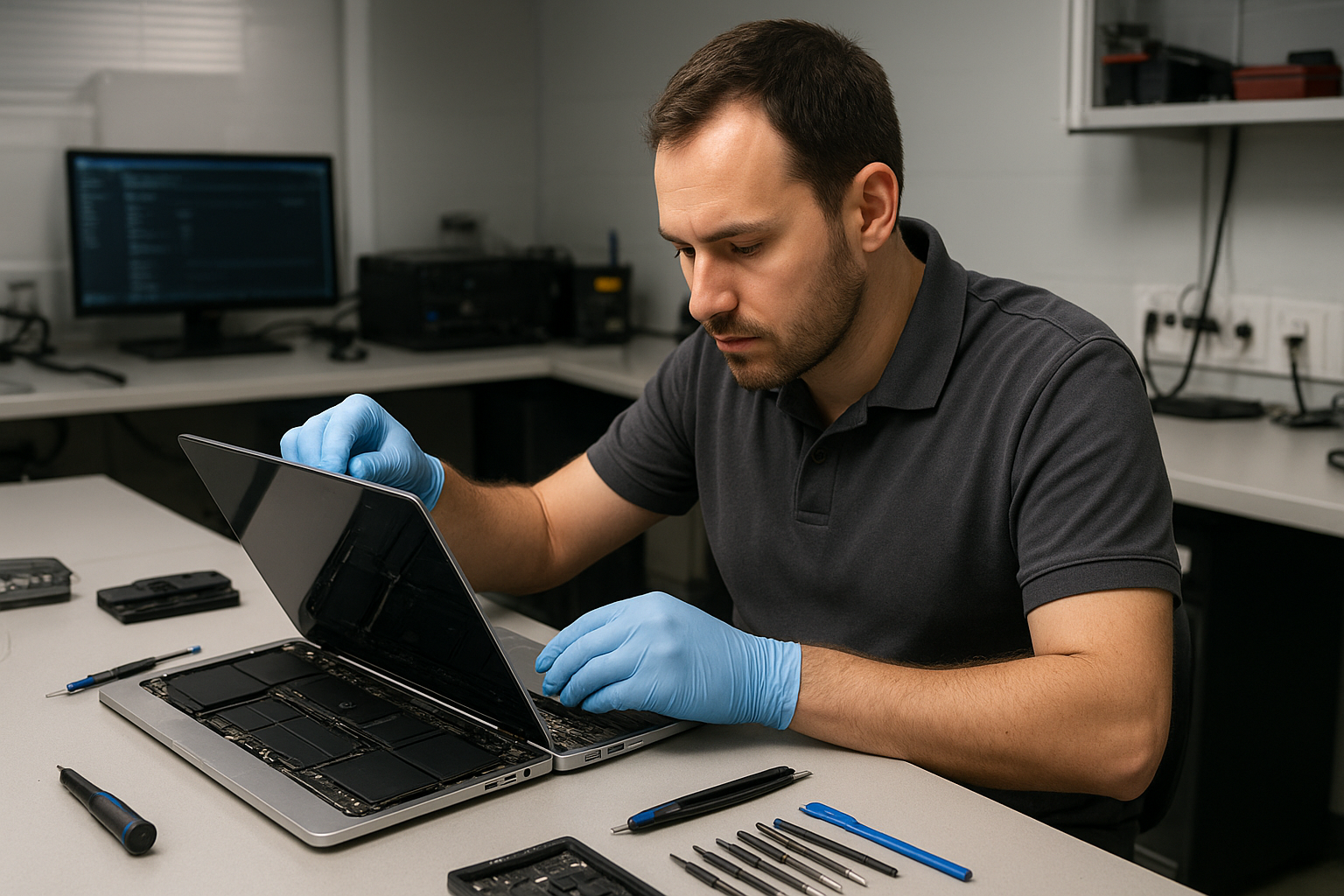
MacBook Pro Screen Repair Coquitlam
If your MacBook Pro screen is cracked, flickering, or showing strange lines, Moe Repair provides trusted MacBook Pro Screen Repair Coquitlam customers rely on. We diagnose the issue clearly, explain your options, and carry out repairs with care to preserve your data and device integrity.
Why screens fail: problem overview
Screens are one of the most common failure points on MacBooks. Daily opening and closing, drops, pressure on the lid, and liquid exposure all stress the display assembly. Even a small crack in the glass can allow moisture or dust to reach the LCD or Retina layers and cause more extensive damage.
At Moe Repair we treat screen problems as layered issues. The glass, digitizer (on touch-capable models), the LCD/Retina panel, backlight, and the connector ribbon can each fail independently. A visible crack in the glass does not always mean the entire display needs replacement, but in many cases multiple components are affected.
Common symptoms of a damaged MacBook Pro screen
- Visible cracks or spiderwebbed glass.
- Vertical or horizontal lines across the display.
- Black spots, dark areas, or sections that don’t display anything.
- Flickering, brightness changes, or dim backlighting.
- Touch or trackpad responsiveness issues on models with integrated touch features.
- Distorted colours, washed-out image, or persistent artefacts.
Common causes we see at Moe Repair
We regularly see these real-world scenarios from customers across Coquitlam and Metro Vancouver:
- Accidental drops or pressure when the laptop is closed with an object inside a bag.
- Liquid spills seeping into the display edge and corroding connectors.
- Hinge damage putting uneven force on the display ribbon cable.
- Manufacturing wear on older models causing backlight or connector failures.
- Previous cheap repairs where non-compatible parts were used, leading to early failure.
How professionals diagnose a MacBook Pro display
Diagnosis is about isolating which component is at fault. We never guess. We follow a step-by-step process:
- Visual inspection for glass cracks, corrosion, and loose hinges.
- External tests: connect to an external monitor to determine if the GPU or logic board is OK.
- Boot into safe mode and run display tests to identify software versus hardware issues.
- Careful disassembly to inspect connectors, the display cable, and the back of the panel for damage.
- Component-level checks when needed, such as testing the backlight circuit or display connector pins.
This diagnostic approach helps us recommend the least invasive, most cost-effective repair path while protecting your data.
Repair options for MacBook Pro screens
After diagnosis we typically present these options:
- Glass-only replacement when the underlying LCD or Retina panel is intact.
- Full display assembly replacement when the panel or digitizer is damaged.
- Connector and cable repair if the problem is a loose or damaged display ribbon.
- Logic board repair when the GPU or display circuitry is failing (less common for straight screen issues).
We explain trade-offs for each option and which parts are compatible with your MacBook Pro model.
Advantages of professional repair
Choosing an experienced technician reduces the risk of additional damage. We offer:
- Thorough diagnostics so you pay only for what’s needed.
- Quality parts and careful installation to avoid pressure marks and false colours.
- Data-safe procedures to protect photos, documents, and settings.
- Clear communication about realistic outcomes and next steps.
When replacement makes more sense than repair
Sometimes a full display assembly replacement is the only safe option. You should consider replacement when:
- The LCD or Retina panel is cracked or showing large dark areas.
- Multiple layers (glass and panel) are compromised.
- Previous repair attempts have failed or introduced new faults.
- Connector damage or corrosion has progressed extensively.
We help you decide based on technical condition and long-term reliability—not on pressure to upsell.
Typical repair process (what to expect)
Our goal is to make repair simple and transparent. The usual process is:
- Book a diagnostic appointment or drop off your MacBook at Moe Repair.
- We run tests and explain findings with a clear quote for the repair options.
- With your approval we order any needed parts and schedule the repair.
- We complete the repair, test the display thoroughly, and return your MacBook with notes on the work done.
We will never replace parts without your consent. If data recovery or backups are needed we recommend and can perform those services as well.
Preventative maintenance to protect your screen
Small habits prevent larger repair needs:
- Use a slim sleeve or protective case when transporting your MacBook.
- Keep liquids away from the laptop and clean the keyboard and vents regularly.
- Avoid placing heavy items on top of a closed laptop in a bag.
- Have hinges checked if you notice stiffness or uneven opening—hinge issues often damage screen cables over time.
Real technician advice from Moe Repair
One common issue we see: customers try to press a cracked screen back into place. That often pushes glass shards into the display layers and makes the problem worse. If your screen is cracked, power the device down and bring it in for a diagnostic.
Another scenario involves aftermarket parts. We sometimes find screens that looked fine after repair but later developed colour banding because the replacement panel was not matched to the MacBook’s controller. We always recommend compatible, high-quality parts to avoid recurring faults.
Related services that may help
We often combine MacBook display work with other services to ensure your machine is healthy. Related services include battery replacement, hinge repair, logic board repair, SSD upgrade, RAM upgrade, data recovery, and macOS repair. If display damage is caused by liquid, we perform a full inspection and clean to limit corrosion risks.
FAQ
- Can a cracked glass be replaced without replacing the whole display?
Sometimes yes. We inspect the panel layers to determine whether a glass-only replacement is possible and cost-effective. Not all models support glass-only repair.
- Will I lose my files during screen repair?
Screen repair itself does not erase data. However, if we encounter logic board issues we advise a backup or data recovery plan before proceeding.
- Do you use OEM parts?
We use high-quality, compatible parts and will tell you whether an OEM part is available for your model. We do not misrepresent part origin.
- Can you fix flickering without replacing the screen?
Yes—flicker can be caused by a loose cable, backlight inverter issues, or software. We run tests to isolate the cause before recommending a replacement.
- What should I avoid doing after my screen is cracked?
Do not press the cracked area, avoid powering on if there are signs of liquid or burning smell, and do not attempt DIY repair unless you have experience with MacBook disassembly.
- Do you service older MacBook models?
Yes. We service a wide range of MacBook models and will advise whether replacement parts are recommended or if alternative options exist.
- Can you repair dead pixels or backlight issues?
We diagnose pixel and backlight problems and recommend repair or replacement based on severity and root cause.
- How do I book a diagnostic?
Contact Moe Repair by phone at 778-951-4872, email service@moerepair.ca, or bring your MacBook to our shop in Coquitlam. We serve customers across Metro Vancouver.
Conclusion
For fast, honest MacBook Pro Screen Repair Coquitlam residents trust Moe Repair for clear diagnostics, skilled technicians, and careful parts selection. We help you pick the right repair path and protect your data throughout the process.
Contact Moe Repair to schedule a diagnostic or to learn your repair options: 778-951-4872 | service@moerepair.ca. Visit https://moerepair.net to learn more about our MacBook repair and related services across Metro Vancouver.
Business: Moe Repair
Website: https://moerepair.net
Phone: 778-951-4872
Email: service@moerepair.ca