
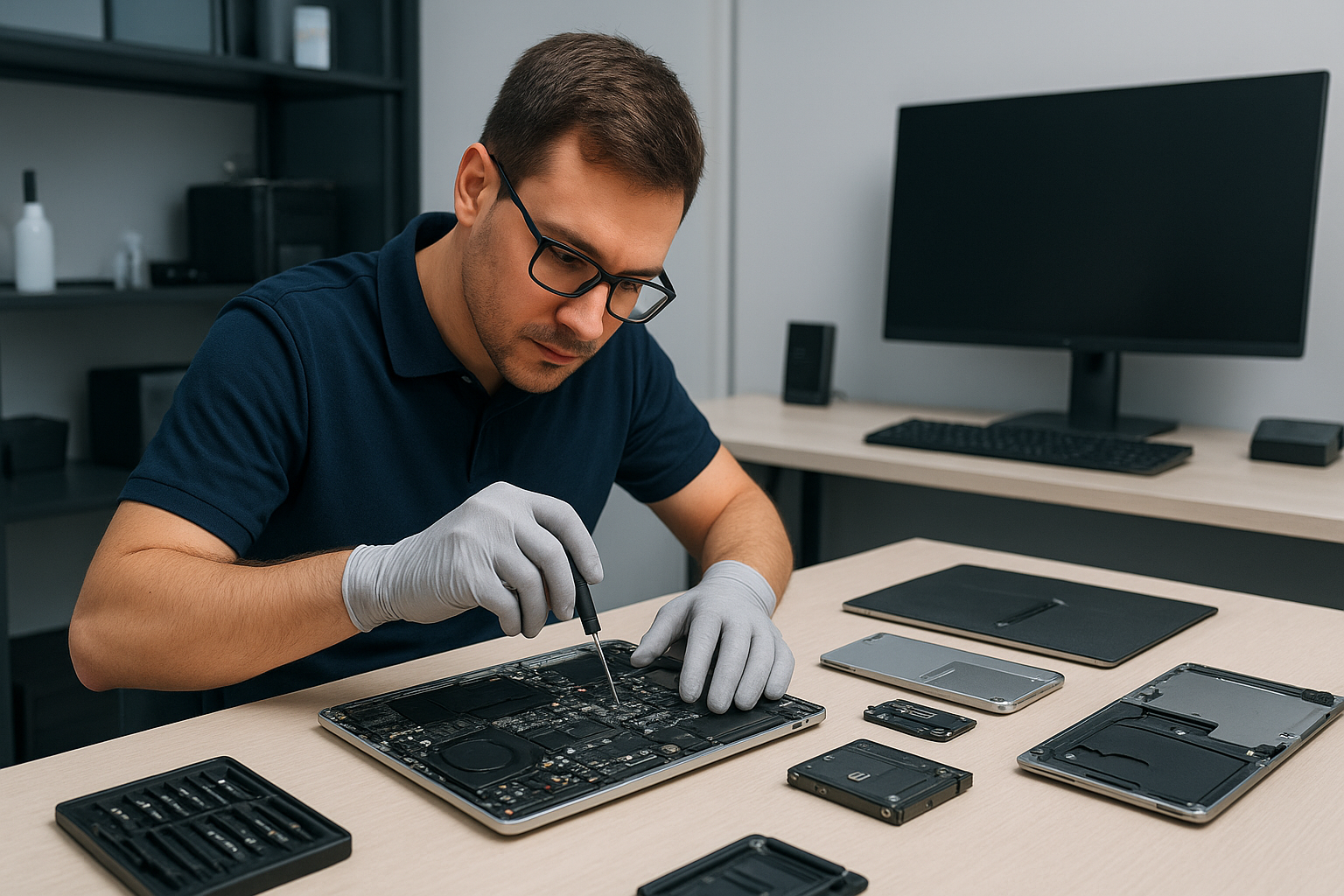
Data recovery Coquitlam: Proven File Recovery by Moe Repair
I am a senior computer technician with more than 15 years of hands-on experience. When you need Data recovery Coquitlam, you want clear diagnostics, safe procedures, and results. At Moe Repair I handle everything from crashed hard drive recovery to SSD recovery, and I work with laptops, MacBooks, desktops and NAS arrays.
Data recovery Coquitlam, what to expect
First, I perform a triage. I ask where the device was used, whether you saw error messages, and whether there was physical damage or liquid exposure. Then I run drive diagnostics, including SMART checks and power tests. I never write to a failing drive, instead I create a bit-for-bit disk image and work from that clone. This protects your original media and improves recovery rates.
Common failure symptoms
- Clicking, grinding or ticking noises from a hard drive, indicating mechanical failure.
- Drive not detected in BIOS or Disk Management, common with controller or PCB damage.
- Error messages such as “drive needs to be formatted” or file system corruption.
- Deleted or overwritten files after accidental deletion or formatted partition.
- Slow performance and repeated crashes, often due to bad sectors or malware.
- SSD showing zero capacity or firmware lock, which requires specialized tools.
Realistic diagnostic steps I perform
- Visual inspection for liquid damage, burnt components or loose connectors.
- Run SMART and manufacturer diagnostic tools to log errors.
- Test on a known-good USB/SATA adapter and alternate computer.
- Create a full disk image using a forensic tool, such as ddrescue, to preserve data.
- Analyze the image with file system repair and recovery software like R-Studio or PhotoRec.
- If needed, escalate to clean-room mechanical repair or PCB swap for hard drives, and chip-off for some SSD cases.
For RAID recovery I document the array topology, use sector-level copies, and reassemble the array in a controlled environment. For all recoveries I keep chain-of-custody notes and provide a recovery report.
Practical advice for customers
First, stop using the device immediately. Every write operation reduces the chance of full recovery. Second, avoid DIY fixes that write to the disk, like reformatting or running Windows install, because that can overwrite important sectors. Third, back up recovered files once we return them, and ask about a backup solution so you avoid future losses.
If your laptop experienced liquid damage, bring it in quickly. I offer motherboard repair, keyboard replacement, trackpad repair, and component-level cleaning. For MacBook repair I handle logic board diagnostics and data retrieval from Mac-formatted drives. If your system is slow, consider SSD upgrades or a computer tune-up to prevent future failures.
Examples of repair procedures
Mechanical hard drive with clicking noise. I open in a clean room when required, replace the actuator or head stack only if an exact donor match exists, then image the repaired drive. If mechanical repair is not safe, I try firmware recovery options or continue with logical recovery from the best possible image.
SSD that reports zero capacity. I inspect the PCB, reflow suspect joints where safe, and if firmware corruption is suspected, attempt vendor-level tools or chip-off with specialized hardware. For many consumer SSDs, success depends on prior TRIM activity, so immediate action improves outcomes.
Corrupted file system or accidental deletion. I image the drive, then use file carving and file system repair tools to rebuild partitions and recover documents, photos and databases. I verify recovered files before returning them to you.
Why choose Moe Repair for Data recovery Coquitlam
I apply a methodical, technician-grade process. That includes encrypted transfer of recovered data, secure wiping of donor media, and transparent pricing. I also offer related services such as virus removal, Windows installation, laptop fan replacement, thermal paste replacement, and motherboard repair. For gamers I provide gaming PC repair and component-level troubleshooting. For phones or other devices I will provide a referral to a trusted partner when appropriate.
We serve Coquitlam and surrounding communities including Burnaby, Vancouver, Surrey, Richmond, New Westminster, Maple Ridge, Port Moody, Port Coquitlam, Pitt Meadows, Langley, Delta, North Vancouver, West Vancouver, White Rock, Abbotsford, Mission, and Chilliwack.
Pricing and turnaround
I provide a free initial assessment for many devices. Simple recoveries from logical deletion often complete in 24 to 72 hours. Mechanical or complex RAID and SSD cases may take longer, depending on parts and clean-room scheduling. I always estimate time and cost before proceeding.
Moe Repair Phone: 778-951-4872
Email: [service@moerepair.ca](mailto:service@moerepair.ca)
Next steps – contact Moe Repair
If you need Data recovery Coquitlam, call now. I will instruct you how to transport the device safely, and begin diagnostics as soon as your device arrives. Acting quickly increases the chance of a full recovery.
We combine honest assessments with hands-on skills. Whether you need external hard drive recovery, recover deleted files, or RAID recovery for a business server, I provide realistic expectations and professional results. Contact Moe Repair today for a fast, secure recovery.