
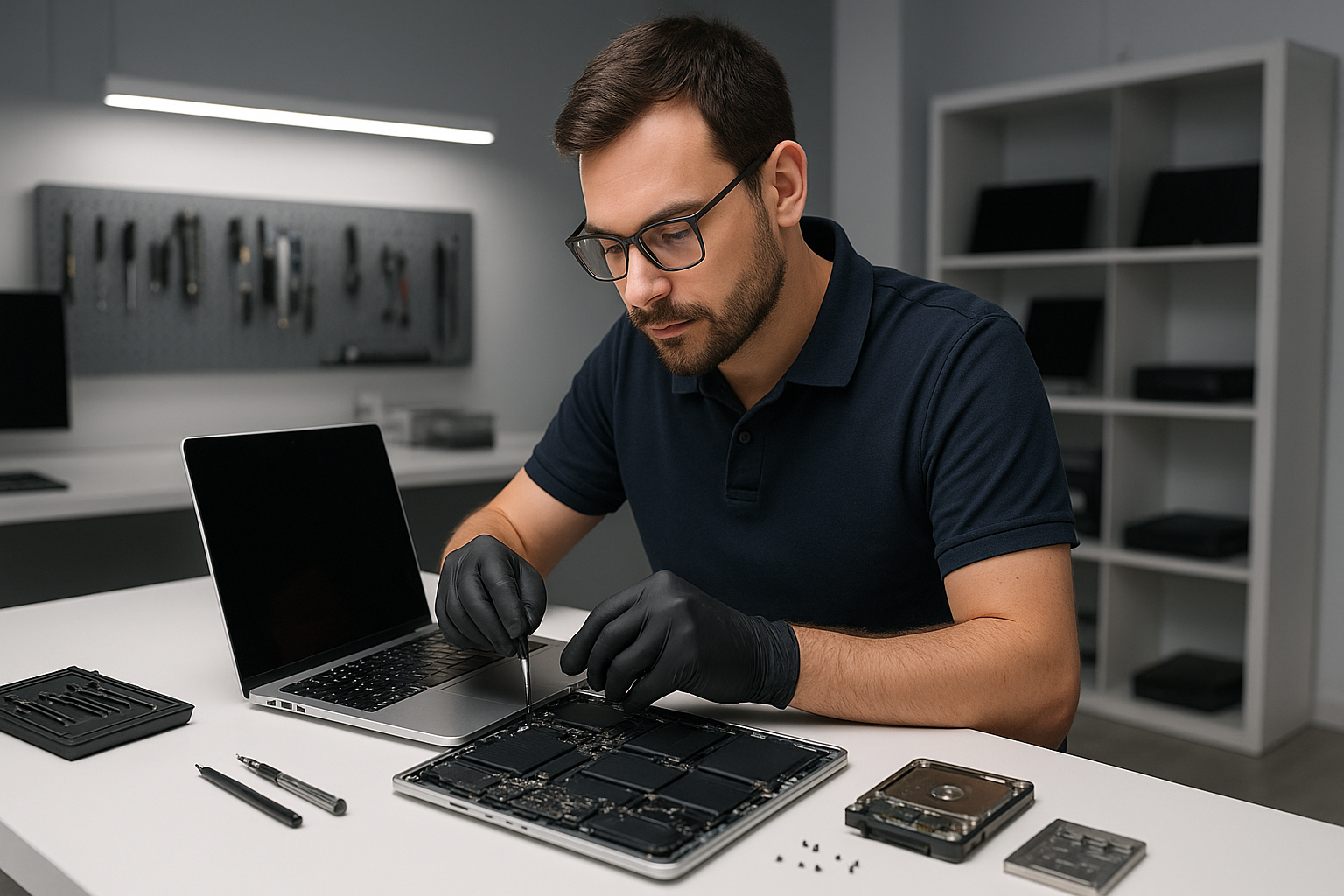
MacBook repair Coquitlam: Trusted Apple Technician Near You
As a senior technician with more than 15 years of hands-on experience I perform precise MacBook repairs every day. If you need MacBook repair Coquitlam customers trust Moe Repair for accurate diagnostics, data recovery, screen replacement and long lasting fixes.
Why choose Moe Repair for MacBook repair Coquitlam
I focus on clear diagnostics and transparent pricing. First, I triage your machine to identify symptoms. Next, I back up data when possible, then I run hardware and software tests. Finally, I repair the underlying fault and retest. You get honest service from a certified technician who uses quality parts.
Common symptoms and what they mean
If your MacBook shows a black screen, repeated kernel panics, or will not boot, that indicates power, SSD, or logic board issues. Swollen batteries, rapid battery drain, and sudden shutdowns point to battery health problems. Unresponsive keys, sticky keys, or missing characters suggest keyboard replacement. A jittery or dead cursor often needs trackpad repair. Fans spinning loudly, overheating, or thermal throttling mean I will examine the fan, vents, and perform thermal paste replacement.
Liquid spills produce corrosion, stuck keys, and boot failures. I treat liquid damage with immediate board isolation, component-level cleaning, and targeted repairs. For virus removal and slow performance I run malware scans, remove unwanted software, and perform a computer tune-up.
Realistic repair procedures I use
My repair workflow follows proven steps. I start with visual inspection, then run Apple Diagnostics. I check SMC and NVRAM resets. For power issues I measure voltage rails with a multimeter, inspect the DC jack, and test the battery. For display problems I swap in a known-good display cable or screen before ordering parts.
For a screen replacement I open the case, disconnect the battery, remove the display assembly, replace the panel and reassemble. For battery replacement I calibrate the new battery and verify charging performance. For SSD upgrades I image the old drive, install a higher capacity SSD, clone the operating system, then verify file integrity. These steps reduce risk and maintain your data.
When I find motherboard faults I inspect under a microscope, test power rails, and replace damaged components. I perform micro-soldering and logic board repair when required. For liquid damage I clean contact points with high purity isopropyl alcohol, replace corroded connectors, and dry the chassis to prevent future shorts.
Diagnostic steps you can expect
I will document the problem, run system reports, and check logs. I use hardware tests and software utilities to isolate the fault. Usually I can identify whether the issue is storage, battery, display, keyboard, trackpad, fan, or logic board. At Moe Repair our MacBook repair Coquitlam service includes step-by-step diagnostics and a written quote before any work begins.
- Step 1, visual inspection and customer interview
- Step 2, backup and basic software checks such as Safe Mode and malware scan
- Step 3, hardware diagnostics, voltage tests, and component-level checks
- Step 4, parts replacement or board-level repair with quality components
- Step 5, final testing, thermal checks, and customer walkthrough
Typical repairs and services
Our MacBook repair Coquitlam services cover screen replacement, battery replacement, keyboard replacement, trackpad repair, laptop fan replacement, thermal paste replacement and SSD upgrades. We also handle data recovery, virus removal, Windows installation on Boot Camp machines, motherboard repair, liquid damage repair, and gaming PC repair. I perform full computer tune-up services to restore speed and reliability.
I carry quality parts for MacBook Pro repair and MacBook Air repair. If a repair like a screen replacement or battery replacement will restore service quickly I recommend it. For more complex faults I explain motherboard repair or logic board repair options with expected costs.
Practical advice from an experienced technician
Back up your files regularly, ideally to both cloud and a local drive. Keep macOS updated and avoid running unknown installers. Use a good case, keep liquids away, and avoid placing heavy objects on the lid. For older models consider SSD upgrades and fresh thermal paste to extend usable life.
If your MacBook receives liquid damage unplug it, do not power it on, and bring it in immediately. For a swollen battery stop using the device and bring it to our shop for safe battery replacement. For persistent performance issues start with a diagnostic so we can pinpoint whether the cause is software, drive failure, or thermal stress.
Service areas and how to reach us
Moe Repair serves Coquitlam, Burnaby, Vancouver, Surrey, Richmond, New Westminster, Maple Ridge, Port Moody, Port Coquitlam, Pitt Meadows, Langley, Delta, North Vancouver, West Vancouver, White Rock, Abbotsford, Mission and Chilliwack. We handle laptop repair and desktop repair across the Lower Mainland and Fraser Valley.
Call Moe Repair at 778-951-4872 or email service@moerepair.ca to book an appointment or request a free diagnostic. We accept drop offs, mail-in repairs, and offer clear estimates before work begins.
Moe Repair, Phone: 778-951-4872, Email: service@moerepair.ca
Quick answers
Can you recover data from a failed SSD? Yes, we perform data recovery and cloning when the drive condition allows. How long is a warranty? Parts and labour warranty varies by service, we explain details on the estimate. Do you repair older MacBooks? Yes, I repair many legacy models and recommend upgrades when feasible.
For reliable MacBook repair Coquitlam residents call Moe Repair today and get expert help that restores your machine, protects your data, and provides clear choices for repair or upgrade.