Hi, How Can We Help You?
  • 203-504 Cottonwood Ave, Coquitlam
  • service@moerepair.ca
  • +1 (778) 951-4872

Author Archives: moe

Is Your Laptop Slow? Upgrade to an SSD Anywhere on Vancouver Island

If your laptop is running slow, taking forever to boot, or freezing constantly—it’s time to upgrade your hard drive to an SSD. Moe Repair now offers professional SSD upgrade services to residents across Vancouver Island, including Victoria, Nanaimo, Duncan, Parksville, and more.

An SSD upgrade can boost speed by up to 10X, improve battery life, and extend the lifespan of your device.


Simple Ship-In Service Across the Island

We’re based in Coquitlam (Greater Vancouver), but now serve all of Vancouver Island with a convenient ship-in upgrade service.

Here’s how it works:

  1. Contact us at 778-951-4872 or email service@moerepair.ca

  2. Ship your laptop to us (average shipping cost is under $25)

  3. We’ll install a high-speed SSD, migrate your data, and optimize your system

  4. We ship it back FREE with tracking — upgraded and faster than ever!

We use only top-tier SSDs (Crucial, Samsung, Kingston, WD) and ensure full data migration where possible.


We Upgrade All Laptop Brands & Models

No matter what you use, we’ve upgraded it before:

  • Apple MacBook (Air, Pro, Retina, Intel, M1, M2 – 2012–2017 models)

  • HP (Pavilion, Envy, Spectre, Omen, EliteBook, ProBook)

  • Dell (Inspiron, Latitude, XPS, Vostro, G Series, Alienware)

  • Lenovo (ThinkPad, IdeaPad, Yoga, Legion)

  • ASUS (VivoBook, ZenBook, TUF, ROG, Chromebook)

  • Acer (Aspire, Nitro, Swift, Predator, Spin)

  • Microsoft Surface Laptop / Surface Book

  • Samsung, Toshiba, MSI, LG, Gateway, Sony VAIO, Razer Blade, and others

Note: If your laptop is still using a mechanical hard drive (HDD), an SSD upgrade is one of the best improvements you can make.


Serving the Entire Vancouver Island

We proudly support laptop users in:
Victoria, Nanaimo, Duncan, Courtenay, Parksville, Campbell River, Comox, Port Alberni, Sidney, Ladysmith, Tofino, Ucluelet, Langford, Colwood, View Royal, North Saanich, and all surrounding areas.


Why Trust Moe Repair for SSD Upgrades?

✅ Over 14 years of laptop service experience
✅ Fast turnaround with free return shipping
✅ Full operating system transfer (when possible)
✅ Affordable SSD options (256GB–2TB)
✅ Upfront quotes and friendly support


Speed Up Your Laptop Today

Ready to breathe new life into your laptop?
Call us at 778-951-4872 or email service@moerepair.ca and we’ll walk you through the quick shipping process.

Your laptop will come back faster, quieter, and more reliable — without ever leaving Vancouver Island.

Trackpad Not Working? We Now Offer Laptop Trackpad Replacement Across Vancouver Island

Is your laptop trackpad unresponsive, glitchy, or physically damaged? Whether it’s due to wear, water damage, or a swollen battery—Moe Repair now offers expert trackpad replacement services for Vancouver Island residents, including Victoria, Nanaimo, Duncan, and beyond.

We’ve been restoring laptops since 2010 and are proud to bring our trusted repair service to your doorstep—without you ever leaving the island.


How It Works: Ship Your Laptop, We Handle the Rest

Even though we’re based in Coquitlam (Metro Vancouver), it’s now easier than ever to get your trackpad fixed:

  1. Contact us at 778-951-4872 or service@moerepair.ca

  2. Ship your laptop to Moe Repair — average cost under $25

  3. We professionally replace the trackpad and test everything

  4. We ship it back to you for FREE, fully repaired and ready to use

All repairs are done in-house with OEM-quality parts, and our turnaround is fast.


Trackpad Replacements for All Major Laptop Brands

We replace trackpads on every major laptop model, including:

  • Apple MacBook (Air, Pro, Retina, M1, M2)

  • HP (Pavilion, Spectre, Omen, EliteBook, Envy, ProBook)

  • Dell (XPS, Inspiron, Latitude, Vostro, Alienware, G Series)

  • Lenovo (ThinkPad, Yoga, Legion, IdeaPad)

  • ASUS (ZenBook, VivoBook, ROG, TUF, Chromebook)

  • Acer (Aspire, Swift, Nitro, Predator, Spin)

  • Microsoft Surface (Laptop, Book, Pro)

  • Samsung (Galaxy Book, Notebook Series)

  • Toshiba, MSI, LG, Razer Blade, Sony VAIO, Gateway, and more

Whether your trackpad clicks randomly, doesn’t respond, or is physically cracked—we’ll make it work like new again.


Serving All of Vancouver Island

Our ship-in repair program covers:
Victoria, Nanaimo, Courtenay, Parksville, Duncan, Comox, Campbell River, Port Alberni, Qualicum Beach, Ladysmith, Sidney, Tofino, Ucluelet, Langford, Colwood, Saanich, View Royal, and surrounding areas.


Why Choose Moe Repair?

✅ 14+ years of experience
✅ High-quality parts & expert technicians
✅ Free tracked return shipping
✅ Competitive pricing & quick turnaround
✅ Support for all makes and models


Request a Quote Today

Don’t let a broken trackpad slow you down.
Call Moe Repair at 778-951-4872 or email service@moerepair.ca and we’ll guide you through the simple shipping process.

Laptop trackpad issues? We’ll fix it and send it back—fast, affordable, and stress-free.

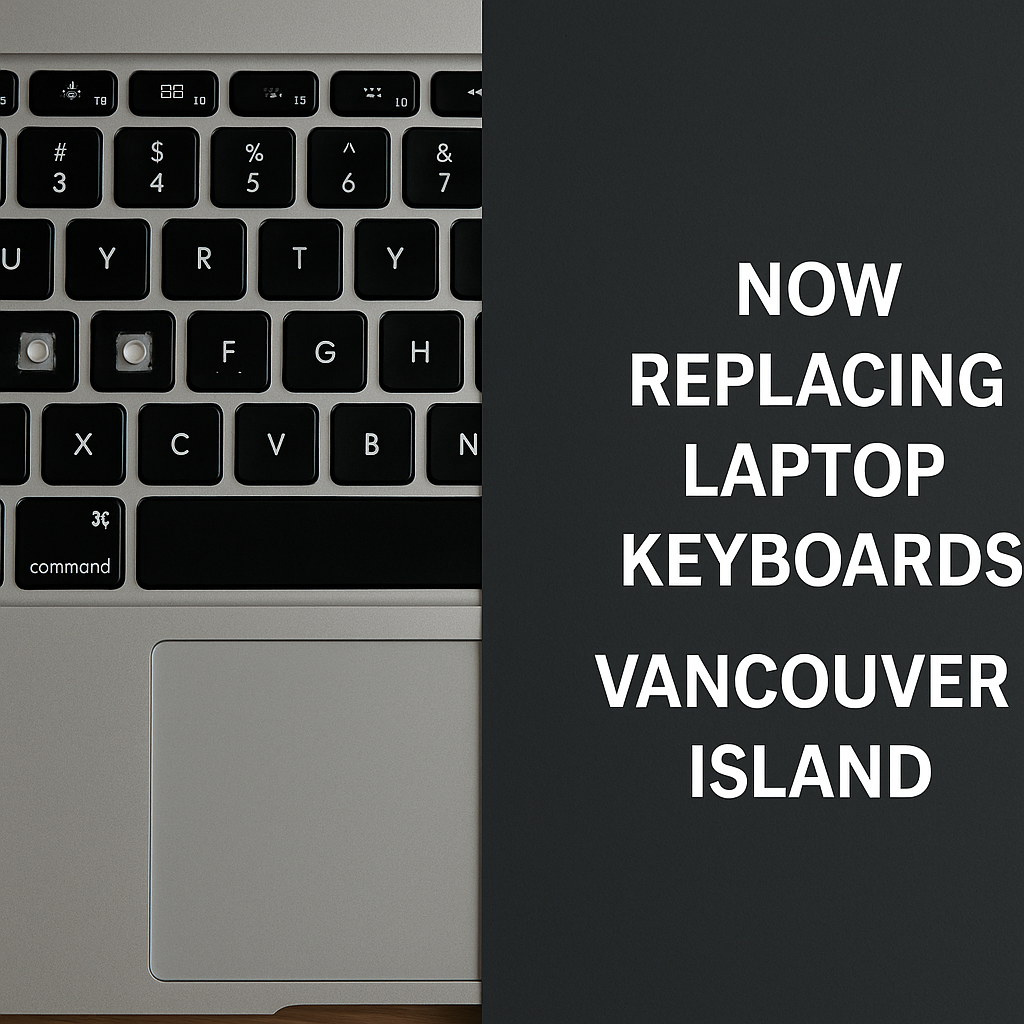
Laptop Keyboard Replacement Now Offered to Vancouver Island Customers

If your laptop keyboard has stopped responding, has missing keys, or is liquid-damaged—Moe Repair is here to help. We now proudly offer professional keyboard replacement services to residents across Vancouver Island, including Victoria, Nanaimo, Courtenay, Duncan, Parksville, and more.

Whether you’re a student, remote worker, or business owner—typing issues shouldn’t slow you down. Send your laptop to Moe Repair and get it fixed by trusted experts since 2010.


How It Works: Convenient Ship-In Service

We’re based in Coquitlam, BC, but serve all of Vancouver Island via a simple, cost-effective ship-in repair process:

  1. Contact us at 778-951-4872 or email service@moerepair.ca

  2. Package and ship your laptop to us — typically under $25 with Canada Post or courier

  3. We replace the keyboard with high-quality parts

  4. We ship it back to you for FREE (tracked and insured)

No need to leave the island or overpay at big-box retailers. Our turnaround is fast, our prices are honest, and the results are like new.


We Replace Keyboards on All Major Laptop Brands

We service every brand and model, including:

  • Apple MacBook (Air, Pro, Retina, M1, M2)

  • HP (Pavilion, Spectre, Omen, EliteBook, Envy, ProBook)

  • Dell (XPS, Inspiron, Latitude, Vostro, Alienware, G Series)

  • Lenovo (ThinkPad, IdeaPad, Yoga, Legion)

  • ASUS (ZenBook, ROG, TUF, VivoBook, Chromebook)

  • Acer (Aspire, Nitro, Predator, Swift, Spin)

  • Microsoft Surface (Laptop, Book, Pro)

  • Samsung (Galaxy Book, Notebook Series)

  • Toshiba, MSI, Sony VAIO, LG Gram, Razer Blade, Gateway, and many more

Sticky, broken, or non-functioning keyboard? We’ll replace it with OEM-grade parts and test for full functionality before returning it to you.


Proudly Serving All of Vancouver Island

Moe Repair now serves the following cities and communities:
Victoria, Nanaimo, Courtenay, Parksville, Duncan, Saanich, Comox, Campbell River, Port Alberni, Ladysmith, Qualicum Beach, Sidney, Langford, Tofino, Ucluelet, North Saanich, View Royal, Colwood, and surrounding areas.


Why Choose Moe Repair?

✅ Over 14 years of laptop repair experience
✅ Quality parts + expert workmanship
✅ Fast turnaround times
✅ Free return shipping
✅ Honest pricing, no hidden fees


Get Your Keyboard Replaced—The Easy Way

Call us at 778-951-4872 or email service@moerepair.ca to book your repair. We’ll guide you through the shipping process and have your laptop back in no time—fully functional and ready to type.

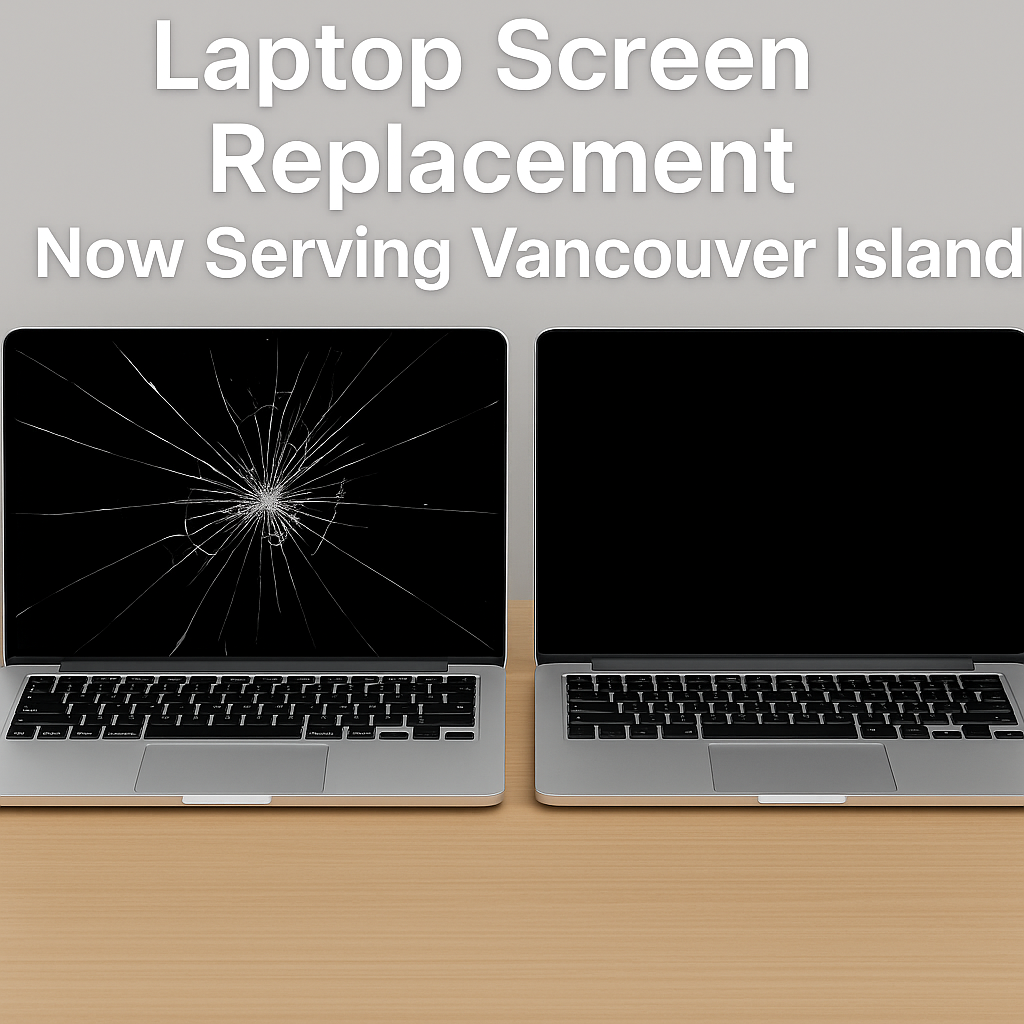
Laptop Screen Replacement Now Available for Vancouver Island Residents—Starting at Just $95

Have a cracked or flickering laptop screen in Victoria, Nanaimo, Courtenay, or anywhere on Vancouver Island? Moe Repair is now proud to offer reliable, affordable laptop screen replacement for residents across the island. Whether you’re a student, remote worker, gamer, or business professional, we’ll get your laptop screen looking brand new—fast.

How It Works: Ship & Save

Because we’re based in Coquitlam (Metro Vancouver), island customers simply ship their laptop to us—and we’ll ship it back free of charge. Shipping to us usually costs under $25 with Canada Post or your local courier.

Here’s the process:

  1. Contact us at 778-951-4872 or service@moerepair.ca

  2. Package your laptop securely and ship it to Moe Repair

  3. We’ll inspect, replace the screen, and return it via free tracked shipping

  4. Enjoy a fully working laptop—no more cracks or display issues

We Replace Screens on All Major Laptop Brands

We service every make and model, including:

  • Apple MacBook (Air, Pro, Retina, M1, M2)

  • HP (Pavilion, Envy, EliteBook, Spectre, Omen, ProBook)

  • Dell (XPS, Inspiron, Latitude, Vostro, Alienware, G Series)

  • Lenovo (ThinkPad, IdeaPad, Yoga, Legion)

  • ASUS (ZenBook, ROG, TUF, VivoBook, Chromebook)

  • Acer (Aspire, Predator, Nitro, Spin, Swift)

  • Microsoft Surface (Laptop, Book, Go)

  • Samsung (Galaxy Book, Notebook Series)

  • Toshiba, MSI, LG, Razer Blade, Sony VAIO, Gateway and more

If your laptop model isn’t listed—we still repair it. Just reach out for a quick quote.

Why Choose Moe Repair?

  • 14+ years of screen repair experience (since 2010)

  • OEM-quality screens and expert installation

  • Fast turnaround with free return shipping

  • Hassle-free support and honest pricing

  • Trusted by thousands of customers across BC

Now Serving: All of Vancouver Island

We proudly serve customers in:
Victoria, Nanaimo, Courtenay, Comox, Parksville, Duncan, Saanich, Sidney, Tofino, Campbell River, Port Alberni, Ladysmith, Qualicum Beach, Ucluelet, Langford, and more.


Ready to fix your screen?
Call us today at 778-951-4872 or email service@moerepair.ca to get started.

We’ll make your screen look brand new—without you ever leaving the island.

Is Your Gaming Laptop Slowing Down? Here’s What to Check

Gaming laptops are built for high performance—but even the best ones can start to lag over time. Whether it’s sudden frame drops, long loading times, or overheating during intense sessions, a slow gaming laptop can ruin the fun fast.

Here are the top issues we see at Moe Repair—and how we fix them:


1. Thermal Throttling

Dust buildup and dried thermal paste can cause your CPU and GPU to overheat, leading to performance drops. At Moe Repair, we deep-clean your fans and reapply high-quality thermal paste to restore proper cooling.

2. Outdated or Failing SSD

If your games are taking forever to load, it could be a failing SSD or hard drive. We offer SSD upgrades that drastically improve boot times and in-game performance.

3. Bloated or Corrupted OS

Over time, gaming laptops get bogged down by background programs, junk files, or even malware. Our full system cleanup and OS reinstallation services give your laptop a clean slate without losing your data.

4. Worn-Out RAM or Insufficient Memory

Modern games need more RAM than ever. If you’re running on 8GB or less, an upgrade could eliminate lag. We’ll check your system and recommend the best memory setup.

5. Driver and BIOS Issues

Missing or outdated drivers and firmware can prevent your hardware from working at full capacity. We handle all necessary updates to keep your system running smoothly.


🎮 Don’t Let Lag Kill Your Game

Bring your gaming laptop to Moe Repair for a free diagnostic. We’ll pinpoint the slowdown and get your system back in fighting shape—fast.

📍 Visit us in Coquitlam or call now to book your repair.

Introduction

Ever wonder why your friend’s laptop lasts 8 years and yours starts slowing down after 3? The answer often lies in your daily habits. From how you charge your device to how often you reboot, small behaviors play a big role in hardware longevity. At Moe Repair, we’ve seen it all—and we’re here to decode the signs before they cost you.


1. You Keep It Plugged In 24/7

What it reveals: You’re shortening your battery’s life.
Constant charging stresses the battery’s cells and leads to early degradation. Our repair center often replaces batteries that could’ve lasted twice as long with smarter usage.


2. You Rarely Reboot

What it reveals: You’re slowly clogging your system.
Leaving your laptop on for weeks without rebooting leads to background clutter, memory leaks, and system slowdowns. A weekly restart can refresh your system and extend lifespan.


3. You Use It on Blankets, Beds, or Sofas

What it reveals: You’re slowly suffocating your cooling system.
This habit traps heat, blocks vents, and bakes your motherboard. We’ve repaired countless overheating laptops caused by this one simple mistake.


4. You Ignore Minor Glitches

What it reveals: You wait until it’s too late.
Strange fan noise? Lagging apps? These are warning signs. Small issues can turn into costly repairs when ignored. At Moe Repair, we encourage early diagnostics.


5. You Eat and Drink Near It

What it reveals: You’re playing spill roulette.
Liquid damage is one of the top causes of dead laptops. One accident can destroy a keyboard, trackpad, or motherboard. And yes—we’ve recovered laptops soaked in coffee, soup, and soda.


Final Thoughts

Your laptop is silently reacting to everything you do. These habits might seem harmless, but they add up. Want to know your laptop’s real condition? Bring it in for a Preventive Health Check at Moe Repair. We’ll spot issues before they become emergencies—and keep your system running longer, faster, and cooler.

If your laptop is running hotter than usual or making an unusual amount of fan noise, it could be a silent cry for help — and failing thermal paste might be the culprit. Thermal paste plays a vital role in transferring heat from your CPU to the cooling system. Over time, this paste can dry out or degrade, leading to serious performance issues.

Here are the top 5 signs that your laptop’s thermal paste might need replacing:


1. Overheating, Even When Idle

Is your laptop getting hot while you’re just browsing the web or watching YouTube? This could mean the thermal paste is no longer doing its job, forcing your CPU to work in dangerous temperature zones.


2. Loud, Constant Fan Noise

When your fans are always spinning at high speed, it’s a sign your laptop is trying hard to stay cool — usually because the thermal transfer is compromised. This is often due to aged or improperly applied thermal paste.


3. Sudden Shutdowns or Restarts

Laptops are built with thermal protection. If yours shuts off randomly during tasks, it’s likely due to overheating — which again points to faulty thermal paste.


4. Throttled Performance

If your device feels slower than usual during everyday tasks, thermal throttling may be kicking in to protect your CPU. This is a common sign that heat isn’t being efficiently managed anymore.


5. It’s Been Over 2 Years Since Your Last Service

Thermal paste isn’t designed to last forever. On average, it should be replaced every 2–3 years for optimal performance, especially in laptops used for gaming or content creation.


💡 Why Choose Moe Repair for Thermal Paste Replacement?

At Moe Repair in Coquitlam, we don’t just reapply paste — we use premium thermal compounds, conduct a full internal inspection, and clean your cooling system to maximize performance and lifespan. Our team treats every laptop like it’s our own, whether you’re a casual user or a hardcore gamer.

✅ Affordable pricing
✅ Fast turnaround
✅ Trusted by hundreds across Coquitlam and Burnaby


Don’t wait until your system burns out. Visit Moe Repair today or call us at 778-951-4872 to book a professional thermal paste replacement.

📍 Find us at: www.moerepair.ca

If your laptop is not charging in Coquitlam, Moe Repair is here to help — and while we fix your device, why not also pick up a Koodo prepaid SIM card with no contract, no credit check, and instant activation?

We’re your local one-stop shop for fast laptop repairs and affordable mobile service.


🔋 Common Reasons Your Laptop Won’t Charge

1. Loose or Broken Charging Port

If the charger only works when bent at an angle, your DC jack could be damaged. We replace charging ports on-site with high-quality components.

2. Battery Not Holding a Charge

Over time, batteries wear out. If your laptop powers off suddenly or won’t run unplugged, we’ll install a new battery with warranty — usually same-day.

3. Damaged Charger or Cable

We’ll test your power adapter and let you know if it’s the culprit. No guessing — just clear answers and compatible charger options if needed.

4. Motherboard or Charging IC Failure

If your charging problem is more complex, we can still help. Moe Repair offers board-level repairs for power issues — something most repair shops can’t do.


📱 Bonus: Grab a Koodo Prepaid SIM at Moe Repair

While you’re here, check out our selection of Koodo prepaid SIM cards:

  • ✅ No contract or credit check

  • ✅ Keep your current phone

  • ✅ Affordable Canada-wide plans

  • ✅ Instant activation on the spot

Whether your laptop needs a power fix or you’re looking for a simple mobile solution, Moe Repair has you covered.


🔧 Why Choose Moe Repair in Coquitlam?

  • Expert laptop diagnostics and repairs

  • Fast service with quality parts

  • 5-star reviews from real local customers

  • Now offering Koodo prepaid mobile service


📍 Visit us in Coquitlam for laptop repairs and mobile service that fits your life.

Laptop Running Slow in Coquitlam? Here’s Why—and How Moe Repair Can Help

Is your laptop running slow in Coquitlam? Whether you’re working from home, attending classes, or gaming, a sluggish computer can ruin your productivity and your day. At Moe Repair, we understand how frustrating this can be — and we know exactly how to fix it.

We’re not just a repair shop. We’re your local tech partner who cares about saving you money and time. Here’s what might be slowing down your device — and how we can help you speed it up.


Top Reasons Your Laptop Is Slowing Down

1. Too Many Background Programs

Over time, laptops become bogged down by unnecessary apps that run at startup. They quietly drain your system’s memory. At Moe Repair, we’ll clean up these startup tasks and optimize your settings to give your laptop a noticeable speed boost.

2. Aging or Damaged Hard Drive

If you’re still using a traditional HDD, it’s likely the root of the problem. Upgrading to an SSD can make your laptop feel brand new. We offer same-day SSD upgrades in Coquitlam, complete with data transfer and warranty.

3. Dust and Overheating Issues

Dust blocks ventilation and causes overheating, which forces your laptop to slow down to protect itself. We perform internal cleanings and replace thermal paste — something most users never think to do — to extend the life and performance of your laptop.

4. Malware or Viruses

Even if you have antivirus software, your laptop may still be infected. Malware uses up system resources and puts your personal data at risk. Our deep-scan tools detect and eliminate hidden threats.

5. Outdated Drivers or System Software

A slow laptop often has outdated system files and drivers. We ensure your system is fully up to date, which can fix hidden issues and improve speed.


💡 Why Locals Trust Moe Repair in Coquitlam

✅ Honest diagnostics — we explain everything in plain language
✅ Fast turnaround — most fixes done same day
✅ Affordable upgrades — no pressure, no hidden fees
✅ 5-star rated service — just check our Google reviews

We don’t just repair laptops — we build long-term trust. If you want honest advice, expert repair, and real speed improvements, Moe Repair is the place to go in Coquitlam.


📍 Visit us today or book online. Walk-ins are welcome!

MOE REPAIR IS OPEN ON VICTORIA DAY – 10AM TO 2PM IN COQUITLAM

Victoria Day is a time to relax, enjoy the sun, and get ready for summer—but it’s also a great chance to take care of the tech issues you’ve been putting off. At Moe Repair, we’ll be open from 10 AM to 2 PM on Victoria Day to help you with quick fixes, urgent repairs, and anything you need to stay connected.

Why Visit Moe Repair on Victoria Day?

Got a day off? Use it wisely. Whether you’re a student catching up before summer classes, or just want your computer ready for travel and streaming, we’ve got you covered.

Here’s what we can help with:

  • Laptop running slow? Get a quick tune-up

  • Battery problems? We do fast replacements

  • Cracked screen? We’ll get it fixed in no time

  • Custom gaming builds or upgrades

  • Koodo prepaid SIM cards – no contracts, just easy setup

Special Holiday Hours

🗓 Victoria Day Hours: 10 AM – 2 PM
📍 Location: Moe Repair, Coquitlam
📞 Walk-ins welcome or book in advance online

We know tech problems don’t take a holiday—so neither do we. Come see why so many in Coquitlam trust Moe Repair for reliable, honest service and fast turnaround.