
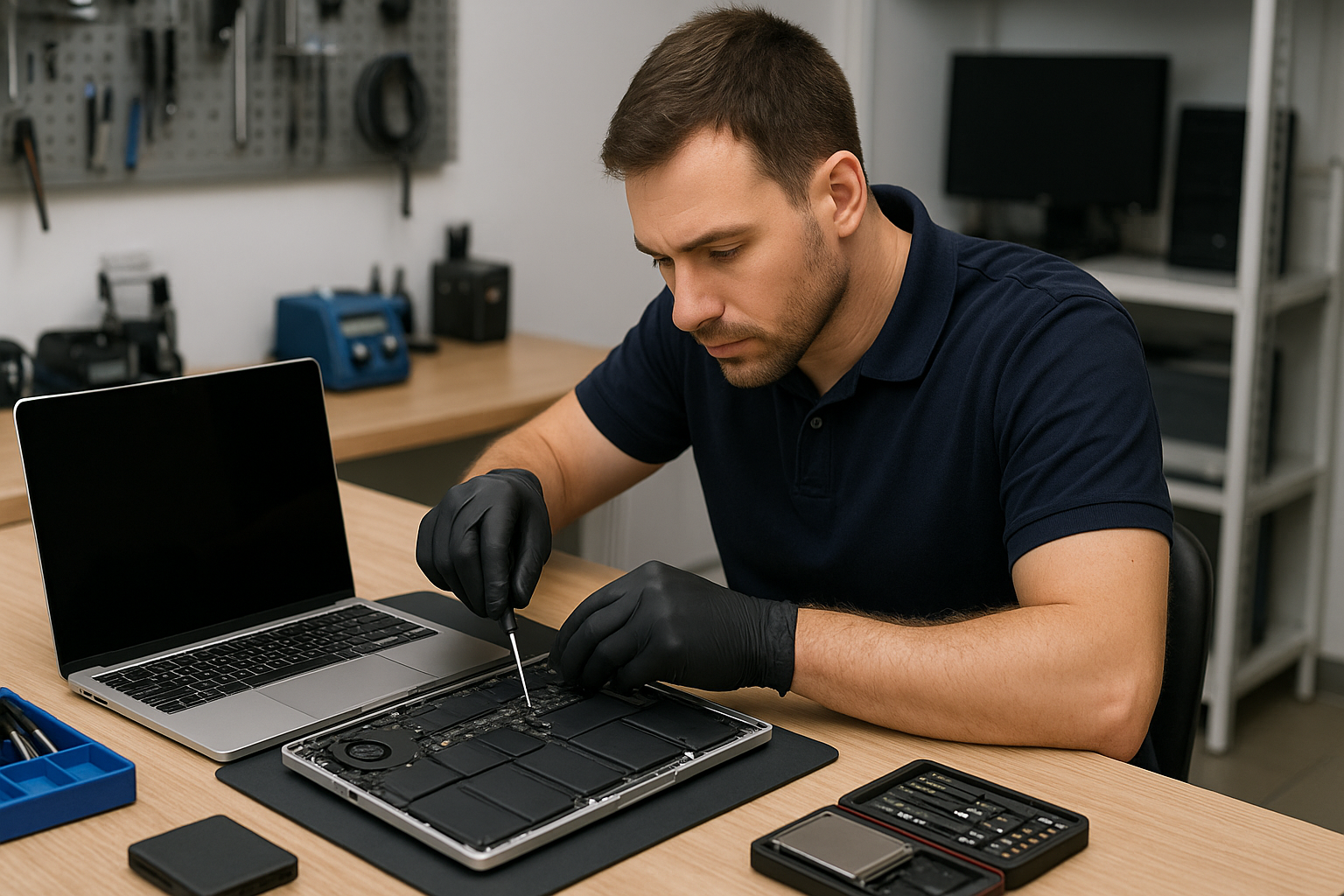
MacBook Pro Repair Vancouver
If you searched for MacBook Pro Repair Vancouver, you want a technician who actually repairs logic boards, replaces screens and recovers data without surprises. At Moe Repair in Coquitlam we handle everything from cracked displays to liquid-damaged motherboards for customers across the Tri-Cities and Vancouver. Below I explain how we diagnose problems, what repairs are most common, and how to choose the right option for your MacBook Pro.
Why bring a MacBook Pro to a local Coquitlam shop?
Many MacBook Pro issues benefit from hands-on troubleshooting. Software symptoms can mask hardware faults, and vice versa. One issue we regularly see at Moe Repair in Coquitlam is a MacBook that boots inconsistently: the customer expects a macOS bug, but the underlying cause is a failing SSD or damaged SMC components. Local repair lets a trained technician inspect the machine, run targeted tests and provide practical options.
Problem overview: common MacBook Pro issues
MacBook Pros suffer from a range of problems as they age or after accidental damage. The most frequent issues we diagnose include:
- Cracked or flickering display
- Won’t power on or random shutdowns
- Battery not charging or poor battery life
- Keyboard or trackpad failure
- Liquid spills causing corrosion
- SSD or data corruption
- Overheating and fan noise
- Charging port or hinge damage
Common symptoms customers report
Symptoms point us toward a diagnostic path. Typical customer reports include:
- Black screen but fans spin
- Apple logo appears then the Mac reboots
- No battery icon, even with charger connected
- Keys sticking after a spill
- Persistent kernel panics or slow performance
- Data missing or inaccessible after a crash
Common causes we see in the shop
Symptoms above generally stem from a handful of root causes:
- Hardware wear: batteries, SSDs and keyboards have finite lives.
- Impact or pressure damage: cracked displays or bent chassis affect connectors and boards.
- Liquid damage: even small spills start corrosion that spreads over weeks.
- Thermal issues: dried or degraded thermal paste, clogged vents and ageing fans lead to throttling and component stress.
- Software issues: corrupted macOS installations or incompatible updates can mimic hardware faults.
How professionals diagnose MacBook Pro problems
At Moe Repair we follow a step-by-step diagnostic process that saves time and prevents unnecessary parts replacement. A typical workflow includes:
- Customer intake and symptom history: when the problem started, recent drops or spills, and previous repairs.
- Non-invasive checks: power supply test, SMC/PRAM resets and external display checks.
- Component isolation: swapping chargers, testing with another battery where possible, and simple cable reseats.
- Software analysis: booting in safe mode, running Apple Diagnostics, and checking system logs.
- Board-level testing: if needed we inspect the logic board under microscope, test voltages and trace power rails.
- Data-first approach: when data is at risk we prioritize recovery before deep repairs.
This disciplined approach reduces surprise costs and identifies if a repair, part replacement or data recovery is the correct next step.
Repair options for MacBook Pro
Depending on diagnosis, common repairs we perform in Coquitlam include:
- Screen replacement for cracked or flickering displays.
- Battery replacement to restore runtime and safety.
- Keyboard or trackpad replacement including top-case swaps when needed.
- Charging port repair to fix intermittent or no-charging issues.
- SSD or RAM upgrades to boost performance and longevity.
- Motherboard repair and logic board component replacement at the board level.
- Liquid damage repair with corrosion cleaning and targeted part replacement.
- Data recovery from failing drives or damaged systems.
- Thermal paste replacement and thermal system service to reduce heat-related failures.
Advantages of repairing a MacBook Pro
Repairing often saves money compared to replacement, keeps your data and reduces e-waste. For many customers in Coquitlam and the Tri-Cities, a screen or battery replacement or a SSD upgrade gives the MacBook Pro several more productive years. Skilled board-level repairs can restore machines Apple considers obsolete.
When replacement makes more sense
There are cases where replacement is the pragmatic choice. Consider replacement if:
- The cost of multiple component failures approaches the price of a newer machine.
- Severe corrosion from liquid damage has spread across multiple board layers.
- The device is needed for work and downtime from complex repairs is unacceptable.
We explain these trade-offs clearly during diagnosis and provide honest recommendations from a technician perspective.
Estimated repair process (what to expect)
Every repair begins with a clear diagnosis and quote. We test your MacBook Pro, explain findings and list options. If you approve, we order parts, perform the repair and retest all functions. We notify you at each stage and always attempt data-first strategies. For business customers in Coquitlam we offer tailored follow-up, including thermal paste replacement and maintenance to keep the machine reliable.
Preventative maintenance you can do
Prevent issues and extend life with a few simple habits:
- Keep vents clear and use the MacBook on hard surfaces to improve airflow.
- Back up regularly with Time Machine or a cloud service to avoid data loss.
- Use surge-protected power for charging and avoid cheap third-party chargers.
- Clean the keyboard and ports gently and address spills immediately.
- Consider an SSD upgrade and thermal paste service as your Mac ages to maintain speed and temperatures.
Real technician advice from Moe Repair in Coquitlam
One practical tip: if your MacBook Pro has intermittent boot issues, bring it in before the failure becomes permanent. Intermittent faults often leave diagnostic traces we can read. Also, avoid running heavy tasks while waiting for a diagnosis; that can obscure thermal problems. Finally, always ask whether replacement parts are OEM, equivalent quality or refurbished — we explain options so you can decide.
Frequently Asked Questions
See the FAQ section below for common customer questions and clear answers from our technicians.
Conclusion
MacBook Pro Repair Vancouver searches often end with confusion about where to go. At Moe Repair in Coquitlam we combine honest diagnostics, board-level expertise and practical advice so customers across the Tri-Cities, Burnaby and Vancouver get a clear repair path. Whether you need screen replacement, battery service, data recovery or motherboard repair, we explain the options and protect your data.
Contact Moe Repair for a reliable MacBook Pro repair from technicians who actually fix logic boards and screens. Website: https://moerepair.net | Phone: 778-951-4872 | Email: service@moerepair.ca