
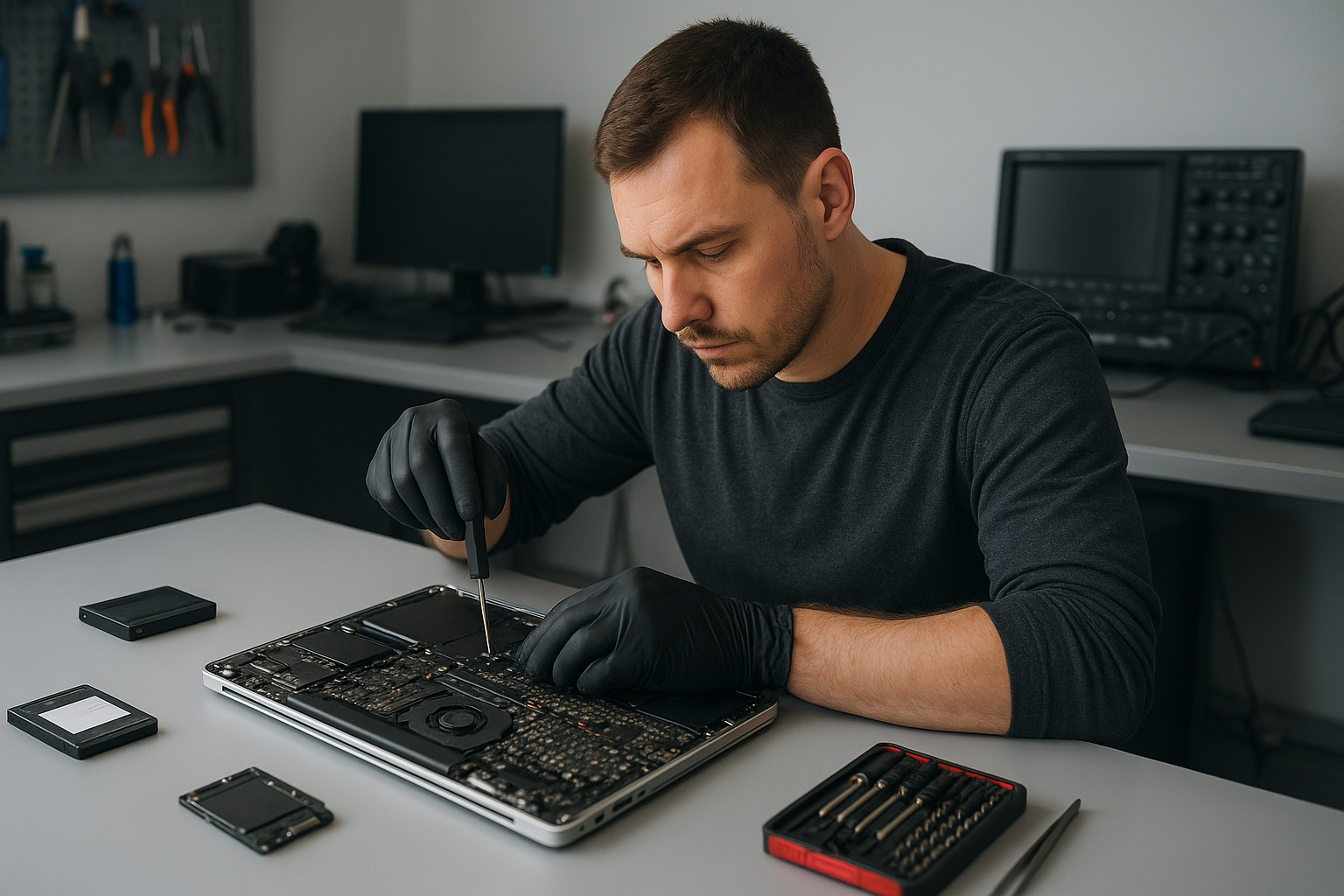
Laptop Repair Coquitlam: Trusted Local Technicians at Moe Repair
If your laptop is slow, won’t boot, has a cracked screen, or shows other faults, Moe Repair offers professional Laptop Repair Coquitlam residents rely on. We diagnose hardware and software problems clearly, explain repair options, and restore devices for customers across Metro Vancouver.
Why choose Moe Repair for Laptop Repair Coquitlam
We fix everything from display repair and battery replacement to motherboard repair and liquid damage recovery. As technicians with decades of hands-on experience, we focus on accurate diagnostics and practical fixes. We serve Coquitlam and surrounding areas including Burnaby, Port Moody, Port Coquitlam, New Westminster and Vancouver.
Problem overview
Laptops fail in predictable ways: screens crack, batteries wear out, keyboards fail, and systems get infected. Sometimes performance drops after an update or noisy fans indicate cooling issues. We see these problems daily and approach each repair with a standard diagnostic workflow.
Common symptoms customers report
- Device won’t power on or shows no lights
- System boots slowly or freezes regularly
- Cracked laptop screen or flickering display
- Battery won’t hold charge or charges intermittently
- Keys not responding or stuck keyboard
- Overheating and loud fan noise
- Liquid spill onto keyboard or ports
- Unresponsive charging port or loose power connector
- Blue screen errors or random shut downs
- Data inaccessible after drive failure
Common causes we encounter
Failures come from wear and tear, accidental damage, software corruption, and environmental factors. For example, battery chemistry degrades over hundreds of cycles. Hinges fail from repeated stress. Liquid spills corrode connectors and short circuits. Malware and corrupted system files can make a perfectly good hard drive appear faulty.
How professionals diagnose laptop problems
At Moe Repair we follow a step-by-step diagnostic routine. First, we interview the customer to understand history and symptoms. Then we run hardware checks: power, battery, display, memory and storage tests. For software issues, we examine system logs, run malware scans, and test boot sequences. If necessary, we open the chassis to inspect for corrosion, swollen batteries, or damaged components.
Diagnostics identify whether the problem is a failed SSD, corrupted Windows installation, defective charging port, or physical damage like a cracked screen. We document findings and present repair options so customers can decide with clear information.
Repair options we provide
- Screen replacement for cracked laptop screen or flickering displays, including MacBook screen repair and Windows laptop displays.
- Battery replacement to restore runtime for older machines.
- Keyboard and hinge repair for worn keys and broken hinges.
- Charging port and power jack repair for intermittent charging issues.
- Motherboard repair and component-level troubleshooting when power rails or chipsets fail.
- Liquid damage repair with corrosion cleaning and component testing.
- SSD and RAM upgrades to improve performance and responsiveness.
- Data recovery from failing drives and RAID arrays where possible.
- Virus removal and Windows installation to fix software corruption and restore system stability.
Advantages of repairing your laptop
Repairing often costs less than replacing and retains your data, settings, and installed software. Upgrades like an SSD or more RAM can extend a laptop’s useful life by years. Repairing reduces electronic waste and preserves business continuity for work machines.
When replacement makes more sense
Sometimes replacement is the better choice. We recommend replacing when: the device has multiple failing subsystems, the cost of parts and labor approaches the value of a new machine, or when you need major performance improvements not economically achievable with upgrades. We’ll explain the pros and cons and help you choose an upgrade path when appropriate.
Typical diagnostic and repair process
We start with a full assessment and then outline recommended fixes. Our process includes data backup or recovery planning, parts sourcing, repair work, and final testing. We do not perform repairs without customer approval. Communication is part of our service: we explain the cause, alternatives, and realistic outcomes.
For example, one common issue we regularly see at Moe Repair is Dell laptops with failed displays after a drop. Our technicians test the GPU output to confirm the motherboard is fine before replacing the screen. This avoids unnecessary part replacements.
Preventative maintenance tips
- Keep vents clear and use on hard surfaces to avoid overheating.
- Use a surge protector to protect against power spikes.
- Back up data regularly to cloud or external drives.
- Clean keyboards and screens gently to extend component life.
- Avoid eating or drinking near your laptop to reduce liquid damage risk.
- Update software and drivers to maintain security and performance.
Real technician advice
When a laptop shows intermittent problems, do not repeatedly force it to boot or leave it plugged in if it smells burnt. That can worsen damage. If you spill liquid, power down immediately and bring the device in. We often recover laptops after quick action; delaying increases corrosion risk.
If you need an SSD upgrade, consider cloning your existing drive. We perform migrations so your OS and applications remain intact. For MacBook repair, we follow Apple-safe procedures when working with T2 chips and proprietary connectors.
Laptop Repair Coquitlam: Brands and devices we service
We repair Dell, HP, Lenovo, ASUS, Acer, MSI, Microsoft Surface, Samsung, LG, and Apple MacBook models. Whether it is a business laptop, student notebook, or gaming rig, we have the tools and parts knowledge to diagnose and repair effectively.
Common scenarios from our shop
One recurring case: customers bring in a laptop that won’t charge. After testing the power adapter and battery, we often find a damaged charging port or a failed power IC on the motherboard. We present options: replace the port, repair the board, or replace the battery, depending on findings.
Another typical repair is cracked laptop screen replacements for MacBook and Windows machines. We always verify the inverter and video cable before replacing the panel to ensure we address the root cause.
What customers should avoid
- Opening the laptop if you lack tools or static protection; you can cause more damage.
- Using unverified repair videos as the only guide for complex repairs like motherboard work.
- Continuing to use a device with a swollen battery; that is a safety risk.
- Ignoring backups; we cannot guarantee data recovery in all cases.
Expert decision-making on repairs
We weigh component costs, parts availability, device age, and customer needs. For example, if a laptop has a cracked screen but the motherboard is original and in good shape, replacing the screen and possibly upgrading to an SSD will give a great return on investment. If the motherboard has multiple faults or parts are obsolete, replacement may be better.
Frequently Asked Questions
- Do you offer data recovery? Yes. We perform logical and physical recovery attempts based on drive condition and provide an assessment before work begins.
- Can you fix a liquid-damaged laptop? Often yes, if addressed quickly. We inspect for corrosion and replace affected parts where possible.
- Do you repair MacBook screens? Yes. We handle MacBook screen replacement and related macOS repairs.
- Will an SSD make my old laptop faster? Yes. Upgrading from an HDD to an SSD delivers noticeable speed improvements for boot and application load times.
- Can you remove viruses and malware? Yes. We perform virus removal and Windows installation to restore a secure system.
- Do you service gaming laptops? Yes. We work on cooling issues, GPU problems, and upgrades for gaming rigs.
- What areas do you serve? We serve Coquitlam and Metro Vancouver including Burnaby, Port Moody, Vancouver, Surrey, and surrounding cities.
Conclusion
For reliable Laptop Repair Coquitlam customers trust Moe Repair for honest diagnostics, practical repair options, and experienced technicians. We aim to restore your device with minimal fuss while protecting your data and recommending the best course of action.
Contact Moe Repair
Phone: 778-951-4872 | Email: service@moerepair.ca | Website: https://moerepair.net
Visit us for laptop screen repair, battery replacement, motherboard work, SSD upgrades, virus removal, and more. We serve both residential and business customers across Metro Vancouver.