
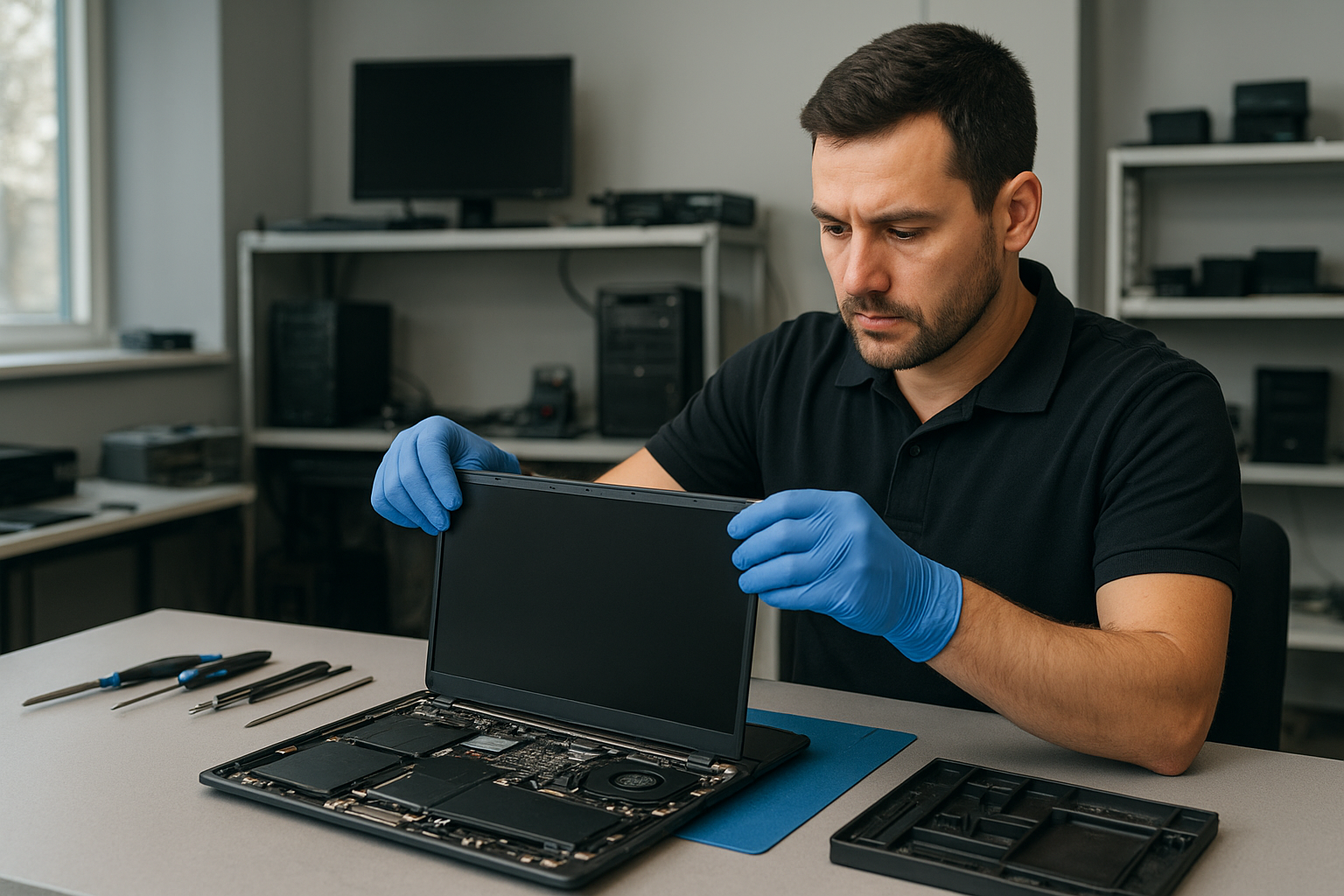
Laptop screen replacement Coquitlam: Fast, reliable laptop screen repair by Moe Repair
If you searched for Laptop screen replacement Coquitlam, you need clear, practical answers and a technician who understands how laptops fail and how to fix them. I am a senior repair technician with over 15 years of hands-on experience at Moe Repair in Coquitlam. I will explain symptoms, diagnostics, repair steps, and realistic expectations so you can decide quickly.
Why choose Moe Repair for Laptop screen replacement Coquitlam
We focus on accurate diagnosis, quality parts, and careful assembly. Unlike shops that replace panels without testing connectors or inverter circuits, our process includes a full system check. We handle everything from cheap consumer notebooks to Dell XPS, HP EliteBook, Lenovo ThinkPad, ASUS ZenBook, and Apple MacBook Pro and MacBook Air models. For general system issues you can also ask about computer repair in Coquitlam or specialized MacBook repair in Coquitlam when panels and logic boards have interacting faults.
Common symptoms that need a screen replacement
Watch for these realistic symptoms that indicate a panel problem or connector failure:
- Cracked glass or visible shatter from drops or pressure.
- Vertical or horizontal lines across the display.
- Black spots, large dead zones, or partial image loss.
- Flickering at certain angles or when opening and closing the lid.
- No backlight while external monitor still works.
Some symptoms mimic GPU or cable issues, so we run targeted tests before replacing the screen. For other issues like battery problems or slow performance, we provide laptop repair in Coquitlam services including battery replacement and SSD upgrades.
How we diagnose a broken laptop screen
Diagnosis starts with a quick visual inspection and continues with step tests:
- Connect an external monitor to separate panel vs. GPU faults.
- Swap the LCD cable connector and test the hinge flex to replicate flicker.
- Check backlight inverter (older CCFL) or LED driver voltages with a multimeter.
- Inspect the cable for pin damage, corrosion, or prior poor repairs.
- Run a POST and OS-level test to rule out driver problems.
We document the fault and show you photos before any part is ordered. If a motherboard fault appears likely, we compare repair vs replacement costs and discuss options including data recovery or motherboard repair.
What the replacement process involves
A proper replacement follows these steps:
- Power down and remove battery where possible.
- Remove bezel and inspect for hidden damage.
- Disconnect the LCD cable and remove the broken panel.
- Test the new panel on the bench with the same connector to confirm function.
- Install the new panel, reassemble, and run screen calibration and stress tests.
We use OEM or high-quality equivalent panels depending on availability and customer preference. After replacement we test Wi-Fi, trackpad, keyboard, and run a short burn-in to catch intermittent faults. We can also combine this with services like thermal paste replacement, fan replacement, or an SSD upgrade if the laptop shows other service needs.
Real repair example from Coquitlam
A recent customer from Coquitlam brought in a 2018 Lenovo IdeaPad with a cracked screen after their child dropped it. The laptop would power on, but the display showed vertical green lines and a large black blotch. I first connected an external monitor which displayed a normal desktop. That confirmed the GPU and OS were fine and pointed to the internal panel or cable. After removing the bezel I found hairline cracks in the panel and a slightly pinched cable at the hinge. I ordered a direct-fit replacement panel, tested it on the bench, and completed the swap. Final tests included hinge flex cycling and a 24-hour burn-in. The outcome: the customer left with a fully repaired screen and I recommended an inexpensive protective sleeve to reduce repeat damage.
Costs, parts, and warranty
Price depends on screen size, resolution, and whether you want OEM or aftermarket parts. High-resolution IPS panels and touch assemblies cost more. We provide a clear quote before work begins. Most replacements include a limited parts and labor warranty; we will explain warranty duration when you bring the laptop in. If you have critical data concerns we can combine replacement with data recovery in Coquitlam evaluations before any invasive repairs.
Preventive tips and what to expect after a replacement
After a new screen is installed, avoid closing the lid with objects on the keyboard, use a padded case for transport, and consider a screen protector. If you see flicker after repair, contact us right away — sometimes a loose cable or hinge stress causes intermittent faults. For additional maintenance, we offer computer tune-up, virus removal, and operating system repair to keep the machine running smoothly.
FAQs about Laptop screen replacement Coquitlam
Below are common customer questions. If you have more, please contact Moe Repair.
How long does a typical screen replacement take?
Most straightforward replacements are same-day or next-day depending on part availability. We keep many common panels in stock in Coquitlam and can often finish repairs within a few hours.
Will I lose my data during a screen replacement?
Replacing the screen itself does not erase data. However, if we must perform motherboard repair or storage work, we follow precautions to protect your files and offer data recovery options if needed.
Do you use OEM parts?
We offer OEM when available and verified high-quality equivalents when OEM is obsolete or not cost effective. We explain the difference and warranty for each option before work starts.
Can a cracked screen damage the motherboard?
Rarely. Impact strong enough to crack the panel can also stress the hinge or connectors. Our diagnostics include a motherboard check so we catch collateral damage early.
Contact Moe Repair Today
Moe Repair can assess your laptop and provide a free consultation. Call 778-951-4872 or email service@moerepair.ca to describe the symptoms and get a time estimate. We serve Coquitlam and nearby areas including Port Moody, Port Coquitlam, Burnaby, and Vancouver. Our free consultation explains repair options, part choices, and expected turnaround before any work begins. If you prefer, book an appointment online or bring your laptop in and we will start with a clear diagnosis and written quote.
For related issues we handle motherboard repair, keyboard replacement, trackpad repair, liquid damage repair, battery replacement, SSD upgrades, and operating system repair. If you need faster help while deciding, call 778-951-4872 to speak directly with a technician.
More help and related services
We also provide virus removal, Windows installation, printer setup, and Wi-Fi troubleshooting. If your laptop shows blue screens or won’t boot after a screen failure, ask about our laptop repair in Coquitlam service for a combined diagnostic and repair plan.
Location and how to reach us
Moe Repair is local to Coquitlam. For a quick answer or to schedule, call 778-951-4872 or email service@moerepair.ca. You can also contact Moe Repair through our website for an appointment.