
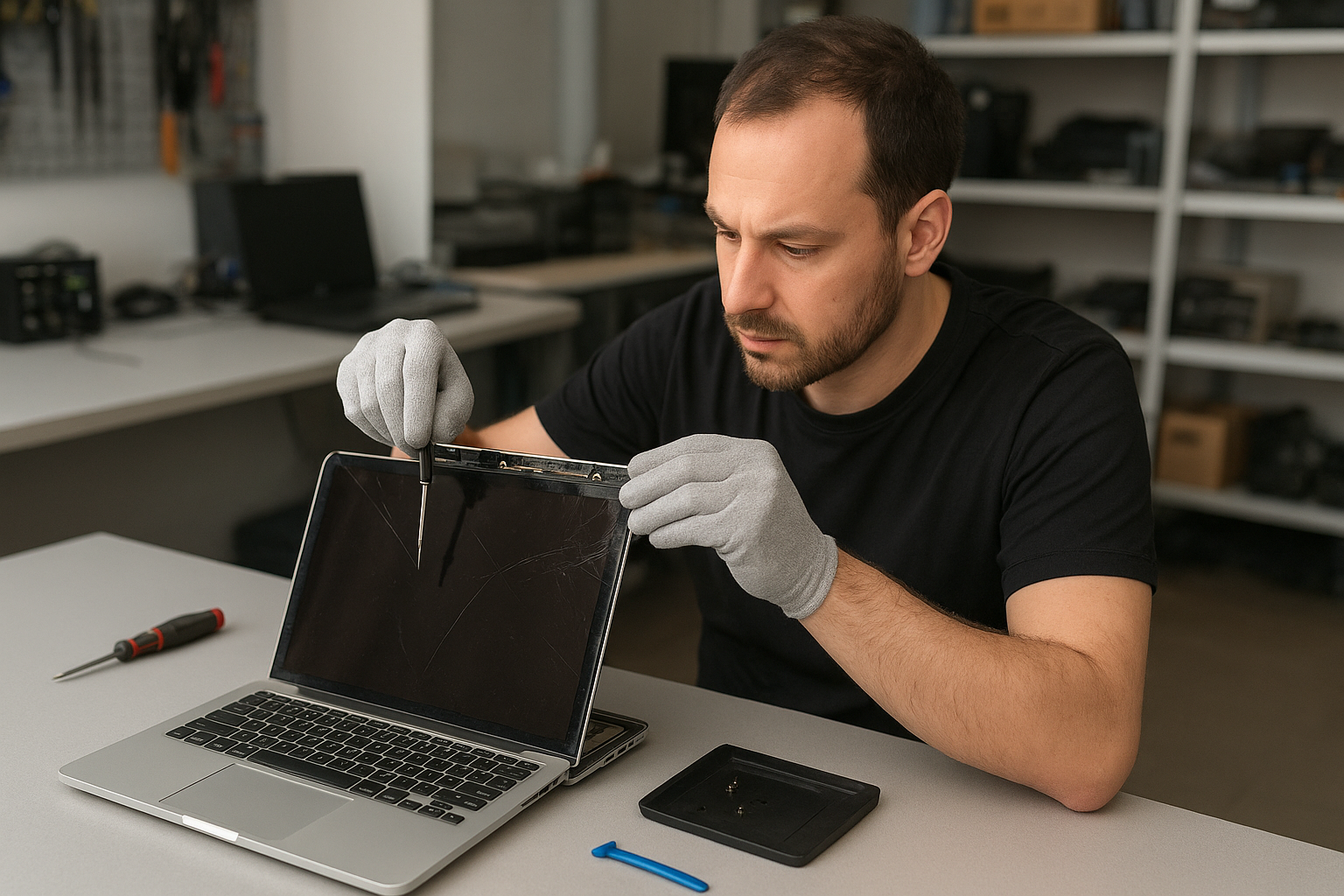
MacBook Pro screen replacement Coquitlam
If your MacBook Pro screen is cracked, flickering, or showing lines, a precise MacBook Pro screen replacement Coquitlam technician can diagnose and repair the problem quickly. At Moe Repair I combine 15 years of hands-on MacBook repair experience with tested diagnostic steps so you know what failed, why, and what it will take to fix it.
MacBook Pro screen replacement Coquitlam: diagnosis to repair
When you bring a MacBook Pro to our shop in Coquitlam I run a structured diagnostic routine. I begin with an external monitor test to confirm whether the problem is the display assembly or the graphics/logic board. Then I inspect the hinge area and display cable for visible damage. I check for backlight failure by looking closely in bright light and run SMC and NVRAM resets to rule out firmware issues. That sequence directs whether we need a full display assembly replacement, a glass-only swap, or additional motherboard work.
Common screen symptoms we see in Coquitlam
- Cracked or shattered glass while the screen still shows image
- Black screen with power lights on
- Vertical or horizontal lines across the Retina display
- Intermittent flicker when opening or adjusting the hinge
- White spots, backlight bleed, or dim display
How we diagnose MacBook Pro screen issues
Diagnostics include visual inspection, connector and flex cable continuity checks, and software tests. I use a multimeter and microscope to confirm continuity on LVDS/eDP traces when needed. If the external monitor shows a clean image, that points to a panel or cable fault. If both displays fail, I examine the GPU and logic board circuits and may recommend further testing or a motherboard repair. For many customers a detailed diagnosis avoids unnecessary part replacements.
Replacement process and parts we use
When a screen replacement is necessary I source high-quality OEM or OEM-equivalent Retina assemblies depending on model and customer preference. The repair steps are:
- Back up data and document the machine state
- Disconnect battery and isolate power rails
- Remove display assembly or separate glass from panel when appropriate
- Replace display/panel, reconnect inverter or backlight circuits, and test under load
- Reassemble, calibrate brightness and color, and verify camera and Wi-Fi antenna function
We also perform hinge adjustments, adhesive replacement, and test the iSight camera and microphone after reassembly. For related services we handle battery replacement, keyboard replacement, trackpad repair, SSD upgrades, and motherboard repair when necessary. Learn about our broader services on our MacBook repair page or read about general computer repair in Coquitlam.
Typical causes of MacBook screen failure
Most failures come from drops or pressure to the lid, worn hinge cables, liquid damage that corrodes traces, or age-related backlight degradation. A common scenario is a laptop dropped in transit where the glass fractures but the LCD is salvageable. In other cases the flex cable gets nicked at the hinge and causes flicker only when the lid moves.
Real repair example from Port Moody
A customer from Port Moody brought in a 2017 MacBook Pro with a cracked Retina glass and intermittent vertical lines after a fall. I first connected an external display to confirm the GPU was fine. Under the microscope the hinge-side flex cable showed abrasion. After explaining options I ordered a full display assembly and replaced the damaged cable and panel. Post-repair tests included a two-hour stress test with brightness cycling and hinge movement. The screen returned to full resolution and the vertical lines disappeared. The customer picked up the laptop the same day and we advised a protective sleeve to reduce future risk.
Turnaround time, pricing, and warranty
Turnaround depends on part availability. For stock panels most MacBook Pro screen replacement Coquitlam repairs complete same-day or next-day. We provide clear estimates before starting and offer a limited parts and labor warranty on replacements. For complex logic board work I provide a written quote and timeline. If you need data retained or recovered we coordinate with our data recovery processes.
Preventative tips to avoid future screen damage
Use a hard-shell case or padded sleeve, avoid placing heavy items on top of the laptop, and watch hinge movement — do not force the lid past its normal range. If liquid enters the hinge area bring the laptop in immediately for cleaning; corrosion can eat flex cables and traces and force more extensive repairs later.
Other repairs we perform at Moe Repair
Along with screen replacement we handle battery replacement, liquid damage repair, SSD upgrades, thermal paste replacement, laptop fan replacement, and operating system repair. For performance issues check our laptop repair services. If you suspect malware or need Windows installation we can help with that too.
Contact Moe Repair Today
Moe Repair provides clear, technician-led estimates and hands-on MacBook Pro screen replacement Coquitlam service. Call 778-951-4872 or email [service@moerepair.ca](mailto:service@moerepair.ca) to book a free consultation. We serve Coquitlam and nearby areas including Port Moody, Port Coquitlam, Burnaby, and New Westminster. Drop by our shop or contact Moe Repair to arrange a drop-off. Our phone line is monitored and we prioritize urgent screen failures when possible.
Moe Repair
Phone: 778-951-4872
Email: [service@moerepair.ca](mailto:service@moerepair.ca)
Ready to get started?
If you prefer, bring your MacBook Pro by for a quick diagnostic and quote. We will not start work without your approval and will explain repair options, part choices, and any potential motherboard risks if present. Customers from Vancouver, Richmond, and Surrey often choose us for our technical transparency and clear pricing.