
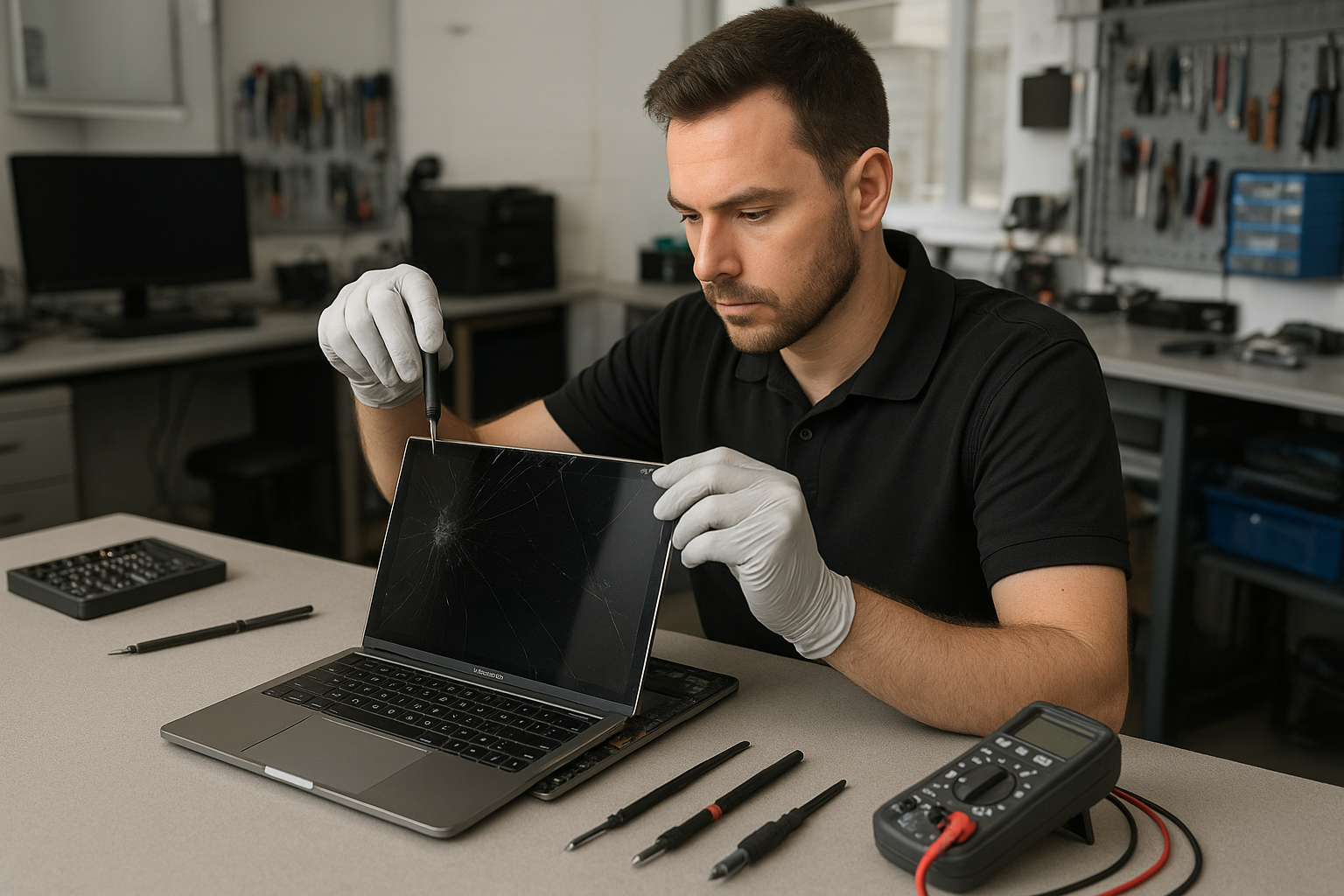
MacBook Pro screen replacement Coquitlam: Fast, reliable display repairs
If your MacBook shows cracks, vertical lines, or a black screen, a MacBook Pro screen replacement Coquitlam specialist can help. At Moe Repair we diagnose the display, protect your data, and replace the assembly or glass with OEM or high-grade options. Call 778-951-4872 to start troubleshooting.
Why MacBook Pro screens fail in Coquitlam
Screen damage happens for obvious reasons like drops and impacts. It also appears after liquid exposure, hinge stress, or wear on older Retina displays. Coquitlam weather does not directly break screens, but frequent transport between home and work can increase the chance of accidental damage. I see more cracked 13-inch MacBook Pro screens and flickering 15-inch Retina displays after customers report their laptop was dropped in Port Moody or bumped inside a backpack.
Signs your MacBook Pro needs a screen replacement
- Cracked glass or spiderweb fractures across the display.
- Black areas, vertical or horizontal lines, or color banding.
- Backlight failure: a dim or completely dark screen while the MacBook appears to boot.
- Touch or force touch issues when the display assembly is damaged.
- Intermittent flicker that changes when you adjust the hinge angle.
How we diagnose MacBook Pro screen issues
When you bring a machine in, I start with a visual inspection for glass damage and hinge distortion. Next I connect an external monitor to determine if the GPU and logic board are working. If the external display is fine, the problem is in the display assembly, LVDS/Retina cable, or backlight circuit.
Diagnostic steps include:
- Safe-boot and SMC reset to rule out firmware issues.
- External display test to separate GPU from display faults.
- Camera, sensor, and microphone checks to confirm topcase integrity.
- Voltage measurements at the display connector and backlight pins when safe to do so.
- Inspection for corrosion after liquid exposure.
Our MacBook Pro screen replacement process
I treat each MacBook Pro like my own. After backup advice and owner consent I order the appropriate screen assembly or glass. We use quality replacement parts for Retina and non-Retina models, and I document the serial and part numbers for your record.
Repair steps I follow:
- Power down and remove the battery where possible to prevent shorts.
- Careful adhesive heat and screen removal using proper tools and ESD procedures.
- Inspect and, if necessary, replace the LVDS/Retina cable or camera cable.
- Re-attach new display, ensure hinge torque and alignment, and seal with correct adhesives.
- Test brightness control, True Tone (when applicable), camera, and sensors.
- Run a stress test and final cosmetic check before return.
We handle related services too: computer repair in Coquitlam, laptop repair in Coquitlam, and MacBook repair in Coquitlam. If the logic board is damaged we discuss motherboard repair or SSD upgrades and data recovery options.
A recent MacBook Pro screen repair example
A customer from Port Moody brought in a 2018 13-inch MacBook Pro with a cracked corner and intermittent black screen. I connected an external monitor and confirmed the system booted fine. Visual inspection showed the display glass fractured and the flex cable lightly torn near the hinge.
After explaining options, the customer approved a full display assembly replacement using a high-grade panel. I removed the broken assembly, replaced the display and flex cable, and reassembled the lid. Post-repair tests showed no flicker, correct color profile, and a working FaceTime camera. The job took about three hours from diagnostics to final testing. The customer returned next day satisfied, and we recommended a protective sleeve to avoid future damage.
What to expect for cost and turnaround in Coquitlam
Costs vary by model and part choice. Simple glass replacements can be cheaper, while full Retina assemblies cost more. Typical turnaround is same-day to next-day if parts are in stock. If we need to order an OEM assembly the wait can be a few days. We always provide an estimate after the initial diagnostic.
Preventive tips and related services
To reduce future risk carry your MacBook in a padded case and avoid placing heavy bags on top of it. If liquid gets in, power off immediately and bring it to us for data recovery in Coquitlam and liquid damage repair. We also offer battery replacement, keyboard replacement, trackpad repair, thermal paste replacement, and SSD upgrades to extend the life of your MacBook Pro.
FAQ about MacBook Pro screen replacement Coquitlam
Below are common questions we hear. If yours is not listed, please contact Moe Repair.
Q: How long will a MacBook Pro screen replacement take?
A: Most replacements complete same-day or next-day depending on parts. I give an upfront estimate after diagnostics.
Q: Will you back up my data before repair?
A: I always recommend backing up first. If you cannot, we can perform a data snapshot and discuss data recovery precautions.
Q: Do you use OEM parts?
A: We offer OEM and high-grade aftermarket assemblies. I will explain the difference and recommend based on model and budget.
Q: Can a cracked glass be repaired without replacing the whole display?
A: Sometimes on older non-Retina models. On many Retina MacBook Pros, replacing the full assembly is more reliable.
Contact Moe Repair Today
Moe Repair offers a free consultation and clear pricing for MacBook Pro screen replacement Coquitlam residents. Call 778-951-4872 or email service@moerepair.ca to discuss parts, turnaround, and pickup options. We serve Coquitlam and nearby areas including Port Moody, Port Coquitlam, Burnaby, and New Westminster. Drop in or contact Moe Repair to book diagnostics.
Moe Repair
Phone: 778-951-4872
Email: service@moerepair.ca