
Dell XPS Battery replacement Coquitlam
If your Dell XPS battery no longer holds charge, shows swelling, or reports poor health, Moe Repair provides reliable Dell XPS Battery replacement Coquitlam services. As a senior technician with 15 years of hands-on repair experience, I focus on accurate diagnosis, safe battery handling, and using genuine parts when available.
Common symptoms of failing Dell XPS batteries
Customers often bring in XPS laptops with these symptoms: rapid battery drain, laptop only runs when plugged in, battery percentage jumps between values, laptop shuts down at 30% charge, or a visible battery bulge. You might also see charging stuck at 0% or Windows reporting “plugged in, not charging.” These signs are typical for Dell XPS models including XPS 13 and XPS 15.
How we diagnose Dell XPS Battery replacement Coquitlam
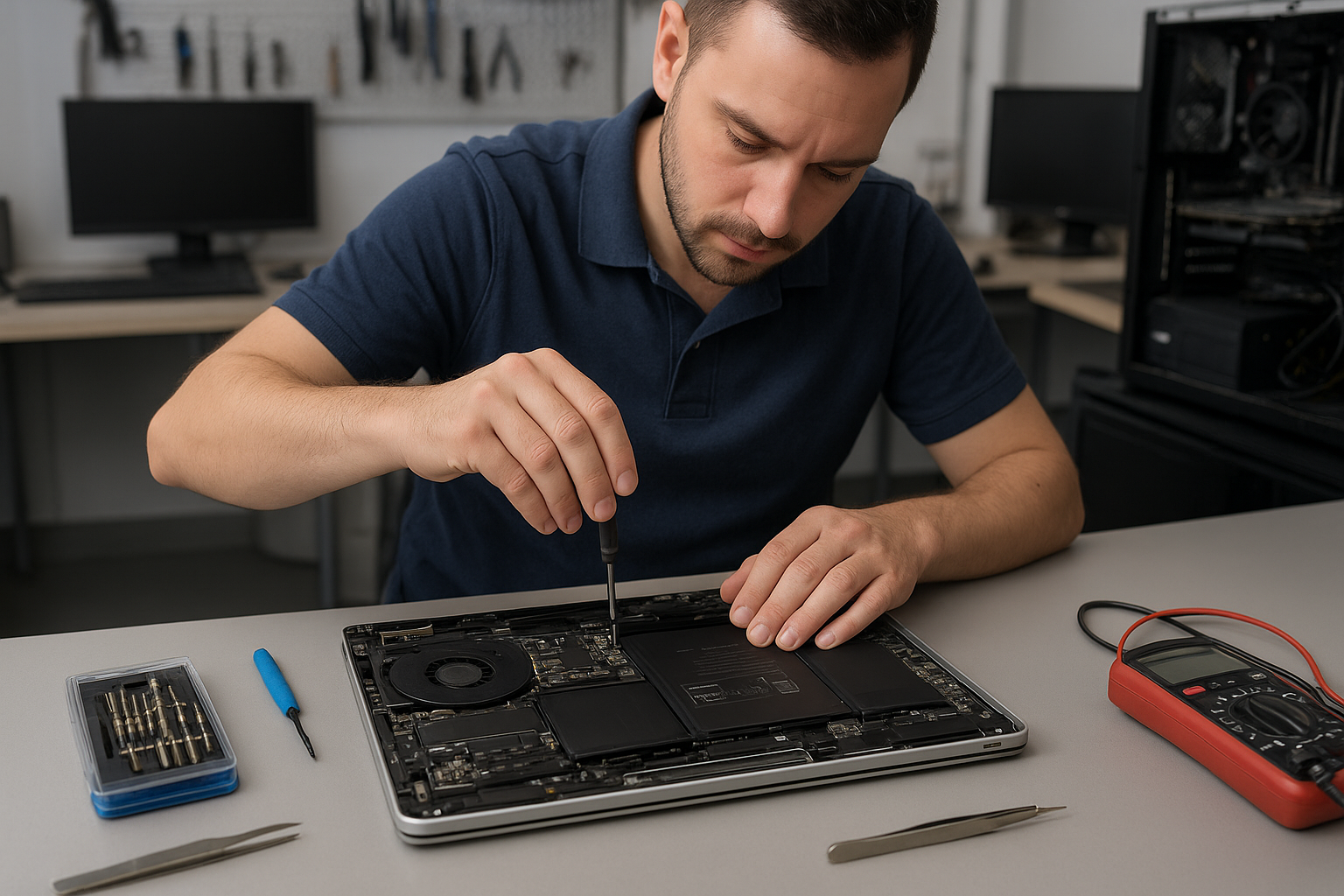
Diagnosis is step one. I start with a visual inspection for swelling and corrosion, then test the charger and DC jack. Next I use Dell diagnostics in BIOS or Dell SupportAssist to read battery health and cycle count. If needed I open the unit to test battery voltage and the motherboard power rails with a multimeter and inspect the SMBus lines for communication errors.
We also run a controlled load test to confirm battery capacity under real conditions. If the battery fails the health test or voltage is out of spec, we recommend replacement. For many customers I suggest checking laptop repair in Coquitlam services when other faults appear, such as charging port damage or motherboard issues.
Typical Dell XPS battery repair procedures
When a replacement is necessary I follow a strict procedure: power down and disconnect, discharge residual power, remove the bottom cover, disconnect the battery connector, and remove the pack. I replace with a compatible genuine or high-quality OEM battery and reassemble with new adhesive where required. Then I update BIOS and power management firmware, calibrate the new battery with a full charge-discharge cycle, and perform a final load test.
We also handle related services such as computer repair in Coquitlam and SSD upgrades if customers want improved battery life through lower system strain.
Safety and disposal
Batteries that show swelling get handled carefully and sent for certified recycling. We do not reinstall damaged packs. Proper disposal prevents fire risk and environmental harm.
Parts, warranty, and genuine Dell batteries
We recommend genuine Dell batteries when possible to ensure proper firmware compatibility and safety. When genuine parts are unavailable, we use high-quality replacement batteries that meet strict safety and capacity specifications. Replacement batteries come with a limited service warranty which I explain before any work starts.
Real repair example from Port Moody
A recent customer from Port Moody brought a Dell XPS 13 that would not charge beyond 15% and shut off unexpectedly. I tested the charger (it delivered correct voltage), used BIOS diagnostics which showed a battery health of 18% and a high cycle count. Opening the laptop revealed mild swelling and a failing cell. After discussing options I installed a genuine Dell replacement battery, updated BIOS firmware, and calibrated the pack. Post-repair the laptop reached full charge and passed a three-hour load test. The customer reported normal runtime the next day, though I advised monitoring the first week as new batteries settle in.
Cost, turnaround times, and what to expect in Coquitlam
Turnaround depends on part availability. For common XPS models we often complete replacement the same day or next business day. Diagnostic fees are applied toward repair once you approve work. Pricing varies by model and battery type; I give clear estimates and explain repair risks up front.
If diagnostics point to motherboard power rail faults or charging port damage, we cover those repairs too. For motherboard repairs and data-sensitive work, consider our data recovery in Coquitlam and backup recommendations before service.
Practical advice to extend battery life
- Avoid extreme temperatures and frequent deep discharges.
- Use Balanced or Power Saver profiles when unplugged.
- Keep BIOS and power drivers updated to maintain accurate battery reporting.
- Get a battery health check annually if you use your XPS for work or travel.
Frequently asked questions
Below are common customer questions about Dell XPS batteries. You can also contact Moe Repair to discuss your XPS symptoms.
Contact Moe Repair Today
Moe Repair offers a free consultation to review your Dell XPS battery symptoms and next steps. Call Moe Repair at 778-951-4872 or email service@moerepair.ca to schedule diagnostics in Coquitlam and nearby areas including Port Moody, Port Coquitlam, Burnaby, and Vancouver. We provide transparent quotes, careful repairs, and secure battery disposal. If you need laptop battery replacement, motherboard checks, or a quick charger test, reach out and we will walk you through options and timelines.
Services mentioned include laptop repair, battery replacement, screen replacement, motherboard repair, SSD upgrades, thermal paste replacement, liquid damage repair, and Windows installation. Our shop handles both MacBook and Windows devices and we can advise on whether a battery swap or more extensive repair is best for your Dell XPS.
Moe Repair
Phone: 778-951-4872
Email: service@moerepair.ca
Local service and nearby coverage
We serve Coquitlam residents and nearby communities. If you live in Port Moody, Port Coquitlam, Burnaby, or Vancouver we can often arrange same-day drop-off or quick turnaround. Local customers appreciate our clear diagnostics and practical repair options.
If you need battery diagnostics or a quote, call now or bring your XPS to the shop. We will test the charger, battery, and motherboard power rails before recommending replacement.
Additional support and follow-up
After a battery replacement I provide follow-up tips and perform a short warranty check if any power issues recur. For data-sensitive devices I recommend a backup or we can assist with data recovery if something goes wrong during older hardware repairs.
Why choose Moe Repair for Dell XPS Battery replacement Coquitlam
I diagnose like a technician and explain like a neighbor. You get clear costs, honest advice about replacement versus repair, and a focus on safety. If you want broader system tune-up, see our computer repair in Coquitlam services or ask about an SSD upgrade for longer battery life under load.