
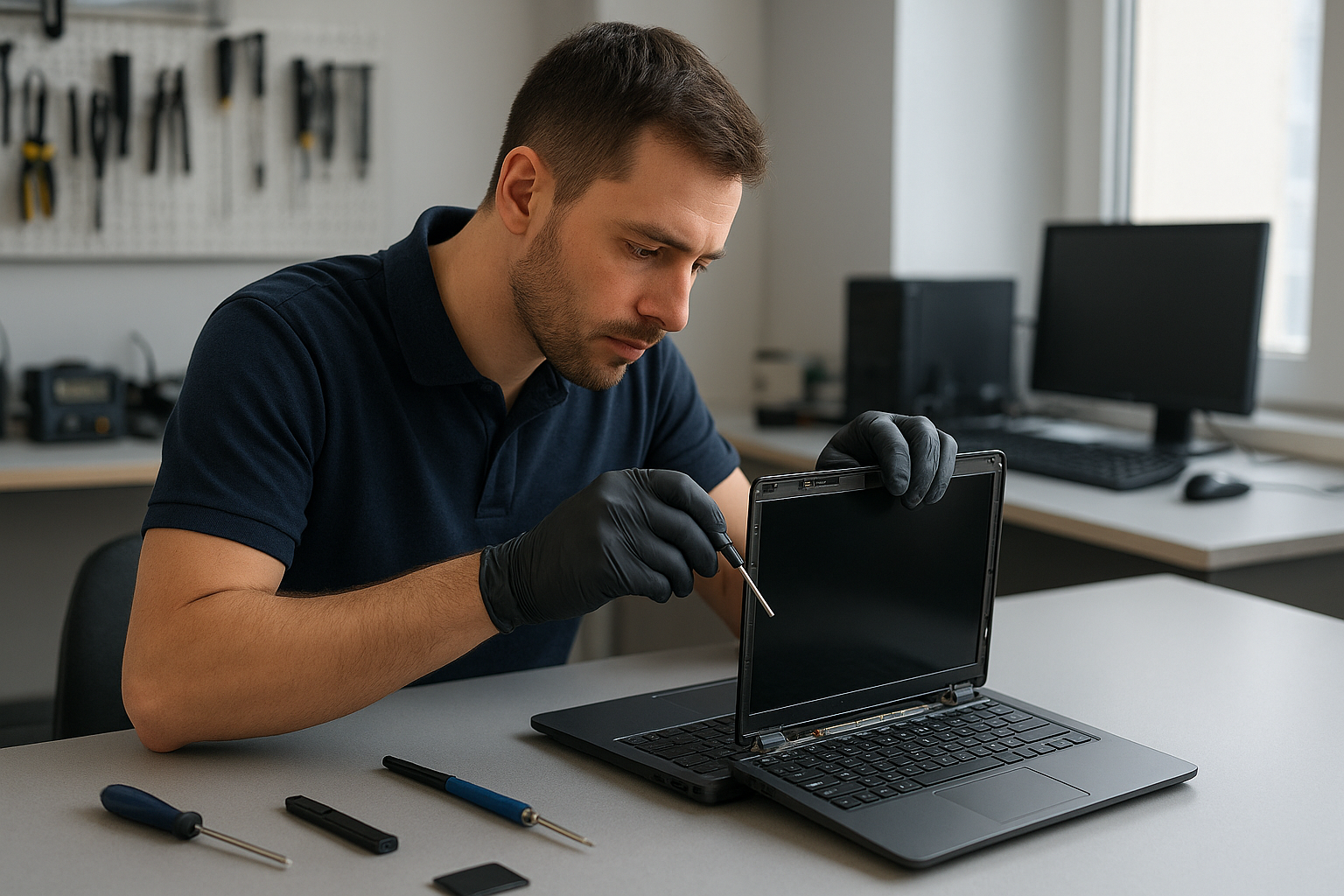
Laptop screen replacement Coquitlam
If your laptop shows a cracked display, vertical lines, or a blank panel after a drop, Moe Repair offers expert Laptop screen replacement Coquitlam service. As a senior technician with over 15 years of hands-on experience, I diagnose the real cause rather than replace parts unnecessarily. Read on to learn common symptoms, diagnostic steps, repair procedures, and how we handle parts for models from Dell XPS to MacBook Pro.
Common laptop screen problems seen in Coquitlam
Local customers bring laptops with a variety of display issues: shattered screen glass, flicker from a failing backlight, dead pixels, dim displays from inverter or LED failures, and touch problems on digitizer-equipped machines. You may also see black bars, colored lines, or an otherwise intact glass with a non-responsive touchscreen. These symptoms often point to either physical glass damage, LCD panel failure, or a faulty display cable.
How we diagnose screen issues at Moe Repair
Diagnosis begins the moment you arrive. I inspect the hinge, bezel, and external glass, then run these tests:
- Connect to an external monitor to rule out GPU or motherboard failure.
- Open the bezel to check the display cable and connector for separation or corrosion.
- Use a bright flashlight to spot LCD cracks hidden under the glass and check the backlight and inverter on older models.
- Test the digitizer for touch issues using calibration tools on Windows or hardware test suites on MacBook.
These steps distinguish between a cracked glass, LCD replacement, backlight issue, or motherboard-related video faults. If we find a motherboard problem, we will discuss options like motherboard repair or data backup before proceeding. For other services, see our computer repair in Coquitlam page for related fixes.
Typical Laptop screen replacement Coquitlam procedure
When the panel is confirmed bad, our standard replacement workflow follows industry best practice:
- Document the laptop serial and take photos before disassembly.
- Order OEM or high-quality compatible replacement parts for models like HP Pavilion, Dell Latitude, Lenovo ThinkPad, or MacBook Air.
- Carefully remove the bezel, disconnect the display cable and inverter if present, and transfer any adhesive or camera components.
- Install the new LCD or digitizer, test with an external monitor, then run a full functional test including brightness, color accuracy, and touch if applicable.
- Reassemble the bezel, retest, and provide the customer with before-and-after photos and a warranty on parts and labor where available.
We also perform related services like battery replacement, keyboard replacement, trackpad repair, and thermal paste replacement if your laptop needs them during the same visit. For Mac-specific issues check our MacBook repair in Coquitlam page.
Parts, models, and realistic expectations
Some models use proprietary panels that are more costly or take longer to source. For example, a Retina MacBook Pro with fused glass requires digitizer and LCD replacement together. We always explain options: OEM part order, aftermarket compatible panels, or refurbished assemblies. We never promise outcomes we can not verify. If a motherboard fault contributes to the display problem, repair may be more complex and costly.
Real repair example from our Coquitlam shop
A recent customer from Port Moody brought a Lenovo Yoga with a shattered corner and vertical green lines across the display. I tested with an external monitor which showed a normal image, so the GPU and cable were OK. Opening the bezel revealed a cracked LCD and a partially torn display cable. I ordered a compatible LED screen and a replacement cable, replaced both parts, and calibrated the panel for color. The laptop returned to full function with no lines and a responsive touchscreen. The customer approved the repair after seeing diagnostic photos and a clear parts estimate.
Pricing, turnaround, and warranty
Turnaround depends on part availability. For many common models we can complete a Laptop screen replacement Coquitlam within 24 to 48 hours. We provide an estimate after diagnosis and explain whether an OEM or compatible panel is best. Repairs include a limited parts and labor warranty. If data recovery is required before repair, we can assist — see our data recovery in Coquitlam page for details.
Preventing future screen damage
Simple steps reduce the risk of repeated damage: use a padded sleeve, avoid stacking heavy items on top of your laptop, and keep liquids away from the keyboard to prevent liquid damage repair. If you use your laptop for gaming, consider an SSD upgrade and thermal management to reduce stress on internal components that can indirectly affect display connectors and hinges.
Contact Moe Repair Today
Moe Repair offers a free consultation and transparent pricing for Laptop screen replacement Coquitlam and nearby cities including Port Moody and Port Coquitlam. Call 778-951-4872 or email service@moerepair.ca to schedule a diagnosis. We handle laptop repair, motherboard repair, virus removal, and Windows installation, and we will advise if a different service such as laptop repair in Coquitlam is more appropriate. Walk-ins are welcome, and we serve customers from Burnaby and New Westminster as well.
Frequently asked questions
Below are common questions we hear from clients in Coquitlam. If your question is not listed, please contact Moe Repair.
Q: How long does a laptop screen replacement take?
A: After diagnosis, same-day or next-day service is possible for many models if the part is in stock. More complex models or special-order OEM parts can take several days.
Q: Can cracked glass be repaired without replacing the LCD?
A: If only the outer glass is damaged and the LCD is intact, some models allow glass replacement. Many laptops however have fused glass and LCD together, requiring full panel replacement.
Q: Will replacing the screen fix touch issues?
A: If the digitizer is faulty, replacing the glass/digitizer should resolve touch problems. We first verify if the issue is software, cable, or hardware before recommending parts.
Q: Do you use OEM parts?
A: We use OEM where available and trusted aftermarket panels when OEM is not practical. We provide options and warranty information before starting work.
Q: What if my laptop has other problems discovered during repair?
A: We notify you with photos and a clear estimate before performing any additional work. If data backup or data recovery is needed, we will discuss safe next steps.