
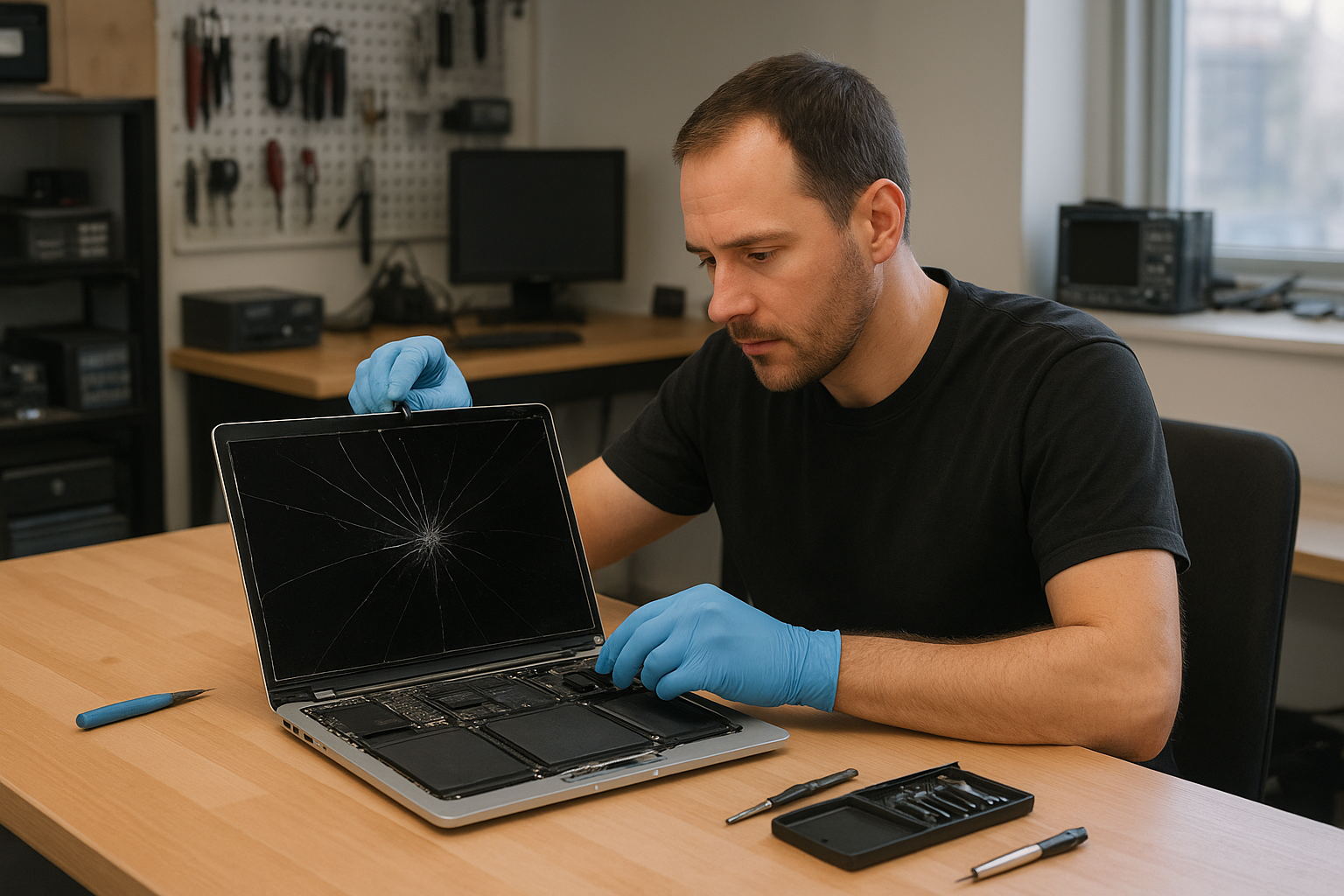
MacBook screen replacement Coquitlam: What to expect from a local expert
If you searched for MacBook screen replacement Coquitlam, you probably have a MacBook with a cracked glass, flicker, or lines across the display. At Moe Repair I diagnose the exact cause, explain your options, and carry out the repair using quality parts. I have over 15 years of hands-on experience repairing MacBook Air and MacBook Pro models for customers across Coquitlam, Port Moody, and Burnaby.
Common symptoms that need MacBook screen replacement Coquitlam
Symptoms vary by model, but common signs I see include:
- Visible cracks or shattered glass on the Retina display
- Black spots, bleeding colors, or vertical and horizontal lines
- Backlight issues such as dim display or uneven lighting
- Unresponsive touch on models with touch features or flickering when opening the lid
- No image on the screen while the machine boots (but audio and power LED work)
How I diagnose a damaged MacBook display
My diagnostic process focuses on isolating display hardware from logic board faults. Typical steps:
- Visual inspection for glass and chassis damage
- Connect to an external monitor to check if GPU and macOS boot correctly
- Run Apple Diagnostics or hardware tests for GPU/logic board errors
- Inspect display cable and hinge area for flex damage
- Test backlight and inverter circuits on older models and LED driver circuits on newer ones
This approach helps determine whether you need a full display assembly, just the LCD, or a board-level repair.
Real repair procedures I perform
Repair steps vary by model. For a typical MacBook Pro Retina replacement I will:
- Back up user data if requested and safe to do; offer data recovery in Coquitlam if needed
- Power down, remove the lower case, and disconnect the battery
- Remove the display assembly trim and carefully disconnect the LVDS/DisplayPort cable
- Replace the LCD or full display assembly with a tested OEM or high-quality aftermarket panel
- Reassemble, calibrate color, and run a thermal and stress test
I don’t cut corners on connectors and adhesives. I also check for secondary faults like bent hinge posts or liquid residue that could affect long-term reliability.
Repair example from a Coquitlam customer
A customer in Port Coquitlam brought in a 2016 MacBook Pro with vertical colored lines and a partially black screen after dropping it on the keyboard. I first connected the MacBook to an external monitor; the external output was clean which pointed to a display or cable fault rather than the GPU. I then inspected the hinge area and found a torn display flex cable along with a cracked LCD. After discussing options I replaced the full display assembly because the cost difference to source a new flex cable and a used LCD did not justify the risk. I installed a tested Retina display assembly, reseated all connectors, and ran a two-hour burn-in. The MacBook returned to the customer with a clear screen and normal brightness; the hinge felt solid and the trackpad was unaffected. The customer paid for parts and labour and left satisfied, but I advised them that future hinge impacts could damage the new assembly.
Typical turnaround time and parts
Turnaround depends on parts availability for your model. For common MacBook Air and MacBook Pro models I often complete the job same-day or within 1-3 business days. Less common or older Macs may require ordering parts, which can extend time to 3-7 days. I use OEM panels when available and high-quality aftermarket assemblies otherwise. I will always explain the part source and warranty before starting.
Costs, warranty, and when motherboard work is needed
Screen replacement costs vary by model and part quality. If diagnostics show the logic board or GPU is damaged I will explain options such as display cable replacement, board repair, or replacement. I provide a limited warranty on parts and labour. If you also need laptop repair in Coquitlam services like battery replacement, SSD upgrades, or keyboard replacement I can bundle work to save you time.
Preventive tips and what to do before bringing your MacBook in
- Power down the MacBook and bring it in as-is to preserve evidence of impact or liquid
- If the laptop still boots, back up critical files to an external drive or to the cloud
- Avoid placing pressure on the cracked screen to prevent glass shards or further LCD damage
- Bring your charger and describe any prior incidents like drops or spills
For other services I offer, see my pages on computer repair in Coquitlam and MacBook repair in Coquitlam for more details.
Common questions I answer during diagnostics
Customers often ask: Can I replace only the glass? Sometimes, but on many Retina models the glass is fused to the LCD and replacing only the glass risks poor touch and color performance. I will be transparent about the safest and most cost-effective option for your MacBook.
Contact Moe Repair Today
Moe Repair provides local MacBook screen replacement Coquitlam service plus pickups and drop-off options in nearby areas like Port Moody and Burnaby. Call 778-951-4872 or email service@moerepair.ca for a free consultation. Tell me your MacBook model and symptoms and I will give an honest assessment of repair cost, parts, and likely turnaround. We also offer related services including battery replacement, SSD upgrades, motherboard repair, and data recovery. If you prefer, schedule an appointment online through our contact Moe Repair page and I will follow up with next steps and pickup options for Coquitlam and nearby communities.
Why choose a local technician in Coquitlam
Local repairs mean faster diagnostics, easier communication, and the ability to return the machine quickly when parts are in stock. I work with customers across Coquitlam, Port Coquitlam, Port Moody, and Burnaby. For complex failures I can coordinate with our parts suppliers and explain whether a motherboard repair or display replacement is the best route.
Frequently asked questions
See the FAQ below for common concerns. If your question is urgent, call 778-951-4872 or email service@moerepair.ca.
Other services
We also handle virus removal, Windows installation, printer setup, Wi-Fi troubleshooting, and comprehensive tune-ups.