
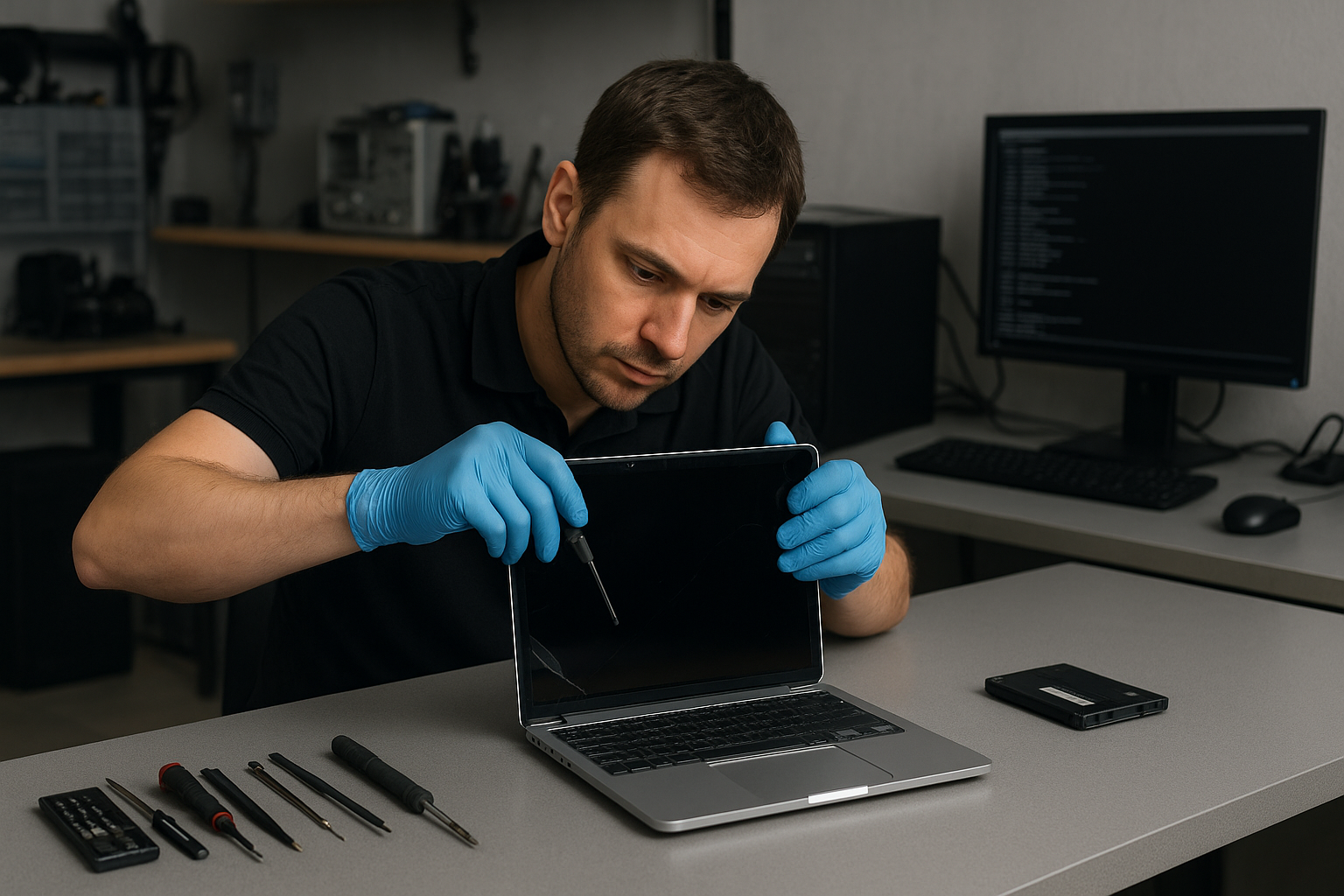
MacBook Pro screen replacement Coquitlam: Same-Day Retina and LCD Repair
If you need a MacBook Pro screen replacement Coquitlam, start here. I diagnose displays every day at Moe Repair and I explain the exact fault before any work begins. That approach keeps surprises low and repairs efficient for customers across Coquitlam and nearby cities.
Common symptoms that mean you need a screen replacement
Symptoms we see commonly include a shattered glass panel, vertical or horizontal lines across the display, dead pixels, a dim backlight, flicker during movement, pressure spots where the image distorts, or no image while the machine powers on. Sometimes the issue looks like a graphics failure, so we run tests to separate a screen fault from a logic board problem.
How we diagnose a MacBook Pro screen problem
Diagnosis starts with a visual inspection. I check the hinge and frame for physical damage, then connect the MacBook Pro to an external monitor to confirm whether the GPU and logic board are outputting a proper signal. I run Apple Diagnostics, test brightness rails, and gently reseat the display cable after disconnecting battery power. If a replacement screen is required, I test a donor display on the machine to verify the failure before ordering parts.
MacBook Pro screen replacement Coquitlam: Parts and repair procedure
On modern Retina MacBook Pros the display and glass are usually one assembly. The repair procedure includes backing up data, disconnecting the battery, removing the top case and display cables, and installing a new display assembly with calibrated brightness and color profiles. We use tested display assemblies or high-quality OEM-equivalent units, and we always check the camera, microphone, and Wi-Fi antenna connections that run through the hinge.
Realistic repair example from a local customer
A customer from Burnaby brought a 2017 MacBook Pro with a cracked Retina glass and intermittent backlight. I examined the hinge and tested an external monitor. The external monitor showed a perfect image, so the GPU and logic board were OK. I replaced the display assembly, reseated the cable and tested brightness under load. The repair restored full function. I explained the cost and the risk of hidden hinge damage before starting. The customer left with a functioning MacBook Pro and a clear diagnostic report.
When a screen issue is not a screen issue
Some MacBook display problems come from the logic board, GPU, or a failing LVDS/eDP cable. If an external monitor shows the same artifacts, we focus on motherboard repair and GPU diagnostics. For those services ask about our MacBook repair in Coquitlam options or broader computer repair in Coquitlam services.
Options, pricing and turnaround times
Turnaround depends on parts availability. For many MacBook Pro models we keep common Retina assemblies in stock for same-day or next-day service. We provide a written quote before work starts, and we offer options such as OEM-quality displays versus aftermarket panels. If data access is a concern, we can also discuss data recovery in Coquitlam before starting invasive repairs.
Practical advice to protect your MacBook Pro
Use a padded sleeve and avoid putting heavy items on top of the laptop. Check hinges for looseness and stop using a screen that has spreading cracks. If your MacBook Pro shows liquid exposure, power it off and bring it in immediately for liquid damage inspection. We offer battery replacement and keyboard repair if spills cause additional faults.
Signs to get professional help rather than DIY
A DIY screen swap can damage delicate display connectors or the logic board if the battery is not isolated. If you see flicker after a DIY replacement, stop and bring the machine in. We also handle related services such as SSD upgrades, trackpad repair, fan replacement, thermal paste replacement, and motherboard repair.
Warranty and testing after the repair
After any replacement we run extended diagnostics and stress tests to check brightness consistency, backlight operation, and camera function. We provide a limited warranty on parts and labor, and we will explain coverage details on pickup.
Why choose Moe Repair in Coquitlam
I bring over 15 years of hands-on repair experience to each job. We provide honest diagnostics, clear pricing, and local pick-up and drop-off options. For laptop repair beyond display work, see our laptop repair in Coquitlam page for services like keyboard replacement and SSD upgrades. Customers from Port Moody, Port Coquitlam, Burnaby, and Vancouver trust our team because we document the issue and the repair steps.
Frequently asked questions
Below are common questions about MacBook Pro screen replacement Coquitlam. If your question is not listed, please contact Moe Repair.
Contact Moe Repair Today
Moe Repair offers a free consultation and upfront quotes for MacBook Pro screen replacement Coquitlam. Call Moe Repair at 778-951-4872 or email service@moerepair.ca to describe your issue and book a diagnostic. We serve customers across Coquitlam and nearby areas like Port Moody, Port Coquitlam, Burnaby, and Vancouver. Bring your MacBook Pro in for a fast assessment and we will explain repair options, timing, and costs before starting any work. Free consultation available by phone or in-store.
Contact details: Moe Repair, Phone: 778-951-4872, Email: service@moerepair.ca.
Other services we provide
- Battery replacement and thermal testing
- Liquid damage repair and motherboard inspection
- SSD upgrades and operating system repair
- Data recovery, virus removal, and computer tune-up
If you need help now, call 778-951-4872 or contact Moe Repair online to schedule a diagnostic appointment.