
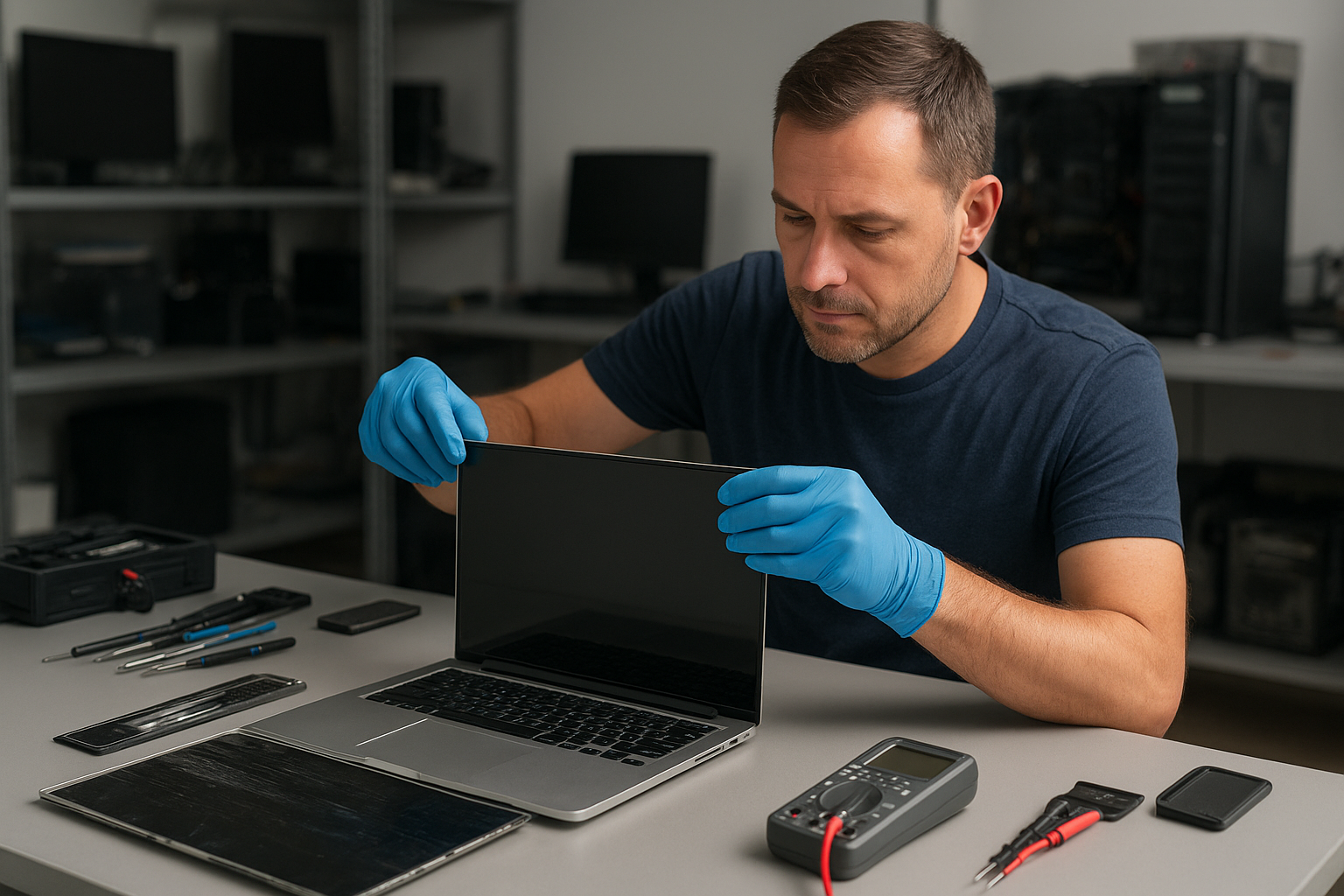
Laptop screen replacement Coquitlam: fast, reliable display repairs
If your laptop shows a cracked panel, flicker, or no image at all, Moe Repair provides expert Laptop screen replacement Coquitlam services with clear diagnostics and part options. I have over 15 years repairing laptops in Coquitlam and nearby cities, and I explain what to expect and how we work.
Laptop screen replacement Coquitlam: Signs you need a replacement
Common symptoms include visible cracks, vertical or horizontal lines, backlight failure, dark patches, flickering, or a completely black display while the laptop powers on. Touchscreen issues can show unresponsive or ghost touches. Some symptoms are subtle: fine hairline cracks or pressure spots that spread over days.
How we diagnose screen problems in Coquitlam
Diagnosis starts the moment you walk in. I first connect the laptop to an external monitor to determine if the GPU and motherboard are sending a signal. Then I inspect the bezel and connector for physical damage, test the display cable with continuity checks, and verify the inverter on older CCFL panels. For touchscreen devices I test the digitizer and run calibration utilities.
Practical diagnostic steps I perform
- External monitor test to separate display vs system faults.
- Physical inspection of the hinge area and bezel for flex damage.
- Connector reseating and flex-cable continuity checks under magnification.
- Power-supply and backlight measurements with a multimeter.
- Software checks for driver issues and firmware updates.
Real repair procedures we use
When the display is confirmed faulty, I order an OEM or high-quality replacement panel that fits the model—examples include Dell XPS panels, HP Envy screens, Lenovo Legion and ThinkPad displays, and Apple Retina assemblies for MacBook models. The repair steps include removing the bezel, disconnecting and documenting cable routing, transferring components such as webcams or antennas, installing the new assembly, and running extended tests for dead pixels, backlight uniformity, and touch response.
Parts sourcing and choice
I explain the trade-offs between OEM and aftermarket panels so customers can decide. Where possible I use OEM or manufacturer-grade panels; for older or budget models a tested aftermarket display keeps costs down.
Common laptop models we replace screens on
We see a wide range of laptops: Dell Inspiron, XPS, and Alienware; HP Pavilion and Envy; Lenovo ThinkPad and IdeaPad; ASUS ZenBook and ROG; Acer Aspire and Predator; Apple MacBook Air and MacBook Pro; and Microsoft Surface devices. For MacBook owners we also offer specialized MacBook repair in Coquitlam procedures and parts handling.
Real repair example from Coquitlam
A recent customer from Coquitlam brought a 14-inch Dell Inspiron with a diagonal crack and intermittent horizontal lines. I first connected an external monitor which showed normal output. I then removed the bezel, inspected the flex cable and found the cable pinout intact but the LCD panel had visible internal delamination. After agreeing on OEM vs aftermarket options and cost, I replaced the display assembly, reattached the webcam and Wi-Fi antenna, and performed a pixel and backlight test. The result: bright, uniform image and restored full touchscreen response where applicable. The customer left with clear notes on care and hinge inspection intervals.
How much does a screen replacement cost in Coquitlam?
Costs vary by model and panel type. Budget laptops can be cheaper, while Retina or high-refresh-rate gaming panels cost more. We provide a free diagnostic and a written quote before any work. If additional services are needed, such as motherboard repair after liquid damage or SSD upgrades, we quote those separately. For more on our general offerings, see our computer repair in Coquitlam page and our laptop repair in Coquitlam overview.
Testing, warranty, and final checks
After installation we run stress tests, pixel maps, and driver validation. I do not promise absolute pixel perfection, but I ensure the display meets agreed standards and that the laptop performs under normal load. Repairs include a limited parts and labor warranty, and we document the work so you know exactly what was done.
When a screen is not the only issue
Sometimes screen problems reveal deeper issues like motherboard damage, faulty power rails, or liquid exposure. When necessary I recommend additional diagnostics or services such as motherboard repair, liquid damage repair, data recovery, or an SSD upgrade. If you suspect data loss after a display failure, our data recovery in Coquitlam team can advise next steps.
Preventing future screen damage
Simple steps reduce risk: use a padded case, avoid pressure on the lid, keep liquids away, and close the lid gently. For frequent travelers consider a secondary screen protector or a rugged case. Regular tune-ups and hinge inspections help avoid cable wear that leads to intermittent lines or loss of image.
Frequently Asked Questions
How long does a laptop screen replacement take?
Most repairs complete the same day if we have the correct part in stock. If we must order an OEM panel it can take a few days. We always provide an accurate ETA after diagnosis.
Will my data be safe during a screen replacement?
Yes. Replacing a screen is a non-destructive repair. We do not modify or erase user data. If you are concerned, we can image your drive before work or offer data recovery in Coquitlam services if needed.
Do you use OEM parts?
We prefer OEM or manufacturer-grade panels. If an aftermarket option is acceptable we explain the differences and price. For MacBooks we follow specific handling guidelines on the MacBook repair in Coquitlam page.
What if the flicker returns after replacement?
If flicker returns we recheck connectors, cable routing, and the motherboard power rails. If additional repairs are needed we provide an updated quote; we do not hide follow-up issues.
Contact Moe Repair Today
Moe Repair is ready to assess your laptop and provide a free consultation. Call 778-951-4872 or email service@moerepair.ca to book a diagnostic. We serve Coquitlam and nearby areas including Burnaby, Port Moody, Port Coquitlam, and Vancouver. Expect honest pricing, clear options for OEM versus aftermarket panels, and a timeline before any work begins. For quick questions or to arrange pickup, contact Moe Repair and we will get you scheduled.
For other services we offer battery replacement, keyboard replacement, trackpad repair, thermal paste replacement, and virus removal. If your problem extends beyond the screen, our technicians can handle motherboard repair, SSD upgrades, operating system repair, and more.
Phone: 778-951-4872
Moe Repair
Email: service@moerepair.ca