
MacBook Pro battery replacement Coquitlam: Fast, Reliable Service by Moe Repair
MacBook Pro battery replacement Coquitlam is one of the most common repairs we handle at Moe Repair. If your MacBook only runs on charger, shows a swollen case, or reports high cycle count and low capacity, bring it in and we will run accurate diagnostics and recommend the best course of action.
Signs you need MacBook Pro battery replacement Coquitlam
Common symptoms include rapid battery drain, the MacBook shutting down unexpectedly, battery not charging past a low percent, excessive heat, or a visible battery bulge. You might also see System Report > Power showing high cycle count or “Service Recommended.” If you notice any of these, a prompt inspection avoids data loss and potential safety issues.
Why choose Moe Repair for MacBook Pro battery replacement
I have over 15 years of hands-on experience repairing laptops and Macs in Coquitlam, including MacBook Air and MacBook Pro models from 2012 to the latest M1 and M2 machines. We source high-quality batteries, inspect for related problems like swollen cells or damaged connectors, and test the machine extensively after repair. Many local customers prefer our friendly service and transparent quotes. For other needs, we also offer MacBook repair in Coquitlam and general computer repair in Coquitlam.
Common MacBook Pro battery symptoms we diagnose
When a MacBook arrives with battery issues we record the symptoms: does it charge intermittently, is the maximum capacity below 80 percent, or does the system report an unknown battery? We use macOS System Information, coconutBattery, and a multimeter where appropriate. Symptoms often point to either the battery itself, the charging circuitry on the logic board, or a faulty charger.
Local power and charging checks
We test the charger and MagSafe or USB-C cable first. Then we inspect the charging port and SMC state. If the charger tests good and the port is clean, we proceed to internal inspection and battery health testing.
Diagnostic process and tools we use
Diagnostics include visual inspection for swelling or corrosion, checking battery health in System Report, running Apple Diagnostics, and using coconutBattery to log voltage and cycle count. For Intel MacBook Pros we also check SMC and PRAM states and test under a controlled load. If we suspect motherboard involvement, we run voltage rails and traces to rule out a charging circuit fault.
Real repair example from a local customer
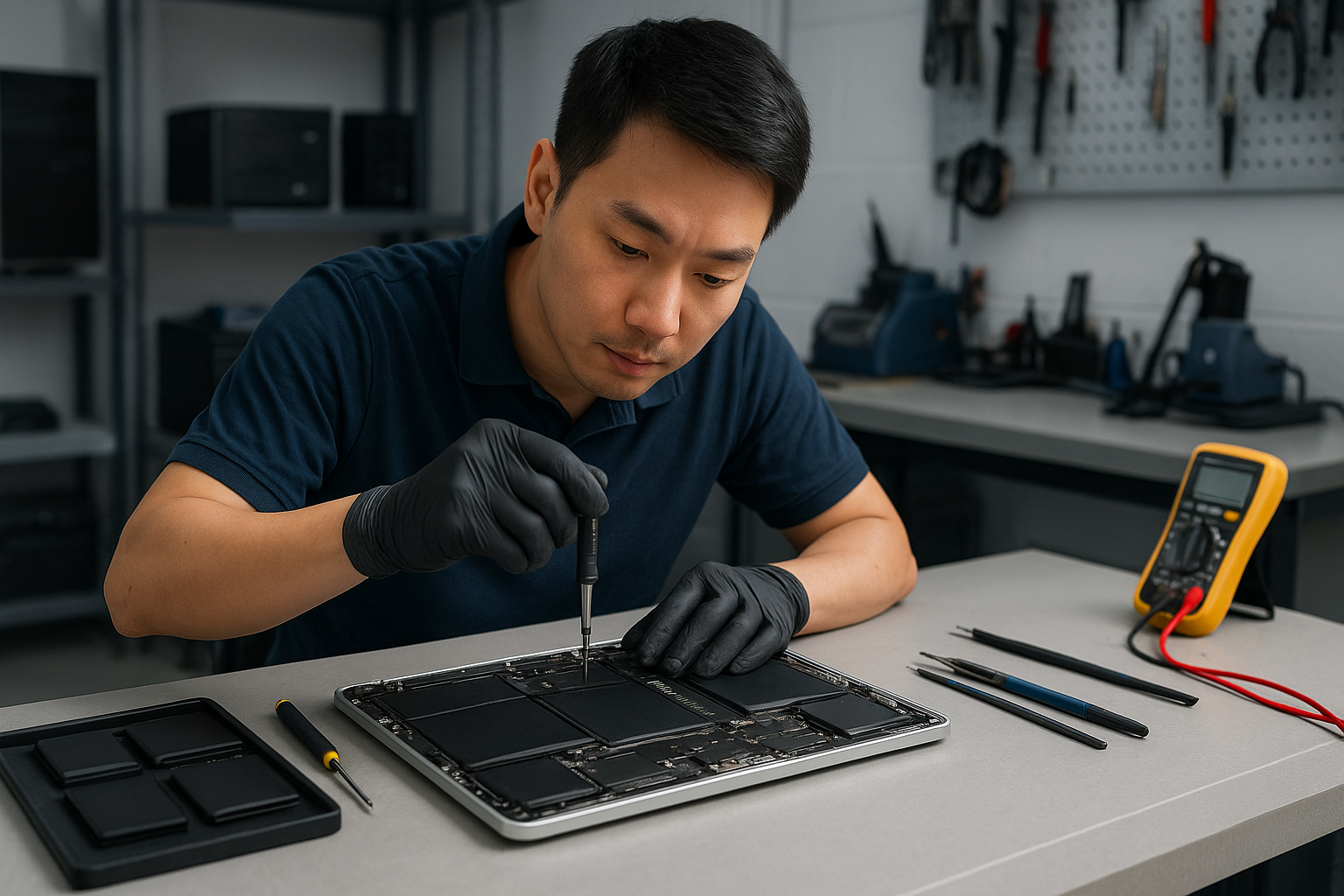
A recent customer from Port Moody brought a 2017 MacBook Pro that would not hold charge and showed a bulging bottom case. I started by confirming the charger and measuring battery voltage. System Report showed 980 cycles and 67 percent maximum capacity. After powering down, removing the Pentalobe screws and disconnecting the battery connector, I removed the swollen battery using adhesive remover and replaced it with a certified replacement. I reassembled, performed SMC reset, and tested the laptop under load for two hours. The MacBook now holds charge, reports 100 percent health for the new pack, and runs cooler. I explained options and risks before starting; the customer approved the replacement and left satisfied.
What to expect during a battery replacement
Typical steps we follow: backup recommendation, diagnostic check, parts quote, scheduled replacement, battery removal using safe tools, connector cleaning, installation of the new battery, and final tests. Replace jobs on 2016 to 2019 models sometimes require careful adhesive removal; newer M1 machines can need different disassembly steps but the procedure is similar. Expect most replacements to take between 1 and 3 hours depending on model and complications. We also offer laptop repair in Coquitlam for related issues like trackpad or keyboard service discovered during the repair.
Safety and DIY risks
Replacing a battery yourself carries risks: puncturing a swollen cell can cause fire, incorrect reassembly can damage the display or board, and using low-quality cells can reduce performance and safety. We recommend professional replacement to protect data and hardware. If your MacBook stores critical files, ask about our data recovery in Coquitlam options before any invasive work.
Other services often needed with battery replacement
While replacing a battery we commonly diagnose and can perform additional services: SSD upgrades, thermal paste replacement, laptop fan replacement, keyboard replacement, trackpad repair, motherboard repair if charging rails are faulty, and operating system repair after hardware changes. We also handle virus removal, Windows installation, and printer and email setup for hybrid environments.
Practical advice before you bring your MacBook in
- Back up your data to Time Machine or an external drive if possible.
- Bring your charger and any adapter you normally use.
- Note the exact model or serial number from About This Mac.
- If the battery is swollen, avoid pressing on the case and get it to a technician quickly.
Contact Moe Repair Today
Moe Repair offers a free consultation for MacBook Pro battery replacement Coquitlam. Call 778-951-4872 or email service@moerepair.ca to describe your symptoms and book a drop-off. We serve Coquitlam and nearby areas including Port Moody, Port Coquitlam, Burnaby, and Vancouver. Expect clear pricing, honest diagnostics, and tested replacements using quality batteries. If you need related services like screen replacement or data recovery we can bundle the work to save time and get your MacBook back in reliable condition. Use our online contact form at contact Moe Repair for faster scheduling.
For quality MacBook support in the Tri-Cities area, bring your MacBook to a shop with experience and a track record. Moe Repair repairs dozens of MacBooks every month and provides honest answers whether the best option is a battery replacement, logic board repair, or an upgrade. Call 778-951-4872 or email service@moerepair.ca to start.
Common questions we answer during drop-offs
Customers frequently ask about battery lifespan, genuine parts, turnaround times, and warranty. We explain battery cycle counts, capacity, and expected lifespan, and we provide a limited parts and labour warranty on replacements. If a charging issue points to the motherboard we outline repair options and costs before proceeding.
If your MacBook Pro displays unusual behavior after a repair, return to the shop so we can re-check connections, run stress tests, and verify battery calibration. We also offer tune-ups, thermal paste replacement, and SSD upgrades to extend the life of your MacBook.