
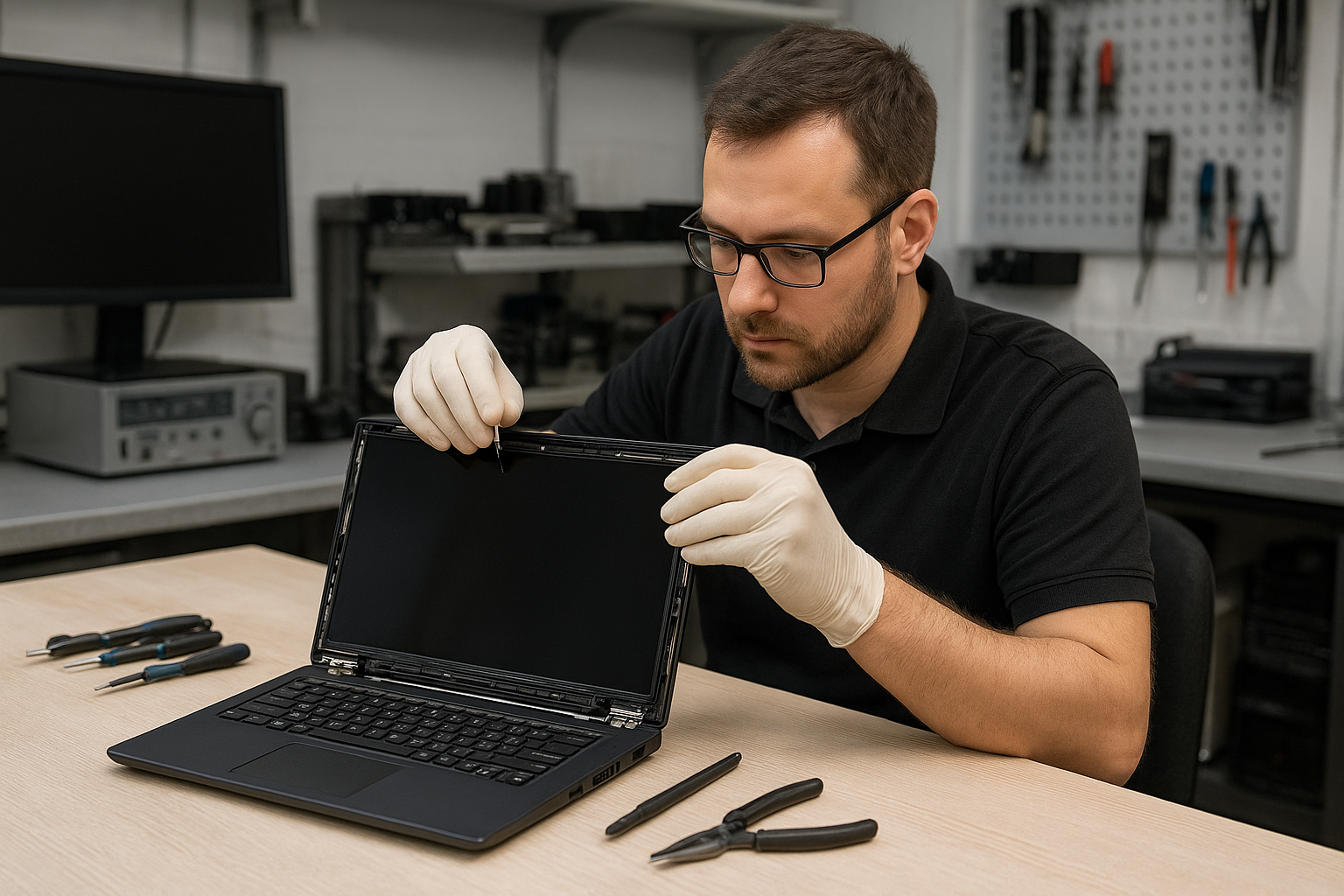
Gaming Laptop screen replacement Coquitlam: Fast, local repairs you can trust
If your rig shows a cracked panel, streaks, blackouts, or a flickering backlight, a Gaming Laptop screen replacement Coquitlam specialist at Moe Repair can help. I am a senior technician with 15 years of hands-on experience replacing panels on Alienware, ASUS ROG, Lenovo Legion, Acer Predator and HP Omen machines. We focus on accurate diagnostics, OEM-quality parts, and clear repair options.
Common symptoms that need a screen replacement
Recognizing the problem speeds repairs. Watch for these signs:
- Cracked glass, visible spidering or sharp edges.
- Black screen with power lights on.
- Vertical or horizontal lines across the display.
- Backlight working but no image (faint dim picture visible under bright light).
- Touchscreen not responding or registering phantom touches.
These symptoms often point to the panel, inverter (older models), or the display cable. For a full laptop service including power and operating system checks, ask about our computer repair in Coquitlam options.
How we diagnose Gaming Laptop screen replacement Coquitlam jobs
Diagnosis is step one. I start with basic checks: external monitor test, reseating the display cable, and inspecting the hinge and bezel for mechanical damage. Then I run the laptop under load to rule out GPU artifacts and motherboard faults. If an external monitor shows a normal image while the laptop screen stays blank, that isolates the issue to the panel or cable.
We also check the LVDS or eDP connector for bent pins, and measure backlight voltage where applicable. Firmware and driver checks come next. If needed, I use schematic references for motherboard power rails to confirm the screen receives proper power before recommending replacement.
Typical repair procedure we perform
A clear, safe procedure reduces risk to your laptop. Typical steps for a panel swap:
- Power down, remove battery where possible, and discharge capacitors.
- Remove bezel and hinges carefully to inspect cable routing.
- Test the connector and harness for continuity and damage.
- Order the correct panel: OEM or high-quality equivalent matched by model and part number.
- Install new panel, secure connectors, and test before reassembly.
- Calibrate display and test under load for 24-48 hours when required.
We also offer related services such as laptop repair in Coquitlam, battery replacement and SSD upgrades if you want performance improvements during the same visit.
Brands and models we commonly repair
Gaming laptops have varied designs. We regularly replace screens on:
- Dell Alienware series and XPS
- ASUS ROG and ZenBook gaming editions
- Lenovo Legion and ThinkPad gaming models
- HP Omen and Envy gaming laptops
- Acer Nitro and Predator families
Each manufacturer uses different panels and connectors. I always verify part numbers before ordering to avoid compatibility issues. For MacBook displays or Apple devices, see our MacBook repair in Coquitlam services.
Realistic repair example from Coquitlam
A recent customer from Port Moody brought in an ASUS ROG with a cracked corner and a half-black screen. I ran an external monitor check which displayed fine, confirming the GPU was OK. After removing the bezel I found the eDP cable pin had light corrosion and the panel had a hairline crack. I sourced a matching 144Hz panel, replaced the cable and panel, then tested brightness steps and color uniformity. The laptop returned to the customer with restored 144Hz performance. The repair involved a panel and cable replacement and a 48-hour functional verification.
What influences cost and turnaround
Factors that affect price and time include panel availability, resolution and refresh rate (4K and 240Hz panels cost more), and whether the hinge damaged the cable. Locally stocked panels allow same-day repairs for many models. We will always present options: OEM, high-quality aftermarket, or used panels when appropriate.
For related services like data recovery in Coquitlam or motherboard repair, we can combine work to reduce downtime.
Practical advice for customers
Before you bring a unit in, back up your data if possible and bring the original charger. Avoid DIY screen swaps unless you are comfortable disassembling the hinge and removing delicate connectors. If you see glass fragments or exposed circuitry, keep the laptop powered off and boxed securely.
We also recommend considering an SSD upgrade or thermal paste replacement at the same time, which we can quote during the screen repair.
Warranty and parts
Moe Repair uses OEM or tested aftermarket panels. We provide a parts and labor warranty that we will explain before starting work. We do not guarantee parts availability for rare or very old models. For virus removal, operating system repair, or blue screen repair, ask about bundled services.
FAQ
The answers below cover common concerns. You can also contact Moe Repair for specifics about your machine.
Contact Moe Repair Today
Moe Repair offers a free consultation to assess your Gaming Laptop screen replacement Coquitlam needs and nearby service areas include Port Moody, Burnaby, and Vancouver. Call Moe Repair at 778-951-4872 or email service@moerepair.ca to describe the symptoms and book a drop-off or pickup. We will explain parts options, estimated costs, and turnaround time before starting work. If you need additional services like motherboard repair, SSD upgrades, or data recovery, mention them when you contact us.
Local service and follow-up
We repair many gaming rigs for players across Coquitlam and nearby cities like Burnaby and Vancouver. After repair we run stress tests and confirm display performance. If you experience any issues after a repair, bring the laptop back for follow-up diagnostics and support.