
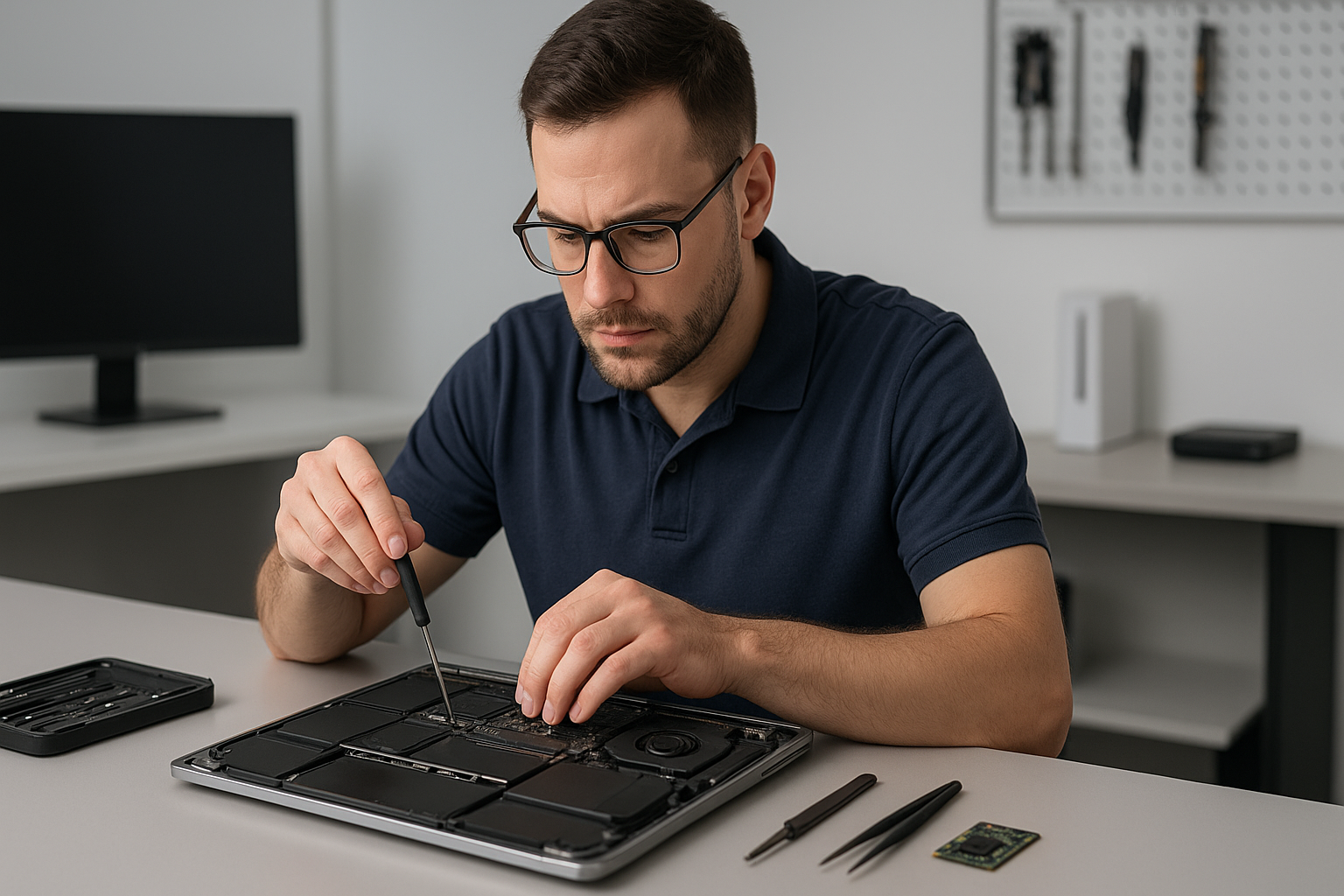
Data recovery North Vancouver: How Moe Repair restores lost files
As a senior technician with more than 15 years of hands-on experience, I know how stressful data loss feels. When you need Data recovery North Vancouver, Moe Repair offers clear diagnostics, secure workflows, and practical recovery steps that preserve your files and your privacy.
Data recovery North Vancouver: quick diagnosis and next steps
First, we isolate the drive or device. Whether it is a laptop SSD, a MacBook hard drive, or an external USB HDD, we never write to the media during initial diagnostics. Instead, we image the disk and run file system checks. Therefore we avoid further damage and maximize recoverability.
Common failure symptoms
Customers typically contact us with these symptoms. The computer will not boot. The OS shows a blue screen or kernel panic. Files disappear or folders show zero bytes. The drive makes clicking or grinding noises. The device was dropped or experienced liquid damage. Windows installation fails, or a MacBook will not mount an external drive.
Realistic diagnostic steps we run
We start with a non-destructive approach. First we connect the drive to a hardware write-blocker. Next we create a forensic-quality disk image using specialized tools. Then we check the partition table and run SMART tests, sector checks, and CRC scans. If the drive shows mechanical failure, we evaluate for lab-level recovery, and we discuss costs and timelines with you.
What to expect during recovery
For logical failures, like accidental deletion, corruption after a failed Windows installation, or a formatted drive, we use targeted recovery software and manual file carving. For SSDs, we apply controller-aware techniques to rescue TRIM-limited data when possible. For physical problems, like a clicking hard drive or liquid damage, we stabilize the device and partner with certified clean-room labs when necessary.
Typical repair procedures
- Imaging the drive to a secure workstation, using a hardware write-blocker.
- Running SMART and sector-level diagnostics to identify bad blocks.
- Attempting logical recovery with software, followed by manual reconstruction of file systems.
- If mechanical work is needed, coordinating with an ISO-certified lab for platter swaps or PCB repair.
- Verifying recovered files for integrity, then copying to a new SSD or external drive.
Along the way we document the process. We keep you informed, and we only proceed with your approval. We also offer secure disposal of damaged drives if you choose not to recover them.
Common causes of data loss
Most data loss stems from one of three issues. First, accidental deletion or formatting. Second, software corruption after updates, virus infection, or failed Windows installation. Third, physical damage from drops, liquid spills, or overheating. We often see SSD upgrades that fail due to improper cloning, and gaming PC users who push thermal limits without replacing thermal paste or the fan, causing drive errors.
Why choose Moe Repair in North Vancouver
Moe Repair combines hands-on laptop repair and advanced data recovery skills. We perform MacBook repair, screen replacement, battery replacement, keyboard replacement, trackpad repair, and motherboard repair. We also handle thermal paste replacement, laptop fan replacement, and SSD upgrades. Because we service computers across Coquitlam, Burnaby, Vancouver, Surrey, Richmond, New Westminster, Maple Ridge, Port Moody, Port Coquitlam, Pitt Meadows, Langley, Delta, West Vancouver, White Rock, Abbotsford, Mission, and Chilliwack, we understand local needs and timelines.
We secure your privacy. We use encrypted transfer of recovered files. We also recommend on-site or off-site backup solutions to prevent future emergencies, including routine computer tune-up and scheduled backups.
Real customer scenarios
Example 1, a photographer in North Vancouver brought a crashed external drive with months of RAW files. We imaged the drive, rebuilt the damaged file table, and recovered 98 percent of the images. Example 2, a gamer’s SSD failed mid-raid build. We recovered game saves and assisted with an SSD upgrade and clean Windows installation.
Practical advice you can use now
If your device shows signs of failure, stop using it immediately. Do not attempt risky recovery tools without imaging first. For liquid damage, power off and do not charge the device. For accidental deletion, turn off syncing services to stop changes to cloud copies. Then contact Moe Repair for secure diagnostics.
Pricing, timelines, and next steps
We offer upfront pricing for diagnostics and tiered recovery estimates based on logical or physical recovery needs. Small logical recoveries often finish within 24 to 72 hours. Physical recoveries that require lab work take longer, typically several days to weeks. We always provide a cost estimate before proceeding.
Contact us for a fast, secure evaluation. We handle virus removal, motherboard repair, liquid damage repair, and other repairs needed to get your machine back to working order after data trouble.
Contact Moe Repair
Call us at 778-951-4872 or email service@moerepair.ca. Bring your device to our shop, or ask about safe courier options from North Vancouver and surrounding cities. When you need Data recovery North Vancouver, we act quickly and keep your data safe.
Moe Repair, trusted for laptop repair, MacBook repair, screen replacement, battery replacement, SSD upgrades, RAID recovery, and complete computer tune-up services.