
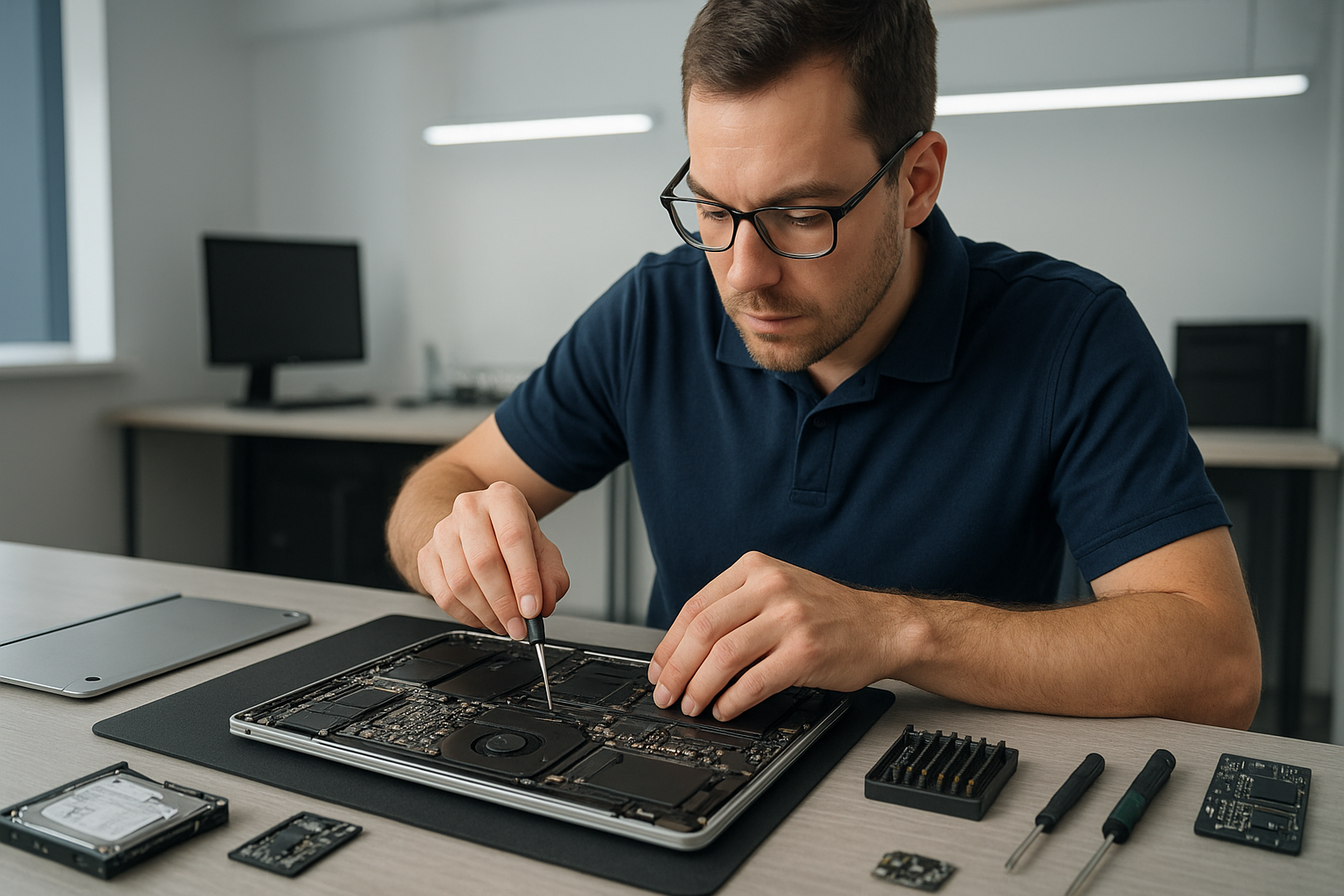
Data recovery Langley: Fast, Professional File Recovery by Moe Repair
As a senior technician with over 15 years of hands-on experience, I know how devastating data loss feels. If you need Data recovery Langley, stop using the device immediately and contact Moe Repair. Quick, careful action improves your chance to recover photos, documents, and business data.
Data recovery Langley: Common causes and symptoms
Customers bring drives after accidental deletion, system crashes, or visible damage. Typical symptoms include clicking or grinding noises from a hard drive, drives not mounting, frequent crashes, slow performance, corrupted files, or a blue screen on Windows. Solid state drives show firmware errors, unrecognized status, or sudden capacity loss.
Additionally, virus infections can encrypt files, and liquid damage can short circuits on laptop motherboards. In many cases, early signs let us diagnose the problem before it gets worse.
Initial diagnostics we run
First, we record the customer report, device model, and failure timeline. Then we perform non-invasive tests. For HDDs, we check SMART for reallocated sectors, pending sector counts, and power cycle counts. For SSDs, we read controller logs and check for firmware issues.
Next, we connect the drive to a write-blocker or USB adapter and attempt a safe mount. We avoid any operations that write to the original media. If the drive shows mechanical failure, we move to imaging immediately in a clean environment.
Our recovery process
We follow a strict, step-by-step approach to maximize recovery rates. First, we image the drive to a stable file using hardware-assisted imaging tools like targeted sector cloning. We use ddrescue, when appropriate, to prioritize readable sectors and minimize stress on failing platters.
After we create a verified image, we run specialized recovery software to extract files. For complex cases, such as RAID arrays or corrupted file systems, we perform manual reconstruction. When a drive has mechanical failures, such as head damage or spindle seizure, we evaluate for cleanroom work or PCB repair.
We also handle encrypted drives, MacBook FileVault, and BitLocker cases. In most scenarios, a verified image lets us restore files without writing to the client media, preserving evidence and reducing further risk.
Specific repair procedures I use
For clicking hard drives, I power-cycle minimally, then use a donor head assembly in a certified cleanbench if imaging fails. For PCB-level failures, I document board version and attempt fault isolation, and if safe, swap PCBs and reprogram firmware nodes. For SSDs, I examine controller complaints and try firmware reflash cautiously, and if necessary I use chipset-level extraction tools.
When liquid damage affects laptops or MacBooks, I first dry and clean the board, then isolate the storage device and image it. For water-damaged devices that still spin up, immediate imaging prevents corrosion from destroying recoverable sectors.
What you can do before bringing your device in
First, stop using the device. Avoid running chkdsk or reformatting. Do not attempt DIY opening of hard drives. Also, avoid installing recovery apps over the affected drive. Instead, take notes on what happened and power the device off.
If possible, bring the original power adapter and any accessories. For laptops and MacBook repair, we often need the device to test internal connections for trackpad repair, keyboard replacement, or battery replacement when failures appear related to power delivery.
Turnaround and pricing expectations
Simple logical recoveries often finish within 24 to 72 hours. Mechanical or cleanroom cases take longer, typically 5 to 10 business days. We quote after diagnosis, and we provide imaging-based pricing when possible. We never charge extra unless we get your approval for advanced procedures.
Why choose Moe Repair
At Moe Repair, I combine technical depth with careful customer service. We handle laptop repair, MacBook repair, screen replacement, battery replacement, virus removal, Windows installation, SSD upgrades, motherboard repair, liquid damage repair, gaming PC repair, and more. For data work, we prioritize imaging first, and then recovery, to protect your files.
We serve Coquitlam, Burnaby, Vancouver, Surrey, Richmond, New Westminster, Maple Ridge, Port Moody, Port Coquitlam, Pitt Meadows, Langley, Delta, North Vancouver, West Vancouver, White Rock, Abbotsford, Mission, and Chilliwack. Clients trust us for secure, local service.
Security and confidentiality
We handle sensitive business and personal files daily. Our lab locks and policies protect your data privacy. We can sign NDAs for corporate clients. Furthermore, we offer secure deletion services after you confirm successful recovery and backup.
Contact Moe Repair for Data recovery Langley
If you need Data recovery Langley, call me right away. Early contact improves success. Bring your device to our shop for diagnosis, or arrange a mail-in case you are outside the immediate area.
Moe Repair, Phone: 778-951-4872, Email: service@moerepair.ca.
We act quickly, we explain every step, and we only proceed with your approval. For secure, reliable recovery, get in touch today.