
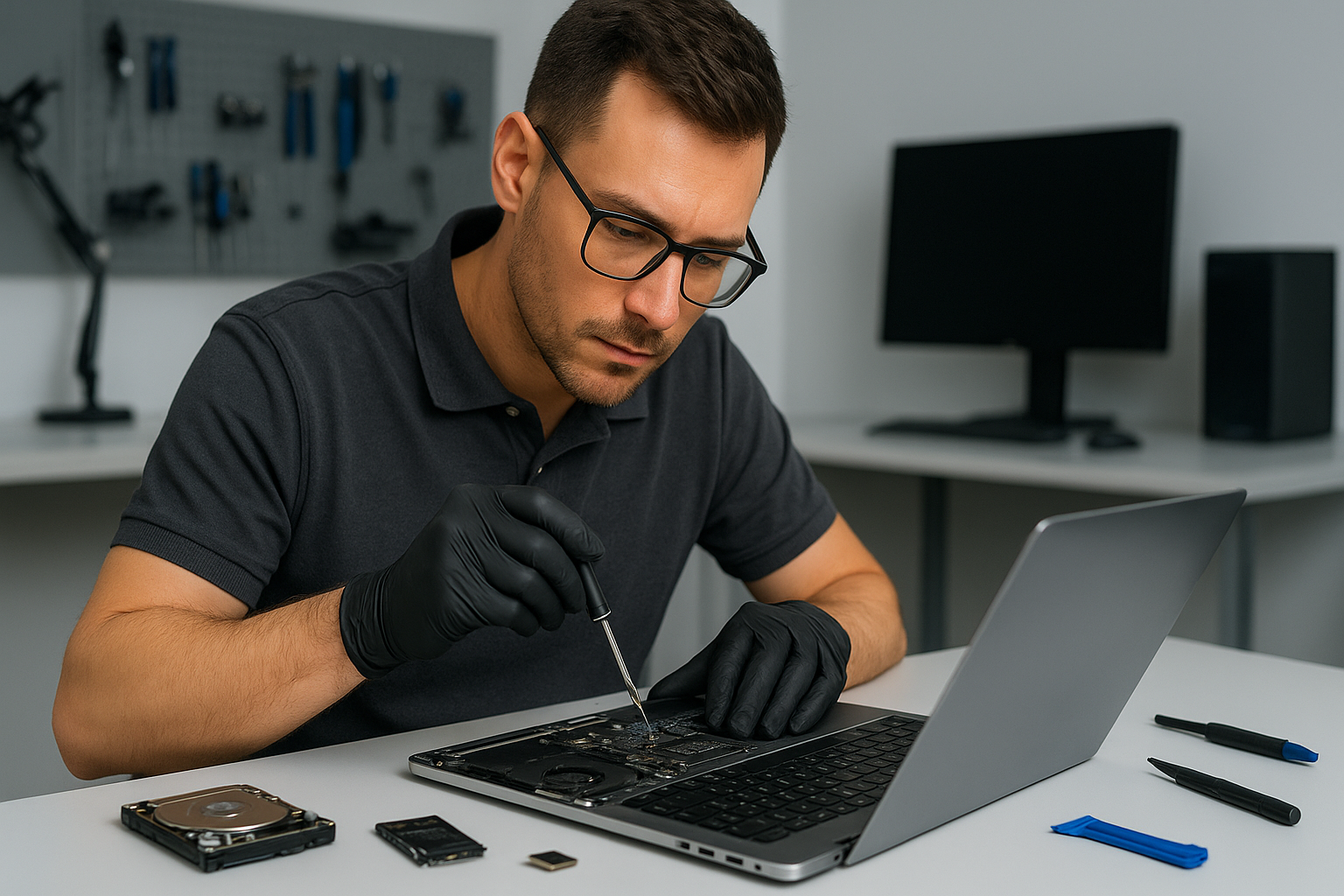
Data recovery Burnaby: Fast, secure file recovery near you
I am a senior technician with more than 15 years of hands-on experience. If you need Data recovery Burnaby, you came to the right place. I diagnose drives, recover deleted files, and protect your privacy during every step.
Why choose Moe Repair for Data recovery Burnaby
We perform professional hard drive recovery and SSD recovery for homes and businesses across Burnaby, Coquitlam, Vancouver, Surrey and nearby cities. We handle HDD repair, RAID recovery, external drive recovery, USB recovery and deleted files recovery with secure labs and verified procedures.
Common failure symptoms I see every week
Mechanical clicking or grinding sounds, slow file access, unrecognized disks, corrupted file systems, files that disappear after accidental deletion, and drives that overheat. Liquid-damaged laptops, virus-infected PCs, or systems with motherboard failure can also cause data loss.
Safe initial diagnostics
First, I stop using the affected drive. Continued use risks further damage or overwritten data. Then I run non-invasive diagnostics. I inspect SMART data, check for bad sectors, and connect drives to write-blockers to prevent accidental writes. I log error codes and run imaging tools to clone recoverable sectors to a secure workstation.
Realistic recovery procedures
For logical failures such as deleted files or corrupted partitions, I use specialized recovery software and manual filesystem repair. For physical failures, like motor or head damage, I follow clean-room procedures. If a head swap or platter repair is required, I move the drive to our certified partner lab. For SSDs I use firmware-level tools and vendor protocols when possible, and I carefully extract data from intact NAND when necessary.
Typical turnaround and pricing expectations
Small logical recoveries often finish in 24 to 72 hours. Complex RAID arrays, firmware issues, or physical repairs typically take longer, often 5 to 10 business days. I provide a clear estimate after diagnostics, and you keep full control. We offer secure transfer to new SSDs or external drives, and we perform optional SSD upgrades and computer tune-up services after recovery.
What I do during a recovery
I document the device state, create a forensic image where possible, attempt logical recovery on the image, and only perform physical procedures when imaging fails. I verify file integrity, recover photos, documents, databases and email, and return results on a new drive or via secure transfer. I also offer advice to prevent future data loss, including backup setup and cloud sync recommendations.
Steps you can take now
Power off the device, avoid DIY fixes that could overwrite data, and do not run chkdsk or repair utilities before consulting a pro. If your laptop has liquid damage, bring it in quickly for liquid damage repair and motherboard inspection. For virus-related data loss, I combine virus removal and safe recovery techniques to avoid reinfection.
Related services I provide
After recovery, many customers ask me to perform laptop repair, MacBook repair, screen replacement, battery replacement, keyboard replacement, trackpad repair, laptop fan replacement, thermal paste replacement, Windows installation, SSD upgrades, motherboard repair, gaming PC repair, and computer tune-up. I serve clients across Burnaby, Coquitlam, Vancouver, Richmond, Surrey and beyond.
Local coverage and secure handling
Moe Repair offers local data recovery and support in Burnaby, New Westminster, Port Moody, Port Coquitlam, Pitt Meadows, Maple Ridge, Langley, Delta, North Vancouver, West Vancouver, White Rock, Abbotsford, Mission and Chilliwack. I maintain chain of custody for business clients and follow strict privacy procedures for personal files.
How I diagnose a failed drive
1. Visual inspection for burns, corrosion or impact damage. 2. SMART analysis and sector scan. 3. Non-destructive imaging with error handling. 4. File system analysis and targeted recovery. 5. If needed, escalate to clean-room head or platter work through certified partners. I document every step so you know what happened and why.
Real examples
Recently a client brought a MacBook that would not boot after a spill. I performed trackpad repair and liquid damage repair, imaged the SSD, and recovered customer photos and accounting files. Another client suffered RAID controller failure, I rebuilt the array image and recovered critical company databases. Both clients also requested virus removal, Windows installation and SSD upgrades after recovery.
Preventive advice
Use 3-2-1 backup rules. Keep one local backup on an external drive and one offsite. Replace laptop batteries that bulge, and upgrade failing HDDs to SSDs for durability. Schedule a computer tune-up yearly, and update antivirus software regularly. If you suspect thermal issues, consider thermal paste replacement and fan replacement to protect drives and system stability.
Contact Moe Repair for Data recovery Burnaby
If you need experienced, transparent service, contact Moe Repair right away. Time matters with data loss. Call 778-951-4872 or email service@moerepair.ca to start diagnostics. We provide honest estimates, secure handling, and recovery options tailored to your budget and urgency.
Moe Repair, Phone: 778-951-4872, Email: [service@moerepair.ca](mailto:service@moerepair.ca)
We support laptop repair, MacBook repair, screen replacement, battery replacement, data recovery, virus removal, Windows installation, SSD upgrades, motherboard repair, liquid damage repair, gaming PC repair, keyboard replacement, trackpad repair, laptop fan replacement, thermal paste replacement, and computer tune-up across the Lower Mainland and Fraser Valley.