
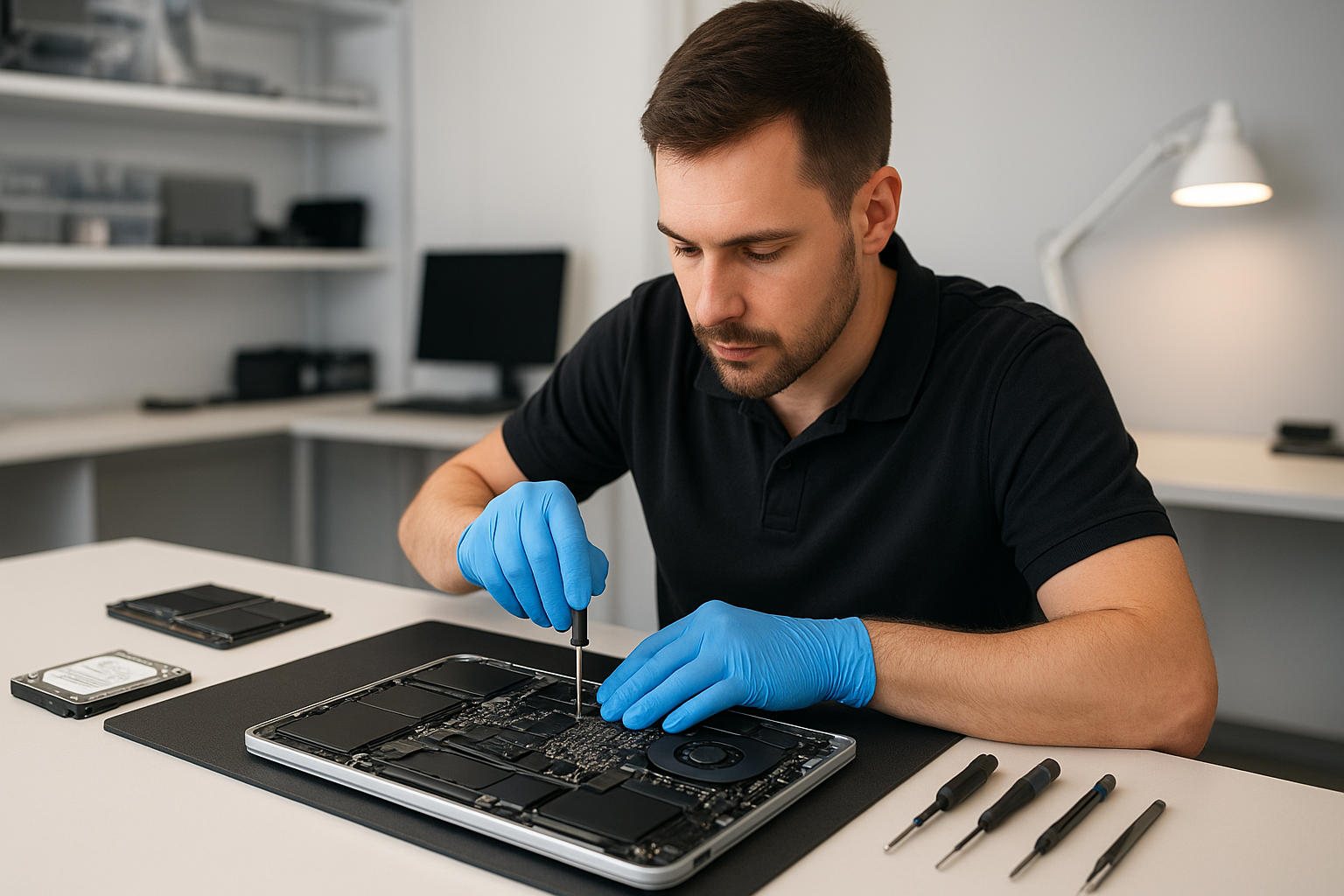
MacBook repair Surrey: Expert MacBook service in Surrey
MacBook repair Surrey is what I do every day. As a senior technician with over 15 years of hands-on experience, I diagnose and fix Mac hardware and software issues quickly and reliably.
MacBook repair Surrey, common issues and what to expect
Customers bring MacBooks with screen flicker, won’t boot, sudden shutdowns, swollen batteries, or trackpad failures. I see liquid damage, keyboard failure, and corroded connectors after spills. Often a Mac is slow because the SSD is full or failing, or because the thermal paste and fan need attention. For gaming rigs and heavy workloads, I perform thermal paste replacement and fan replacement to prevent throttling.
Typical symptoms
- Black screen on startup, or Apple logo not progressing
- Flickering or cracked display, backlight problems
- Battery drains fast, won’t hold charge, or bulging battery
- Trackpad or keyboard not responding
- Overheating and loud fan noise
- Liquid in keyboard or sticky keys after a spill
- Data inaccessible after crash, or ransomware symptoms
Realistic diagnostic steps I use
I start with a verified workflow. First, I ask about recent events, and then I run Apple Diagnostics or targeted hardware tests. Next, I check system logs, boot in safe mode, and try an external display for screen issues. For power issues, I measure SMC behavior, reset the SMC and NVRAM when appropriate, and check battery cycle counts.
If the MacBook shows kernel panics, I inspect connected devices and run a memory and SSD test. For suspected logic board faults, I visually inspect the board at high magnification for burned components or corrosion. I do voltage checks on power rails before recommending motherboard repair or component replacement.
Repair procedures I perform
For screen replacement, I remove the defective assembly, test the display cable, and install a high-quality replacement panel. Then, I calibrate brightness and test the camera and sensors.
For battery replacement, I remove the old battery, inspect the adhesive and case for damage, and install a new OEM-compatible battery. I verify battery health and charge cycles after installation.
For liquid damage repair, I power down immediately, remove power sources, disassemble the MacBook, and clean corrosion with isopropyl alcohol and specialized cleaners. I replace damaged connectors and perform board-level repairs when necessary. Often this prevents further shorting and data loss.
For data recovery, I attempt logical recovery first, using target disk mode or drive imaging. If a drive shows mechanical failure, I clone sectors using professional tools, and if needed, send the drive to a trusted lab for media-level recovery. We aim to recover photos, documents, and business files quickly.
For SSD upgrades, I recommend an SSD with the correct interface and thermal profile. I clone your existing drive, secure your data, and install the new drive with macOS installation and firmware updates. This often yields major performance gains on older MacBook Air and Pro models.
Motherboard and logic board repair
When the problem is a failed power IC, capacitor, or solder joint, I perform board-level diagnostics. That includes microscope inspection, micro-soldering, and component replacement. I will always explain the repair options and costs before proceeding.
Why choose Moe Repair for MacBook repair Surrey
I blend precise diagnostics with practical advice. I explain failure causes, outline repair steps, and present clear costs. My shop offers screen replacement, battery replacement, data recovery, virus removal, Windows installation on Macs when requested, SSD upgrades, motherboard repair, liquid damage repair, keyboard replacement, trackpad repair, laptop fan replacement, thermal paste replacement, and full computer tune-up services.
We serve customers across the Lower Mainland, including Coquitlam, Burnaby, Vancouver, Surrey, Richmond, New Westminster, Maple Ridge, Port Moody, Port Coquitlam, Pitt Meadows, Langley, Delta, North Vancouver, West Vancouver, White Rock, Abbotsford, Mission, and Chilliwack.
What I recommend to customers
Back up your data regularly, ideally using Time Machine and an offsite backup. If your MacBook shows odd noises or battery swelling, power it down and bring it in. Avoid trying to dry a wet MacBook with heat. Instead, power off and bring it to a technician immediately for liquid damage repair.
Also, avoid installing suspicious apps. For virus removal and system cleanup, I remove malware, clean startup items, and perform a secure tune-up. For performance problems, I test the SSD and memory first, then suggest SSD upgrades or macOS reinstall if needed.
Typical turnaround times and warranty
Minor repairs like battery or keyboard replacement often complete the same day. Screen replacement can take 1 to 2 days depending on parts. Board-level work can take several days. I provide a parts and labor warranty, and I explain terms before any work begins.
If you need fast, reliable MacBook repair Surrey, contact Moe Repair. We handle MacBook Pro and MacBook Air models, and we also repair laptops, desktops, and gaming PCs. Call or email to get a detailed estimate and diagnostic.
Moe Repair
Phone: 778-951-4872
Email: service@moerepair.ca