
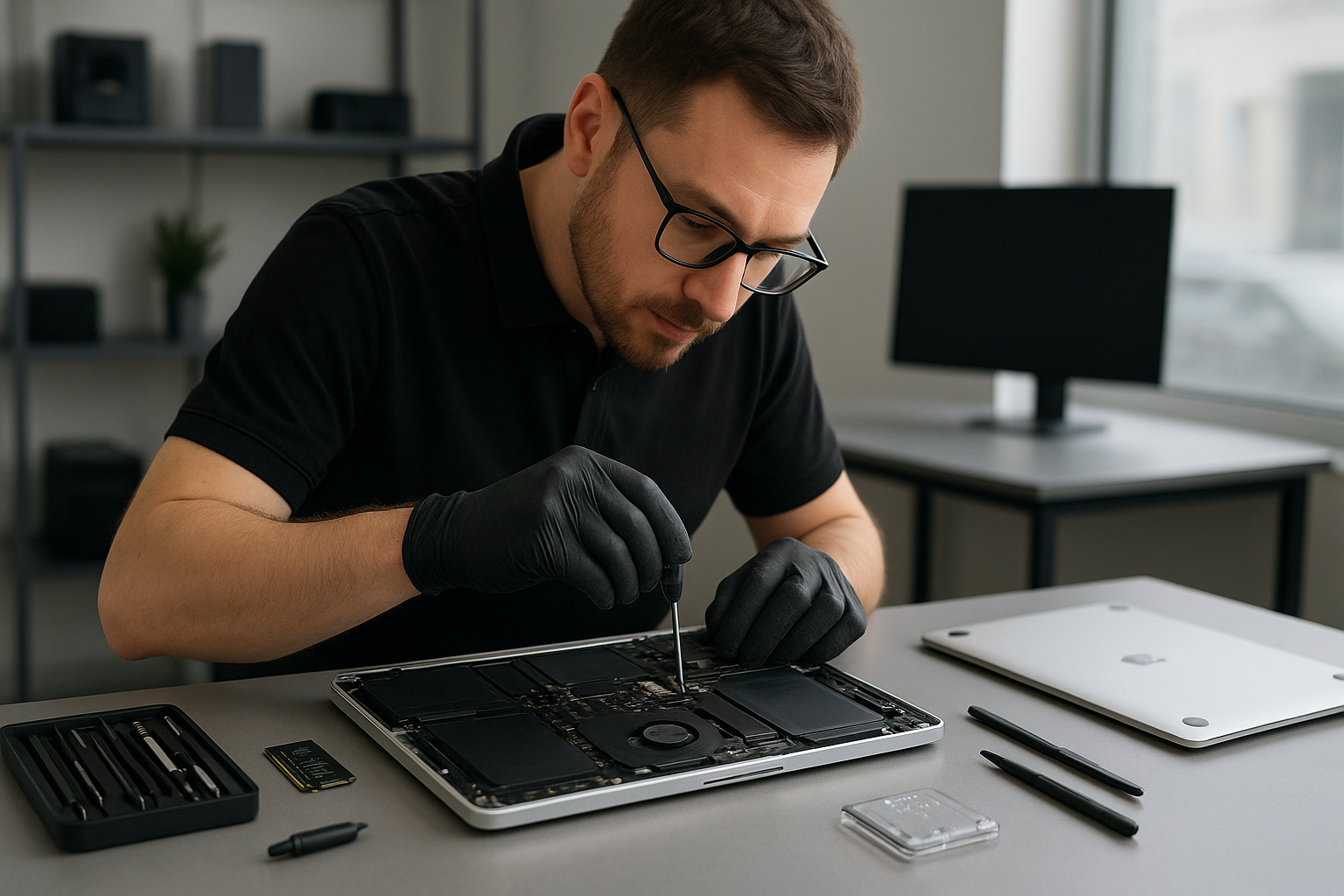
MacBook repair Richmond: Expert MacBook Service Near You
MacBook repair Richmond is our specialty. With more than 15 years of hands-on experience, I diagnose and repair MacBook Pro and MacBook Air problems precisely, and I explain practical fixes to customers in plain language.
MacBook repair Richmond, quick diagnostics and common symptoms
When a MacBook will not boot, shows a gray or black screen, or repeatedly restarts, those are common failure symptoms of logic board issues, corrupted macOS, or failing SSDs. Other typical signs include swelling batteries, flickering displays, unresponsive keyboards, or trackpads. If you see liquid residue, or the device smells burned, stop using it, and bring it in for immediate assessment.
Initial diagnostic steps I perform
- Visual inspection for corrosion, physical damage, or swollen battery.
- SMC and NVRAM resets, to rule out firmware and power management faults.
- Boot into macOS Recovery, then run Disk Utility and Apple Diagnostics.
- Test power rails on the logic board with a multimeter when required.
- Attempt safe boot and create a verbose boot log for recurring kernel panics.
- Clone internal drives for data safety before invasive repairs.
These steps let me narrow down whether the problem is software, a failing SSD, a damaged logic board, or liquid damage. I always explain findings and options before any repair.
Practical repair procedures and realistic timelines
For a screen replacement, I remove the case, disconnect the display cables, replace the panel with a calibrated unit, and test color, touch response, and hinge tension. Typically, a screen swap takes a few hours.
For battery replacement, I power off the machine, disconnect the battery, remove adhesives safely, install the calibrated cell, and verify charging cycles with system diagnostics. For swelling batteries I advise immediate replacement.
For SSD upgrades and data recovery, I clone the old drive to a secure image, then install the new SSD and restore macOS. If the drive is mechanically damaged, we use specialized recovery tools, and when necessary I escalate to a certified data recovery lab. This preserves your files and reduces downtime.
When a MacBook shows liquid damage, I open the chassis, clean corrosion with isopropyl alcohol, inspect the logic board, and test individual components. If the motherboard needs repair I replace burned parts or reflow components only when safe. For severe damage, I will provide honest advice on repair versus replacement.
Thermal and performance services
I offer thermal paste replacement, laptop fan replacement, and a full computer tune-up. For older Macs I recommend SSD upgrades and fresh installs of macOS to restore speed. For customers who need Windows installation on Mac hardware, I handle Boot Camp setups and hybrid drive configurations.
Why choose Moe Repair for MacBook repair Richmond
I have repaired hundreds of MacBooks across Coquitlam, Burnaby, Vancouver, Surrey, Richmond, New Westminster, and surrounding cities. I use quality parts, follow strict ESD procedures, and document each repair step. Moreover, I provide clear estimates, so you know cost and timeline up front.
We also handle related services like laptop repair, virus removal, motherboard repair, keyboard replacement, trackpad repair, and gaming PC repair. For customers with data loss concerns, we prioritize secure data recovery workflows.
Transparent pricing and warranty
After diagnosis I supply a written quote. Most screen, battery, and SSD upgrades are completed within one business day. Motherboard repair or liquid damage work may take longer. All repairs include a parts and labour warranty, and I explain coverage clearly.
Customer advice and prevention tips
Back up regularly with Time Machine, or use cloud sync, and avoid exposing your MacBook to liquids and extreme heat. Use surge protectors during storms. If you notice early signs like slow startup, unusual fan noise, or reduced battery life, bring the MacBook in. Early intervention often saves time and money.
Also, when buying replacement parts, avoid cheap generic components that may cause further damage. I recommend OEM or high-quality aftermarket screens and batteries, and I test everything after installation.
Service areas and onsite options
We serve Coquitlam, Burnaby, Vancouver, Surrey, Richmond, New Westminster, Maple Ridge, Port Moody, Port Coquitlam, Pitt Meadows, Langley, Delta, North Vancouver, West Vancouver, White Rock, Abbotsford, Mission, and Chilliwack. If you cannot visit our workshop, ask about pickup and delivery in selected areas.
Moe Repair
Phone: 778-951-4872
Email: [service@moerepair.ca](mailto:service@moerepair.ca)
Common repairs we complete
- Screen replacement for cracked or non-responsive displays.
- Battery replacement and calibration.
- SSD upgrades and fresh macOS installation.
- Motherboard repair and component-level troubleshooting.
- Liquid damage repair and corrosion cleaning.
- Data recovery and secure file restoration.
- Keyboard replacement and trackpad repair.
- Virus removal, Windows installation, and computer tune-up.
How to start a repair
Call 778-951-4872 or email [service@moerepair.ca](mailto:service@moerepair.ca) to book an appointment. Bring your MacBook to our Richmond-friendly workshop, or ask about drop off and pickup. We will perform a thorough diagnostic, and then proceed only after you approve the quote.
For reliable MacBook repair Richmond, contact Moe Repair today. We fix problems correctly, and we stand behind our work.