
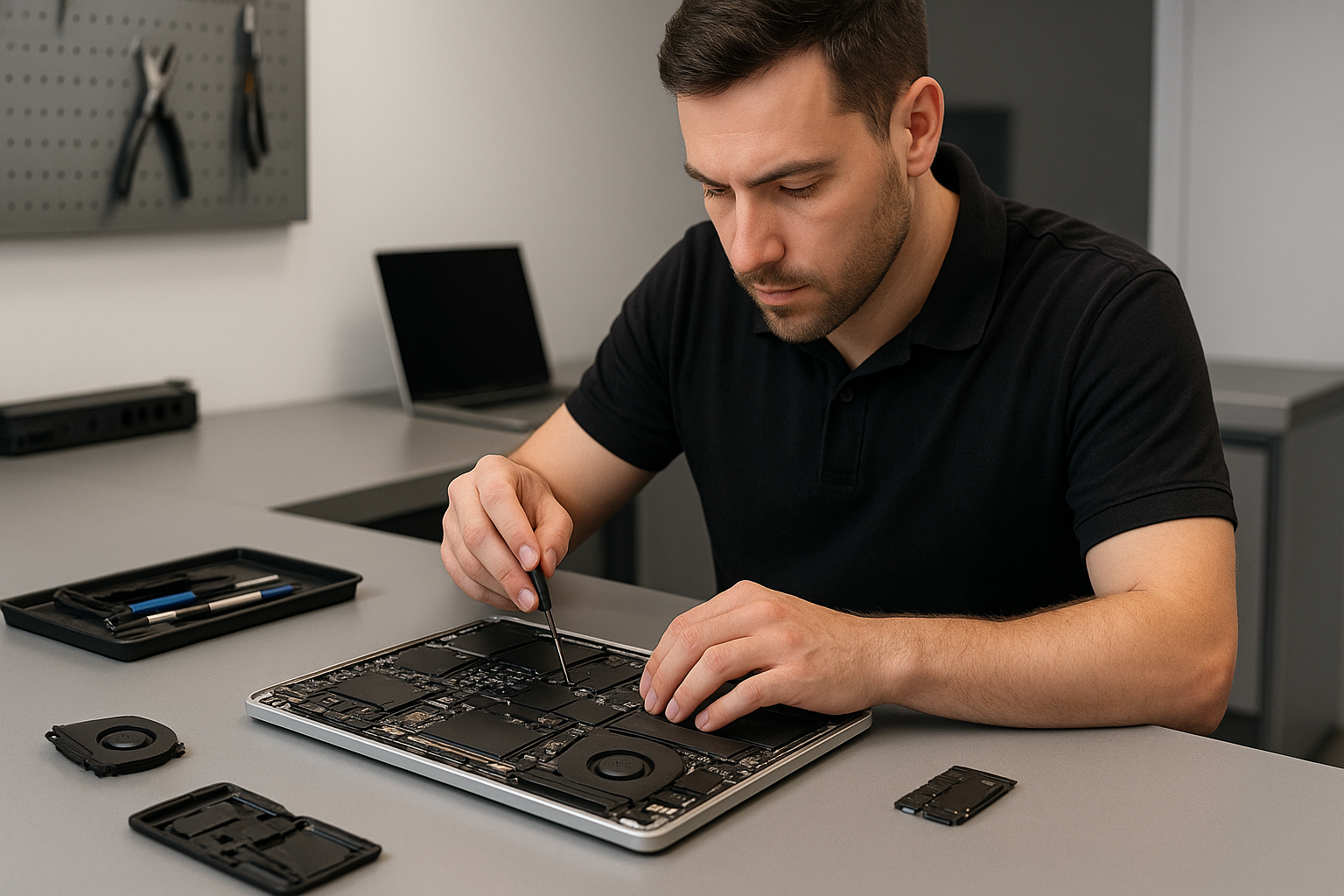
MacBook repair Burnaby: Expert MacBook Repairs Near You
As a senior technician with more than 15 years of hands-on experience, I provide straightforward MacBook repair Burnaby residents can trust. I work quickly, and I focus on accurate diagnostics first. Whether you need a screen replacement, battery replacement, or logic board repair, I will explain the issue and the repair path in plain language.
MacBook repair Burnaby, what I fix and why
I see the full range of problems, from cracked screens and failing batteries to liquid damage and motherboard repair. Common symptoms include a MacBook failing to boot, unexpected shutdowns, a swollen battery, or a trackpad that stops responding. I diagnose using step by step checks, then recommend the best option, such as SSD upgrades, thermal paste replacement, or a complete motherboard repair when needed.
Common failure symptoms and quick diagnostics
Here are typical issues I troubleshoot daily, and the diagnostic steps I take.
- Won’t boot, black screen, or Apple logo loop. I run a power and SMC check, test RAM and SSD, then isolate whether the problem is macOS, SSD, or logic board.
- Overheating and loud fan. I inspect vents, replace the laptop fan, clean dust, and apply thermal paste replacement on the CPU and GPU if temperatures are high.
- Broken screen or flicker. I test the display cable, confirm whether the issue is LCD or backlight, then perform a screen replacement with OEM-grade parts when required.
- Battery drains quickly. I run battery health diagnostics, calibrate, and provide battery replacement with genuine cells for safety.
- Liquid damage. I power down immediately, disconnect battery if safe, and perform a controlled board cleaning and corrosion removal, then test each circuit for continuity.
Real repair procedures I use
For screen replacement, I first remove the bottom case, disconnect the battery, and remove the display assembly. I then transfer the original camera and sensors to a new panel when possible. For SSD upgrades, I clone the old drive, test the clone, and verify macOS boots cleanly before returning the laptop.
When I perform motherboard repair or logic board repair, I use microscope-level inspection to find cracked traces, blown capacitors, or bad solder joints. I reflow or replace components as required, then run extended stability tests. For liquid damage repair I soak PCBs in isopropyl alcohol, clean connectors, replace rusted components, and re-test power rails with a multimeter.
Why choose Moe Repair in Burnaby
Moe Repair combines experience, transparent pricing, and a warranty on parts and labour. I service MacBook Pro repair and MacBook Air repair models, and I provide laptop repair across the Lower Mainland. I keep repair logs, so you know exactly what was replaced, including OEM or high-quality aftermarket parts for screen replacement, keyboard replacement, trackpad repair, and battery replacement.
I also handle data recovery from failing drives, virus removal, Windows installation on Boot Camp or separate systems, and computer tune-up services. For gamers, I offer gaming PC repair and SSD upgrades to reduce load times and improve reliability.
Practical advice to protect your MacBook
First, back up with Time Machine or a cloned SSD. Second, do not use household cleaners on the screen, use a lint free microfiber cloth. Third, avoid leaving your MacBook in a hot car, and keep liquids away. If your MacBook experiences liquid exposure, power off immediately, and contact us for liquid damage repair to prevent corrosion.
Service process, turnaround and diagnostic fees
When you bring your MacBook to Moe Repair, I perform a free visual inspection and a low cost diagnostic. Diagnostics include system diagnostics, battery health check, and a full boot and sensor log. Many repairs, such as screen replacement or battery replacement, complete the same day. More complex logic board repair or data recovery may take several days.
I provide clear estimates before I begin, and I explain trade offs like SSD upgrades for improved responsiveness versus a fresh OS reinstall. For on-site repair, check availability first, but most repairs happen in our workshop for better control and better tools.
Realistic expectations for data recovery and motherboard repair
Data recovery from failing drives depends on the damage. If the drive is mechanically failing, I recommend powering down to prevent further harm, and I will attempt logical recovery in-house first. For severe mechanical failure I can advise specialized recovery labs. For motherboard repair, I aim to fix the board when repair costs are less than a replacement. If replacement is necessary, I source logic board replacements when available, and reinstall macOS with your data restored when possible.
Areas I serve
Moe Repair serves Coquitlam and Burnaby, also Vancouver, Surrey, Richmond, New Westminster, Maple Ridge, Port Moody, Port Coquitlam, Pitt Meadows, Langley, Delta, North Vancouver, West Vancouver, White Rock, Abbotsford, Mission, and Chilliwack.
Get fast, reliable MacBook repair in Burnaby
If your MacBook shows any of the symptoms above, contact Moe Repair. I provide honest assessments, skilled motherboard repair, trackpad repair, keyboard replacement, laptop fan replacement, and full computer tune-up services. I work with both MacBook Pro and MacBook Air models.
Call me today at 778-951-4872 or email service@moerepair.ca to book a diagnostic. I will walk you through the steps, timeframe, and costs. Repairs come with a clear warranty, and I focus on long term reliability.
Moe Repair, Phone: 778-951-4872, Email: service@moerepair.ca